





Mute Button

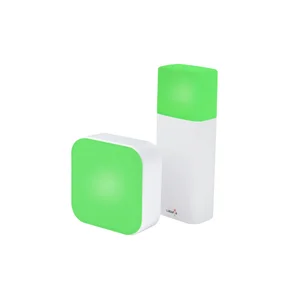
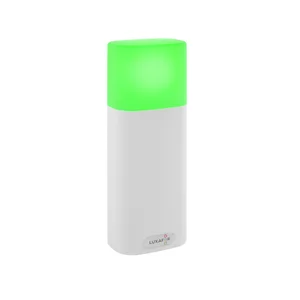
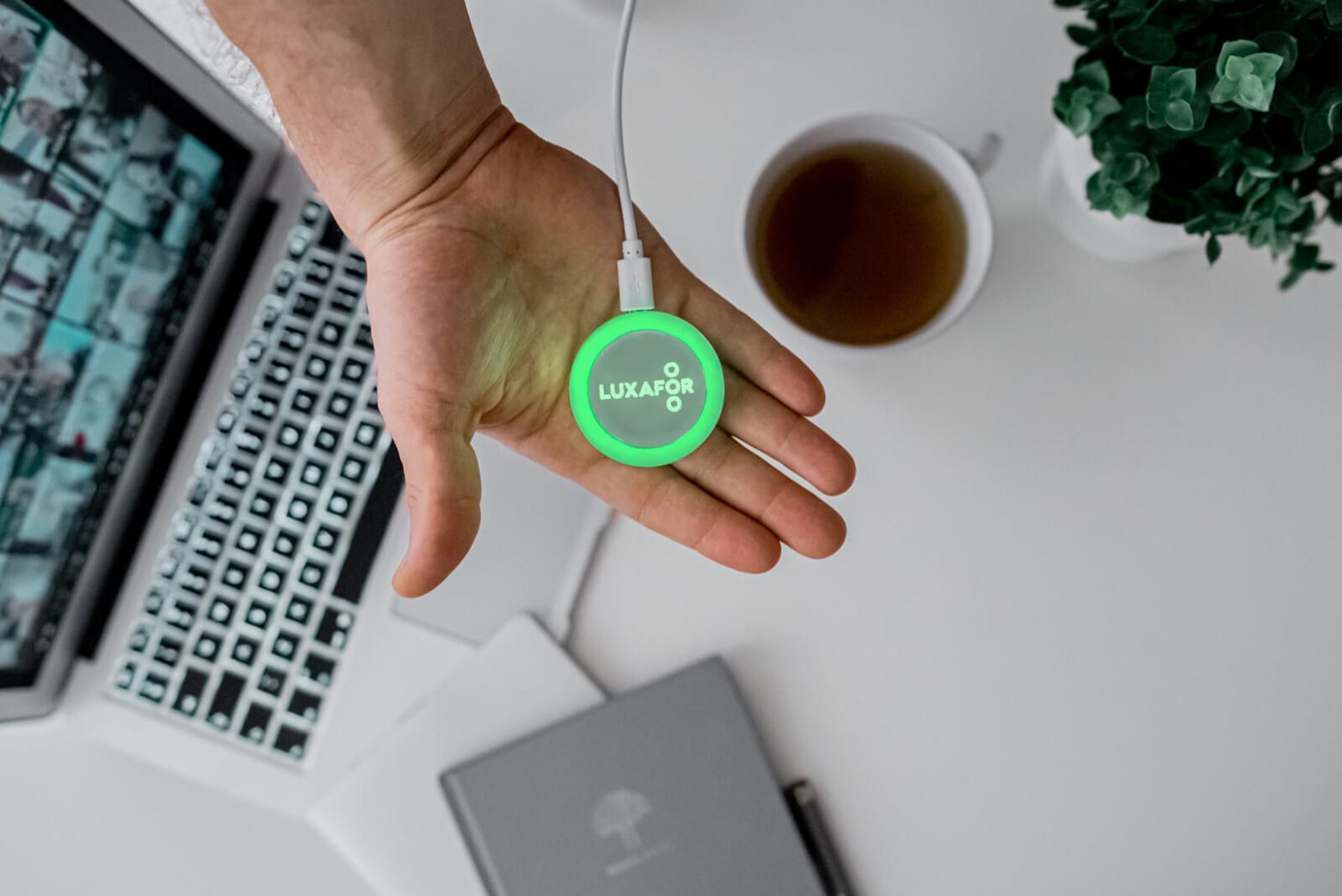
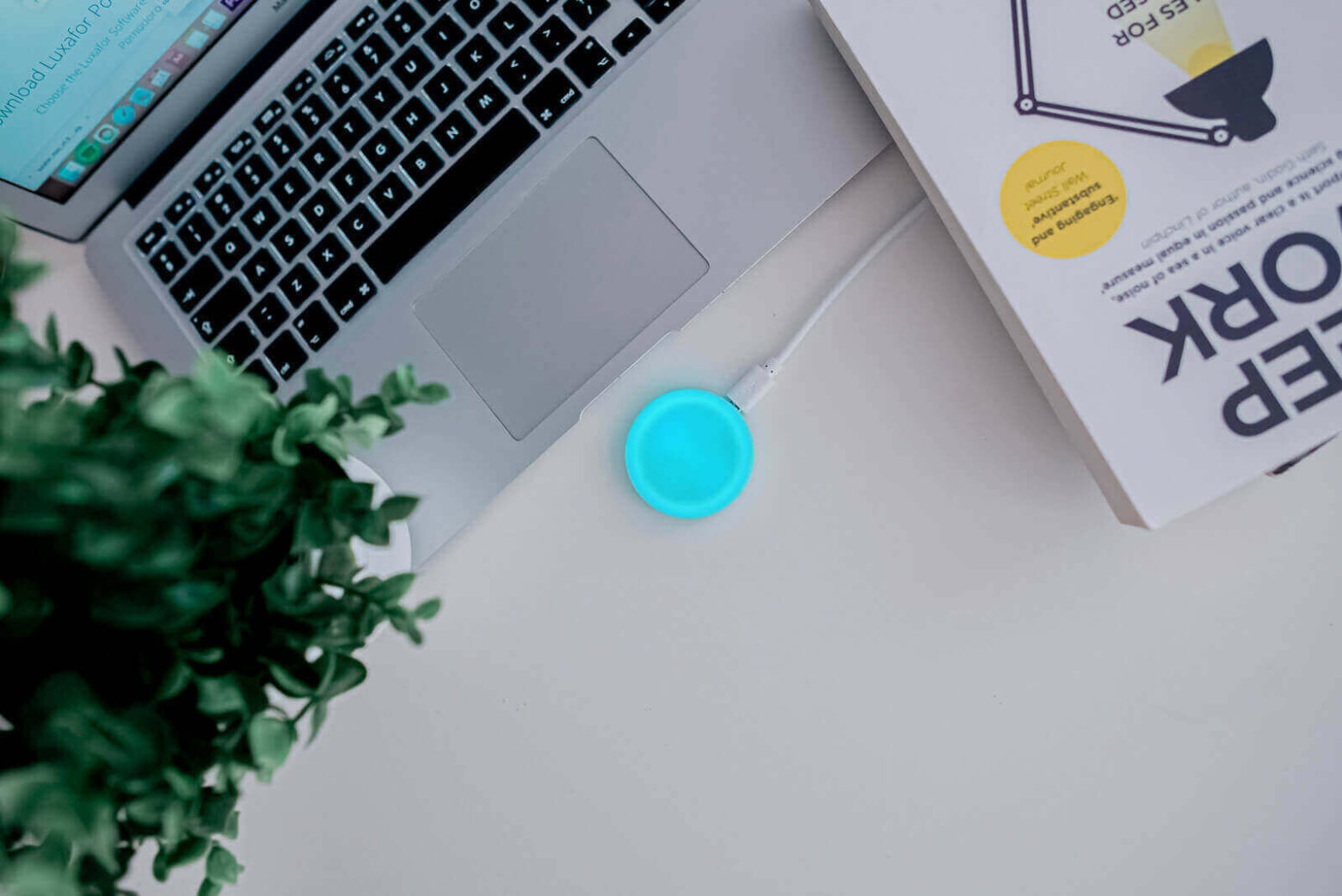
Eliminate distractions with Luxafor Mute Button – a physical USB LED microphone mute button with red and green lights to indicate mute status. Compatible with all tools that mute the mic computer-wide. Order now on Luxafor.com

Price range: $ 21.93 through $ 24.12

bulk inquiry

LUXAFOR MUTE BUTTON

Physical shortcuts & mute microphone button

Eliminate Distractions and Improve Your Virtual Experience – Meetings, Calls, Webinars And Workshops With Luxafor Mute Button – The Physical USB LED Microphone Mute Button.

bulk inquiry

✓ 2-year warranty

✓ 30-day money-back guarantee

✓ Dispatched within 48 hours

The Luxafor Mute Button is a practical external USB LED microphone mute button to eliminate distractions and improve your virtual meetings and calls.

Luxafor products already used by

office workers in productive companies worldwide, such as:
0
Youtube logo
Google logo
Logitech logo
Bank of America logo
Thales logo
Ingram logo
Hulu logo
Facebook logo
Microsoft logo
Etsy logo
Butterball logo

IntroducingLUXAFOR MUTE BUTTON

Luxafor Mute Button is a remote work essential - an innovative way to quickly mute/unmute your computer microphone.

No need to stress about your next virtual meeting - the Luxafor Mute Button has your back (or your mic under control)!

As featured in:

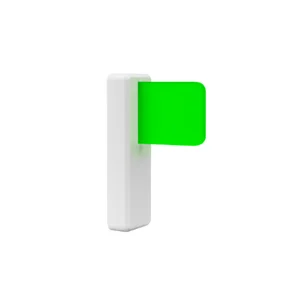
Luxafor’s clever light, which connects to your computer via USB [...], communicates to your co-workers when it’s okay to talk to you and when it’s not. Kind of like a traffic stoplight, the little, rectangular plastic unit shines green when you’re all ears and red when you’re not. It sure beats asking your co-workers to talk to the hand or flipping them the bird!

Enterpreneur logo 1 3

For the Luxafor Flag to really work well, it needs to be deployed as part of a larger effort to create an office culture that values dedicated heads-down time. Companies that want to build this kind of environment should buy Luxafor devices for all of their employees and educate the staff about how and when they should turn their lights to red.

Buisness Insider Logo 1 3

Sounds like you?

Are You Dealing with unproductive Interruptions During Conference Calls, Work, Streaming, and Gaming?

900pxbeautiful business woman working home multi tasking freelance motherhood concept 1 1 1 1 1 2

Join Thousands of Happy Users

Electronic Arts Logo.Optimized e1572612557922 1 1

"I ordered Luxafor Flags for our team and the feedback has been very positive. Compared to similar products, these do not take up any desk space, are easily visible from all angles and are super easy to use and implement across a large team."

Rated 5 out of 5
Alma Talbot .Optimized e1572609854266 1 1
Alma Talbot
Production Coordinator at EA - Electronic Arts

How To Use?

Here's how high achievers benefit from the Luxafor Mute Button while working from home.

Easily Mute & Unmute Your Microphone With A Touch Of A Button

No more fuss switching between the multiple tabs and windows to hastily find the mute option when you’re suddenly interrupted!

Luxafor Mute Button lets you switch the mic on/off with a simple touch of a button and color-coded LED while you’re busy on a conference call, streaming, or whilst playing favorite online game.

Luxafor Mute Button - Physical USB LED microphone mute button with red and green LED lights to indicate mute status
Luxafor Mute Button - Interacts on hardware, not app level, and connects and disconnects the microphone via System Settings, ensuring a reliable and consistent performance

Show Everyone that you're busy or muted/unmuted on a call

Don’t worry about your family, housemates, or coworkers suddenly interrupting you when you’re on a call! Luxafor Mute Button allows you to have easy-to-understand (red/green) color coded signals to indicate whether you’re unmuted on a conference call, streaming, gaming, or muted and available for a chat.

Organize Workflow For Yourself And Grow as a professional

Take control over remote work distractions while organizing your own workflow to promote deep work and deliver exceptional results!

Luxafor physical mute unmute button for microphone

All Features

Luxafor Mute Button isn't just a toggle button for microphone. It is your own personal status indicator and a personal assistant that helps you do more in less time! It is one of the best workspace productivity solutions in the market.

Here are the key characteristics of the Luxafor Mute Button:

Physical mute button: It allows you to mute and unmute your microphone with a simple touch (on a hardware level), making it easy to control your audio without having to switch between windows or tabs.

Tactile feedback: It provides tactile feedback when you press the button, so you know when your microphone has been muted or unmuted. This helps to avoid accidental unmuting.

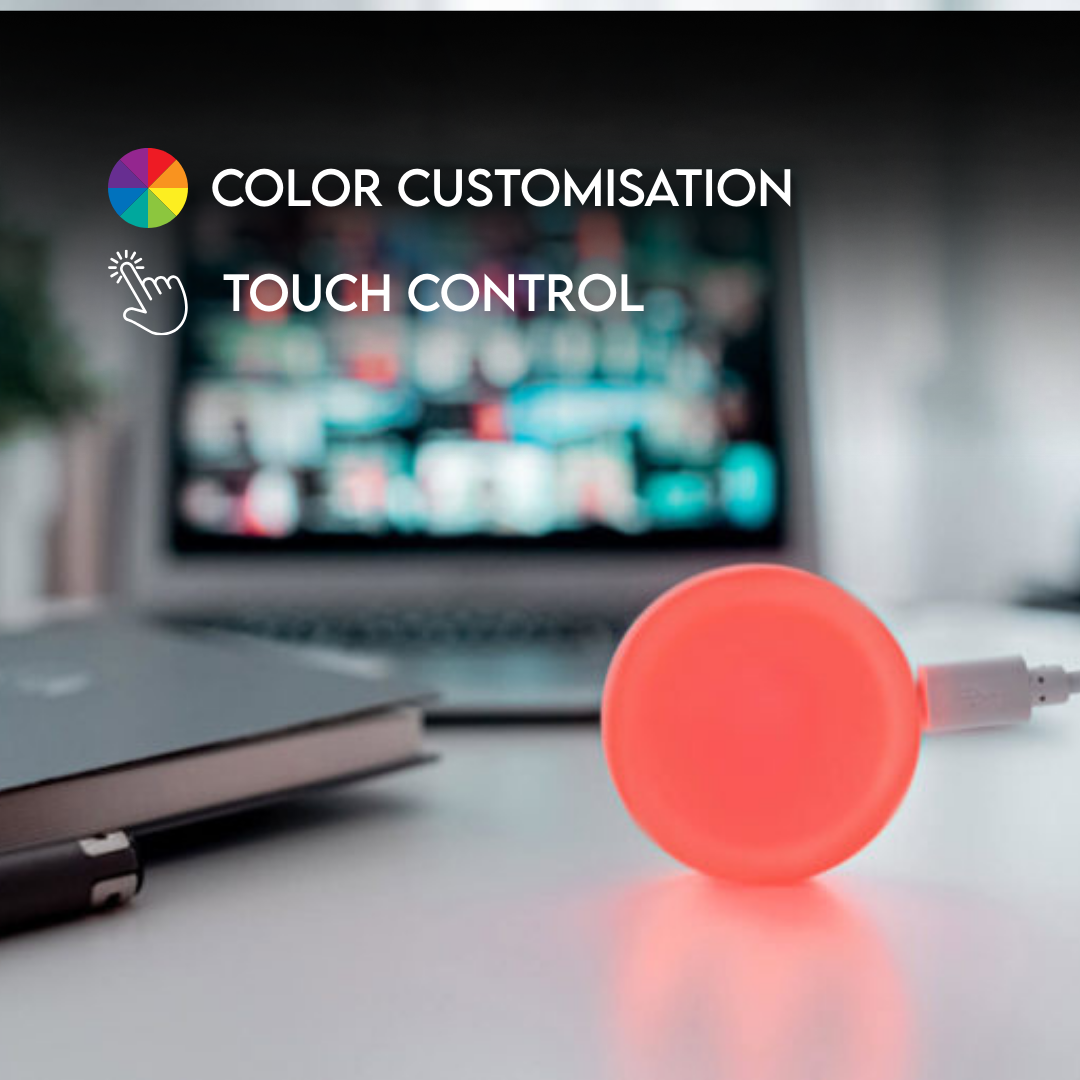
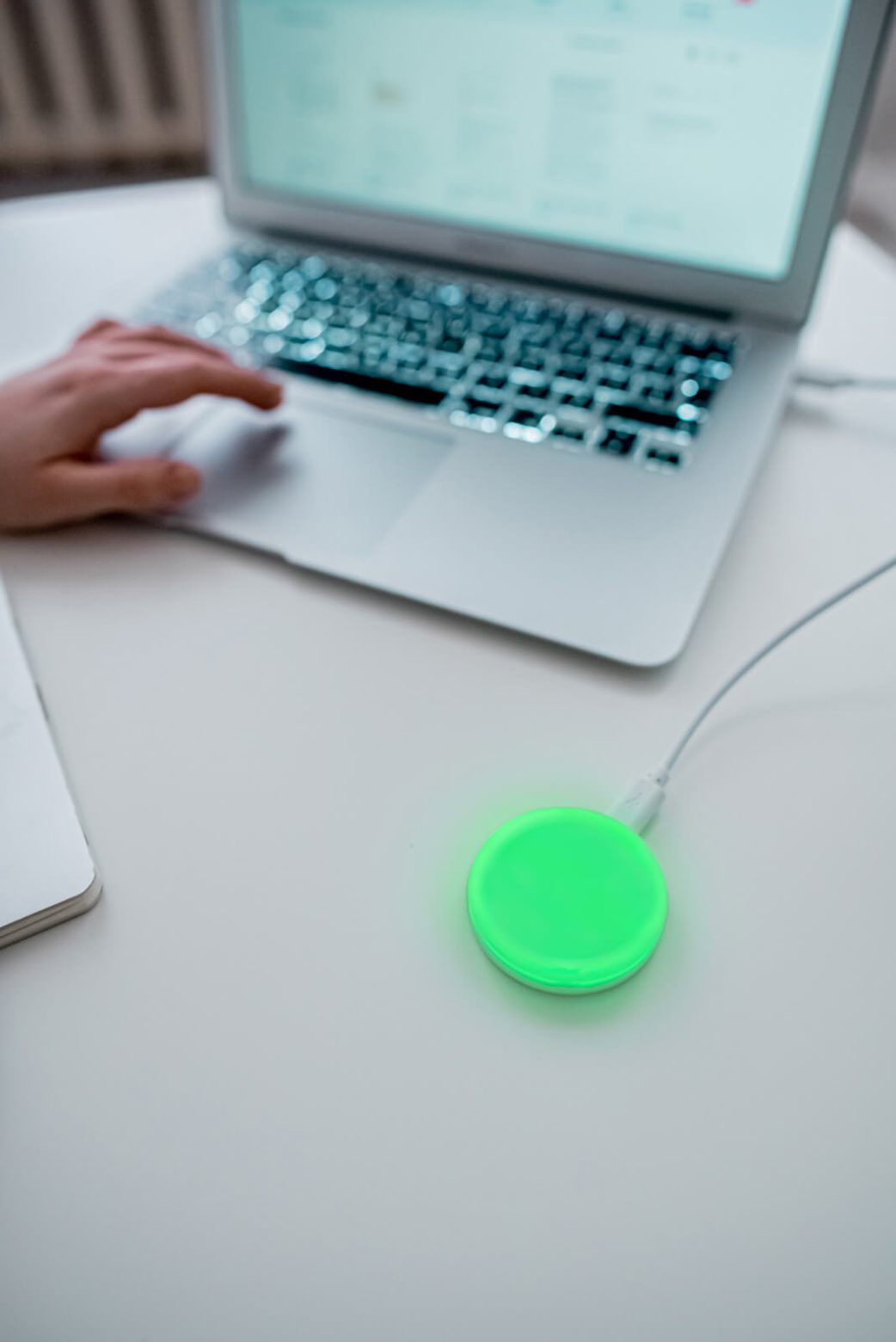
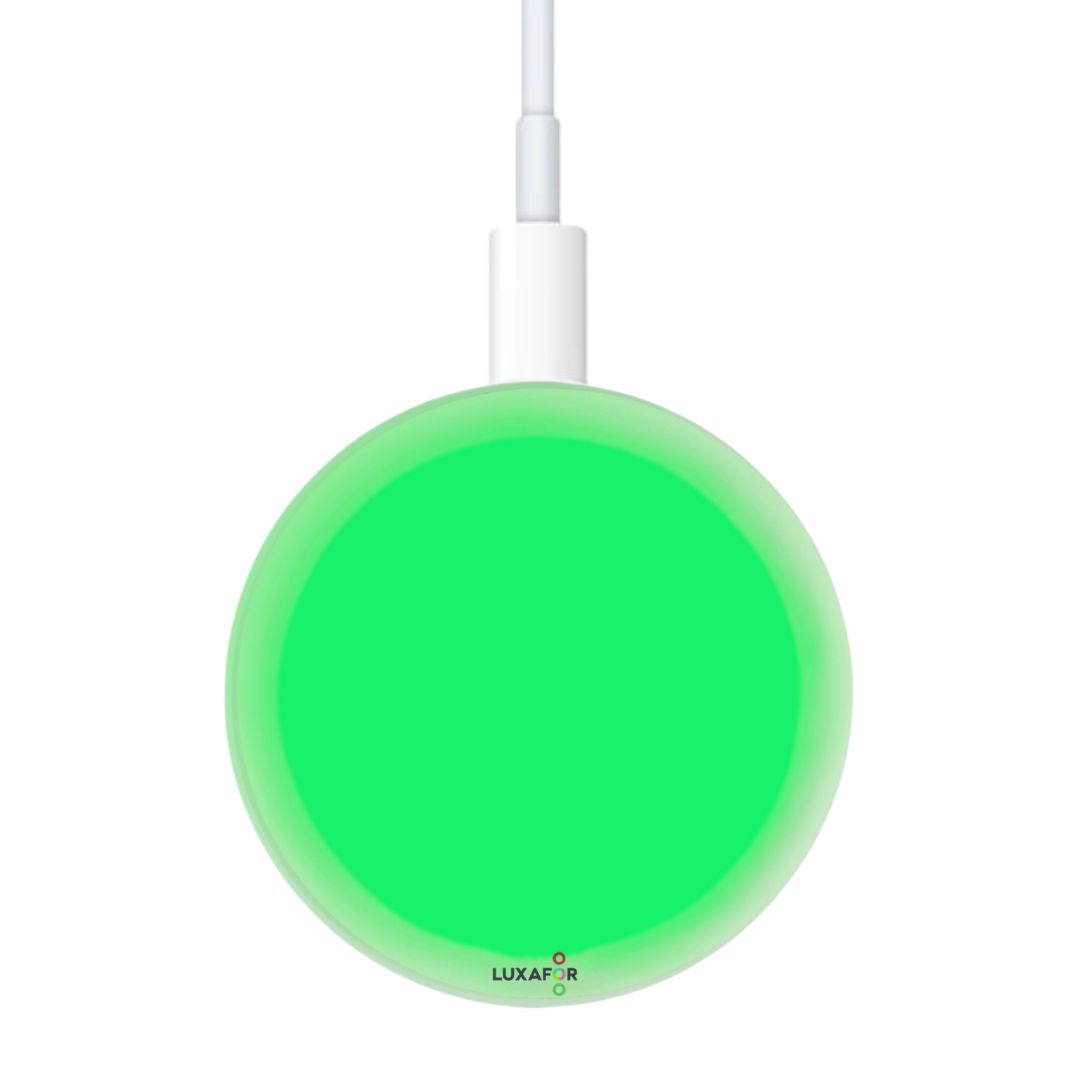
Color-coded LED indicator: It features a color-coded LED indicator that shows whether your microphone is muted (red) or unmuted (green). This is useful for signalling your availability or for letting others know that you are on a call.

How Luxafor Mute Button Helps Your Productivity

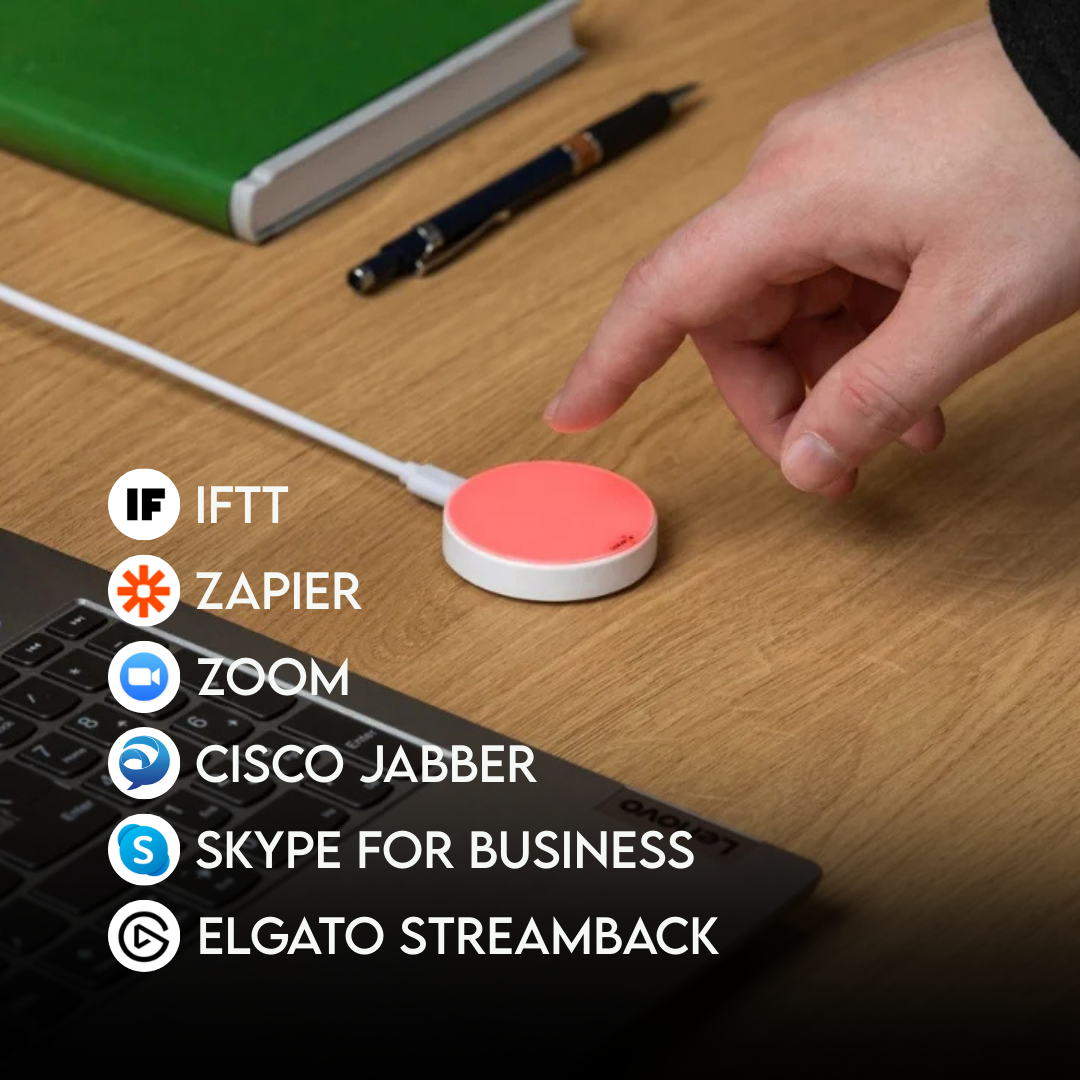
Automatic Mute/Unmute Integration With Any Conference or Streaming Platform

Available on:

Luxafor Mute button for videoconferencing calls

How It works

Luxafor Mute Button - Physical USB LED microphone mute button with red and green LED lights to indicate mute status
Luxafor Mute Button - Compatible with all tools that mute the mic computer-wide, making it easy to use with a variety of virtual meeting platforms

Luxafor Mute Button Specifications

Luxafor mute button white background

What Our Customers Say

Nathan Duersch
Nathan Duersch
★★★★★
Director of Operations at Symantec
I've used a few Luxafor products and have found them to be simple, effective, and cost-saving. I purchased the Luxafor Flag for my team as we work in an "open office" environment. The flags have helped my team deflect "walk ups," which has improved their efficiencies. We now have other departments asking where they can get those "cool flags".
Michele Bertoli
Michele Bertoli
★★★★★
Front End Engineer at Facebook
I can now tell everyone when I’m busy or free. It's been very effective. I use the red signal sparingly and no one interrupted me so far. My next goal is to play with the Webhook API : )
Kayln Denniston
Kayln Denniston
★★★★★
Client Success Manager at EventBooking
Fantastic service, really showed they wanted to help and were willing to look into the Gmail integration. With the suggestion of using Zapier I have been able to integrate and accomplish exactly what I was looking for and more. Thank you! Looking forward to using this tool more and more.

Get Your Luxafor Mute Button Now!

Luxafor Mute Button - physical USB LED microphone mute button that eliminates distractions

Price range: $ 21.93 through $ 24.12

bulk inquiry

Custom logo engraving

Luxafor Mute Button - Compatible with all tools that mute the mic computer-wide, making it easy to use with a variety of virtual meeting platforms

Request a Quote

Interested in ordering Luxafor Mute Button in bulk or with engraving?
Send us a message and we'll prepare a quote for you!

Frequently Asked Questions

Connect Luxafor Mute Button to your PC or Mac by plugging the included data cable into a USB port of your computer (or a hub connected to your computer) and plug the other end into the Luxafor Mute Button micro USB port.

No, Luxafor Mute Button will work only with the original USB cable provided.

Yes, Luxafor Mute Button is 100% compatible with all conference platforms.

Yes, you would be able to control your microphone with a simple touch.

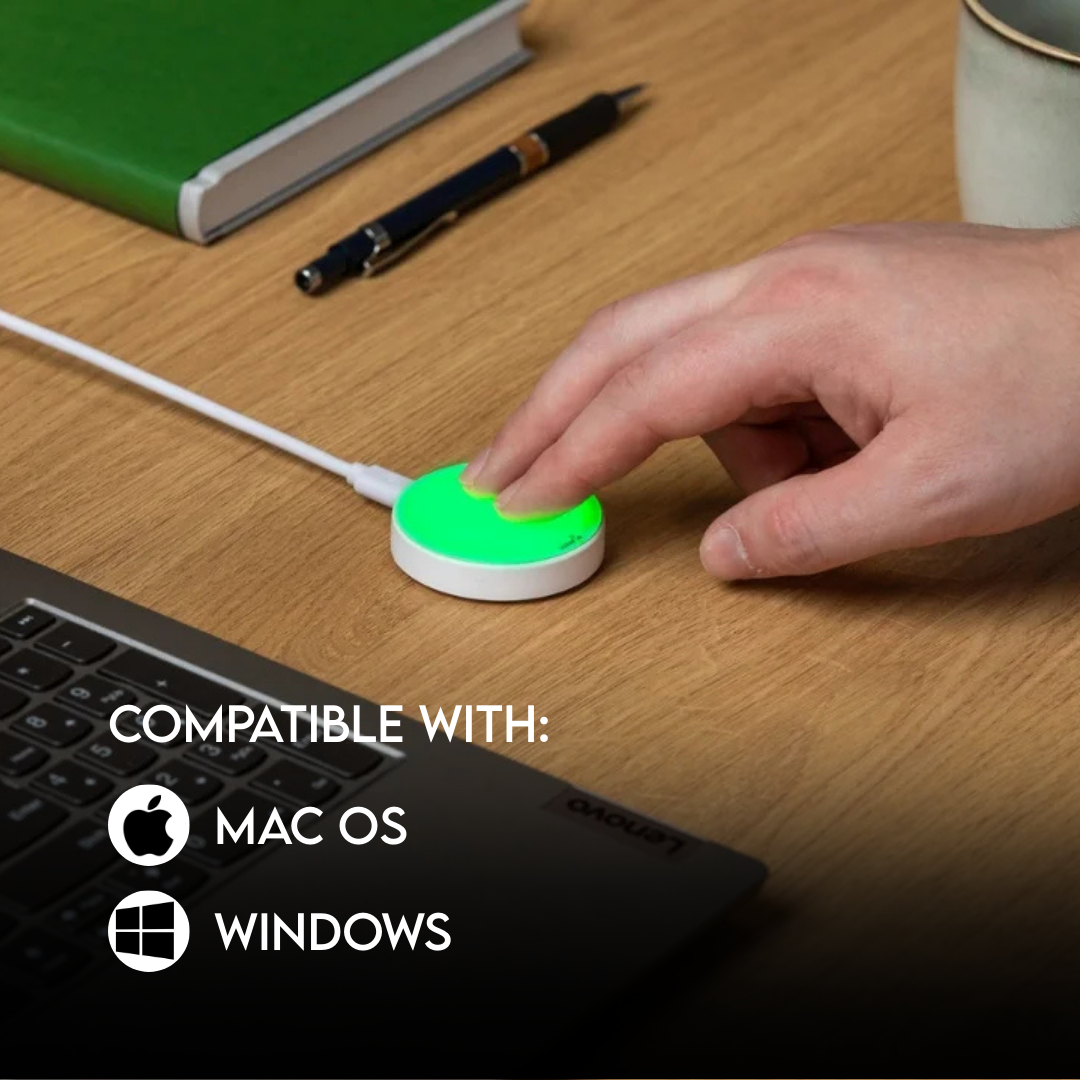
You can use Luxafor Mute Button with any computer that runs the following OS:

Windows: Windows 7 or later
Mac: macOS 10.14.6. (Mojave) or later

To engrave the logo of your company, you need to order at least 60 Luxafor Mute Button units. Engraving costs an extra $7.00 per unit. Engraving cost per unit is lower if you order in bulk.

Send the logo in vectors, along with your billing and shipping address, your preferred payment method, and number of Luxafor Mute Button units you’re ordering to [email protected].

Yes, Luxafor products have a standard 2 year warranty.

What payment methods do you accept?
  • Credit/debit card: Visa, MasterCard, American Express, Discover, Diners Club, Maestro, and JCB.
  • PayPal, Google Pay & Apple Pay.
  • Bank transfer: available on request — contact [email protected]. Pre-payment required before invoice and goods are issued.

Pricing is available in USD (U.S. Dollars), EUR (Euro), and GBP (British Pounds).

Invoice payment is available for bank transfer orders: Luxafor sends the invoice → customer pays → order is dispatched. Pre-payment is required before goods are shipped. Net/post-payment terms are not offered.
To arrange a bank transfer, contact [email protected].

Yes — we use 3D Secure™ (3DS) for card payments. Your bank may ask you to verify your identity via SMS code or internet banking login. 3DS is available for Visa (‘Verified by Visa’), Mastercard (‘Mastercard SecureCode’), and American Express (‘SafeKey’).
After 3 failed authentication attempts, the transaction is cancelled and a hold may be placed on the card — customers should contact their bank in this case.

Yes — VAT-exempt invoices for EU businesses are generated automatically by the system at checkout. No manual request needed. EU business customers should enter their company VAT number at checkout to receive a VAT-exempt invoice.
Manual invoices are only prepared for bank transfer orders — contact [email protected] to arrange.

Yes — all pricing on the store is shown with taxes included. Note: International duty charges are not included and are the customer’s responsibility.

To issue an invoice without VAT, please send the full name of your company and its VAT number along with the billing and shipping address, your preferred payment method, and the number of Luxafor Mute Button units (specifying the cable length) to [email protected].

If you need to change or cancel your order, please contact us at [email protected] immediately. We generally process orders within 24 hours, and once we have processed your order, we'll be unable to make any changes.

Yes, bulk discounts are available starting from 5 units. For orders over 200 units, contact us via this bulk orders form for custom pricing.

    • Devices under USD/EUR 80/unit — from 10 units
    • Devices over USD/EUR 80/unit — from 5 units

Yes — fill out this form with your requirements and the team will prepare a personalized quote and invoice.

Standard bulk orders are processed within 2–5 business days. You’ll get a tracking number once it ships.

Luxafor maintains sufficient stock levels to dispatch large orders immediately. Delays are rare — if your order may be affected, the team will notify you directly.

Yes — Luxafor has an agent/reseller programme. Apply here.

Yes, we ship worldwide. Local pick-up available at Biķernieku iela 1A, Riga, Latvia, LV-1039.

Orders are dispatched within 1 business day of purchase.
Delivery times by destination after dispatch:

  • EU: 3–7 business days
  • US & Canada: 3–14 business days
  • UK: 5–10 business days
  • Rest of world: 10–21 business days

Faster delivery available via DHL courier; slower via regular mail.

Yes — free shipping on all orders over €160. Available worldwide, with the exception of the Middle East due to temporary courier limitations in that region.

Yes — all orders include tracking. It's advised to track shipments via the carrier's own website (e.g. DHL shipments at dhl.com) but universal tracking also available at track-trace.com/post.

Orders within the EU are shipped duty-free.
Orders outside the EU (US, UK, Canada, Australia, etc.) may be subject to import duties or customs charges depending on the destination country's threshold.
These charges are set by local customs authorities and are not collected by Luxafor at checkout. Customers are responsible for any applicable import duties.
EU business customers can enter their VAT number at checkout to purchase VAT-exempt.

If your order hasn't been dispatched yet, yes — contact us immediately at [email protected] with your order number and the correct address. Once an order has shipped, we're unable to redirect it. If a parcel is returned to us due to an incorrect address, we'll reship it but may need to charge a second shipping fee.

You'll find all the files needed for development on Windows and Mac here.

Here’s what you’ll find in the downloaded file:

For Windows

  • A sample code (an HID terminal for tests) and
  • Code description and access to the HID library
  • You can also use the sample HID terminal

For Mac

We’d appreciate it if you share your work with our community! Please send us the links to your work at [email protected]