Luxafor Signal
I already get email alerts. Why do I need Signal?
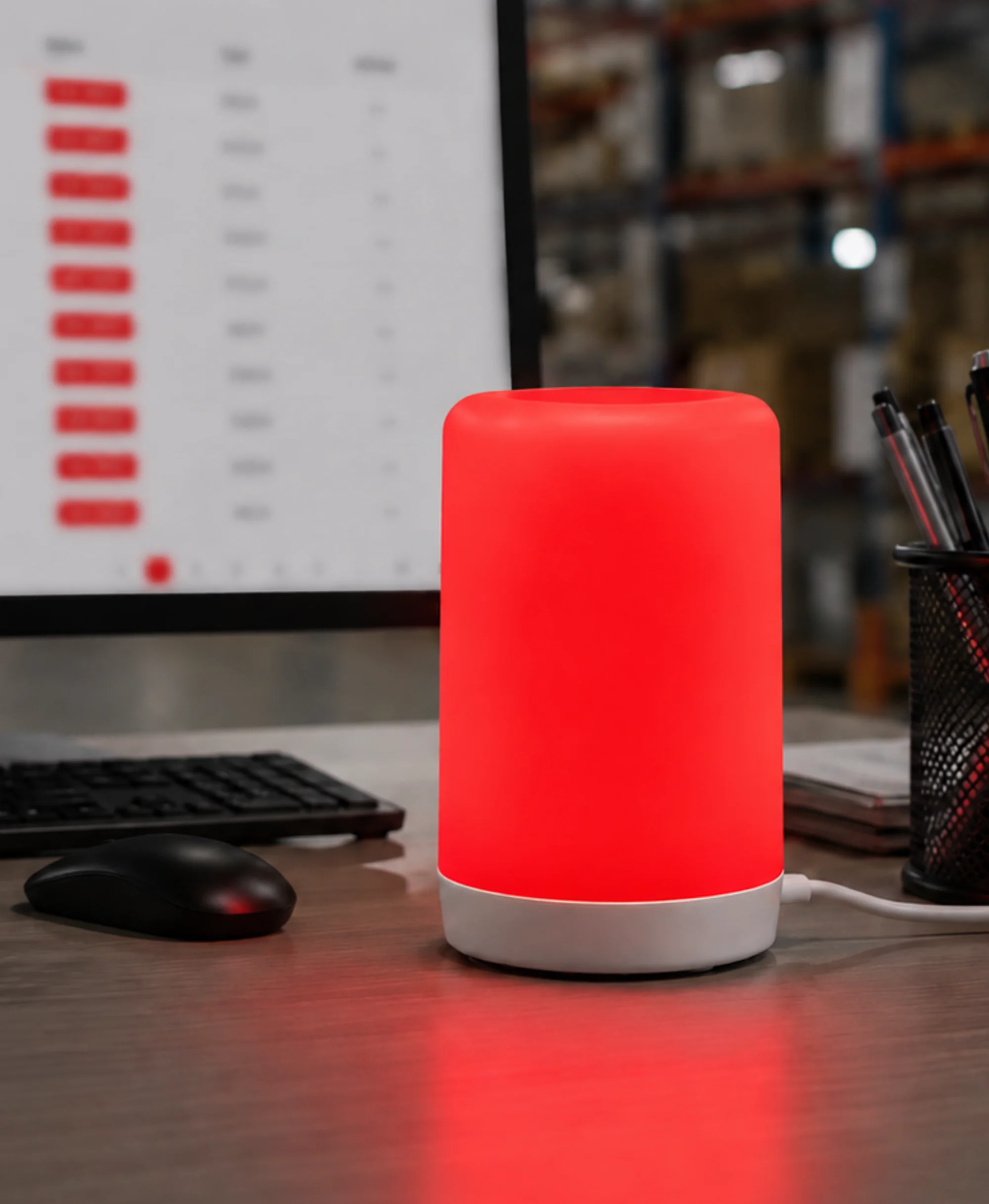
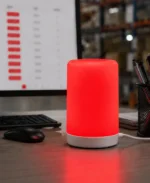
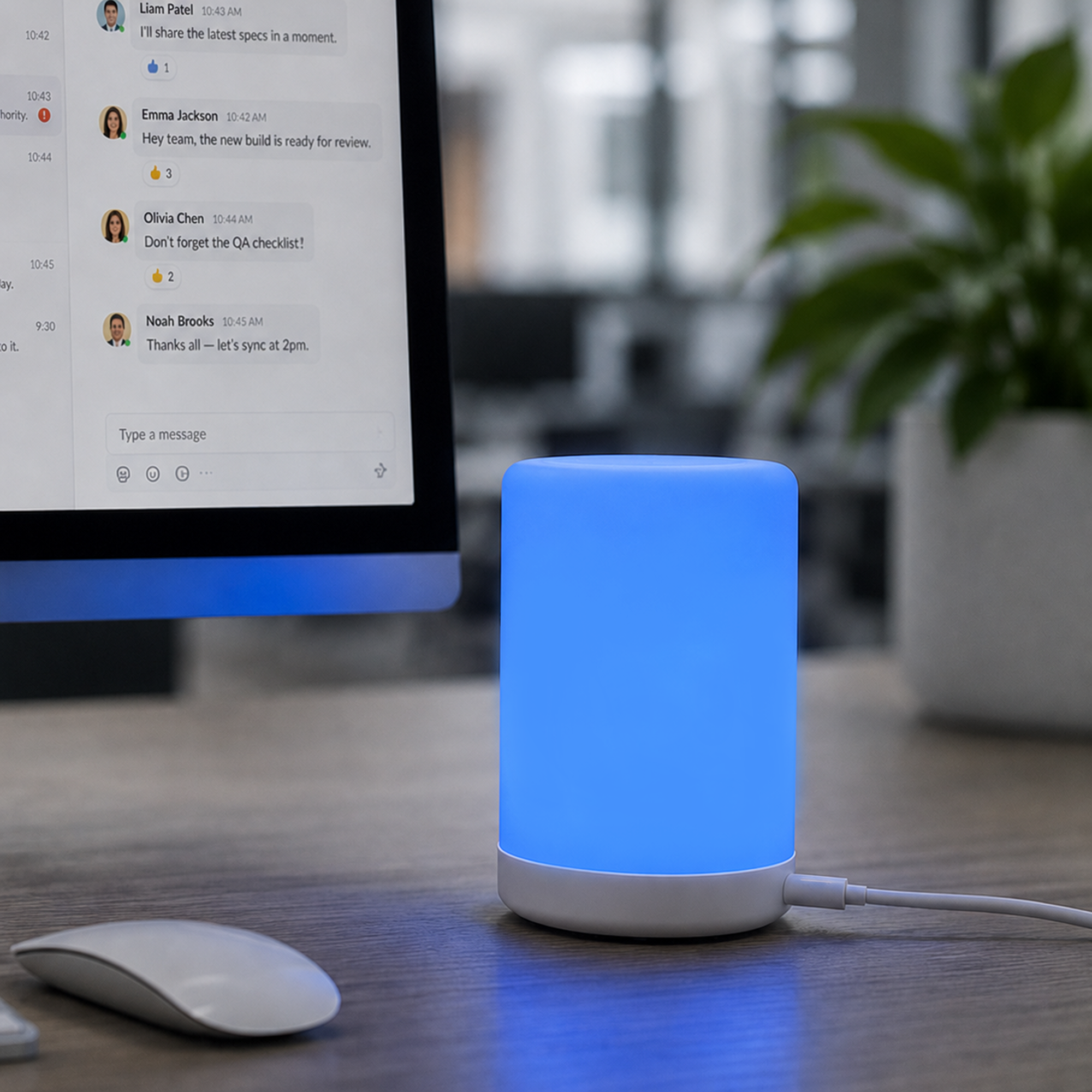
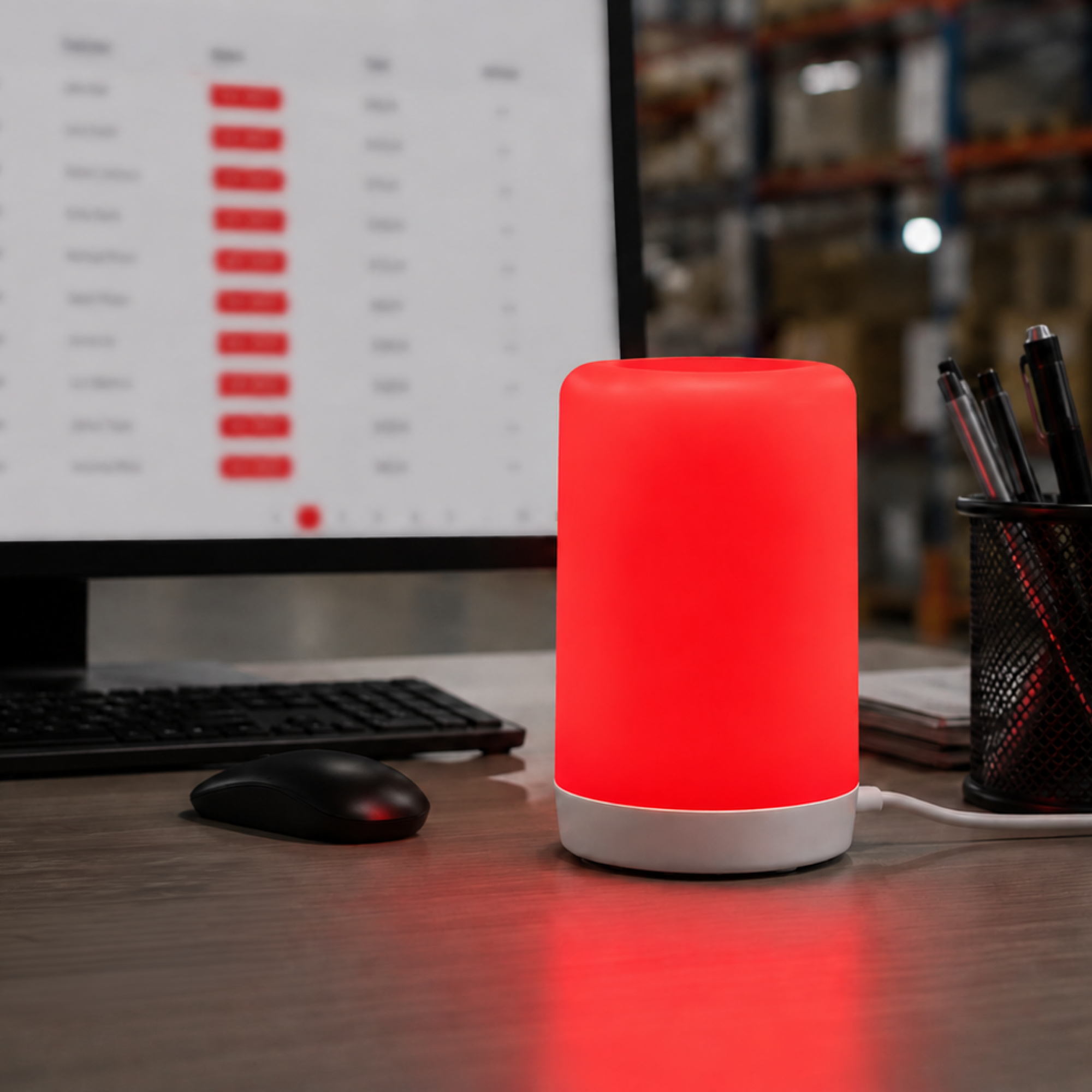
Email can sit unread while someone packs, serves a customer, or works away from the screen. Signal puts a visible light and optional sound cue in the shared workspace, so the team can react when an important event arrives.
What if several people need the same alert?
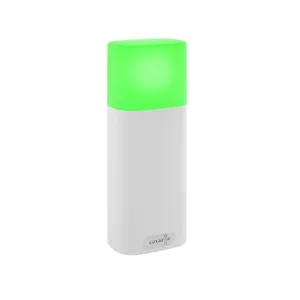
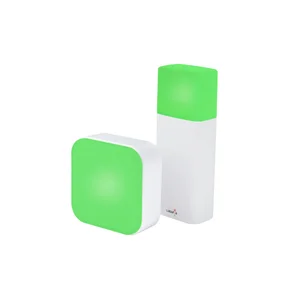
Put a Signal at each packing station, desk, or room where someone needs to act. Devices can show the same alert, so whoever is available sees the status and can respond without waiting for a forwarded message.
Can I choose which events trigger an alert?
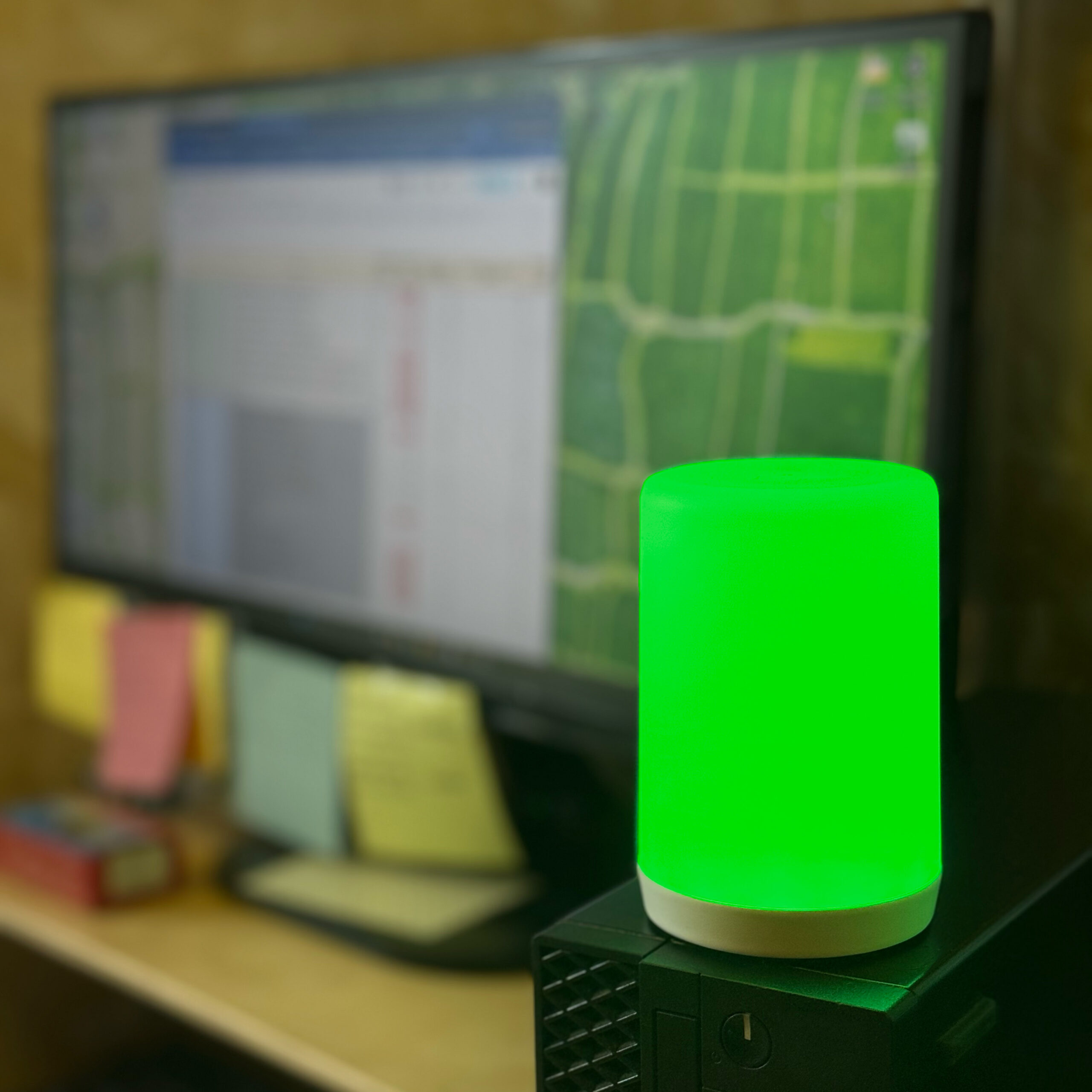
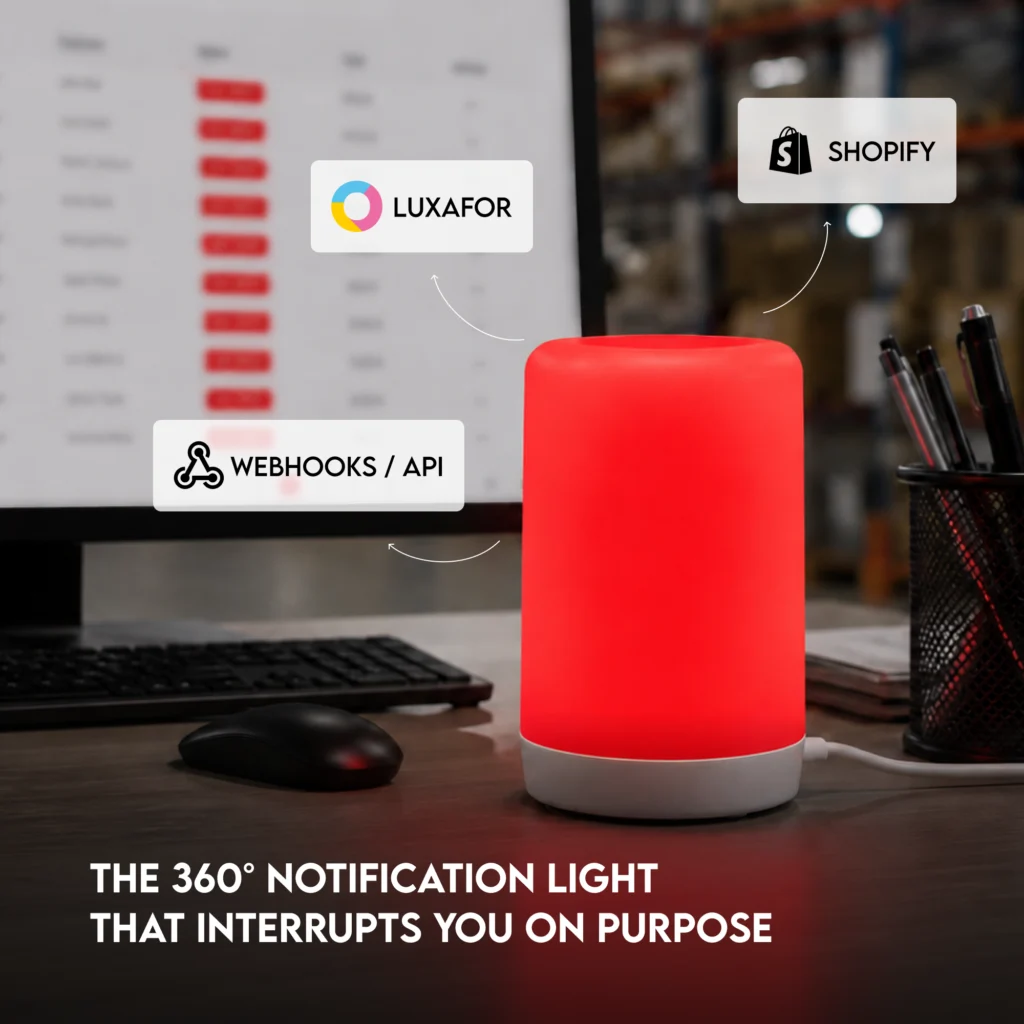
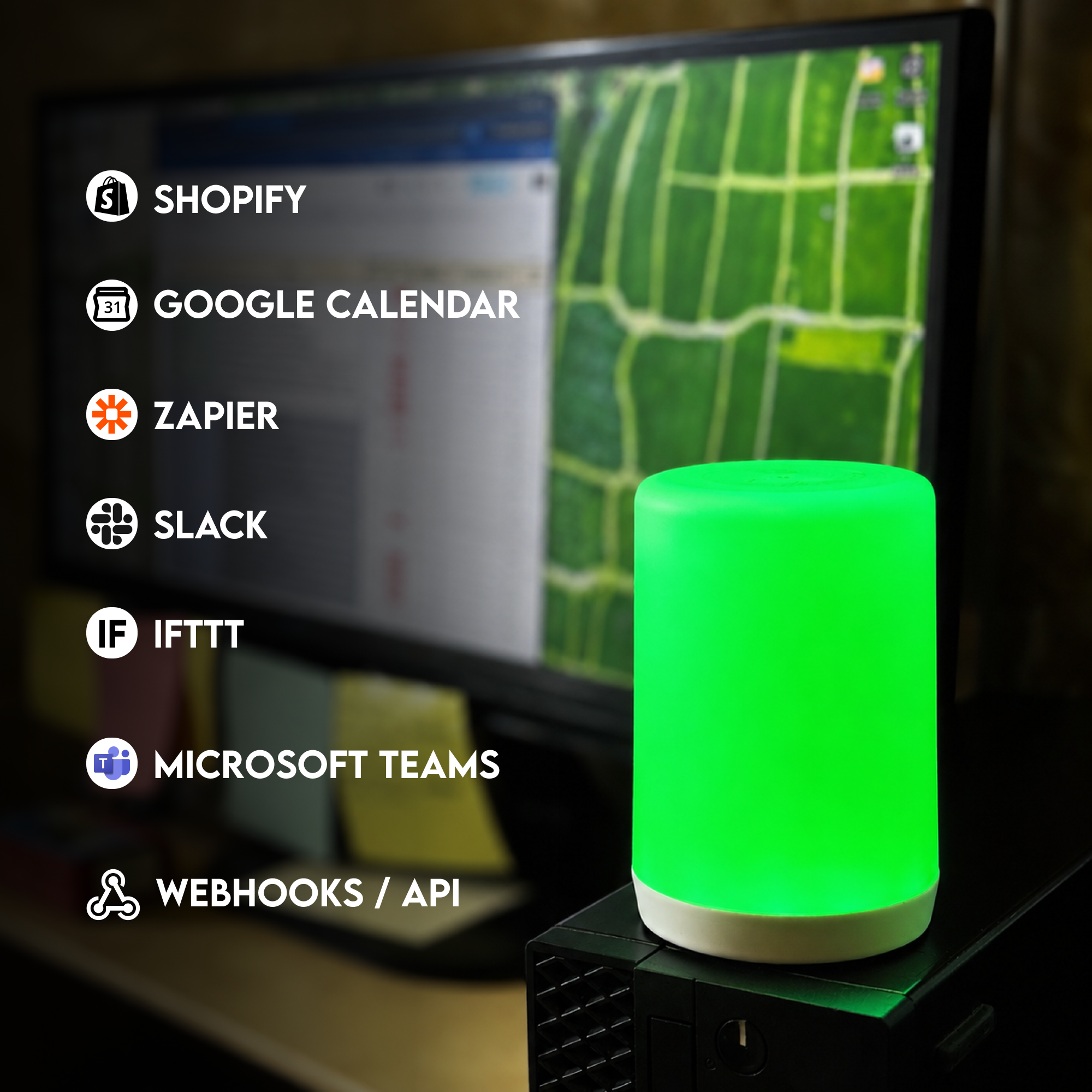
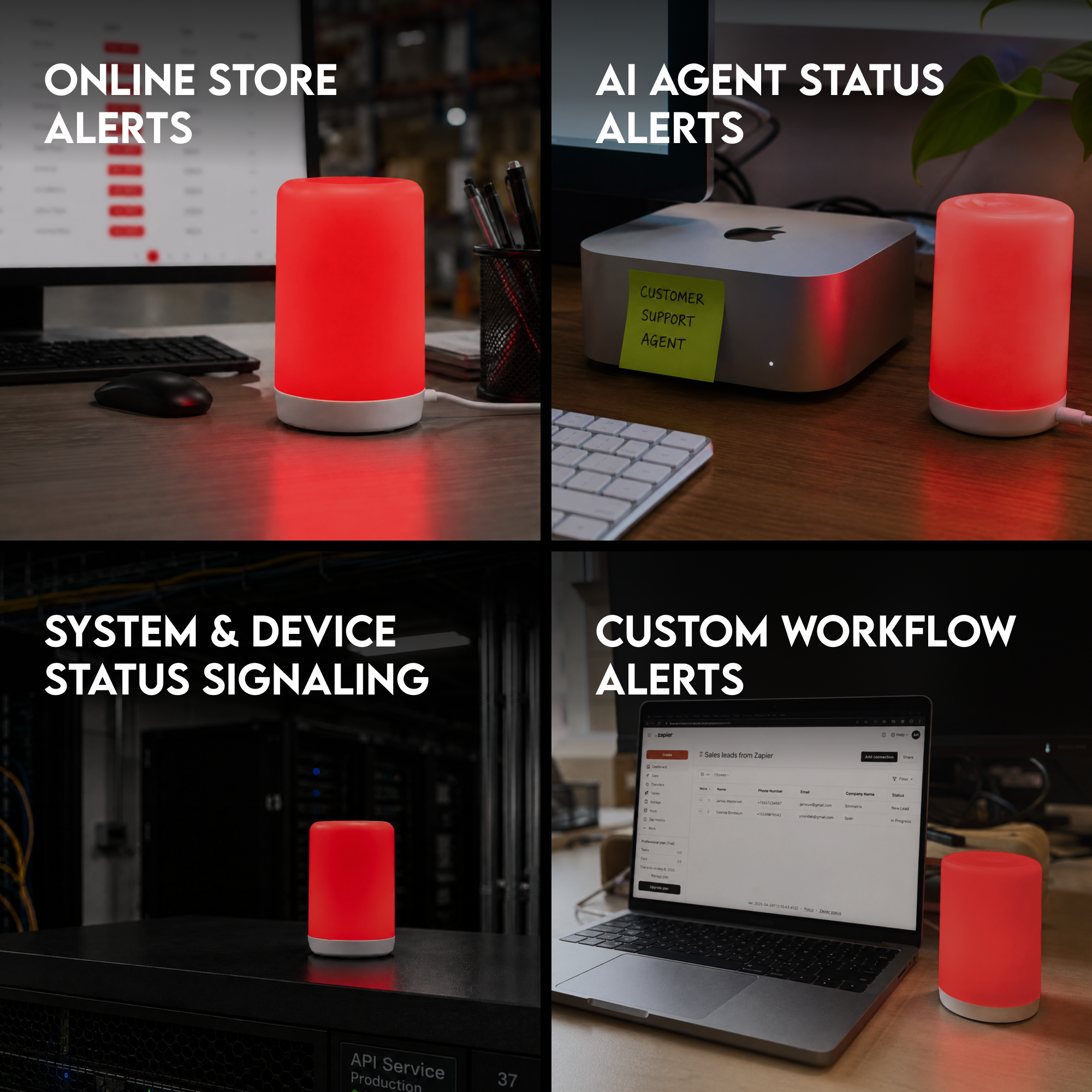
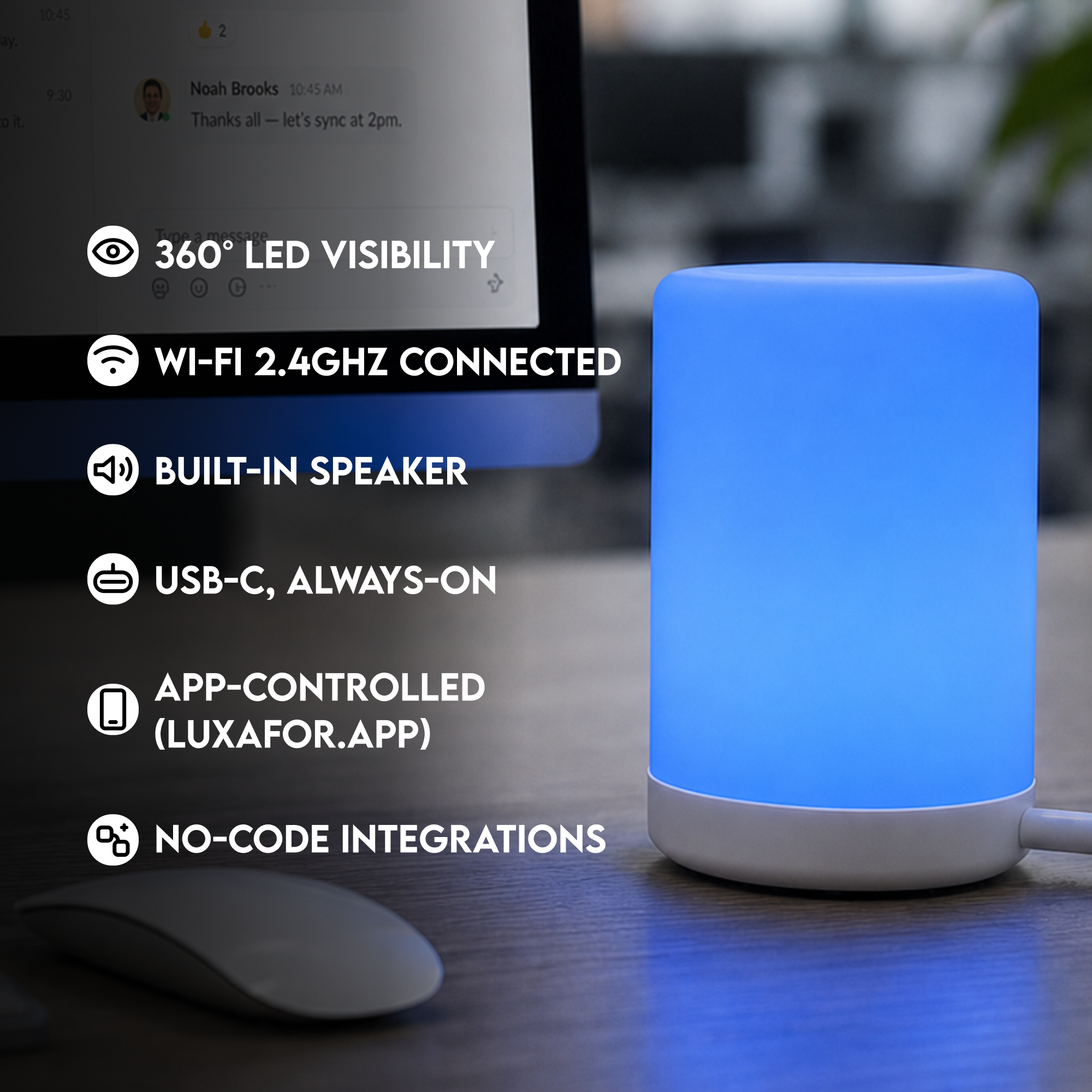
Choose the moments that need attention: a Shopify order, a Slack message, a Microsoft Teams status change, a monitoring alert, or a webhook from your own system. Set a separate color and sound so the team understands the priority at a glance.
Do I need 5 GHz Wi-Fi?
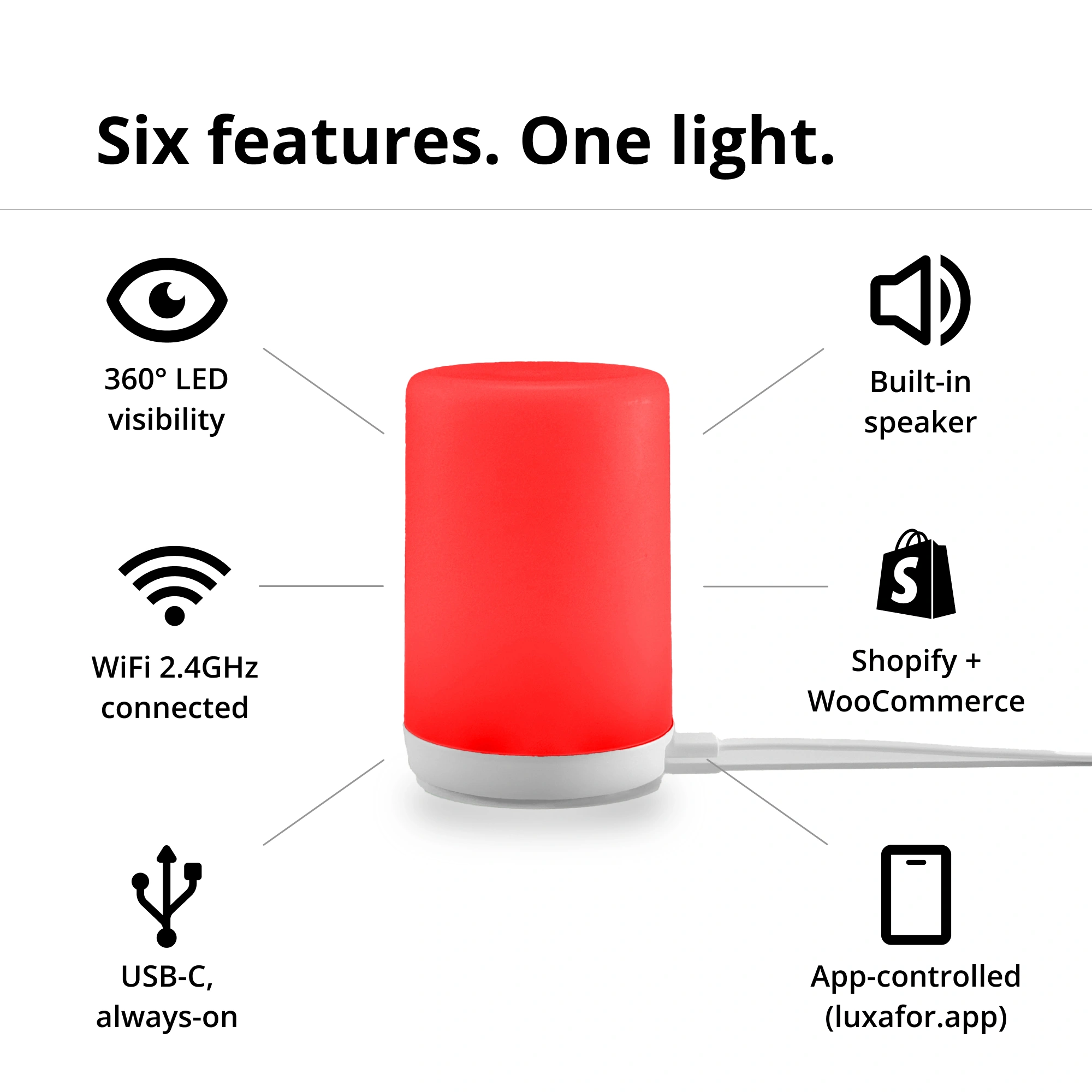
Signal uses a standard 2.4 GHz Wi-Fi network, which gives the device broader range through a workspace. Connect it in the Luxafor app, place it where the team works, and keep the router within normal coverage.
How does Signal connect to Shopify?
Connect your Shopify store in the Luxafor app, then choose the events you want to surface, such as a new paid order. Start with the no-code setup and extend the workflow with Slack, Zapier, monitoring tools, or webhooks.
What happens if Wi-Fi drops?
If Wi-Fi drops, Signal reconnects after the network is available again. Place the device where it has steady coverage and use a stable 2.4 GHz network for reliable day-to-day alerts.
Bulk Orders
Do you offer discounts for bulk orders? What are the tiers?
Yes, bulk discounts are available starting from 10 units. For orders over 200 units, contact us via this bulk orders form for custom pricing.
Is there a dedicated process for large/enterprise orders?
Yes — fill out this form with your requirements and the team will prepare a personalized quote and invoice.
What are the lead times for large orders?
Standard bulk orders are processed within 2–5 business days. A tracking number is provided once your order ships. If your order may be affected by delays, the team will notify you directly.
Luxafor maintains sufficient stock levels to dispatch large orders immediately. Delays are rare — if your order may be affected, the team will notify you directly.
Can you provide custom branding or packaging for bulk orders?
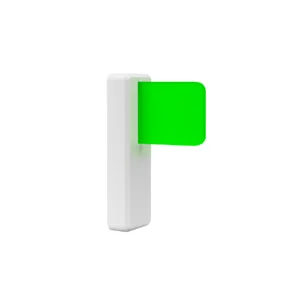
Yes — logo engraving is available on Luxafor Flag devices for orders of 50+ units. Send your company logo in vector format or high-resolution PDF to get started. Note: engraving lead time is 3–4 weeks and must be arranged before purchase.
Do you offer reseller or distributor programmes?
Yes — Luxafor has an agent/reseller programme. Apply here.
Shipping
Do you ship worldwide?
We ship worldwide. Local pick-up available at Biķernieku iela 1A, Riga, Latvia, LV-1039.
How long does delivery take?
Orders are dispatched within 1 business day of purchase.
Delivery times by destination after dispatch:
- EU: 3–7 business days
- US & Canada: 3–14 business days
- UK: 5–10 business days
- Rest of world: 10–21 business days
Faster delivery available via DHL courier; slower via regular mail.
Is there a free shipping threshold? Does it vary by market?
Yes — free shipping on all orders over €160. Available worldwide, with the exception of the Middle East due to temporary courier limitations in that region.
Can customers track their order? How?
Yes — all orders include tracking. It’s advised to track shipments via the carrier’s own website (e.g. DHL shipments at dhl.com) but universal tracking also available at track-trace.com/post.
Are there any import duties or taxes customers should be aware of?
Orders within the EU are shipped duty-free.
Orders outside the EU (US, UK, Canada, Australia, etc.) may be subject to import duties or customs charges depending on the destination country’s threshold.
These charges are set by local customs authorities and are not collected by Luxafor at checkout. Customers are responsible for any applicable import duties.
EU business customers can enter their VAT number at checkout to purchase VAT-exempt.
Can I change my shipping address after placing an order?
If your order hasn’t been dispatched yet, yes — contact us immediately at [email protected] with your order number and the correct address. Once an order has shipped, we’re unable to redirect it. If a parcel is returned to us due to an incorrect address, we’ll reship it but may need to charge a second shipping fee.
Payments
What payment methods do you accept?
- Credit/debit card: Visa, MasterCard, American Express, Discover, Diners Club, Maestro, and JCB.
- PayPal, Google Pay & Apple Pay.
- Bank transfer: available on request — contact [email protected]. Pre-payment required before invoice and goods are issued.
What currencies do you accept?
Pricing is available in USD (U.S. Dollars), EUR (Euro), and GBP (British Pounds).
Can companies pay by invoice (net terms)?
Invoice payment is available for bank transfer orders: Luxafor sends the invoice → customer pays → order is dispatched. Pre-payment is required before goods are shipped. Net/post-payment terms are not offered.
To arrange a bank transfer, contact [email protected].
Is the checkout secure? What payment processor do you use?
Yes — we use 3D Secure™ (3DS) for card payments. Your bank may ask you to verify your identity via SMS code or internet banking login. 3DS is available for Visa (‘Verified by Visa’), Mastercard (‘Mastercard SecureCode’), and American Express (‘SafeKey’).
After 3 failed authentication attempts, the transaction is cancelled and a hold may be placed on the card — customers should contact their bank in this case.
Can customers get a VAT invoice?
Yes — VAT-exempt invoices for EU businesses are generated automatically by the system at checkout. No manual request needed. EU business customers should enter their company VAT number at checkout to receive a VAT-exempt invoice.
Manual invoices are only prepared for bank transfer orders — contact [email protected] to arrange.
Do prices on the website include VAT?
Yes — all pricing on the store is shown with taxes included. Note: International duty charges are not included and are the customer’s responsibility.
Returns & Replacements
What is your return policy?
We accept returns within 30 days of the product shipment date.
Items must be unused and returned following instructions from [email protected]. Return shipping costs are the customer’s responsibility — except where the return is due to a fault on our end (damaged, defective, or incorrect item), in which case Luxafor covers the return shipping.
Customised/personalised items are not eligible for return.
Policy applies only to purchases made directly from luxafor.com — purchases via authorised distributors must be returned to that distributor. All returns require prior authorisation from Luxafor Customer Support.
How does a customer initiate a return?
Step 1: Email [email protected] with your order number, item details, and reason for return.
Step 2: Receive Return Authorisation and instructions from the support team.
Step 3: Pack the item securely in its original packaging, clearly marked with return information.
Step 4: Declare the product value as 1.00 USD/EUR on the customs form — this avoids customs duties on the return and does not affect your refund amount.
Step 5: Ship to the address provided by support.
Return shipping costs: the customer is responsible, unless the return is due to a fault on Luxafor’s end (damaged, defective, or incorrect item) — in those cases Luxafor covers the return shipping. Use a trackable shipping service — Luxafor is not responsible for items lost in return transit.
Important: Do not return without prior authorisation. Unauthorised returns will not be refunded, and returns sent via an unagreed method may incur a 30% restocking fee. In practice, we rarely apply this rule.
What is your warranty / replacement policy?
Warranty period: 2 years from purchase date for individuals (EU regulation); 1 year for companies. Extended warranty available if purchased with a product.
- Covers: hardware defects in materials and workmanship.
- Does not cover: software (provided ‘AS IS’), consumable parts, cosmetic damage, damage from external causes, unauthorised repairs, or misuse.
- Process: Email [email protected] with defect description and proof of purchase → warranty assessed → if validated, return instructions issued → Luxafor will repair, replace, or refund at its discretion.
- Remote assistance offered first for firmware/software issues to avoid unnecessary shipping.
- Return shipping to Luxafor: customer’s responsibility — use a trackable service, declare value as 1.00 USD/EUR.
- Return shipping back to customer after repair/replacement: Luxafor’s expense, tracking provided.
What’s not covered by the warranty or return policy?
Warranty exclusions: consumable parts, cosmetic damage, damage from external causes, unauthorised repairs, misuse.
Software components are excluded from warranty (provided ‘AS IS’).
Products purchased via authorised distributors — warranty/returns must be handled with the distributor, not Luxafor.
Return policy exclusions: customised/personalised items, items not in original condition, items returned without prior authorisation, items returned using an unagreed method (30% restocking fee may apply).
Who should customers contact for support, and how quickly do you respond?
Email: [email protected] — response within 1 business day.
Phone: +371 27755544 — note: the phone is answered during Latvian business hours (10AM-6PM, GTM +2) only and callbacks are not available. Email is strongly recommended for all enquiries.