Luxafor Smart Button – Customizable Shortcut Buttons
€37.00 – €39.00Price range: €37.00 through €39.00
LUXAFOR SMART BUTTON
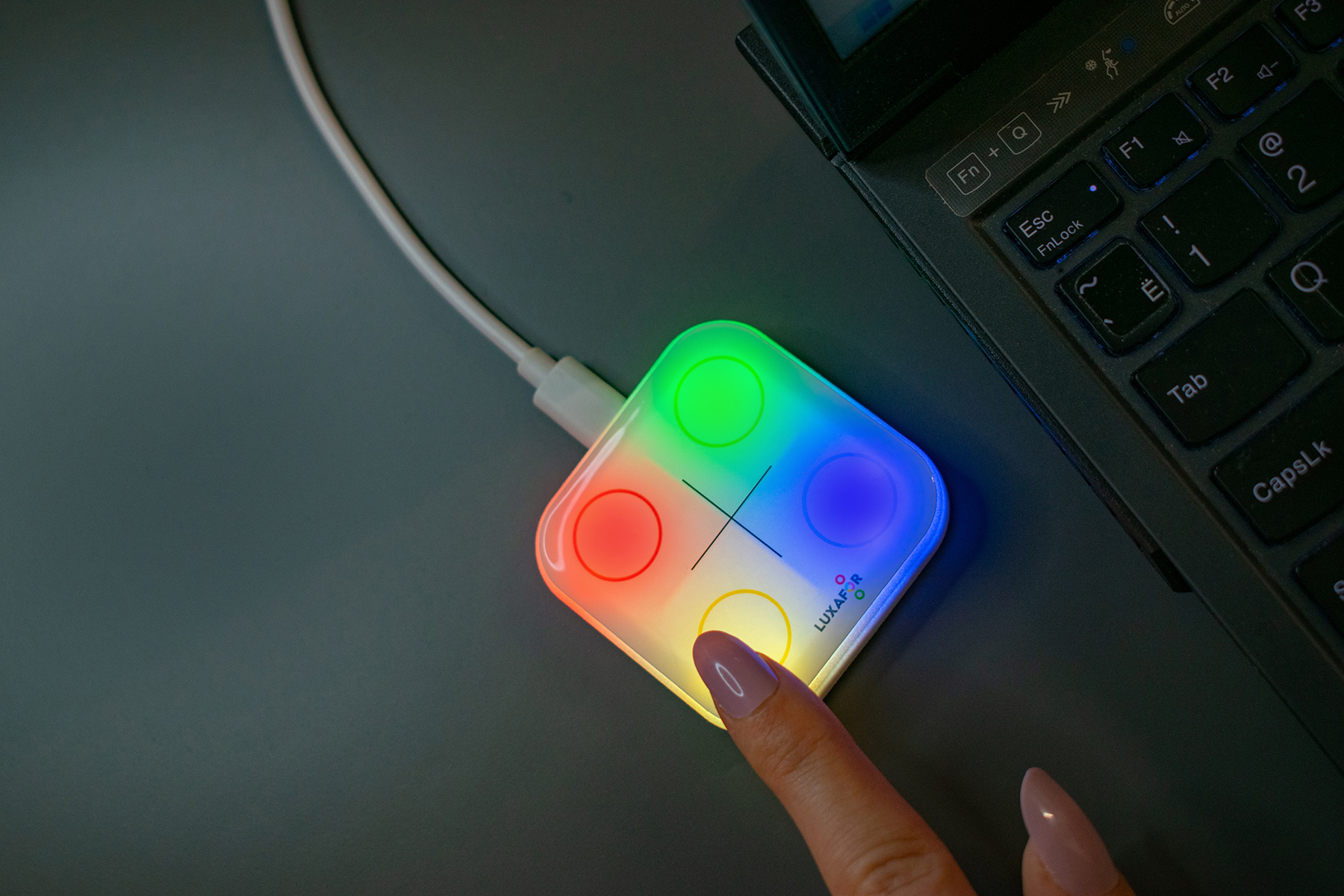
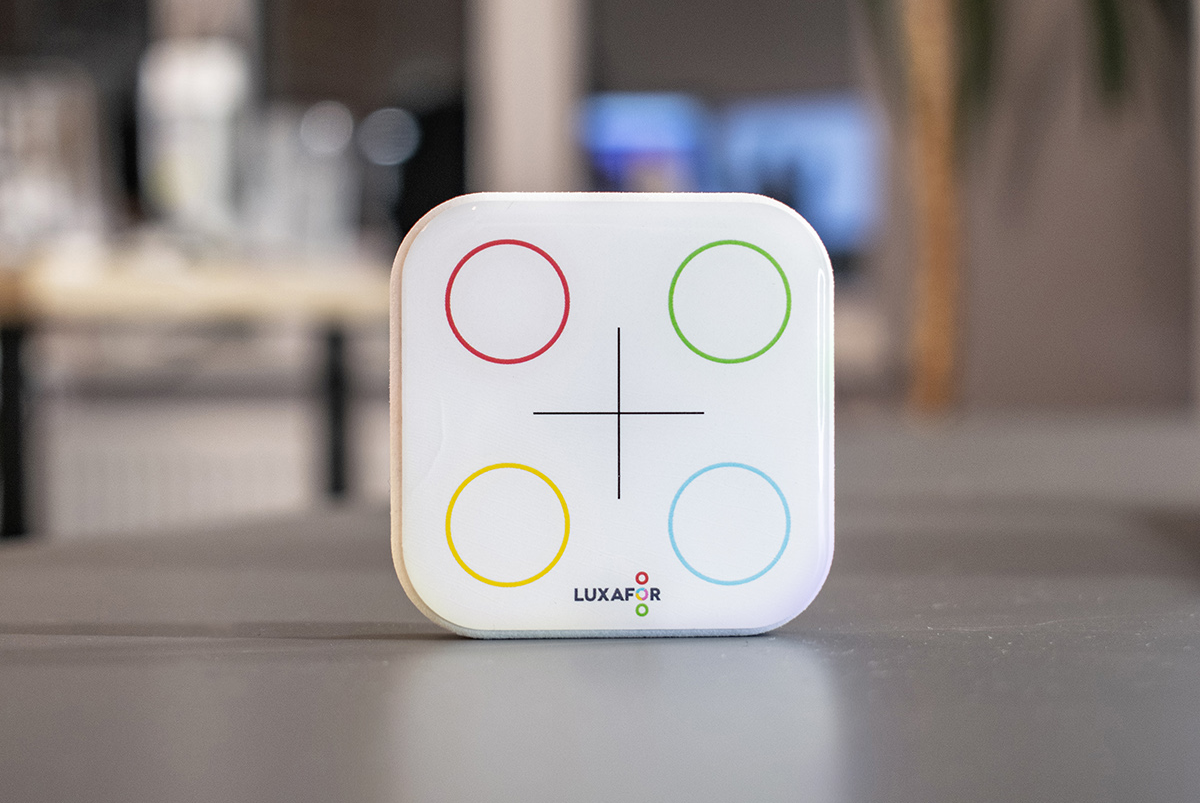
USB smart button for custom shortcuts
This multifunctional task management tool will offer you unlimited possibilities and options. Luxafor Smart Button provides an amazing opportunity to simplify your task execution and streamline workflow with everything that is internet connected (with other devices and apps).
- Customizable buttons
- Touch Control
- Integrations with apps

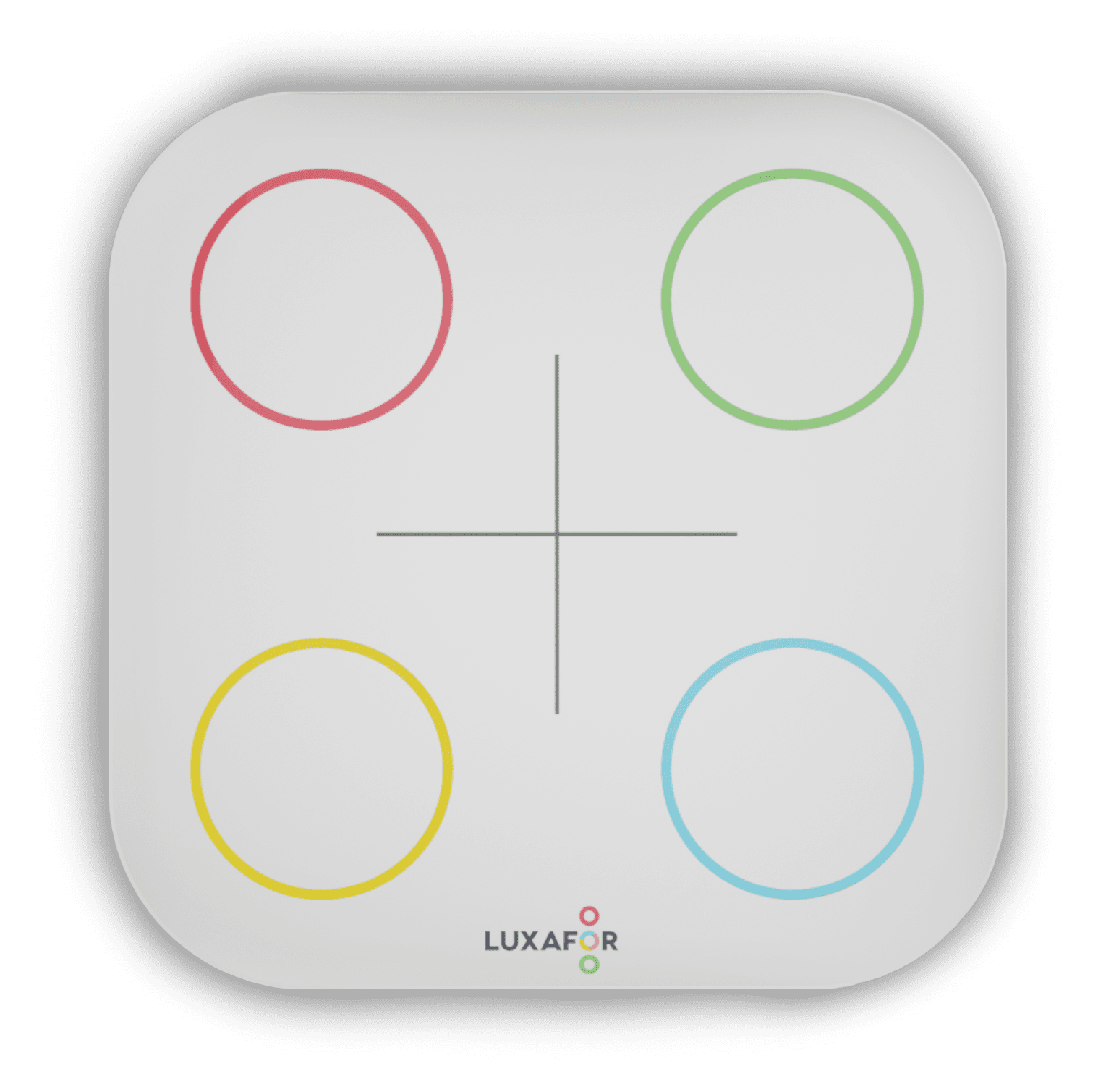
Luxafor Smart Button is a sophisticated way of organizing your workflow - with just 4 buttons and countless opportunities.
- Control everything with one or even multiple taps;
- Create and modify your own functional patterns;
- Compatible with many apps and services for your convenience;
- Trigger both software and hardware events;
- Skip Youtube ads whilst watching video;
- Launch your favorite app with just 1 tap.
Luxafor products already used by


IntroducingLUXAFOR smart button
Luxafor Smart Button lets you organize your regular tasks to be accessed one click away.
Intuitive to use, easy to install, and generally understood by everyone.
Great Adaptabilty
Take Luxafor Smart Button everywhere you need - home, office, cafe or studio - you choose. It will let you control what you need with a simple tap on the button.
Smart opportunities
Workflow Efficiency
Profitable Solution
How can you use it?
Office appliance
- Execute apps or device you need / trigger functions such as - open mailbox, mute on/off microphone, execute programs, open recent folder with needed files, put PC on standby, play your favorite track.
- When it's time to gather, send a signal to your colleagues by tapping the button.
- Press once to swap slides and twice to return.
- Inform the colleague that coffee shall be brought to the meeting.


Home appliance
Luxafor Smart Button can be used to remotely streamline your smart home appliance with compatible software.
- Turn off all smart lights, smart home appliances, music, and television.
- Cool down the room and draw the curtains.
- Send a message to your colleagues.
- Turn off all smart lights, smart home appliances, music, and television.
- Cool down the room and draw the curtains.
- Send a message to your colleagues.
Join Thousands of Happy Users
"After a short trial we have rolled Luxafor across the whole company. Tied in with Skype and Outlook online meetings go undisturbed automatically. You can easily put yourself into a bubble of seclusion to get on with that work you need to do, undisturbed."

How To Use it?
Luxafor Smart Button assists you in developing efficient habits for your productivity, where workflow is streamlined while being individualized to your specific demands.
Physical Tap Functions
The sensory experience has been enhanced, offering a unique reaction to your touch.
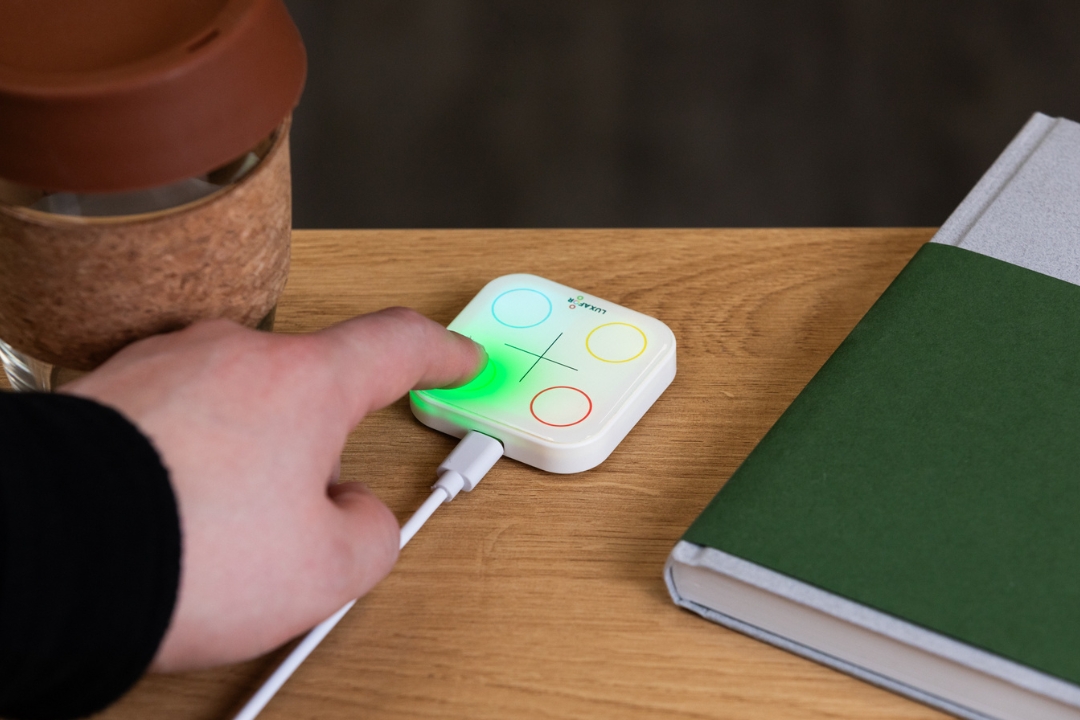
- With just one tap you can change, activate and execute different tasks for your work or home.
- Bind every function you need to any of the 4 buttons and ways you press them (tap, double-tap and hold).
- Customize your Smart Button to your particular needs easily via an app.
- Create adjustable tasks for each button you press, so functionalities can differ and are unlimited, create shortcuts with your Smart Button.


Ultra - light and modern design
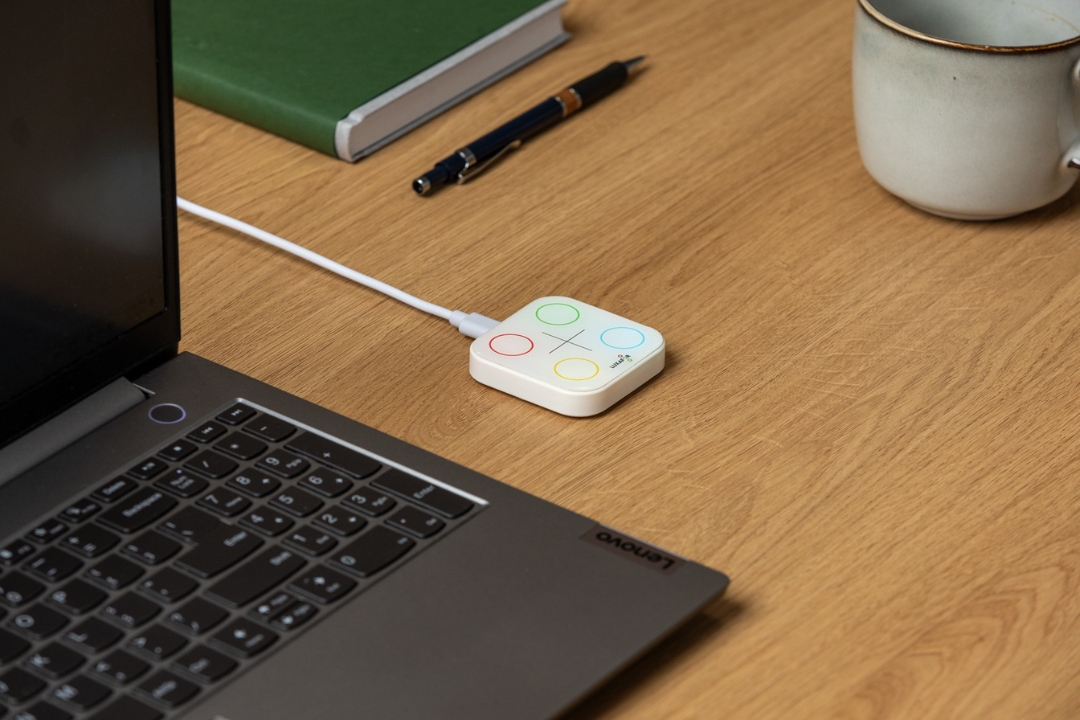
It is extremely lightweight, small-scale and conveniently sized, making it perfect for every use-case.
- Very light material makes it comfortable to use and easy to move around.
- A decent size for the vast variety of the functions it offers.
- The first of its kind, this multifunctional button can incorporate endless operations, functions and tasks - all in one device.
- Unique, intuitive and modern design for your personal and professional tasks.
You are a busy team-leader working on a task?
Is there a need for you to constantly multitask with ever changing duties, information, tasks, reports and communication channels?
We got you covered – do it simply with one tap.
Endless possibilities are just one click away.
- Manage all your devices and apps with one gadget.
- Save time at work as well as at home.
- Make fast decisions and coordinate more effectively.
- Set the productivity standard for your team and lead by the example, we can assure you - with Luxafor Smart Button your work efficiency will not go unnoticed.

All Features
Luxafor Smart Button isn't just a regular productivity tool. Make Luxafor Smart Button your unique multifunctional helper who assists you in doing more in less time. Use Teams, Productivity Apps, Hotkey Shortcuts, Webhook, YouTube, Spotify, Apple Music. It includes features like changing colors/status of your other Luxafor devices.

Solid color

Productivity apps

Microsoft Teams
(Mac only)

Webhook
connect everything with everything

Select Color For Action Management
- Use pre-set colors like Red, Green, Yellow and Blue or customize colors to set up individual color coding system in your workplace.
- Control your other Luxafor devices without opening the software.
- Timer helps you plan and execute deep work sessions throughout the day.
- Implement this productivity tool dividing workflow into organized steps of deep work while you multitask with a tap of a button.
Available on:
Use Integrations For Even More Efficient Workflow:
- Use Smart Button to activate keyboard shortcut tasks.
- Alter, develop and add new integrations and services, control other devices and create more features by using Luxafor Web API.
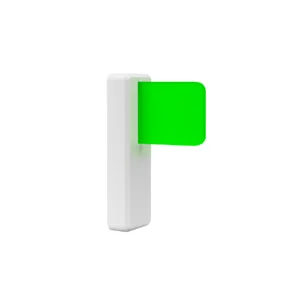
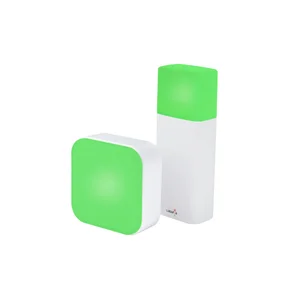
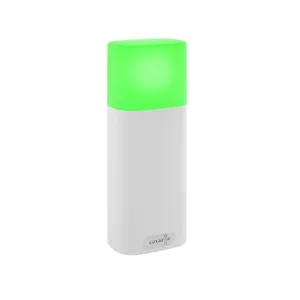
- Control and change colors for almost all Luxafor devices (Flag, Orb, Bluetooth, Bluetooth PRO, Colorblind Flag)
- Activate outgoing Webhook events.
Available on:
- Change the presence status for the user account in MS Teams.
Available on:


Access Your Regular Activities With Just One Tap
- Synchronize, modify and customize Luxafor Smart Button with your favourite apps and other devices.
- Set up various functions with prersonalised configuration options.
- Hotkeys help you to access physical devices or apps without opening them form your desktop, laptop by tapping the pre-set button so that you can focus on other tasks.
Available on:
How It works
1. Download
2. Connect

3. Enjoy

Luxafor Smart Button Specifications

Luxafor Smart Button
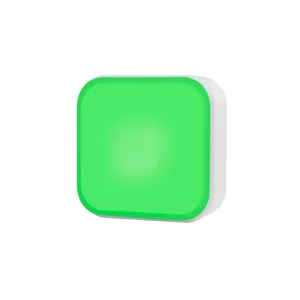
- Dimensions: 56 x 56 x 12mm;
- Weight: 50g;
- Light: 8 x RGB LEDs;
- Consumption: Rated power up to 100 mA;
- Power: standard data cable provided.
Luxafor Smart Button Features
| Luxafor Smart Button Features | Mac | Win |
|---|---|---|
| Supported OS versions from | 10.14 | Windows 10 April 2018 Update (version 1803) |
| Ability to change light brightness, vibration mode and sound beep mode for the Smart Button device | x | x |
| Solid color control for Luxafor devices (Flag, Bluetooth, Bluetooth PRO, ORB, Colorblind Flag) | x | x |
| Keyboard shortcut-key event simulation option | x | x |
| Outgoing webhook option | x | x |
| Integration with Microsoft Teams | x | - |
| Integration with YouTube | x | x |
| Integration with Spotify | x | - |
| Integration with Apple Music | x | - |
| Trigger user-defined command line functions | x | x |
| Possibility to delay the execution of the next action for a certain time | x | x |
| Option to change Smart Button sense of interaction (time taken by one touch etc.) | x | x |
| Option to open the app when the OS starts | x | x |
| Option to open minimized (in minimized view) | x | x |
| Ability to create a new recipe from an existing device action configuration and devices have the ability to load them. They can be viewed and deleted. | x | x |
| Option to change the name of the device | x | x |
| Ability to erase devices or reset them to default settings | x | x |
| Multiple actions can be added to devices for each interaction | x | x |
| Providers can be turned on or off (They do not appear in the Add action list if they are turned off, but always work) | x | x |
| Disconnected devices remain in the list, but appear darker | x | x |
What Our Customers Say


get Your Luxafor Smart Button Now!

Luxafor Smart Button - multifunctional productivity button helping you to synchronize apps and IoT devices by creating individualized trigger patterns.
- 1 x Luxafor Smart Button;
- 1 x USB Data Cable
€37.00 – €39.00Price range: €37.00 through €39.00

Made in EU

Satisfaction guarantee
Request a Quote
Interested in ordering Luxafor devices in bulk?
Send us a message and we'll prepare a quote for you!
You May Also Like These Products
Frequently Asked Questions
How can I connect Luxafor Smart Button to my device?
Connect Luxafor Smart Button to your PC or Mac by plugging the included data cable into a USB port of your computer (or a hub connected to your computer) and plug the other end into the Luxafor Smart Button micro USB port.
Download Luxafor Smart Button software. Use the Luxafor Smart Button with the application and modify the lights and functions according to your needs.
Can I use my own USB cable to connect Luxafor Smart Button?
Yes, Luxafor Smart Button will work with the original USB cable provided as well as with almost any USB cable that supports classic USB data lines.
Will Luxafor Smart Button work if I’m using Google Hangouts, Microsoft Teams, Zoom and other platforms?
Not yet, Luxafor Smart Button is compatible with Microsoft Teams and soon will be available to connect all conference platforms and most popular apps.
Will Luxafor Smart Button work with my computer?
You can use Luxafor Smart Button with any computer that runs the following OS:
Windows:
- Windows 7
- Windows 8
- Windows 8.1
- Windows 10
- Windows 11
Mac:
- Mojave
- Catalina
- Big Sur
- Monterey
- Ventura
Will Luxafor Smart Button work with my iPhone?
Not yet, Luxafor does not provide Smart Button app for iOS.
Is the Power Bank included?
No, Luxafor Smart Button does not have a Power Bank, it is powered only by the USB connection.
Does Luxafor Smart Button come with a warranty?
Yes, all Luxafor products have a standard 2 year warranty.
What payment methods do you accept?
- Credit/debit card: Visa, MasterCard, American Express, Discover, Diners Club, Maestro, and JCB.
- PayPal, Google Pay & Apple Pay.
- Bank transfer: available on request — contact support@luxafor.com. Pre-payment required before invoice and goods are issued.
What currencies do you accept?
Pricing is available in USD (U.S. Dollars), EUR (Euro), and GBP (British Pounds).
Can companies pay by invoice (net terms)?
Invoice payment is available for bank transfer orders: Luxafor sends the invoice → customer pays → order is dispatched. Pre-payment is required before goods are shipped. Net/post-payment terms are not offered.
To arrange a bank transfer, contact support@luxafor.com.
Is the checkout secure? What payment processor do you use?
Yes — we use 3D Secure™ (3DS) for card payments. Your bank may ask you to verify your identity via SMS code or internet banking login. 3DS is available for Visa (‘Verified by Visa’), Mastercard (‘Mastercard SecureCode’), and American Express (‘SafeKey’).
After 3 failed authentication attempts, the transaction is cancelled and a hold may be placed on the card — customers should contact their bank in this case.
Can customers get a VAT invoice?
Yes — VAT-exempt invoices for EU businesses are generated automatically by the system at checkout. No manual request needed. EU business customers should enter their company VAT number at checkout to receive a VAT-exempt invoice.
Manual invoices are only prepared for bank transfer orders — contact support@luxafor.com to arrange.
Do prices on the website include VAT?
Yes — all pricing on the store is shown with taxes included. Note: International duty charges are not included and are the customer’s responsibility.
How can I order a Luxafor Smart Button for my company in the EU?
To issue an invoice without VAT, please send the full name of your company and its VAT number along with the billing and shipping address, your preferred payment method, and the amount of Luxafor Smart Button devices to support@luxafor.com
I need to change something on my order. How can I do that?
If you need to change or cancel your order, please contact us at support@luxafor.com immediately. We generally process orders within 24 hours, and once we have processed your order, we’ll be unable to make any changes.
Do you offer discounts for bulk orders? What are the tiers?
Yes, bulk discounts are available starting from 5 units. For orders over 200 units, contact us via this bulk orders form for custom pricing.
- Devices under USD/EUR 80/unit — from 10 units
- Devices over USD/EUR 80/unit — from 5 units
Is there a dedicated process for large/enterprise orders?
Yes — fill out this form with your requirements and the team will prepare a personalized quote and invoice.
What are the lead times for large orders?
Standard bulk orders are processed within 2–5 business days. You’ll get a tracking number once it ships.
Luxafor maintains sufficient stock levels to dispatch large orders immediately. Delays are rare — if your order may be affected, the team will notify you directly.
Do you offer reseller or distributor programmes?
Yes — Luxafor has an agent/reseller programme. Apply here.
Do you ship worldwide?
Yes, we ship worldwide. Local pick-up available at Biķernieku iela 1A, Riga, Latvia, LV-1039.
How long does delivery take?
Orders are dispatched within 1 business day of purchase.
Delivery times by destination after dispatch:
- EU: 3–7 business days
- US & Canada: 3–14 business days
- UK: 5–10 business days
- Rest of world: 10–21 business days
Faster delivery available via DHL courier; slower via regular mail.
Is there a free shipping threshold? Does it vary by market?
Yes — free shipping on all orders over €160. Available worldwide, with the exception of the Middle East due to temporary courier limitations in that region.
Can customers track their order? How?
Yes — all orders include tracking. It’s advised to track shipments via the carrier’s own website (e.g. DHL shipments at dhl.com) but universal tracking also available at track-trace.com/post.
Are there any import duties or taxes customers should be aware of?
Orders within the EU are shipped duty-free.
Orders outside the EU (US, UK, Canada, Australia, etc.) may be subject to import duties or customs charges depending on the destination country’s threshold.
These charges are set by local customs authorities and are not collected by Luxafor at checkout. Customers are responsible for any applicable import duties.
EU business customers can enter their VAT number at checkout to purchase VAT-exempt.
Can I change my shipping address after placing an order?
If your order hasn’t been dispatched yet, yes — contact us immediately at support@luxafor.com with your order number and the correct address. Once an order has shipped, we’re unable to redirect it. If a parcel is returned to us due to an incorrect address, we’ll reship it but may need to charge a second shipping fee.
What APIs are available?
You’ll find all the files needed for development on Windows here.
Here’s what you’ll find in the downloaded file:
For Windows
- A sample code (an HID terminal for tests) and
- Code description and access to the HID library
- You can also use the sample HID terminal
For Mac – not available at the moment.
We’d appreciate it if you share your work with our community! Please send us the links to your work at luxafor@greynut.com