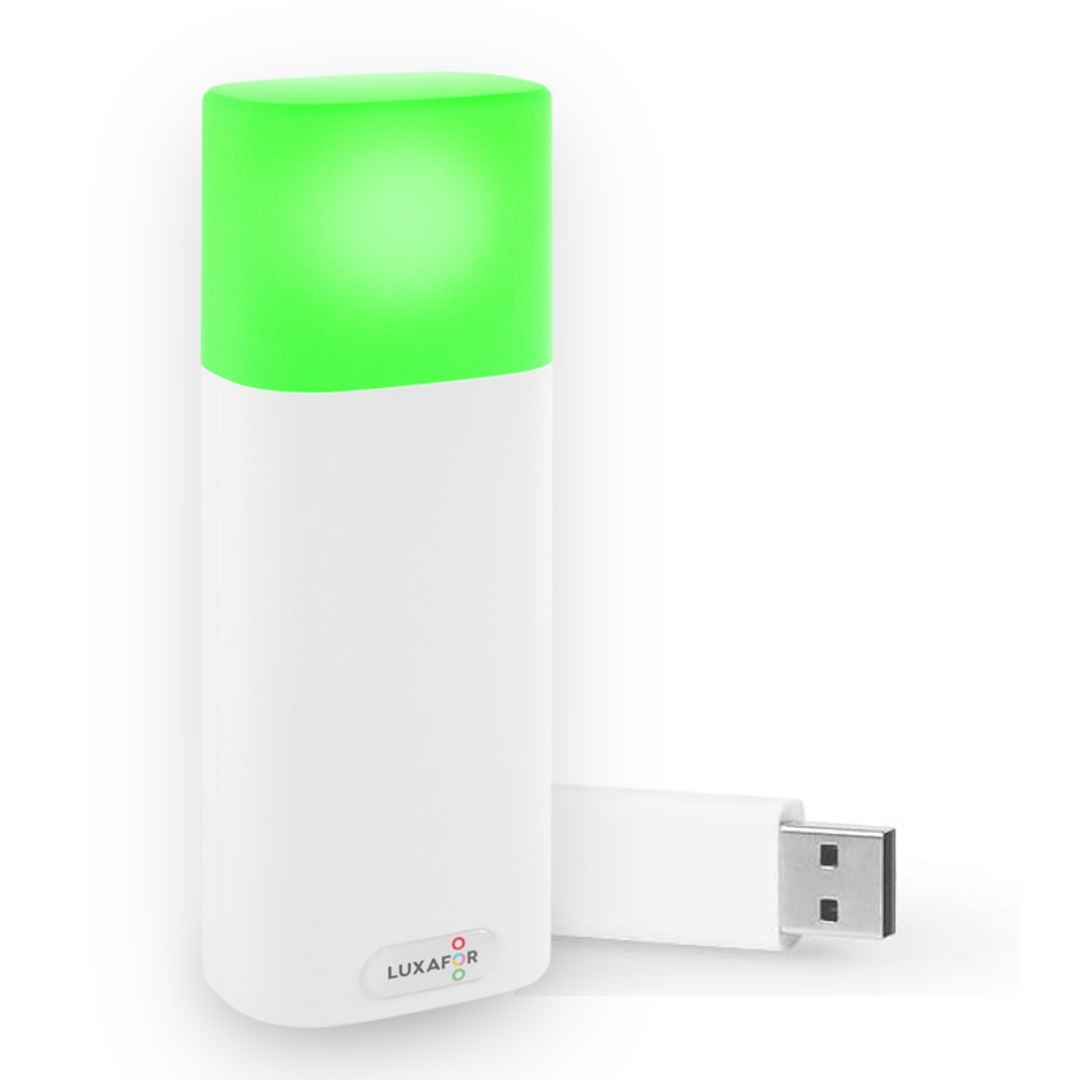
Luxafor Bluetooth Pro
What are the most popular use cases for Bluetooth Pro?
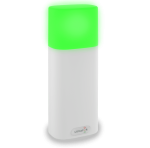
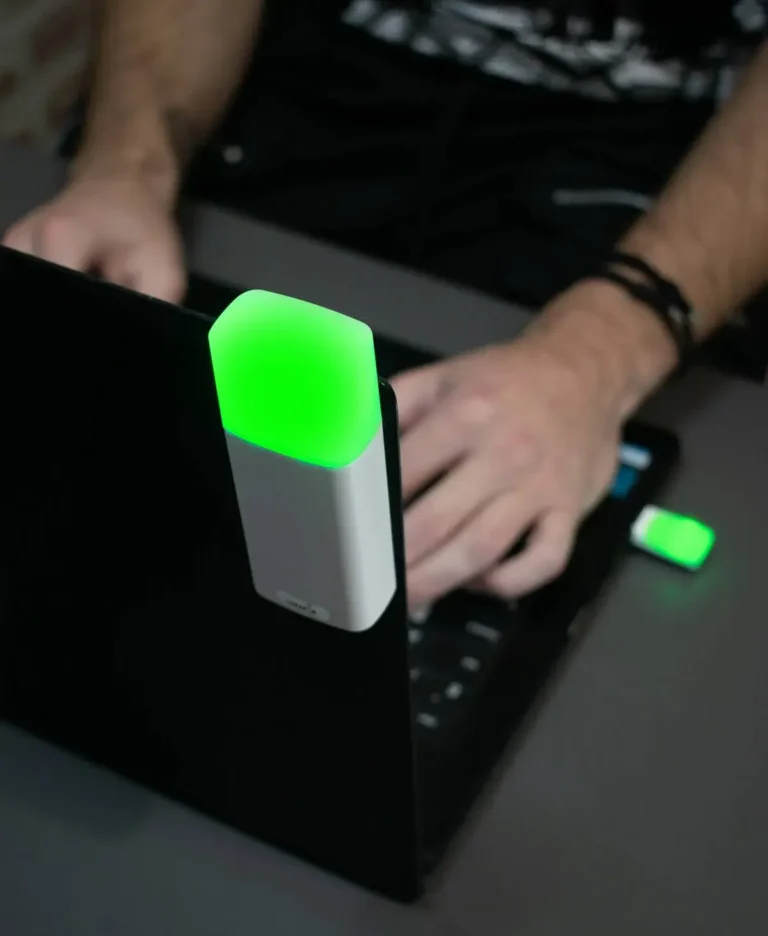
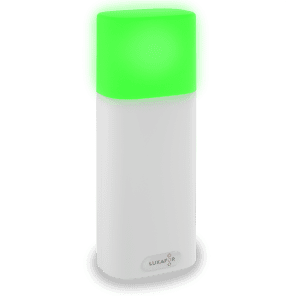
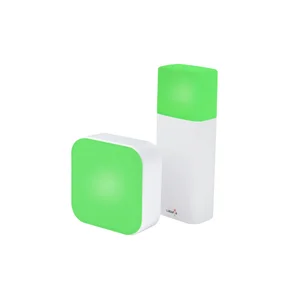
The 2nd generation Luxafor Bluetooth Pro wireless busy light helps efficiency-focused businesses and individuals cut through workplace distractions and get more done.
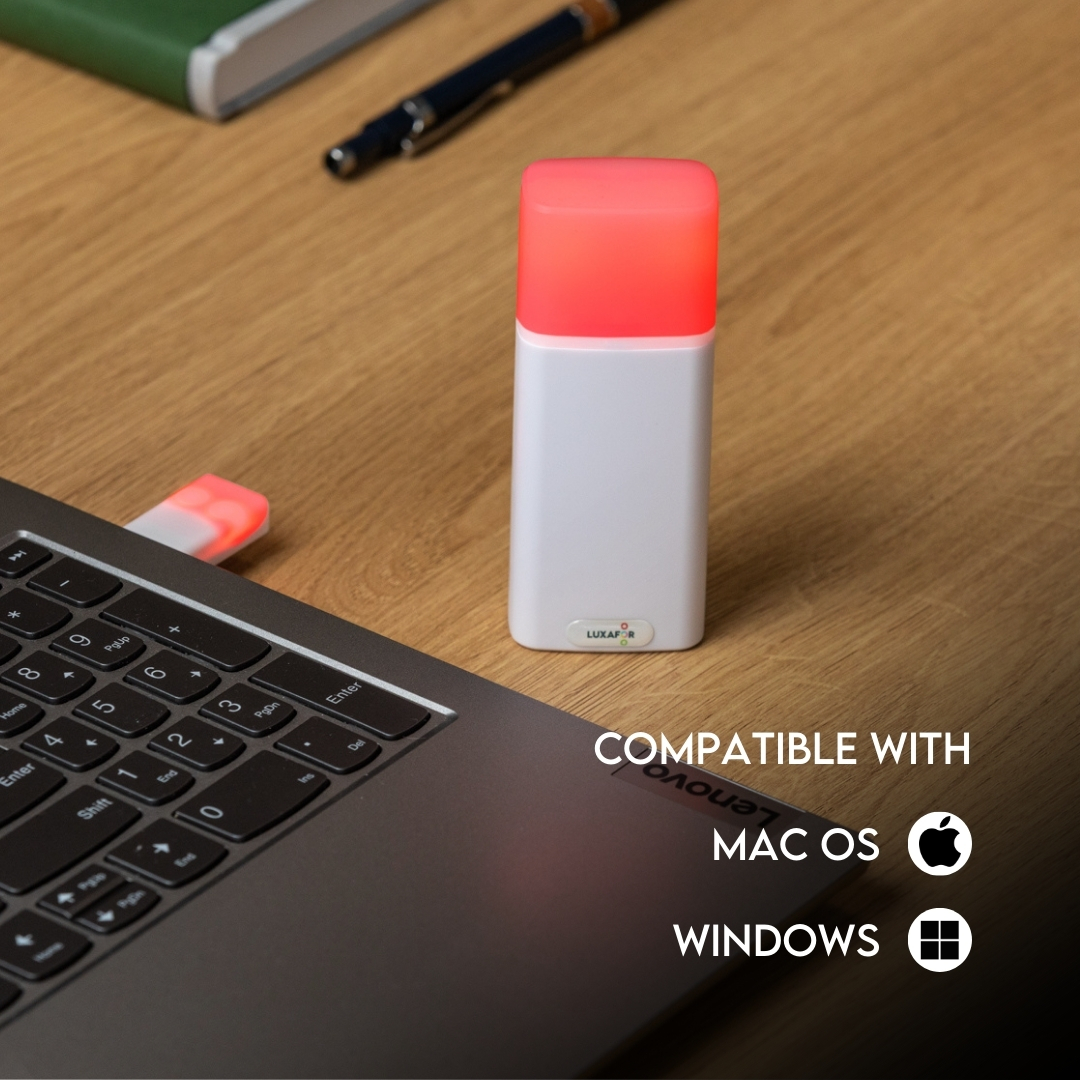
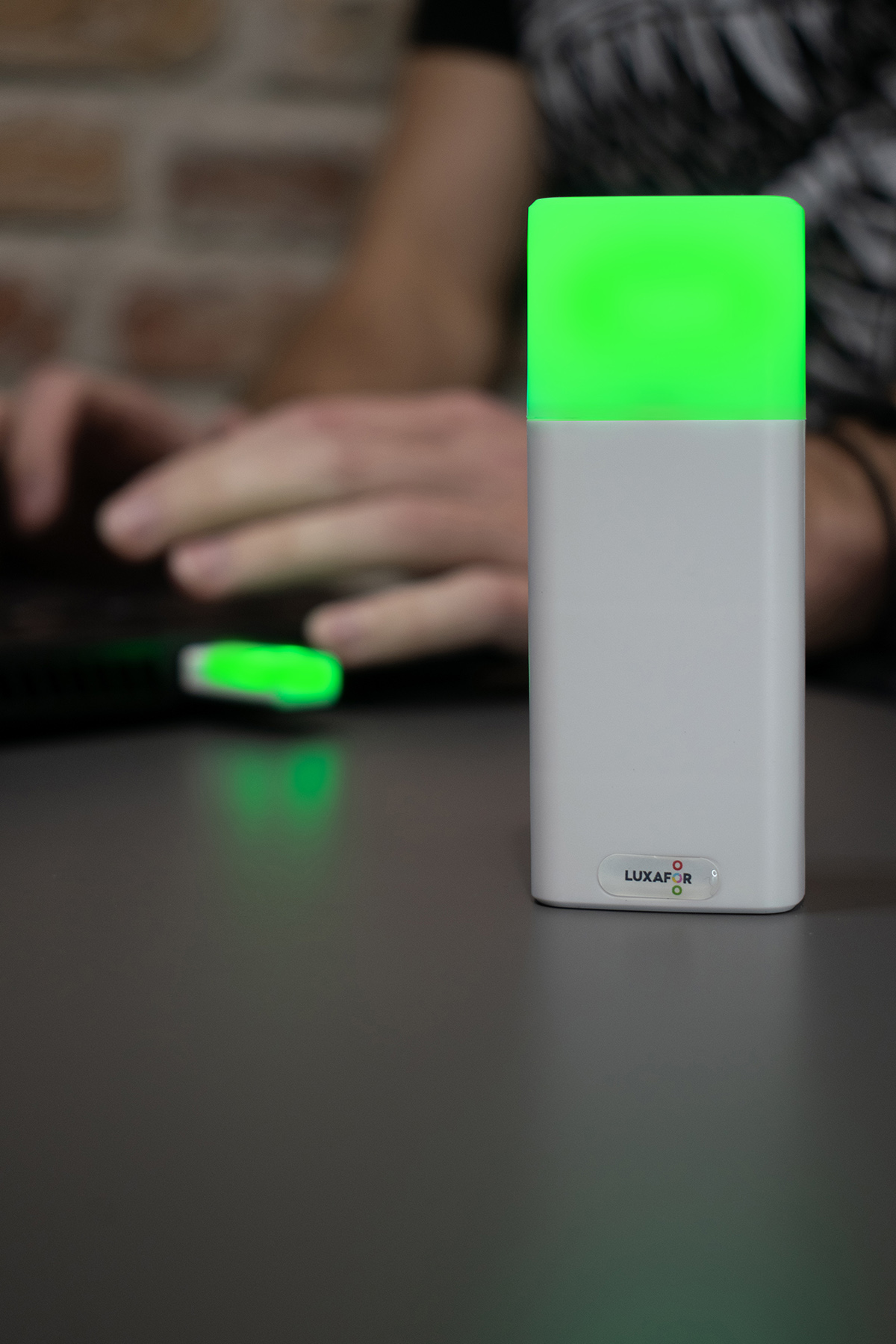
- Smart busy light. Red means busy, green means available — no explanation needed.
- Phone call sync. The only wireless busy light on the market that syncs with incoming calls using just the mobile app. No computer software needed.
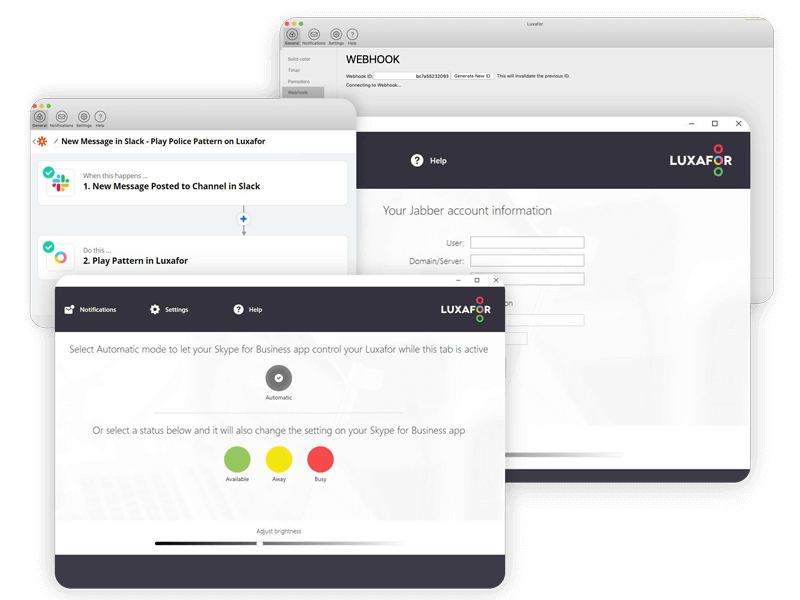
- Automatic status display. Connects with Microsoft Teams, Slack, Zoom, 3CX TAPI, Google Calendar, Zapier, and more.
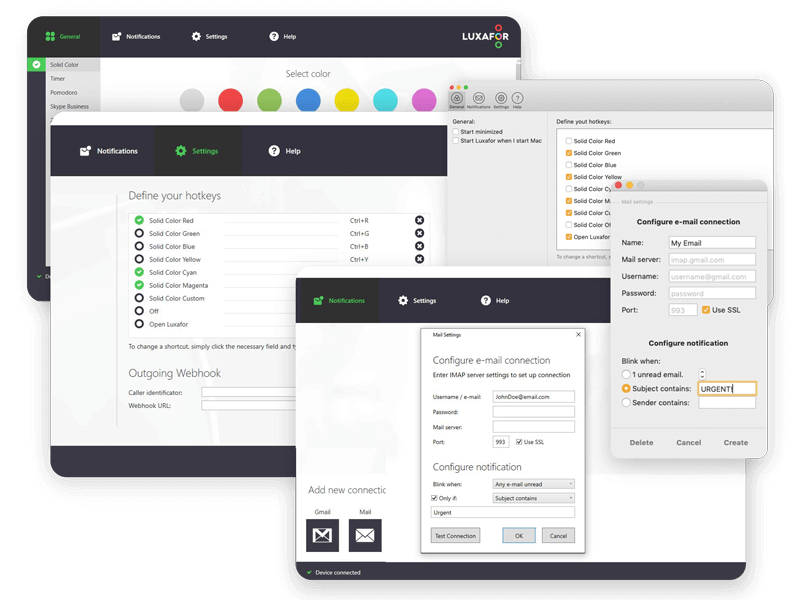
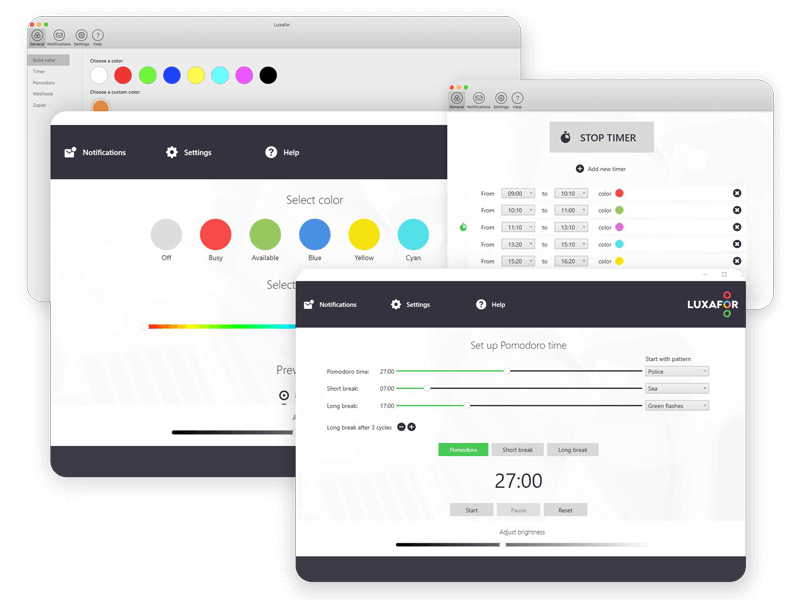
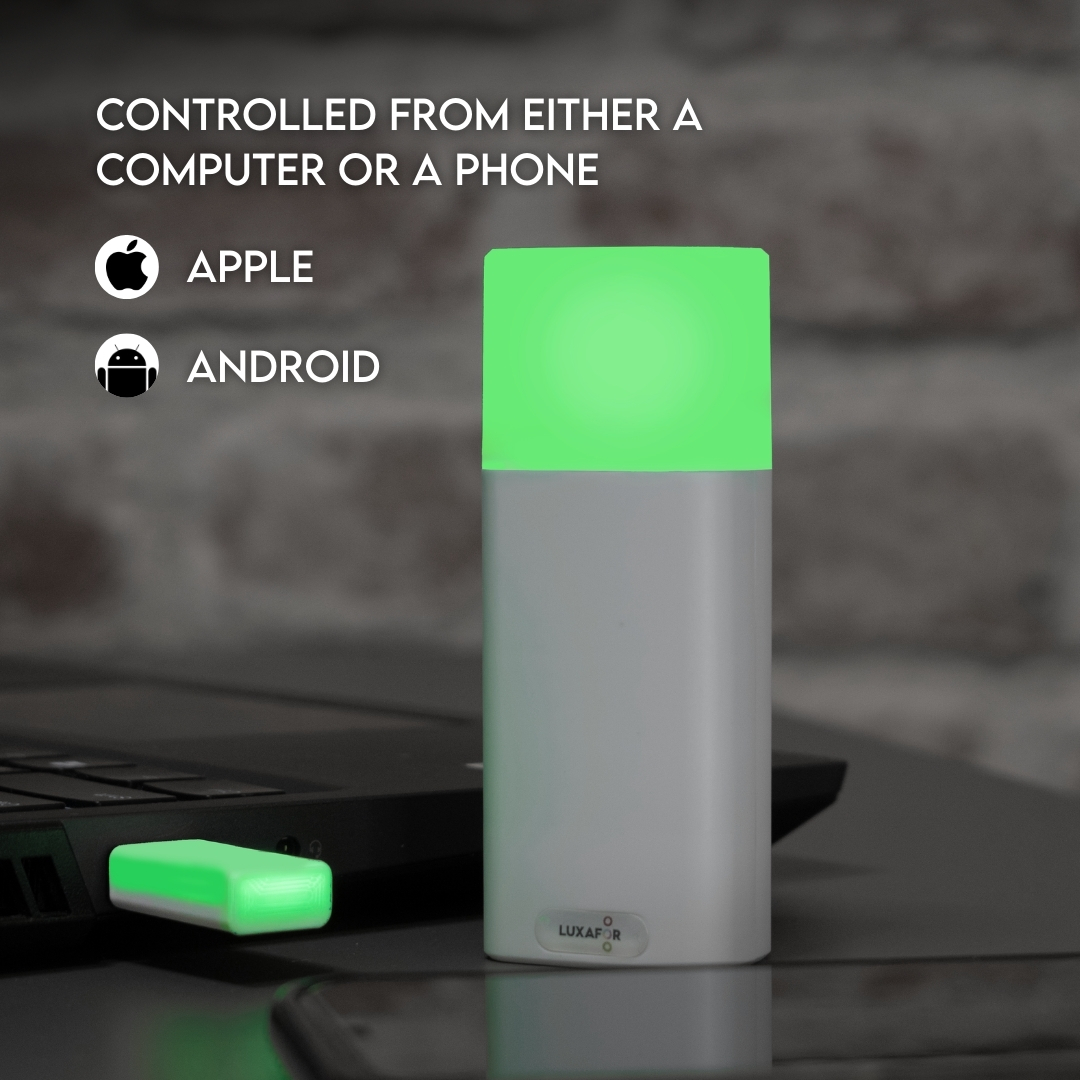
- Flexible control. Use the desktop app (Windows & Mac), mobile app (Android & iOS), or the no-install Web App.
- Fully customizable. Use pre-built functions or build your own with the Luxafor Web API.
For the full integration list, see our integrations documentation.
How do I set up Luxafor Bluetooth Pro in a meeting room or at my workstation?
Setting up your wireless do not disturb light takes under a minute. No tools, no drilling.
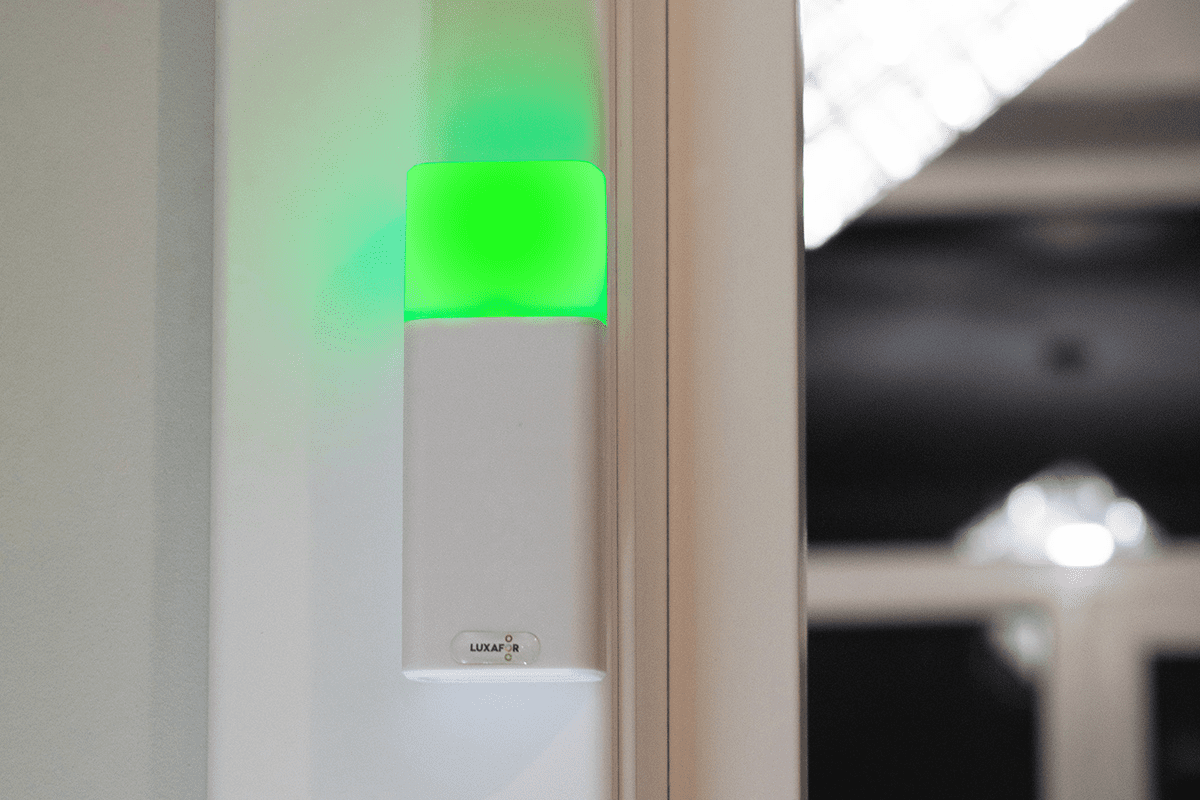
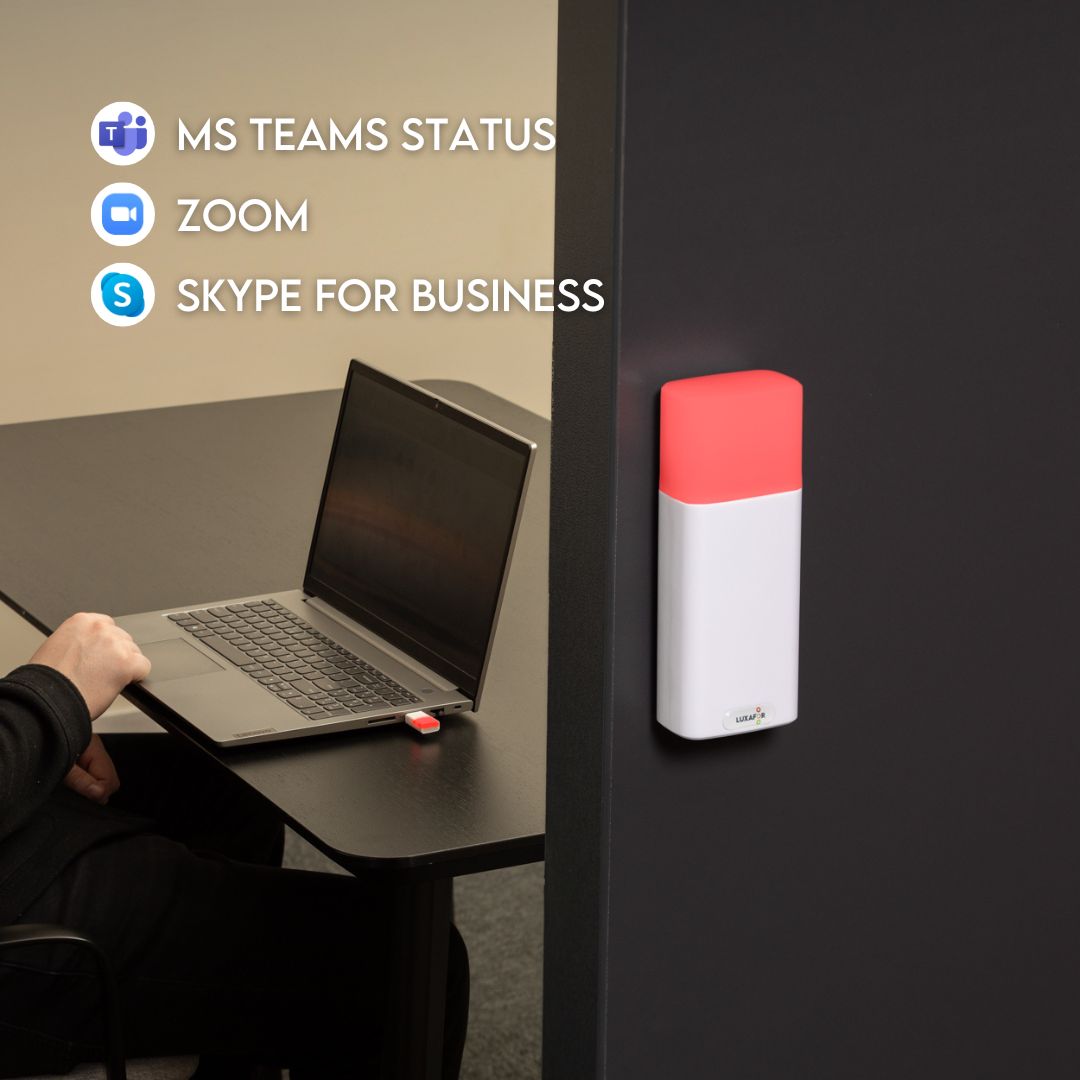
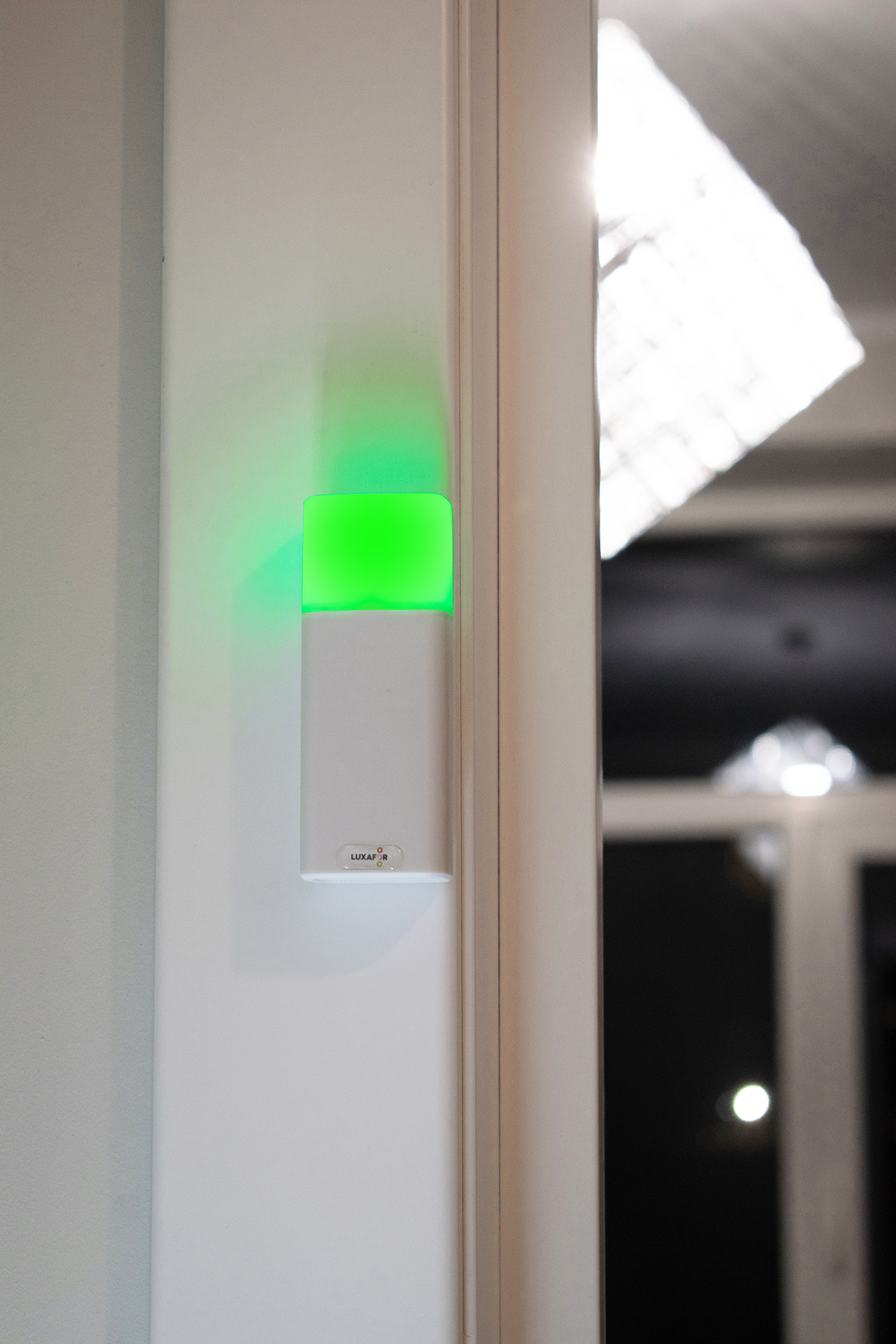
- Attach the meeting room availability light to any smooth surface using the included peel-and-stick magnet
- Control it manually from the Luxafor app, or connect to Microsoft Teams (and other apps) to display your status color automatically
- Works with Windows, Mac, Android, and iOS
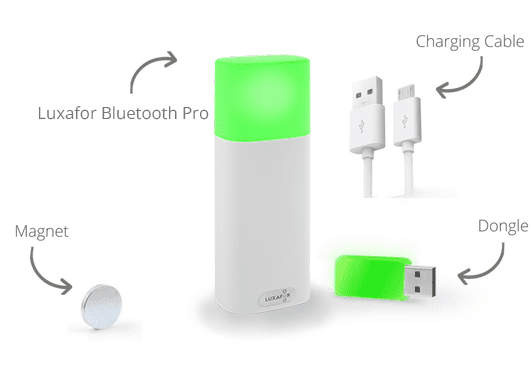
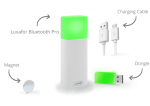
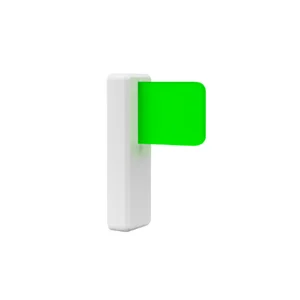
- Includes both the LED Bluetooth Dongle and mounting magnet in the box
How can I connect Luxafor Bluetooth Pro with my computer?
Download the Luxafor software, then connect the Bluetooth PRO to your PC or Mac by plugging the included Dongle into a USB port (or a hub connected to your computer). Once connected, it functions as a bluetooth notification light, letting your coworkers see your availability in real time.
Will Luxafor Bluetooth Pro work with my computer?
You can use Luxafor Bluetooth Pro busy light with any computer that runs the following OS:
Windows: Windows 7; Windows 8; Windows 8.1; Windows 10; Windows 11.
Mac: Mojave; Catalina; Big Sur; Monterey; Ventura; Tahoe.
Android: Android 5 or later.
Iphone: iOS 12.0 or later
Is there a battery power bank included?
No power bank is included. Bluetooth Pro contains a built-in and non-detachable battery, ensuring your Luxafor Bluetooth Pro is always ready to act as a bluetooth message alert light.
Does Luxafor Bluetooth Pro come with a warranty?
Yes, Luxafor products come with a standard 2-year worldwide warranty, giving you confidence in your wireless productivity tools.
Can I control the Luxafor Bluetooth Pro 2 using the Apple Shortcuts app?
Yes, you can use Apple Shortcuts to change colors, trigger blinking patterns, and automate your device based on iPhone widgets, Siri voice commands, call status, Focus Mode, notifications, and other custom triggers. This makes it easy to use your Luxafor as desk indicator light, keeping you and your coworkers informed without unnecessary interruptions. For example:
- Blinking light when there’s an incoming call
- Light turns red when on a call
- Switch colors from homescreen with widgets
- Double tap the back of iPhone to switch color
- Change colors with Siri voice control
- Automatically turn red, when entering “focus mode”
For step-by-step instructions on setting up Shortcuts and creating custom triggers, refer to the user manual.
Which apps and tools does Luxafor Bluetooth Pro integrate with?
- Communication & calendar: Microsoft Teams, Slack, Zoom, Cisco Jabber, Google Calendar, 3CX TAPI
- Automation platforms: Zapier, Make, Latenode, IFTTT
- Hardware & device control: Elgato Stream Deck, Apple Shortcuts
- Developer tools: Webhook API, Open Source Projects
Payments
What payment methods do you accept?
- Credit/debit card: Visa, MasterCard, American Express, Discover, Diners Club, Maestro, and JCB.
- PayPal, Google Pay & Apple Pay.
- Bank transfer: available on request — contact support@luxafor.com. Pre-payment required before invoice and goods are issued.
What currencies do you accept?
Pricing is available in USD (U.S. Dollars), EUR (Euro), and GBP (British Pounds).
Can companies pay by invoice (net terms)?
Invoice payment is available for bank transfer orders: Luxafor sends the invoice → customer pays → order is dispatched. Pre-payment is required before goods are shipped. Net/post-payment terms are not offered.
To arrange a bank transfer, contact support@luxafor.com.
Is the checkout secure? What payment processor do you use?
Yes — we use 3D Secure™ (3DS) for card payments. Your bank may ask you to verify your identity via SMS code or internet banking login. 3DS is available for Visa (‘Verified by Visa’), Mastercard (‘Mastercard SecureCode’), and American Express (‘SafeKey’).
After 3 failed authentication attempts, the transaction is cancelled and a hold may be placed on the card — customers should contact their bank in this case.
Can customers get a VAT invoice?
Yes — VAT-exempt invoices for EU businesses are generated automatically by the system at checkout. No manual request needed. EU business customers should enter their company VAT number at checkout to receive a VAT-exempt invoice.
Manual invoices are only prepared for bank transfer orders — contact support@luxafor.com to arrange.
Do prices on the website include VAT?
Yes — all pricing on the store is shown with taxes included. Note: International duty charges are not included and are the customer’s responsibility.
Orders
How can I order a Luxafor Bluetooth PRO for my company in the EU?
To issue an invoice without VAT, please send the full name of your company and its VAT number along with the billing and shipping address, your preferred payment method, and the number of Luxafor Bluetooth PRO busy lights to support@luxafor.com
I need to change something on my order. How can I do that?
If you need to change or cancel your order, please contact us at support@luxafor.com immediately. We generally process orders within 24 hours, and once we have processed your order, we’ll be unable to make any changes.
Bulk Orders
Do you offer discounts for bulk orders? What are the tiers?
Yes, bulk discounts are available starting from 5 units. For orders over 200 units, contact us via this bulk orders form for custom pricing.
- Devices under USD/EUR 80/unit — from 10 units
- Devices over USD/EUR 80/unit — from 5 units
Is there a dedicated process for large/enterprise orders?
Yes — fill out this form with your requirements and the team will prepare a personalized quote and invoice.
What are the lead times for large orders?
Standard bulk orders are processed within 2–5 business days. You’ll get a tracking number once it ships.
Luxafor maintains sufficient stock levels to dispatch large orders immediately. Delays are rare — if your order may be affected, the team will notify you directly.
Do you offer reseller or distributor programmes?
Yes — Luxafor has an agent/reseller programme. Apply here.
Shipping
Do you ship worldwide?
Yes, we ship worldwide. Local pick-up available at Biķernieku iela 1A, Riga, Latvia, LV-1039.
How long does delivery take?
Orders are dispatched within 1 business day of purchase.
Delivery times by destination after dispatch:
- EU: 3–7 business days
- US & Canada: 3–14 business days
- UK: 5–10 business days
- Rest of world: 10–21 business days
Faster delivery available via DHL courier; slower via regular mail.
Is there a free shipping threshold? Does it vary by market?
Yes — free shipping on all orders over €160. Available worldwide, with the exception of the Middle East due to temporary courier limitations in that region.
Can customers track their order? How?
Yes — all orders include tracking. It’s advised to track shipments via the carrier’s own website (e.g. DHL shipments at dhl.com) but universal tracking also available at track-trace.com/post.
Are there any import duties or taxes customers should be aware of?
Orders within the EU are shipped duty-free.
Orders outside the EU (US, UK, Canada, Australia, etc.) may be subject to import duties or customs charges depending on the destination country’s threshold.
These charges are set by local customs authorities and are not collected by Luxafor at checkout. Customers are responsible for any applicable import duties.
EU business customers can enter their VAT number at checkout to purchase VAT-exempt.
Can I change my shipping address after placing an order?
If your order hasn’t been dispatched yet, yes — contact us immediately at support@luxafor.com with your order number and the correct address. Once an order has shipped, we’re unable to redirect it. If a parcel is returned to us due to an incorrect address, we’ll reship it but may need to charge a second shipping fee.
API
What APIs are available?
You’ll find all the files needed for development on Windows and Mac here.
Here’s what you’ll find in the downloaded file:
For Windows
- A sample code (an HID terminal for tests) and
- Code description and access to the HID library
- You can also use the sample HID terminal
For Mac
We’d appreciate it if you share your work with our community! Please send us the links to your work at luxafor@greynut.com
Accessibility Conformance Report
Luxafor Accessibility Conformance Report
Revised Section 508 Edition
(Based on VPAT® Version 2.4)
Download here.
What is a busy light?
How does a busy light work?
A busy light, like the Luxafor Bluetooth Pro, uses LED indicators to signal availability status. It connects wirelessly to your computer or smartphone via Bluetooth and integrates with apps like Microsoft Teams or other communication tools. The light color can be changed from the Luxafor app on your computer (Windows & Mac) or phone.
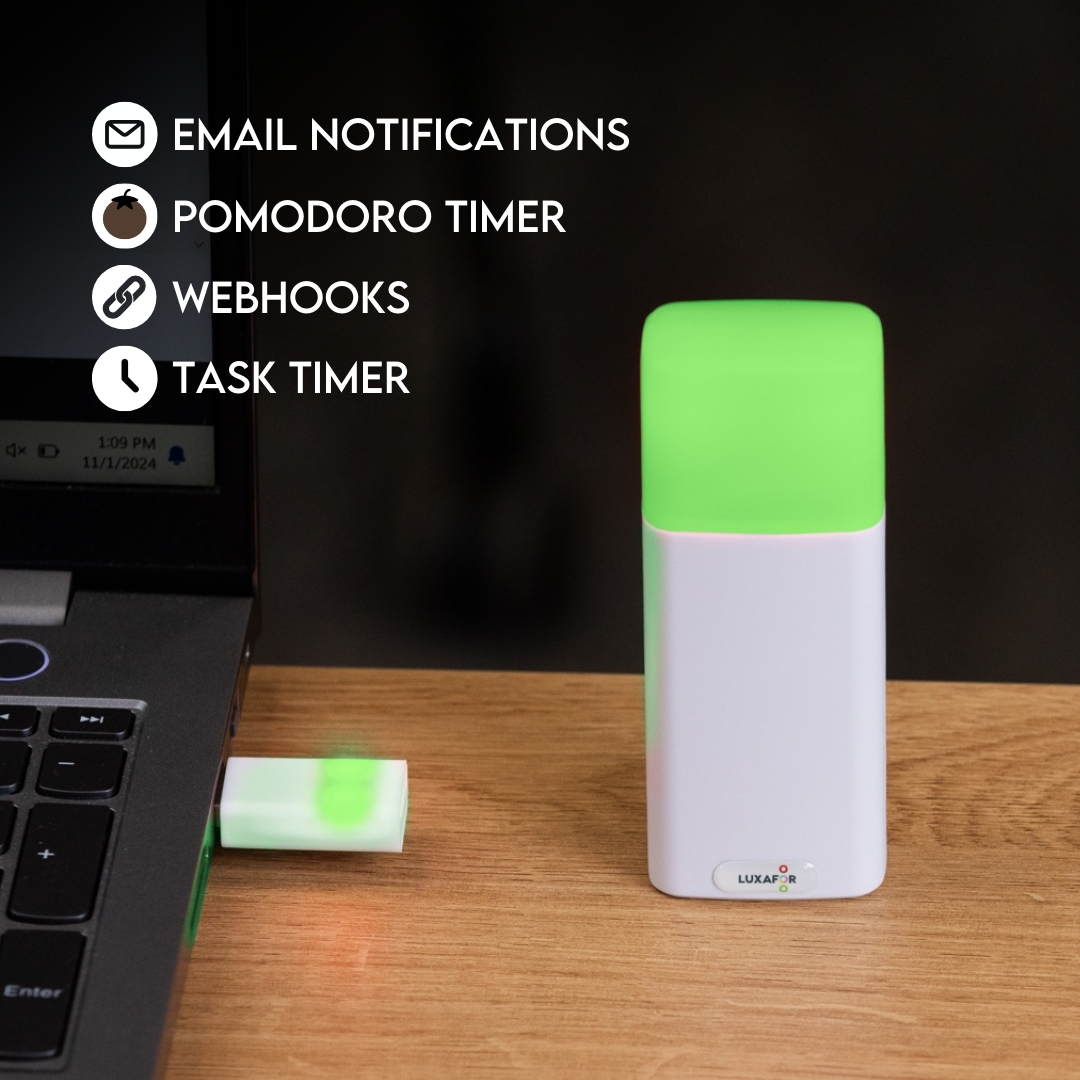
It can be used to display incoming notifications from your email or from hundreads of other apps through Zapier.
What do the colors mean on a busy light?
The colors on a busy light are customizable but typically represent:
Green: Available or free.
Red: Busy.
Yellow: On a call or away.
Blue: Do Not Disturb or custom status.
Users can configure these colors to fit their own unique needs using the Luxafor app or supported integrations.
What is a wireless busy light?
A wireless busy light, like the Luxafor Bluetooth Pro, operates without being tethered to a device by cables. It connects via Bluetooth, offering flexibility to place it anywhere within range, whether on a desk, near a door, or in other shared spaces.
It can be controlled from the Luxafor app from your phone, or a Windows or MacOS computer.
What light displays when someone is on the phone?
The light that shows someone’s phone status is the Luxafor Bluetooth Pro. This innovative wireless busy light is a great way to show colleagues your availability and receive only important notifications. Upon starting the call, light turns red, showing your colleagues you’re on the phone. Right after you finish the call, indicator turns green. You can place it outside of your room or next to your PC to show whether you are available or busy.
Which Apps Does Luxafor Bluetooth PRO Integrate With?
- Indicate Microsoft Teams availability status automatically — your wireless Teams status light updates without lifting a finger
- Use Zapier to connect with Slack, Jira, Salesforce, and over 1,500 other apps to receive personalized notifications
- Change the color according to Cisco Jabber’s presence or call status (Windows)
- Develop custom integrations and new features using the Luxafor Web API
For the full integration list, see our integrations documentation.
Can I Use Luxafor Bluetooth Pro as a Room Occupied Light Indicator?
- Yes. The Luxafor Bluetooth Pro doubles as a room occupied indicator for shared spaces and meeting rooms.
- Attaches easily to any smooth surface with the peel-and-stick magnet
- Rechargeable — no batteries needed
- Automatic status indication from Microsoft Teams
- Custom light patterns for different notification types
What Productivity Features Does Luxafor Bluetooth Pro Include?
The Luxafor Bluetooth Pro bluetooth indicator light is built for focused work, not just availability signaling.
- Use Red for Busy and Green for Available, or set up a custom color coding system for your team
- Built-in timer to help you plan and protect deep work sessions
- Pomodoro timer for structured work and rest cycles
- Hotkeys for switching colors without opening the app
Support
Is there customer support available for troubleshooting issues?
Yes, support is available. You can access the device manual at luxaformanuals.com or troubleshoot issues via the knowledge base at luxafor.helpscoutdocs.com. For additional help, contact support via email at support@luxafor.com.