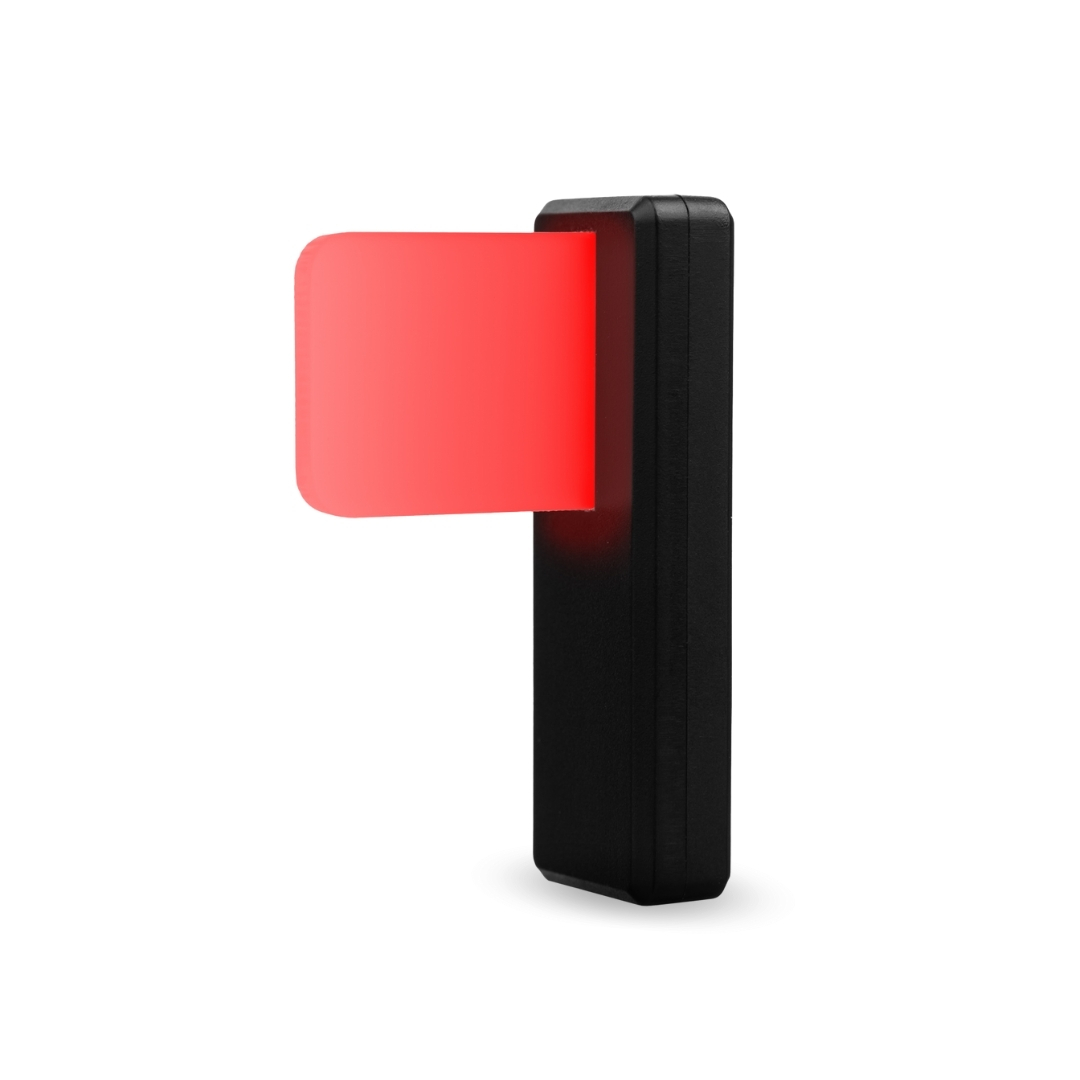
Luxafor Flag
How can I attach Luxafor Flag to my computer?
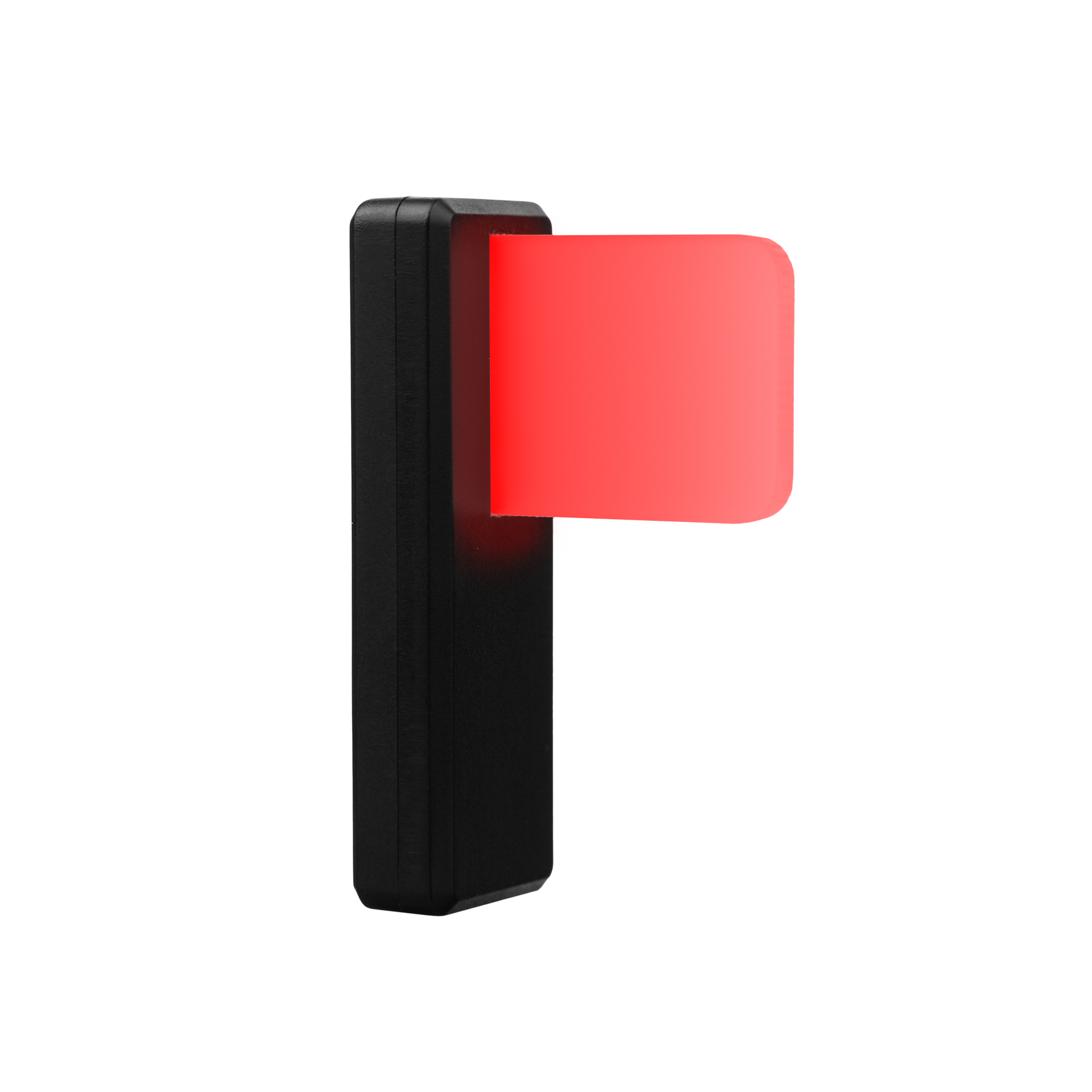
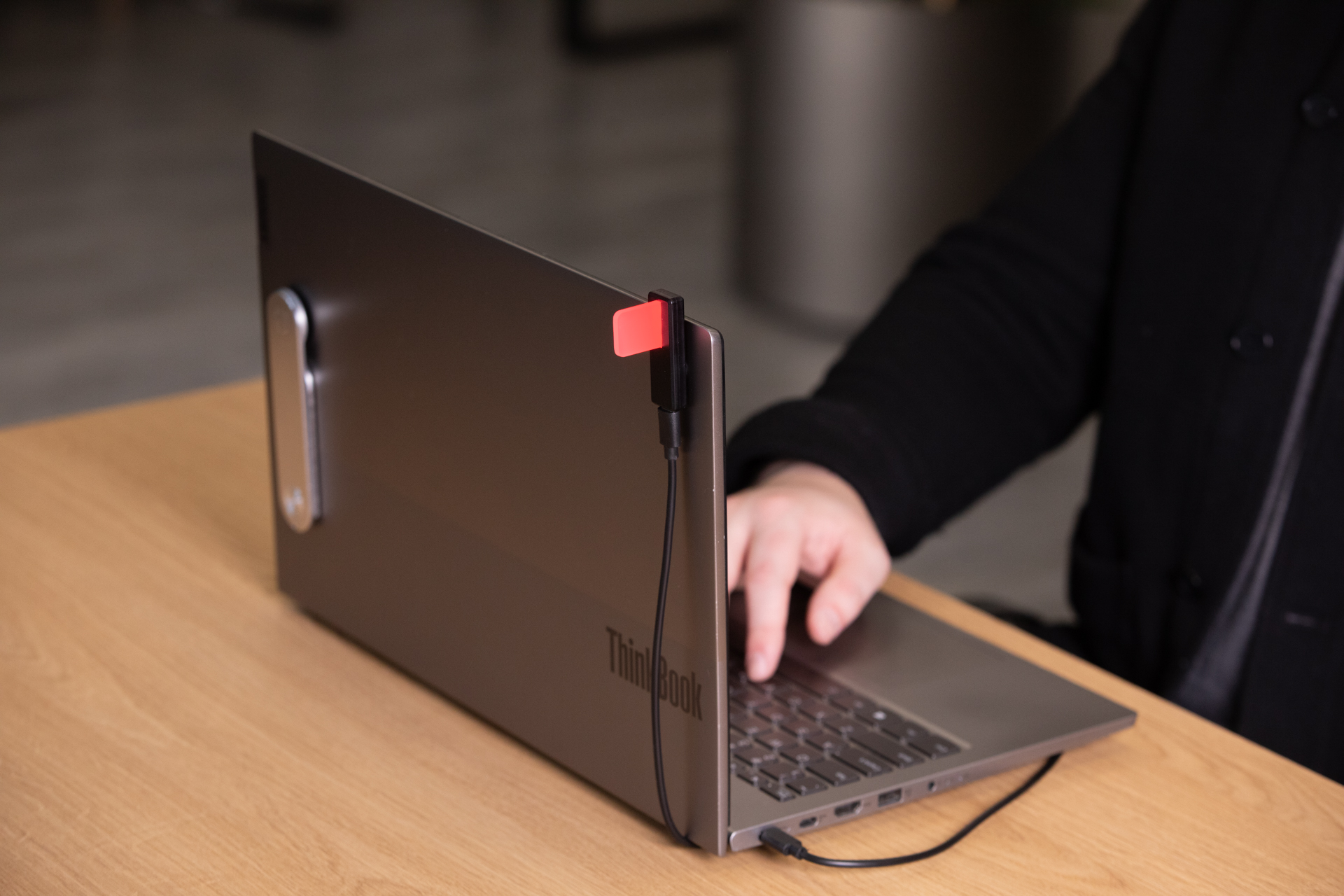
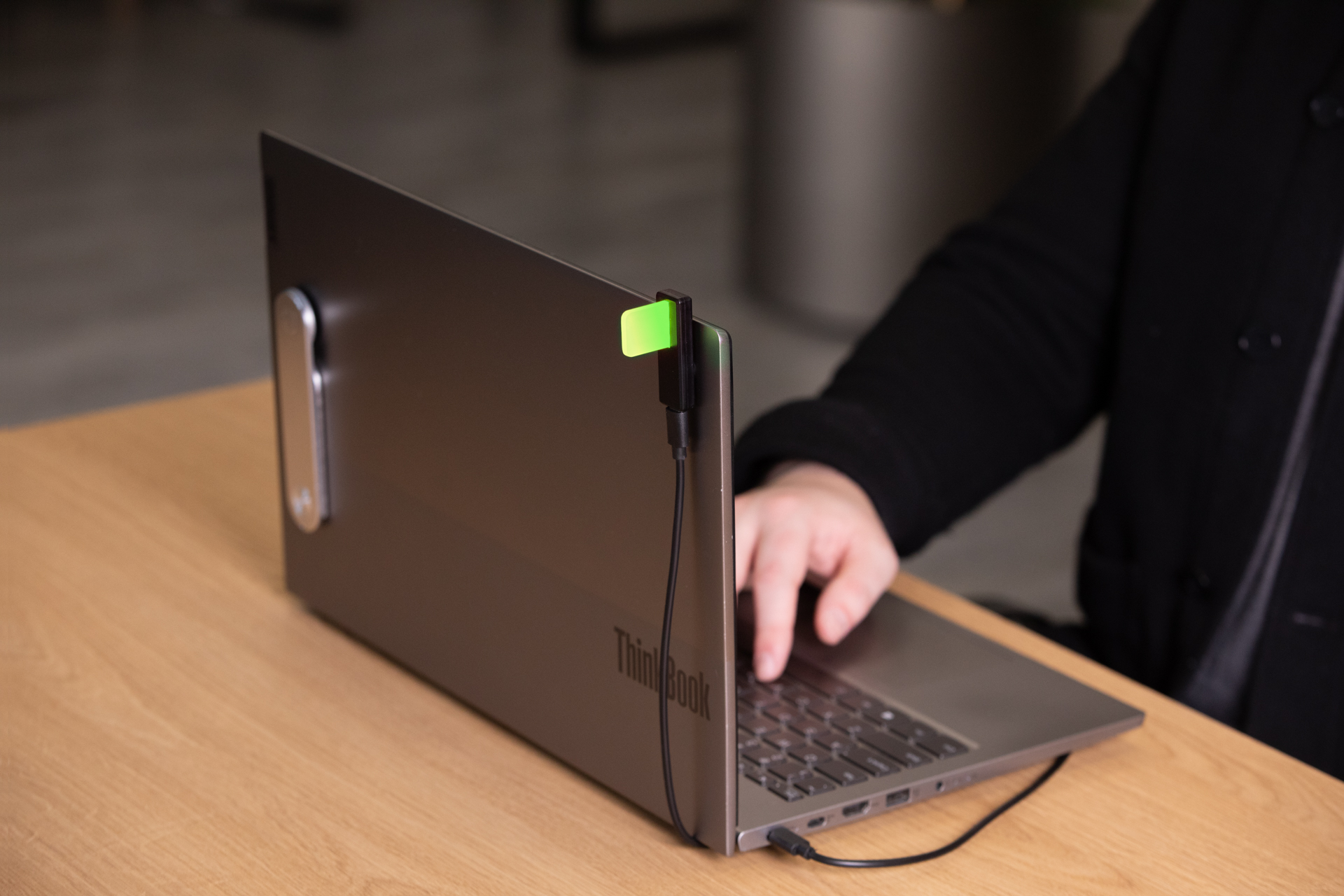
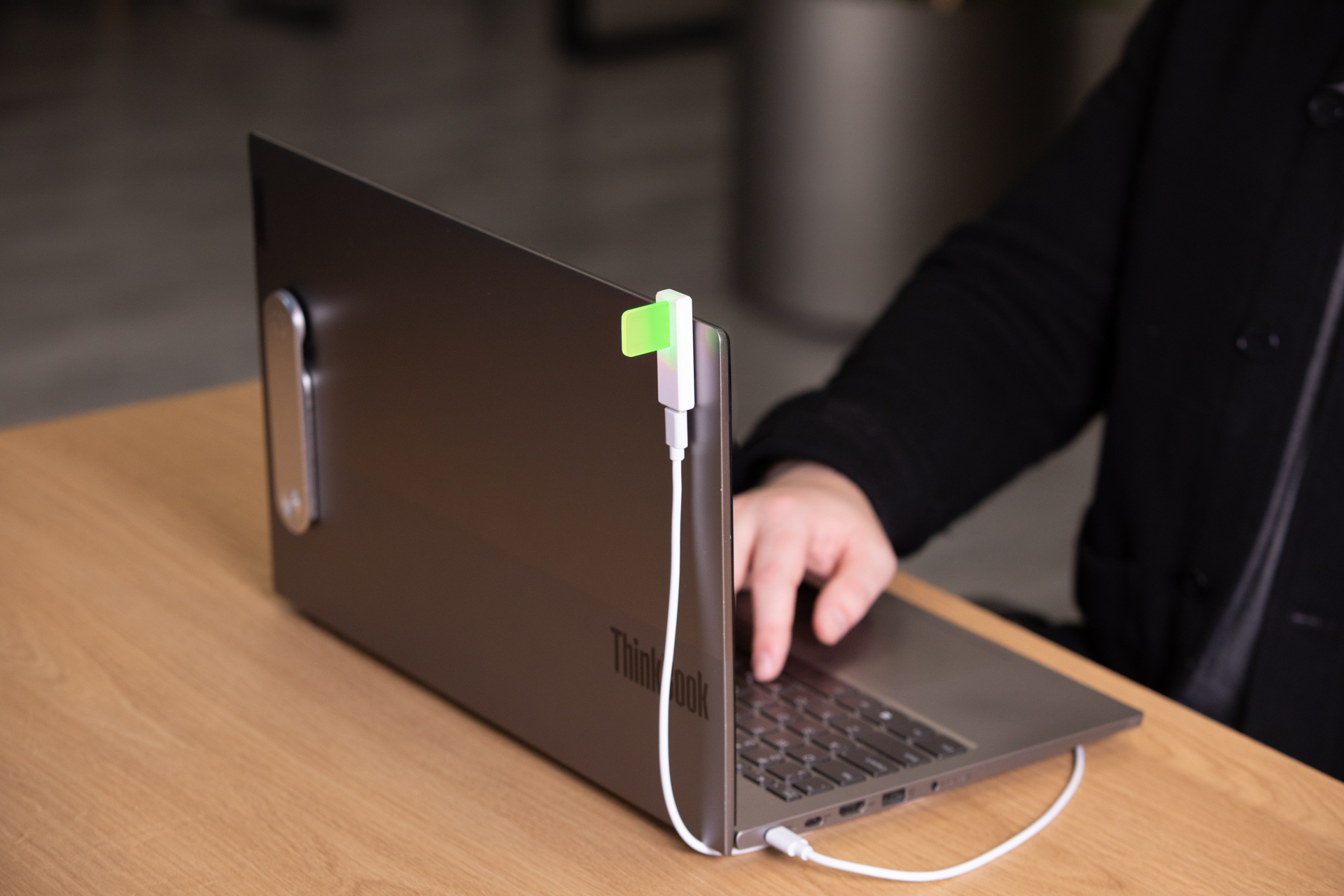
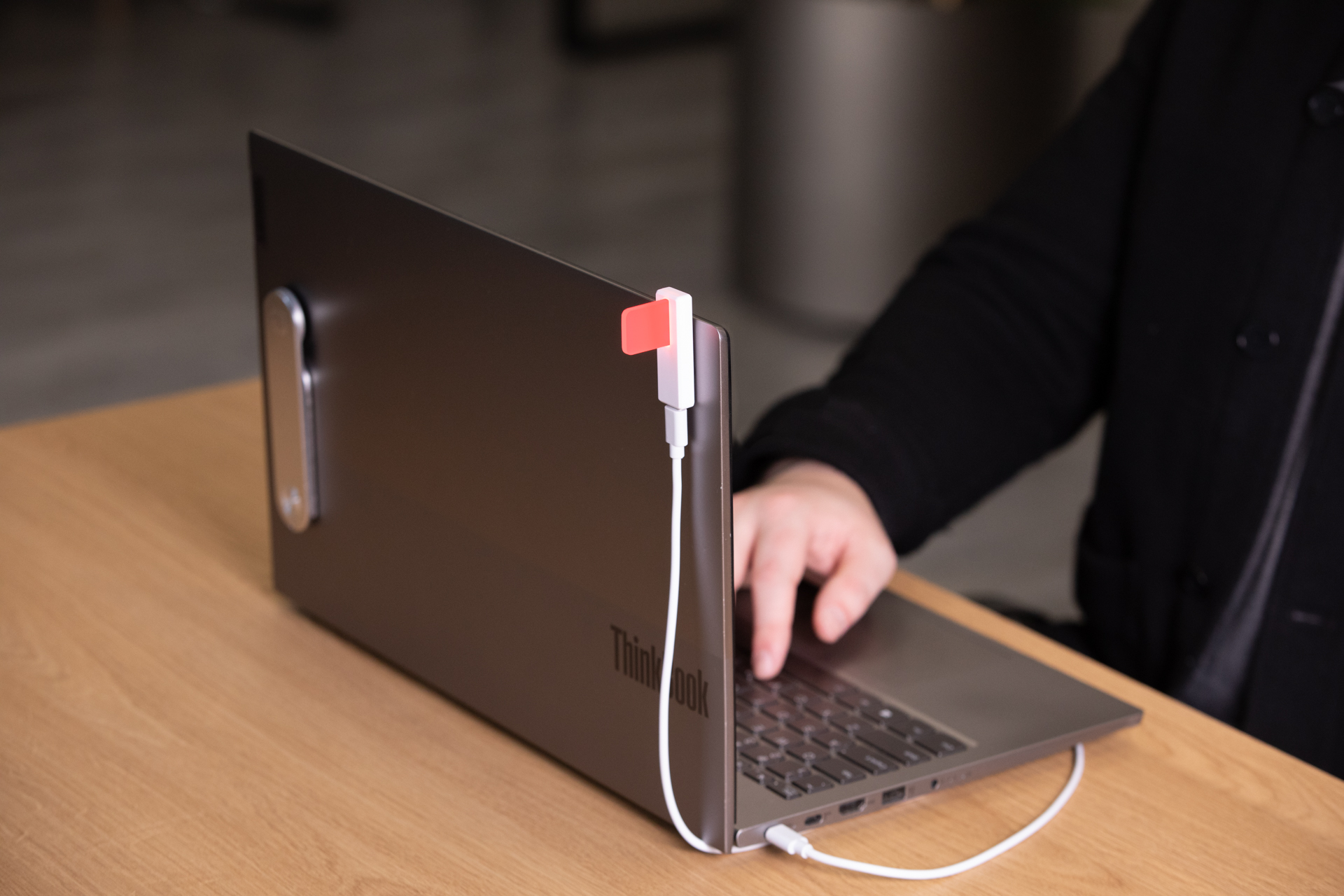
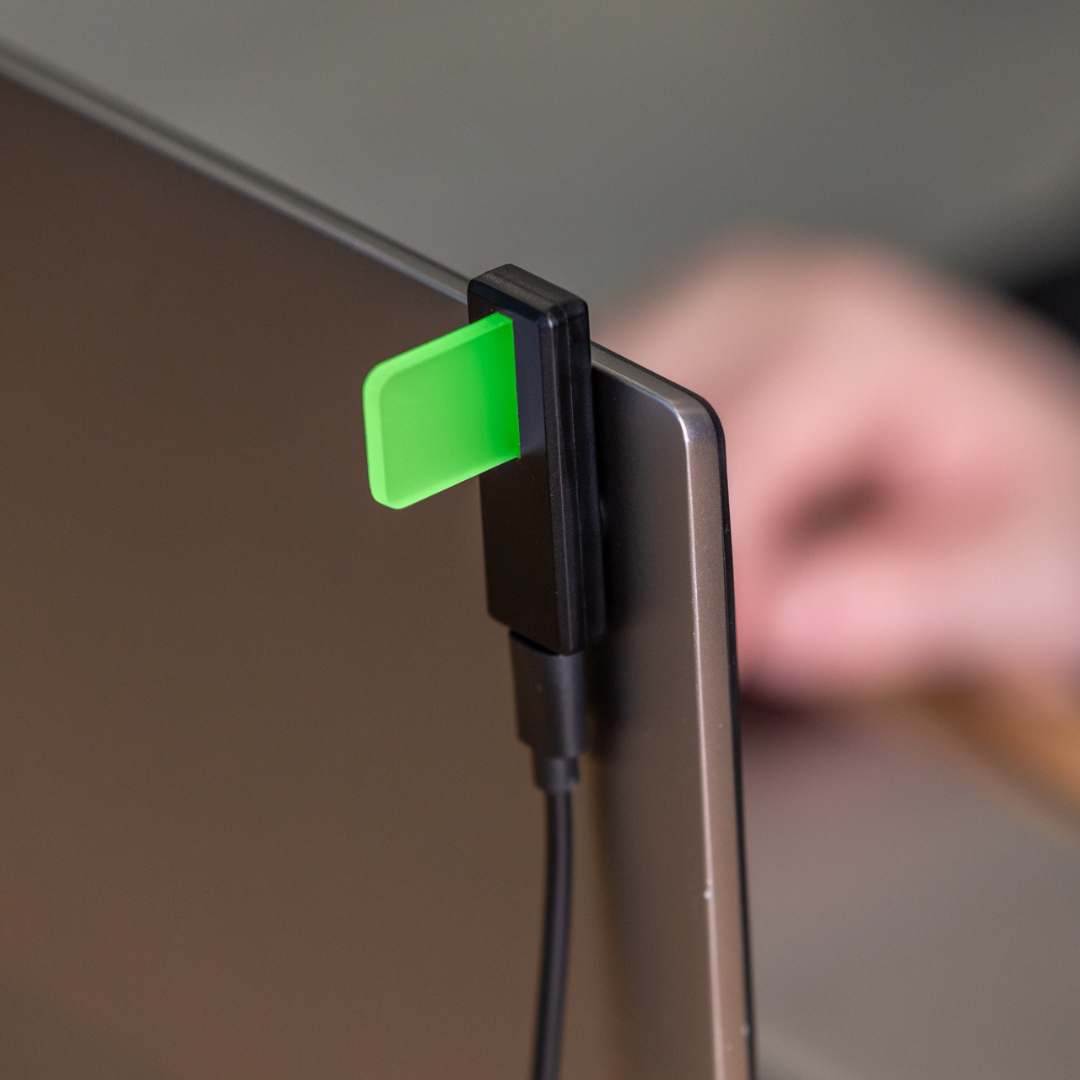
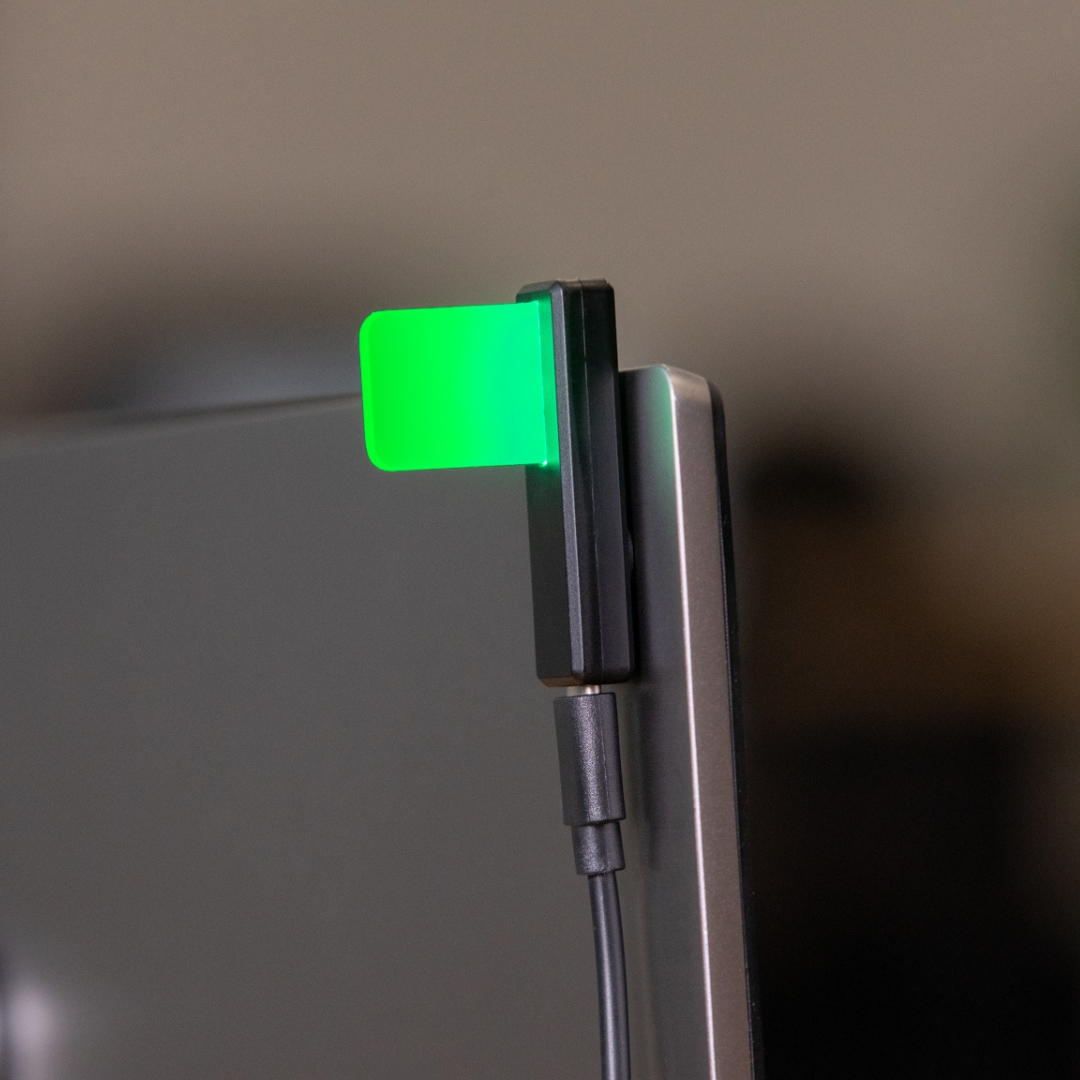
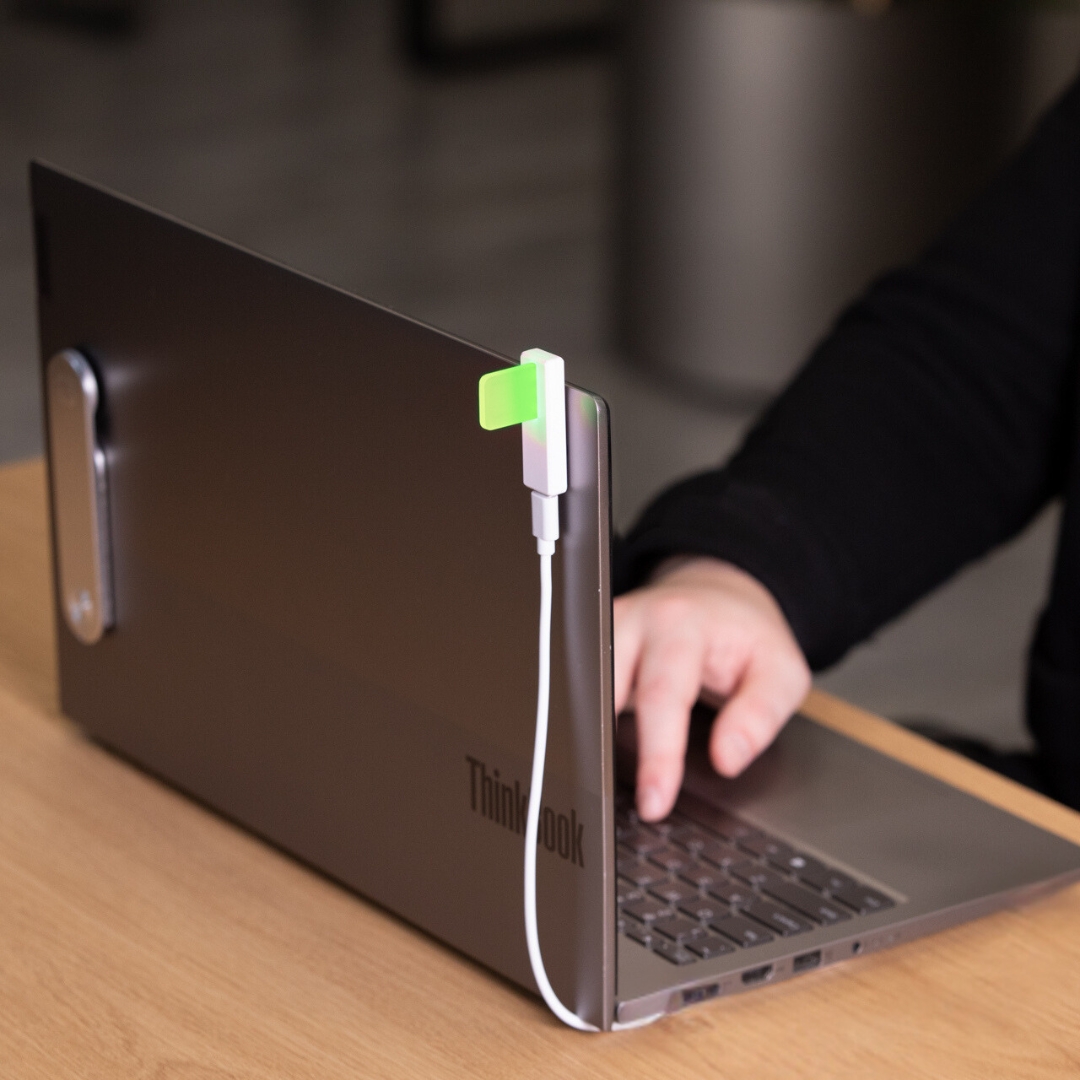
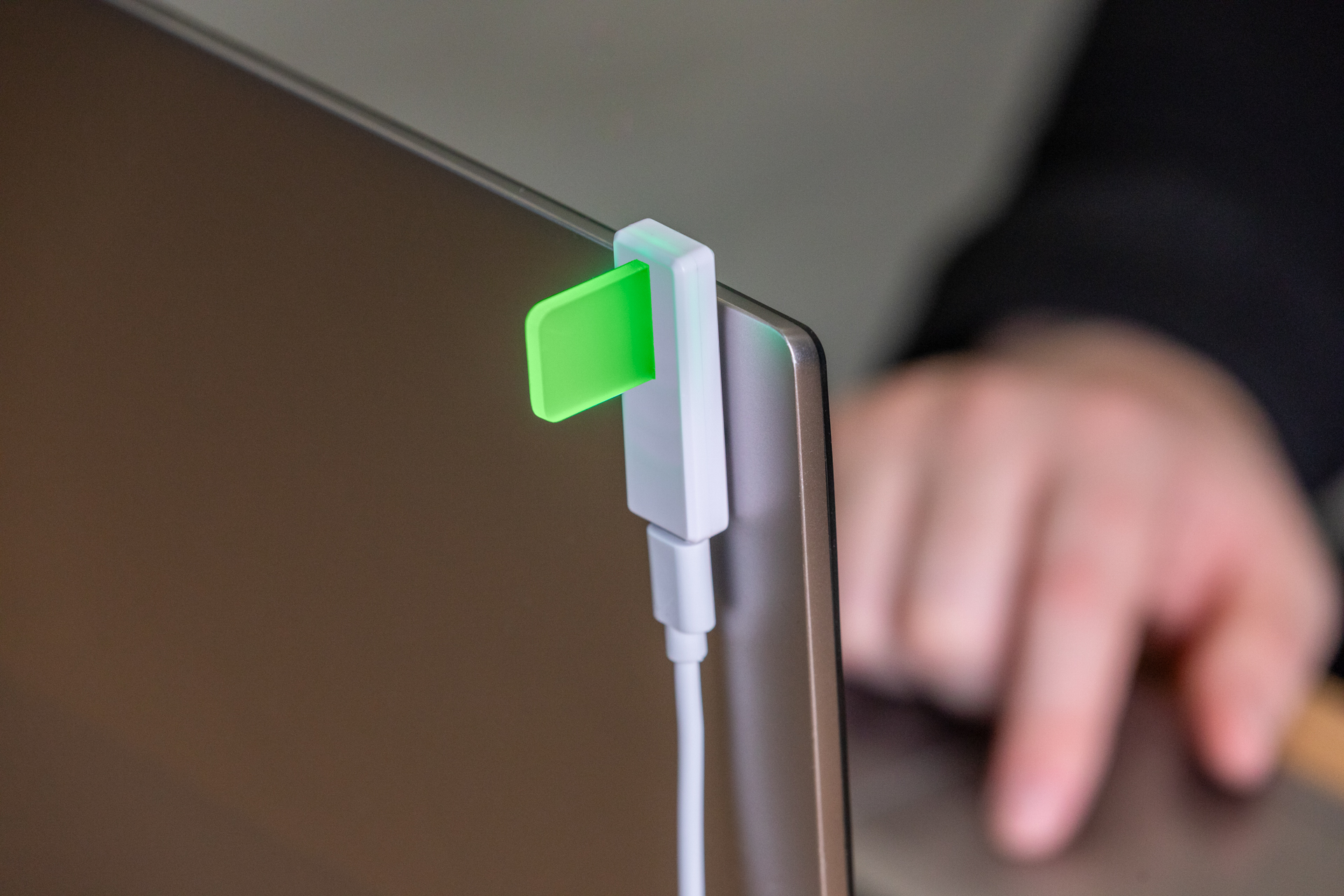
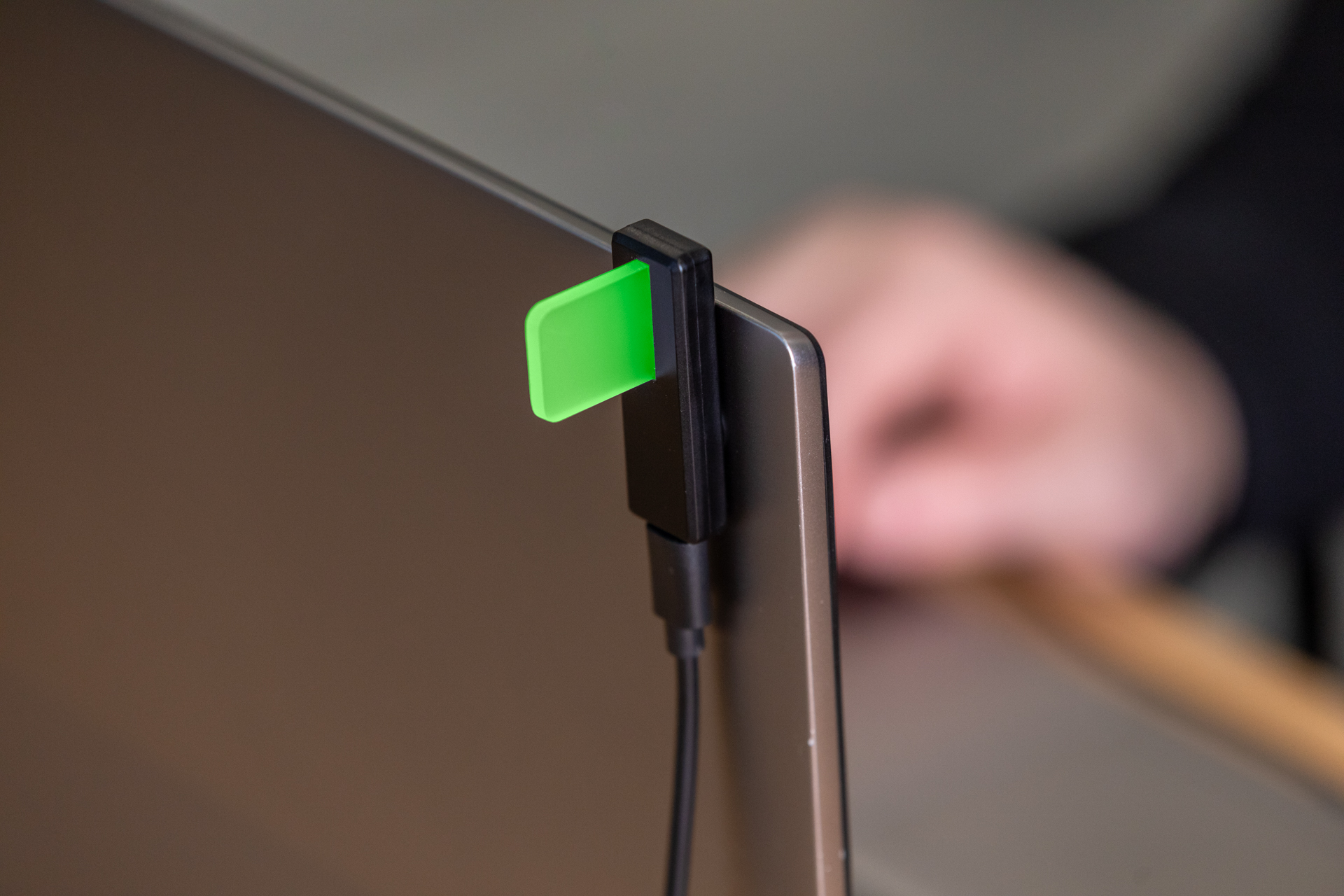
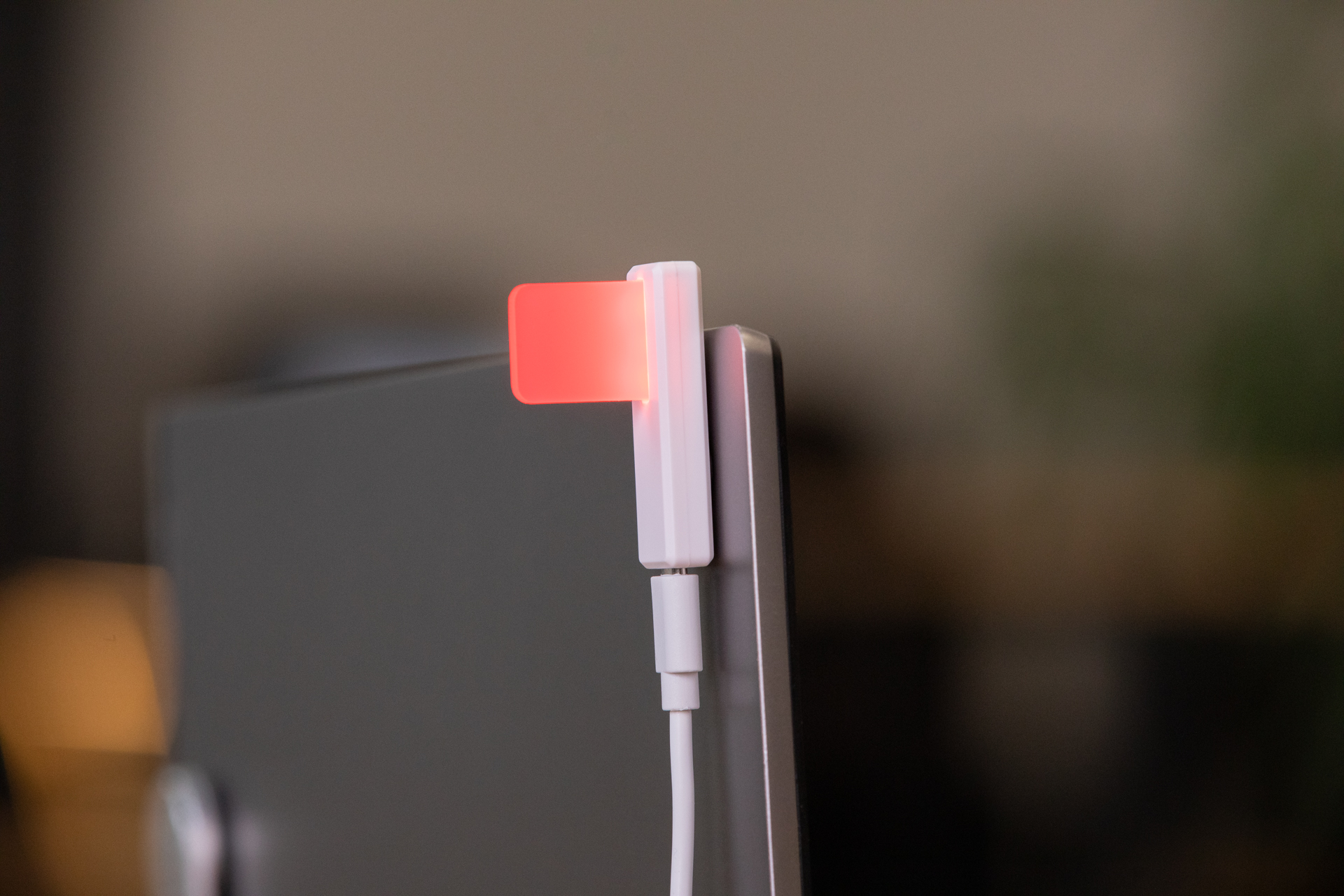
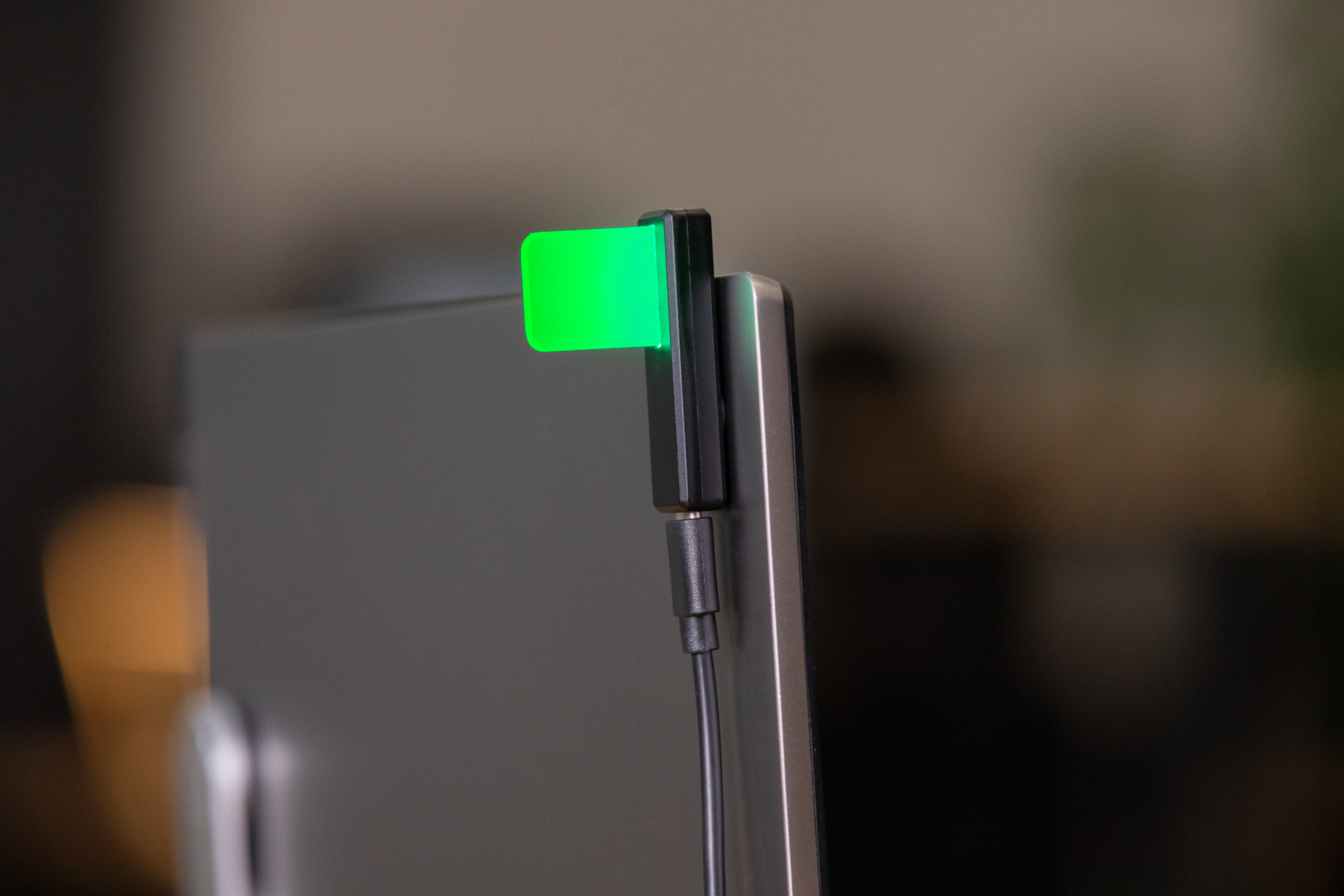
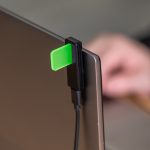
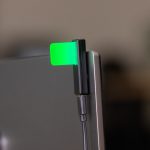
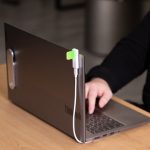
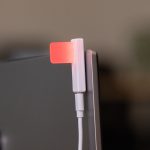
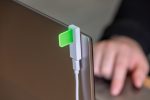
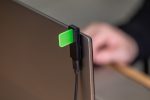
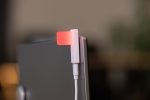
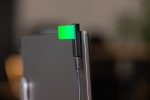
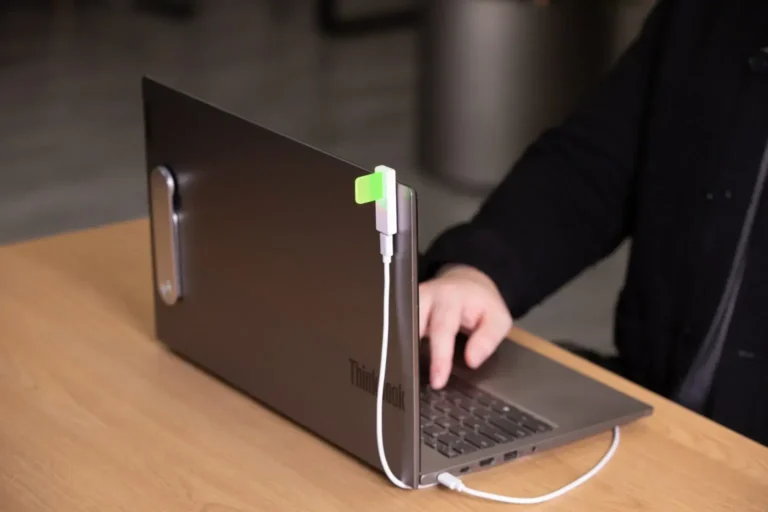
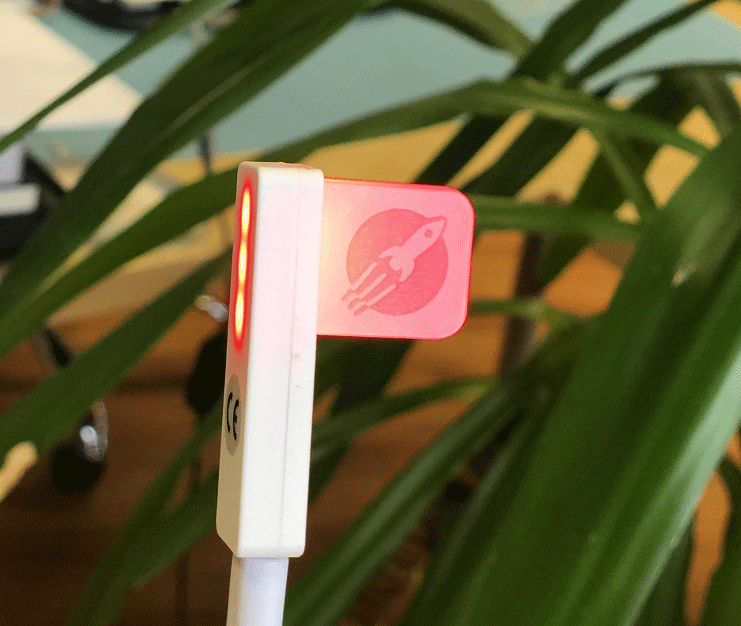
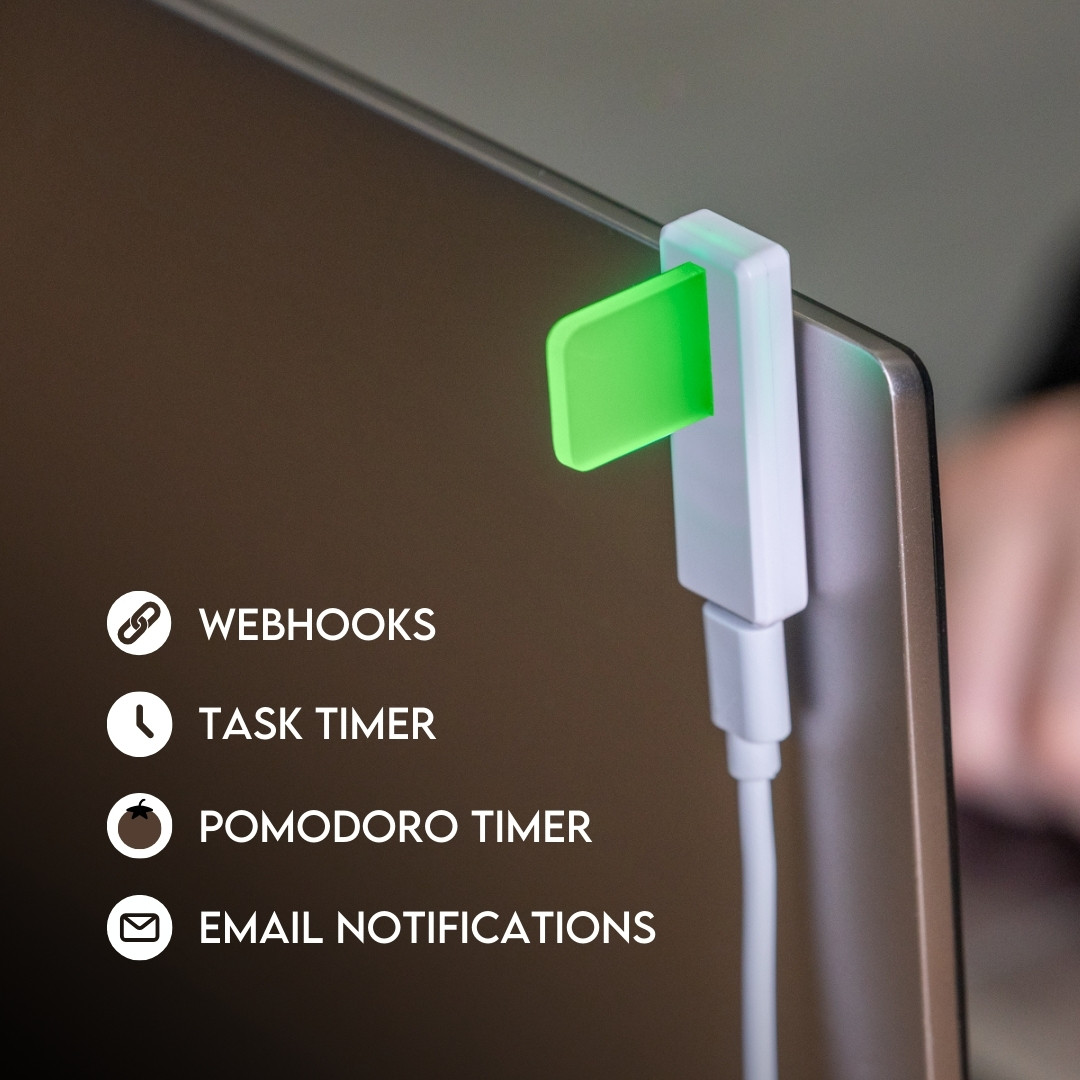
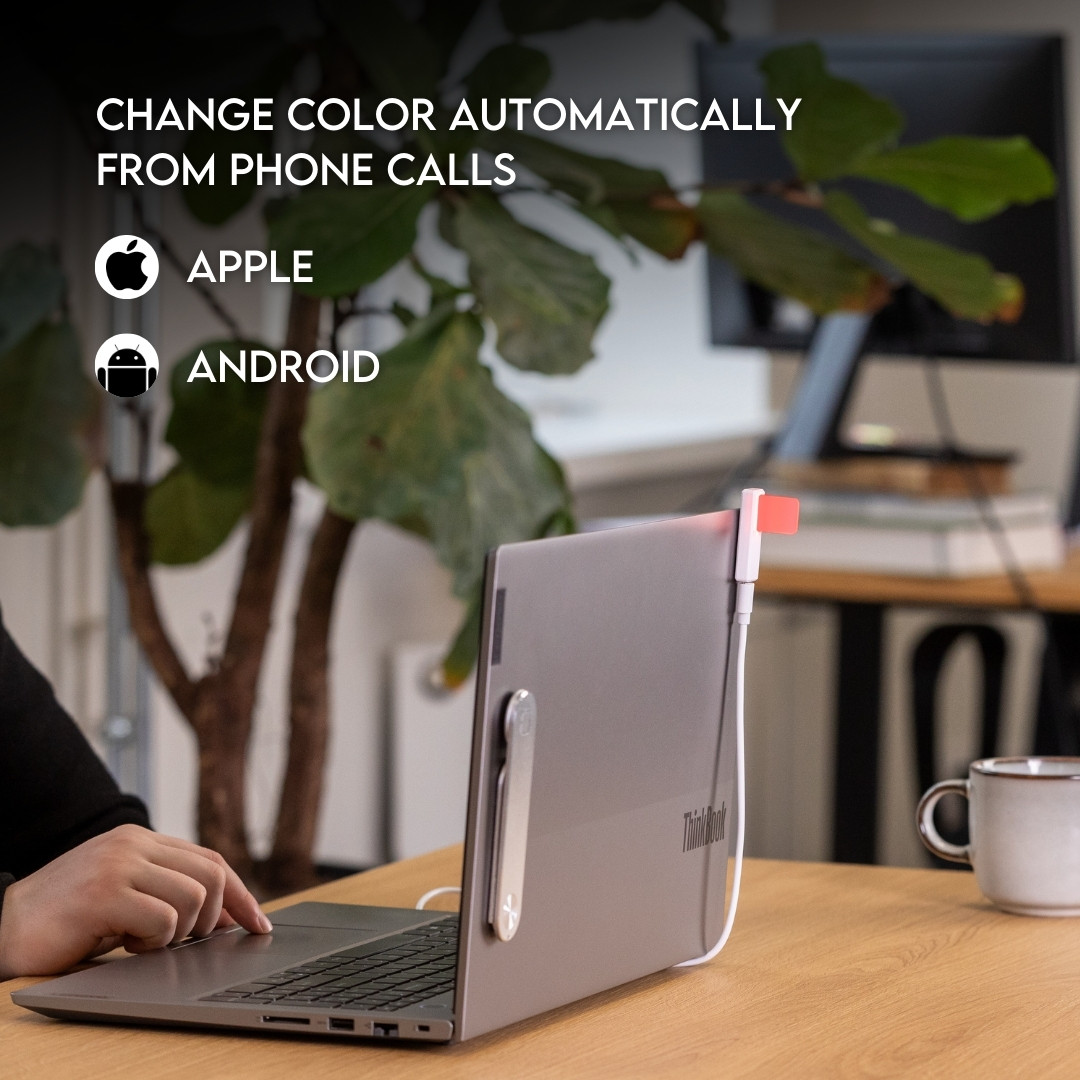
Use the Magnet included in the package to attach Luxafor Flag to any surface. Simply remove the plastic from the double-sided tape that is on the magnet and attach the magnet to any surface on which you would like to place your Luxafor Flag, such as your laptop, cubicle partition etc.
The magnet is safe to remove at any time, and it does not leave any residue.
How can I connect Luxafor Flag with my computer?
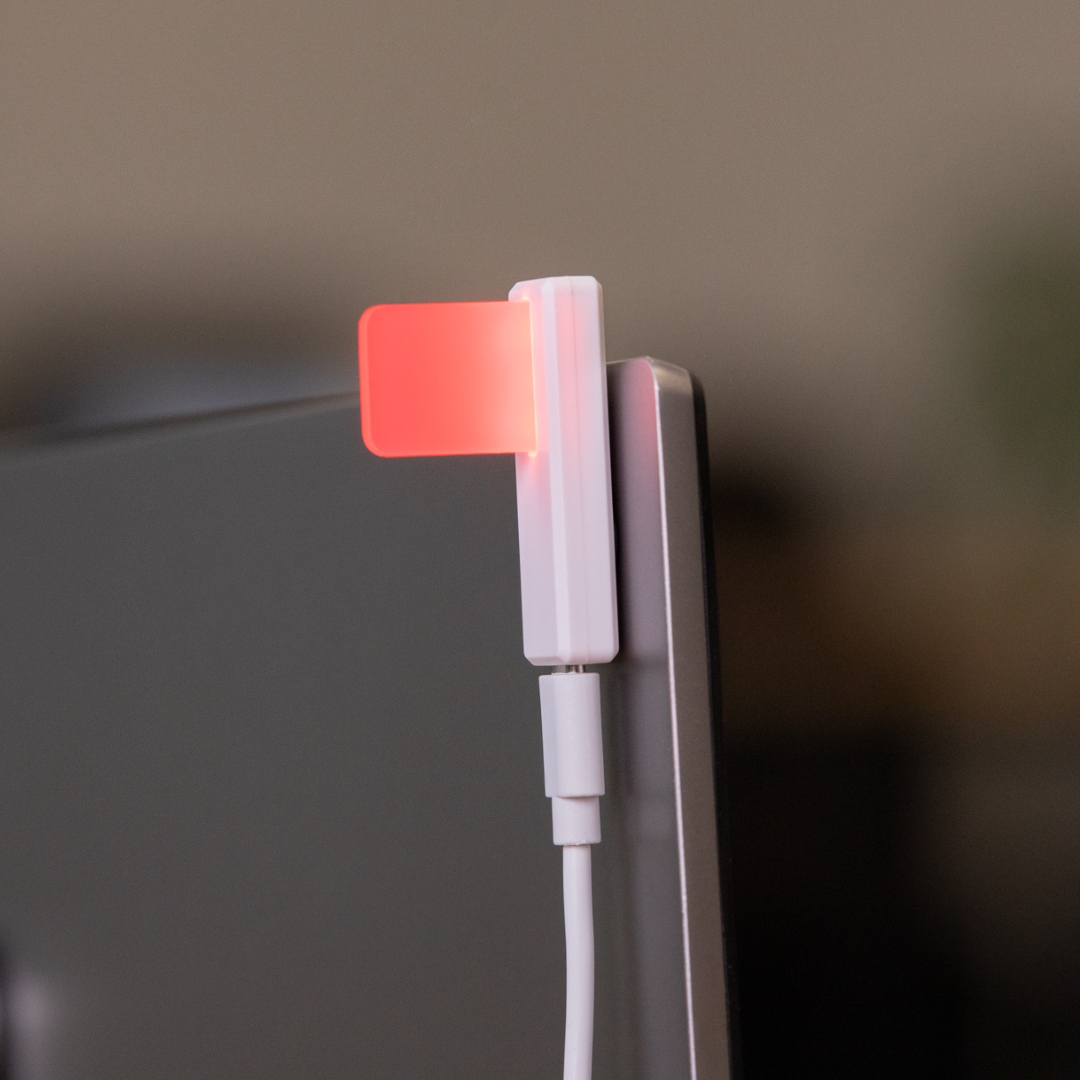
Connect Luxafor Flag to your PC or Mac by plugging the included data cable into a USB port of your computer (or a hub connected to your computer) and plug the other end into the Luxafor Flag micro USB port.
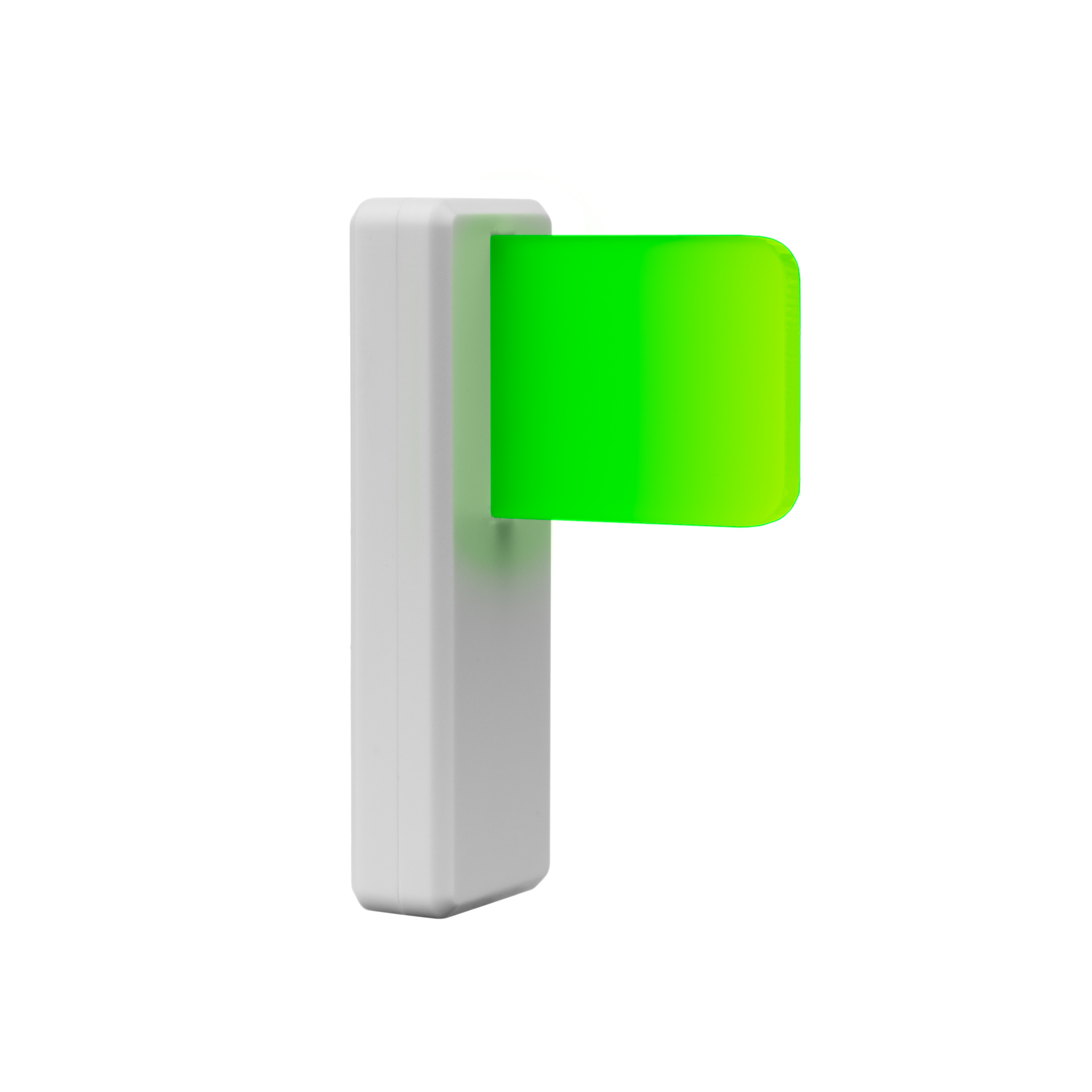
The Luxafor Flag includes a magnetic base with an adhesive backing. Simply peel off the adhesive cover, stick it to a flat surface, and attach the flag magnetically.
Can I use my own USB cable to connect Luxafor Flag?
No, Luxafor Flag will work only with the original USB cable provided.
Will Luxafor Flag work with my computer?
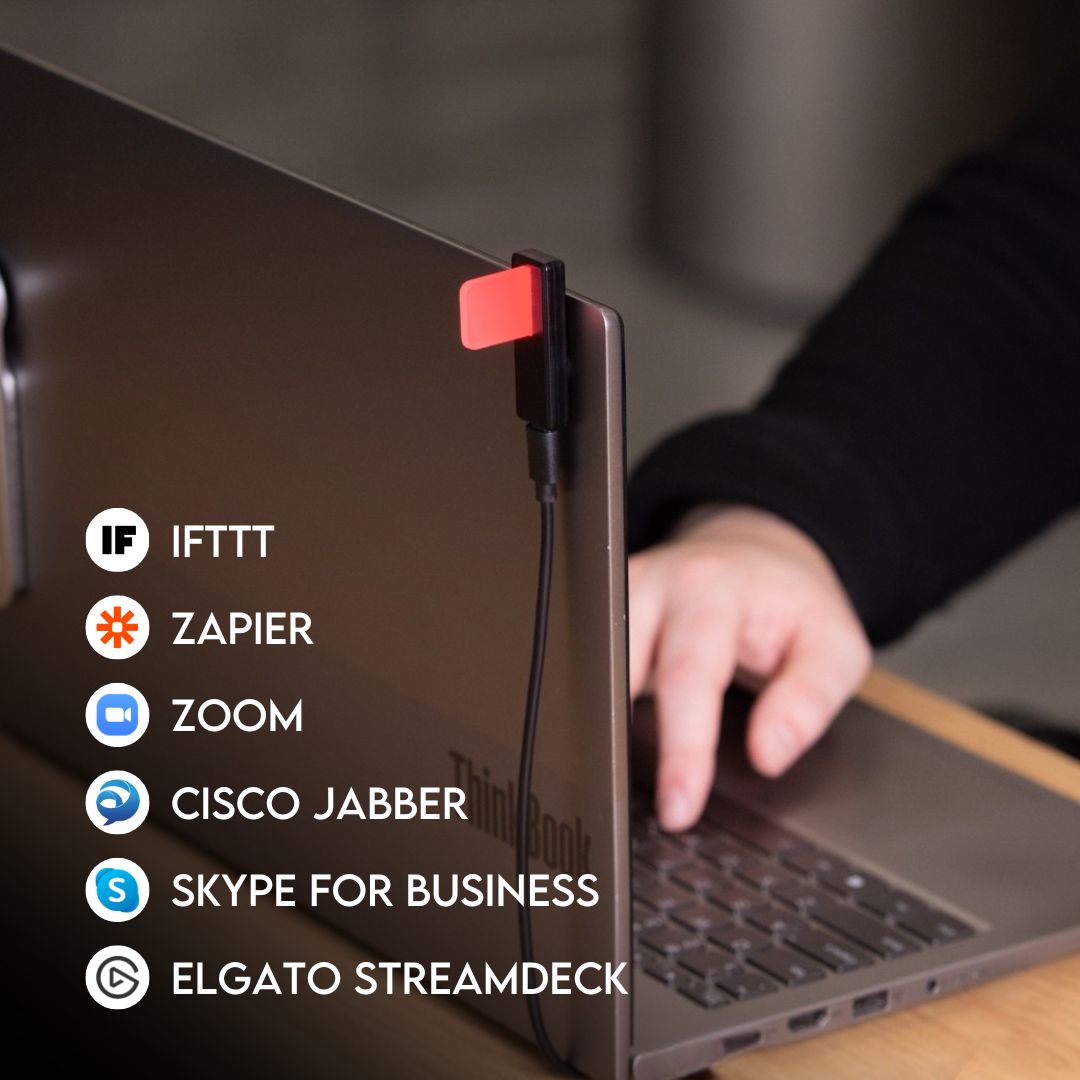
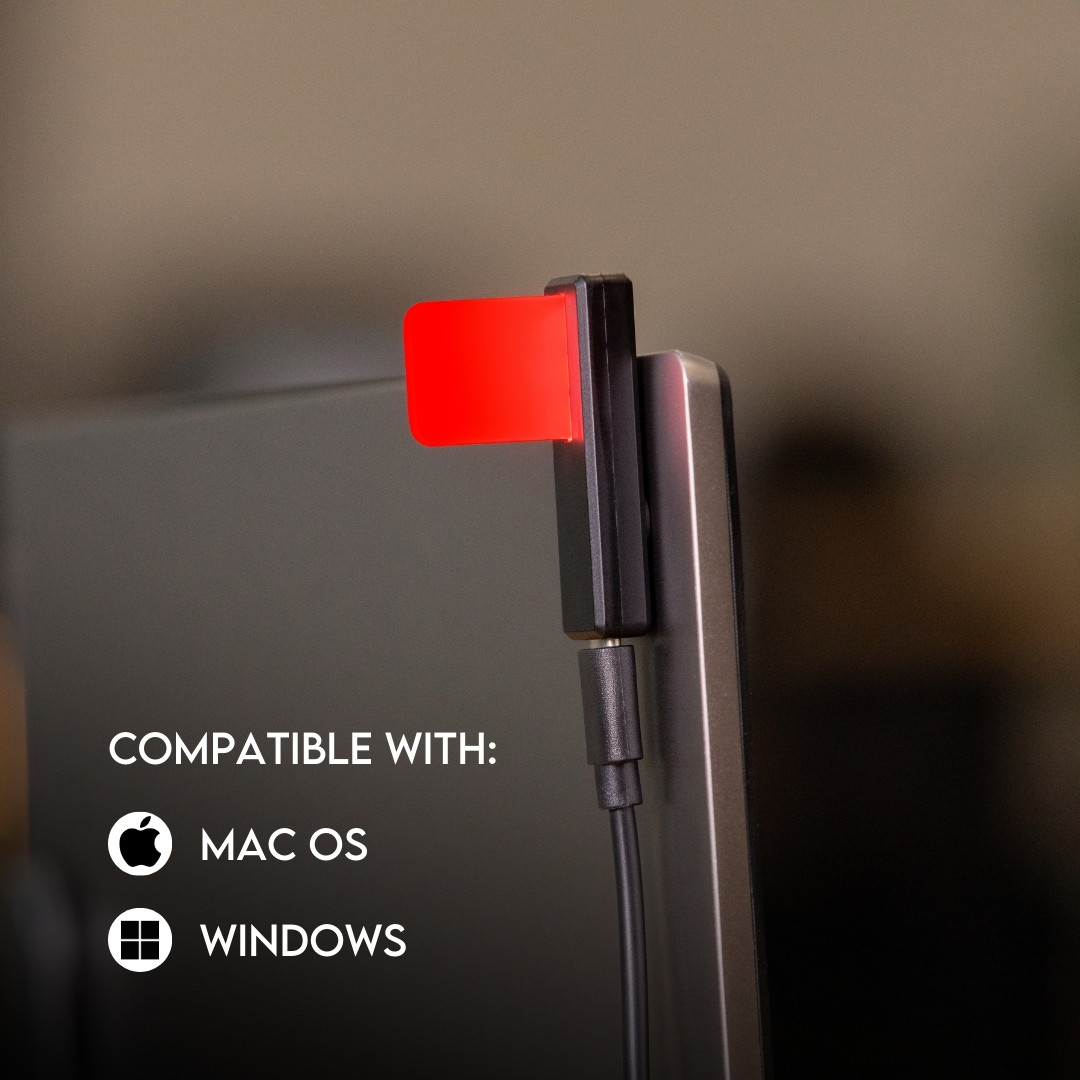
You can use Luxafor Flag with any computer that runs the following OS:
Windows: Windows 7 or later
Mac: macOS 10.14.6. (Mojave) or later
How can I get a logo engraving on the Luxafor flag?
To engrave the logo of your company, you need to order at least 60 Luxafor Flag units. Engraving costs an extra $7.00 per unit. Engraving cost per unit is lower if you order in bulk.
Send the logo in vectors, along with your billing and shipping address, your preferred payment method, and number of Luxafor Flag units you’re ordering to luxafor@greynut.com.
Does Luxafor Flag come with a warranty?
Yes, Luxafor products have a standard 2 year warranty.
Does it require additional software to work?
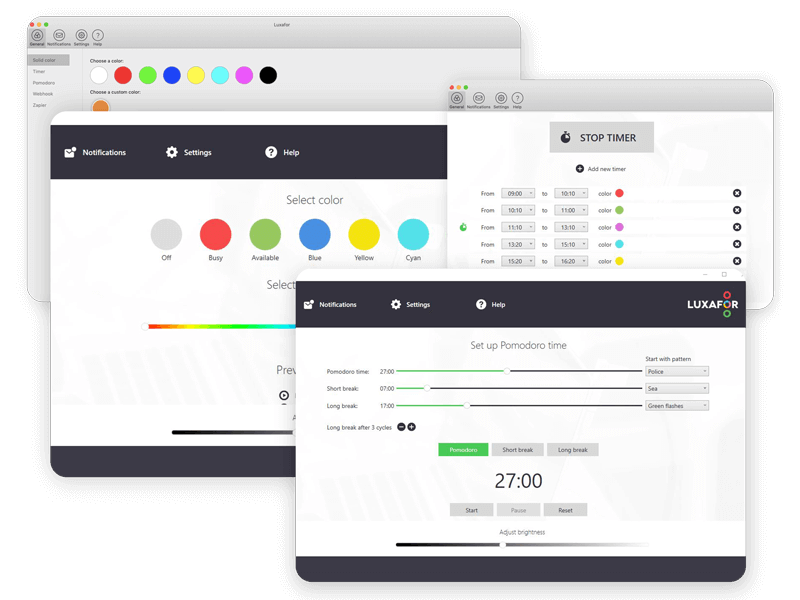
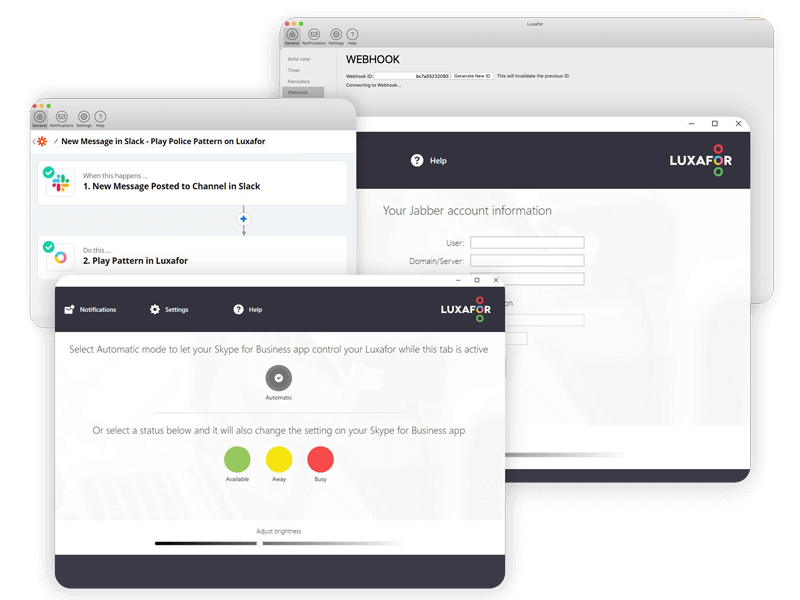
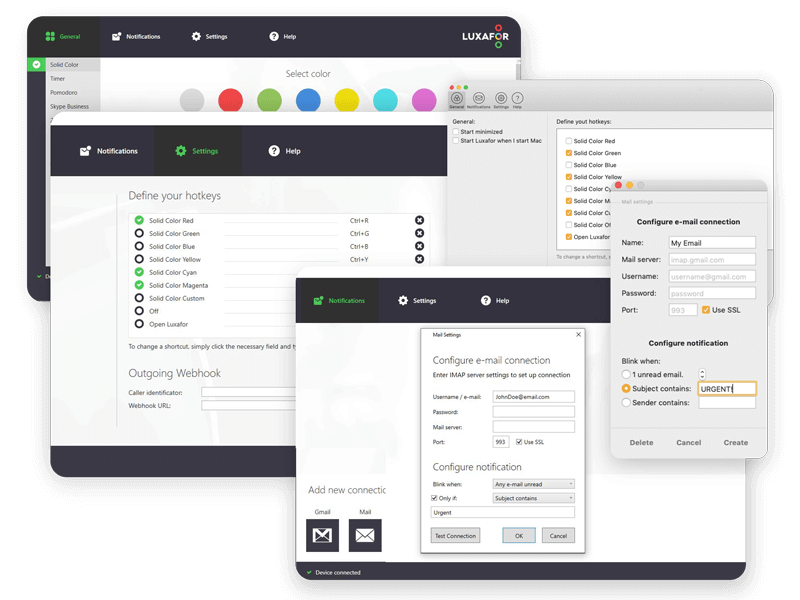
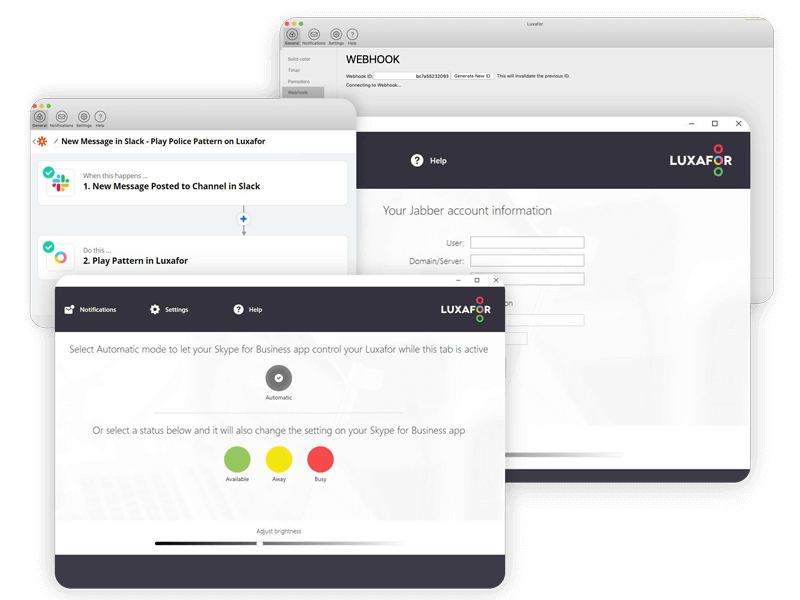
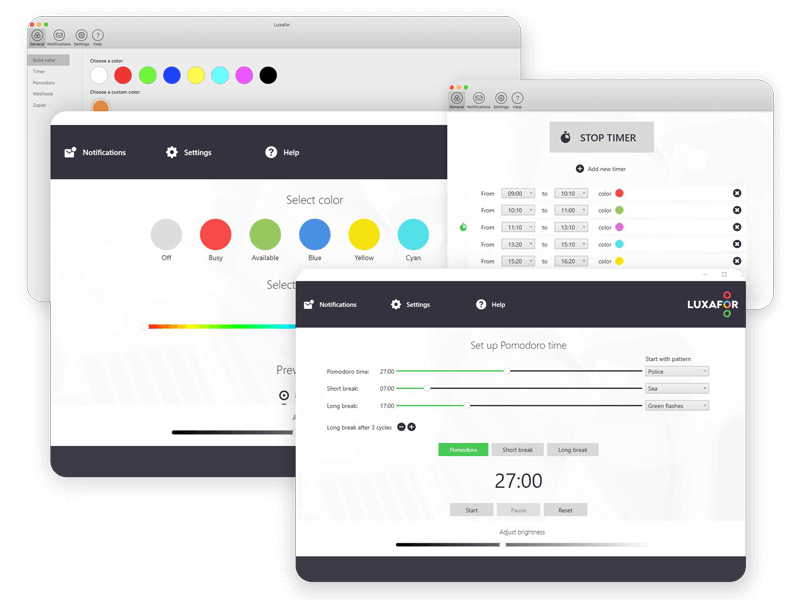
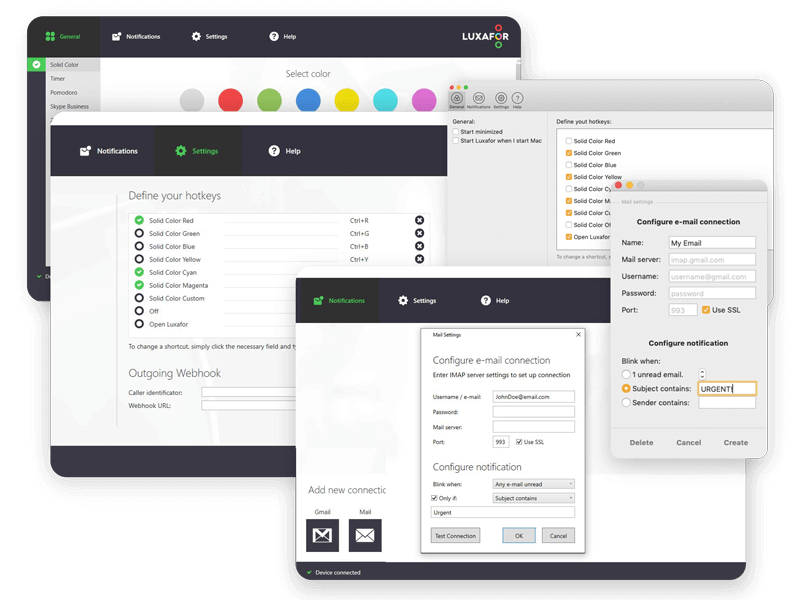
Only the Luxafor app is required.
Can it be controlled remotely?
Yes, the device can be controlled from the Luxafor phone app. It must be connected to your computer, with the Luxafor app opened. Here’s the guide to controlling the device remotely.
Payments
What currency is the pricing in?
All pricing on our online store is shown in USD (U.S. Dollars) or EUR (Euro).
Can I pay with Credit Card?
Yes, on our online store you can choose to pay by Bank Transfer, PayPal, or Credit Card.
We accept the following cards: Visa, MasterCard, American Express, Discover, Diners Club, Maestro, JCB.
Is my payment information secure?
We use 3D Secure™ (or 3DS) payment method, so your bank might ask you to verify your identity to confirm the payment.
This secure online payment service is available for Visa, Maestro, American Express and MasterCard cards. The authentication procedure is simple and involves 3 steps.
– Place your order and enter your debit or credit card information.
– If the security system is activated for your card, a 3D Secure™ window will open. Your bank will ask you to verify your identity by entering an authentication code (In most cases, this is a single-use security code that is sent to you by SMS on your mobile phone) or by logging into your internet-bank.
– Once you enter the correct security code or have successfully logged into your internet-bank and your payment is accepted, your order placement is confirmed.
* After 3 failed authentication attempts, your transaction will be canceled and a hold will be placed on your card. In this case, you will have to contact your bank.
The 3D Secure™ payment system is available through your bank under the name “Verified by Visa” for Visa cards or “Mastercard SecureCode” for Mastercard cards, or “American Express SafeKey” for American Express cards. Please contact your bank for complete information on this service and the terms of use.
Who pays the customs duties & taxes?
All pricing on our online store is shown with taxes included. However, we aren’t responsible for additional charges you may incur as a result of international duties for shipping your goods.
Orders
How can I order a Luxafor Flag for my company in the EU?
To issue an invoice without VAT, please send the full name of your company and its VAT number along with the billing and shipping address, your preferred payment method, and the number of Luxafor Flag units (specifying the cable length) to luxafor@greynut.com.
How can I get a logo engraving on the Luxafor flag?
To engrave the logo of your company, you need to order at least 60 Luxafor Flag units. Engraving costs an extra $7.00 per unit. Engraving cost per unit is lower if you order in bulk.
Send the logo in vectors, along with your billing and shipping address, your preferred payment method, and number of Luxafor Flag units you’re ordering to luxafor@greynut.com.
I need to change something on my order. How can I do that?
If you need to change or cancel your order, please contact us at luxafor@greynut.com immediately. We generally process orders within 24 hours, and once we have processed your order, we’ll be unable to make any changes.
Bulk Orders
1. GENERAL CONDITIONS
1.1. Order Placement: All bulk orders must be placed via our official channels: online store or e-mail (in specific cases). Minimum order quantities apply and vary depending on the product.
1.2. Eligibility: Bulk order terms are available both to legal and natural persons.
1.3. Order Confirmation:
1.3.1. if purchase is made via website, order is confirmed with an automated email of confirmation
1.3.2. if inquiry is made via email, order is confirmed only after confirmation by sales representative when invoice is fully paid
1.4. Lead Time: Standard time for bulk orders processing is 2-5 business days. After an order is processed for shipping, a tracking number is provided.
2. PRICING
2.1. Discounts are tiered based on the order quantity. The following structure applies:
2.1.1. Volume Discounts on devices under USD/EUR 80 per unit
2.1.2. Volume Discounts on devices above USD/EUR 80 per unit
2.2. All prices are inclusive of taxes.
2.3. To apply the Bulk discount, use the applicable discount code in your e-shop cart before check-out.
2.4. For orders above the standard bulk quantity, please send an inquiry to support@luxafor.com
3. OTHER QUESTIONS
3.1. Handling, Shipping and Customs: Your order typically will be shipped via Regular Mail, UPS, in some cases via FedEx. Duty fees are to be covered by the receiver.
3.2. Complex orders: if you have few different device order in mind (e.g. 50 flags + 50 orbs + 50 Cubes all in one shipment) – you can either make 3 separate e-shop orders with applicable coupon codes, or you can send your inquiry via email to have 1 invoice for the entire order. Please, contact support@luxafor.com
Shipping
Do you ship worldwide?
Yes, we do ship worldwide. However, we aren’t responsible for additional charges or delivery delays you may incur as a result of international duties.
What shipping options do you provide?
Local pick-up at Marijas street 20A-1, Riga, Latvia
Shipping by a UPS courier:
- Applied by default for orders equal with or exceeding 5 Luxafor Flag units (also available for smaller orders by request)
- Provides full tracking
- Delivery time: 2-10 business days
Shipping by regular mail:
- Applied by default for orders of less than 5 Luxafor Flag units
- Limited tracking (unable to see package location while it’s on its way)
- Delivery time: 10-25 business days
API
What APIs are available?
You’ll find all the files needed for development on Windows and Mac here.
Here’s what you’ll find in the downloaded file:
For Windows
- A sample code (an HID terminal for tests) and
- Code description and access to the HID library
- You can also use the sample HID terminal
For Mac
We’d appreciate it if you share your work with our community! Please send us the links to your work at luxafor@greynut.com
Support
Is there customer support available for troubleshooting issues?
Yes, support is available. You can access the device manual at luxaformanuals.com or troubleshoot issues via the knowledge base at luxafor.helpscoutdocs.com. For additional help, contact support via email at support@luxafor.com.