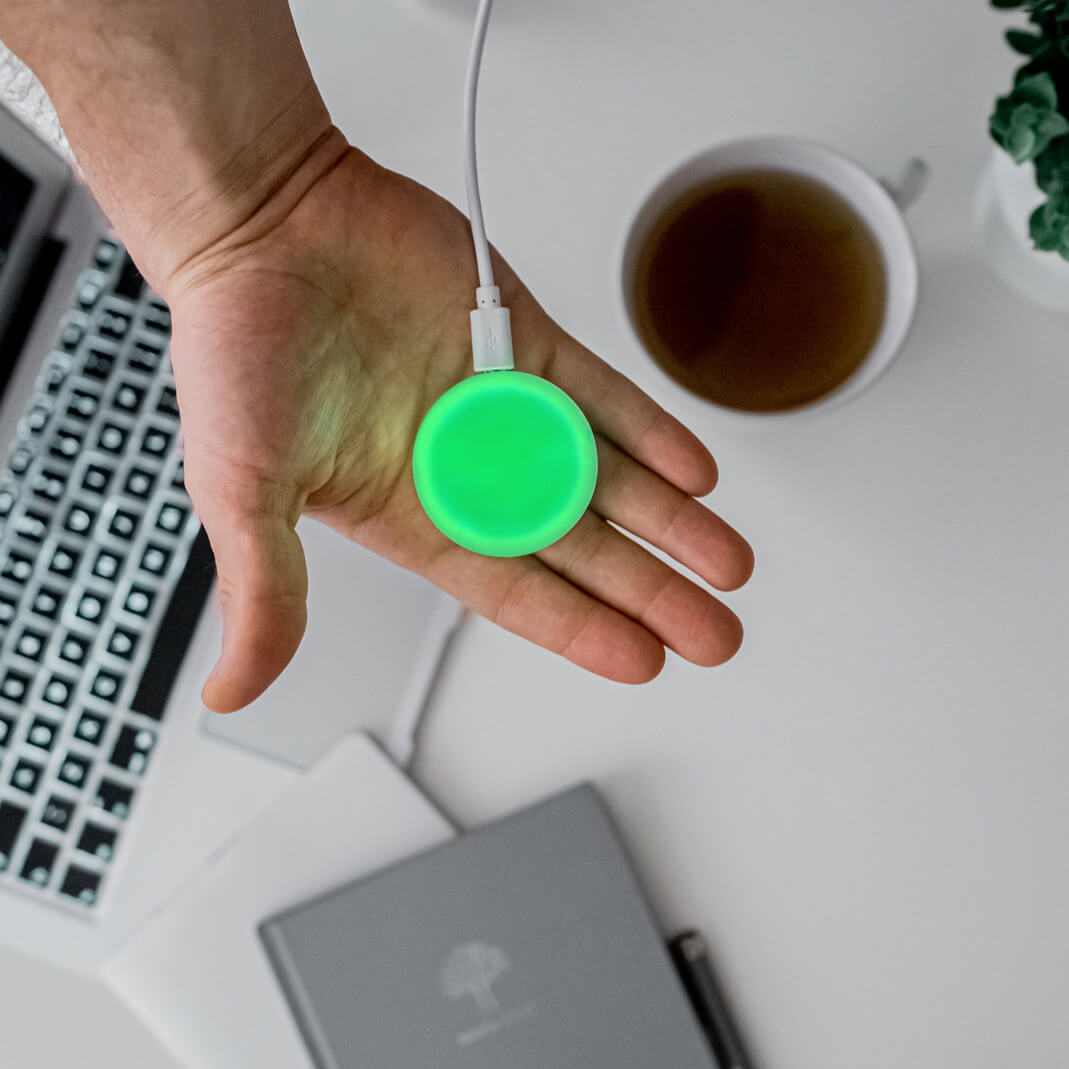
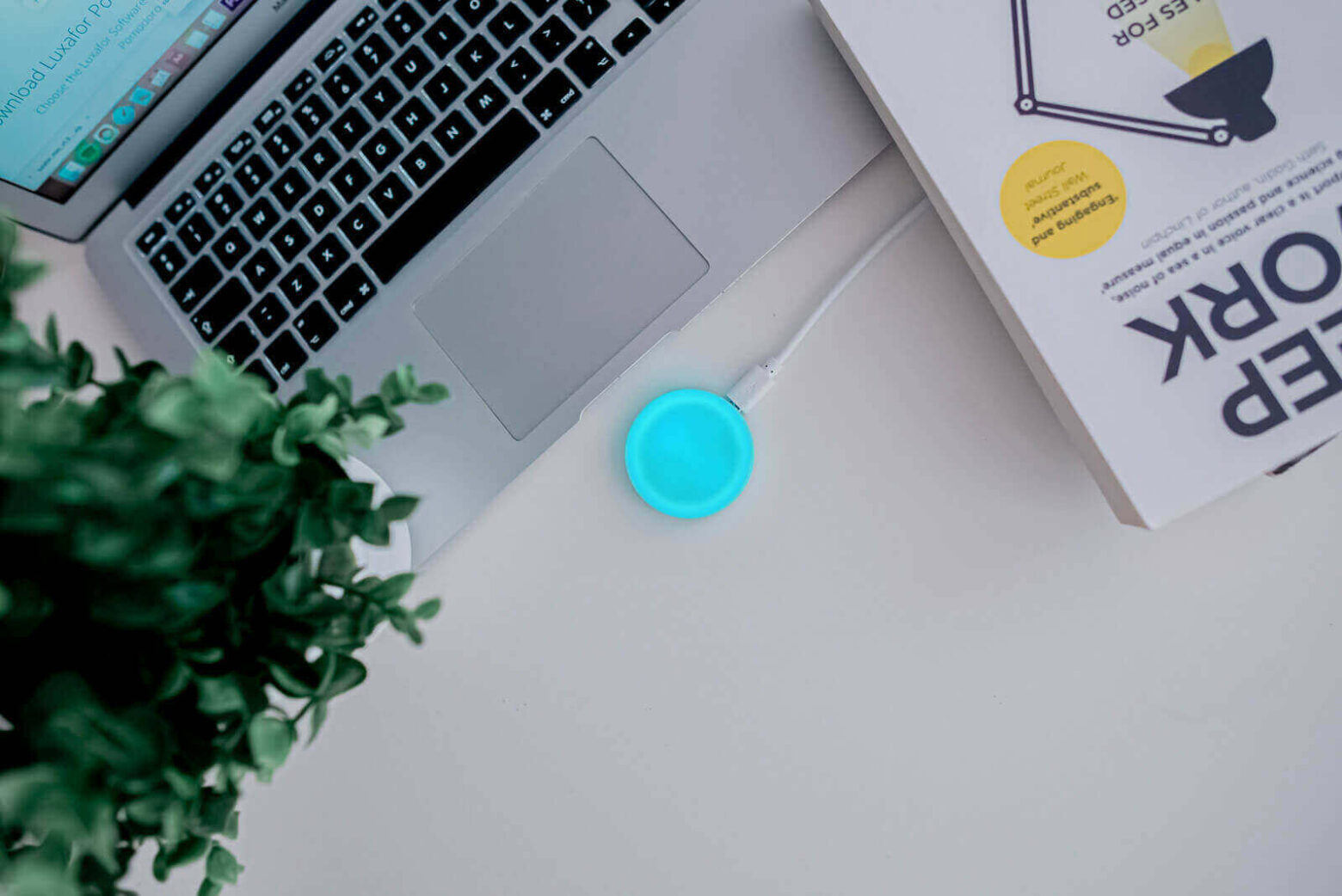
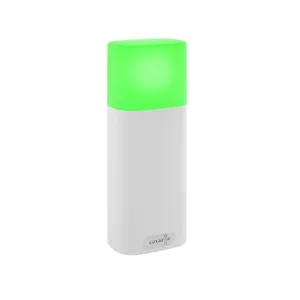
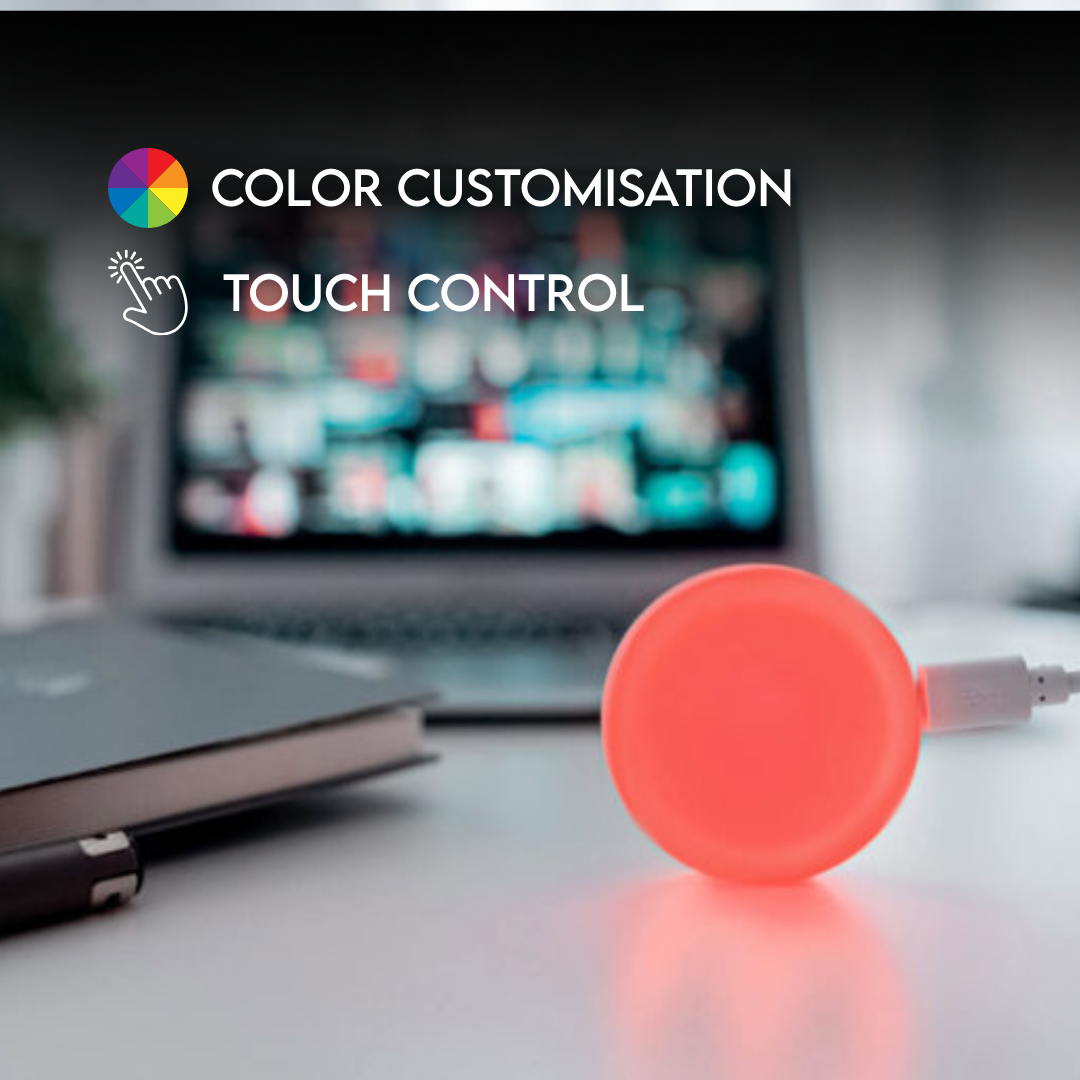
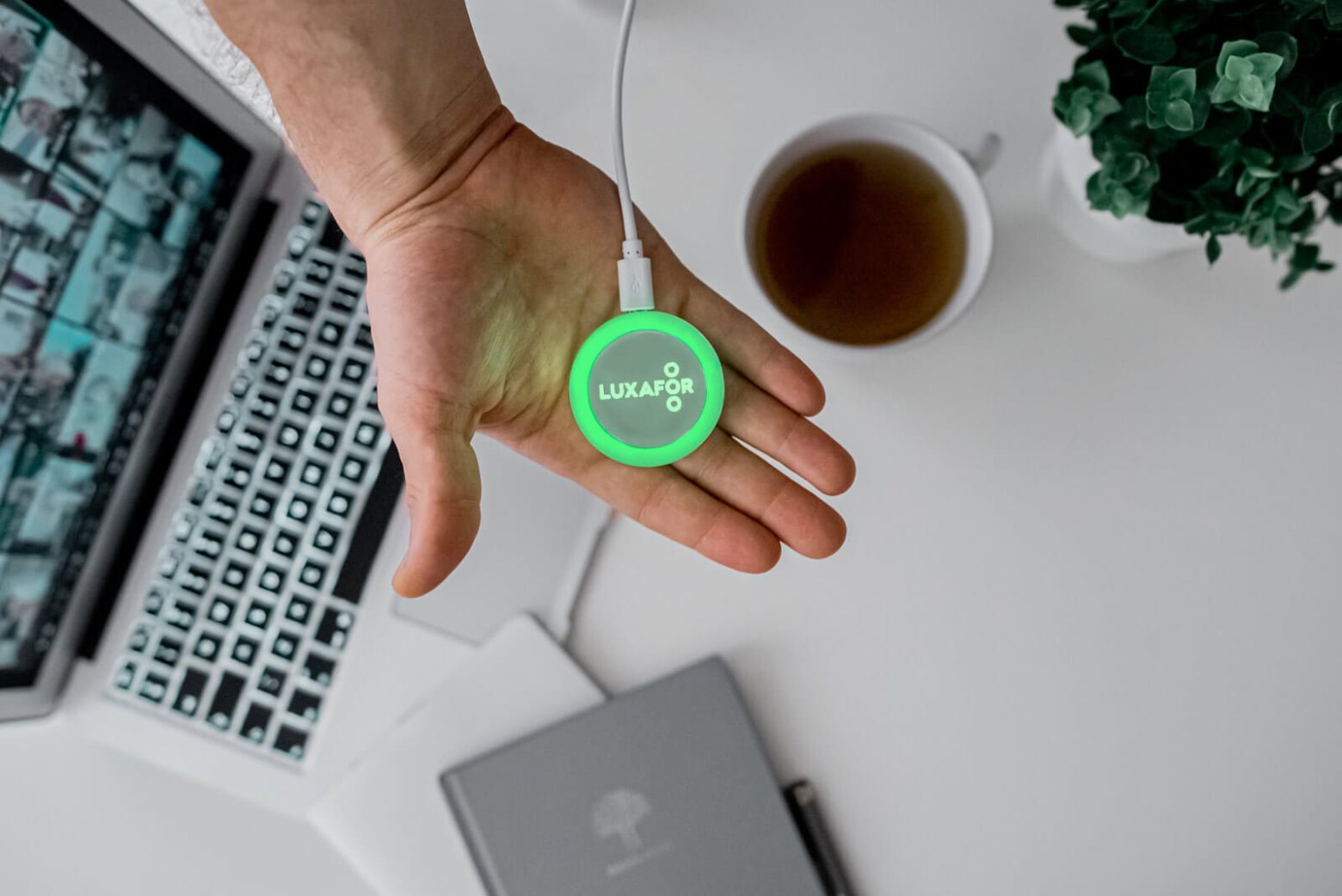
Luxafor Mute Button
How can I connect Luxafor Mute Button with my computer?
Connect Luxafor Mute Button to your PC or Mac by plugging the included data cable into a USB port of your computer (or a hub connected to your computer) and plug the other end into the Luxafor Mute Button micro USB port.
Can I use my own USB cable to connect Luxafor Mute Button?
No, Luxafor Mute Button will work only with the original USB cable provided.
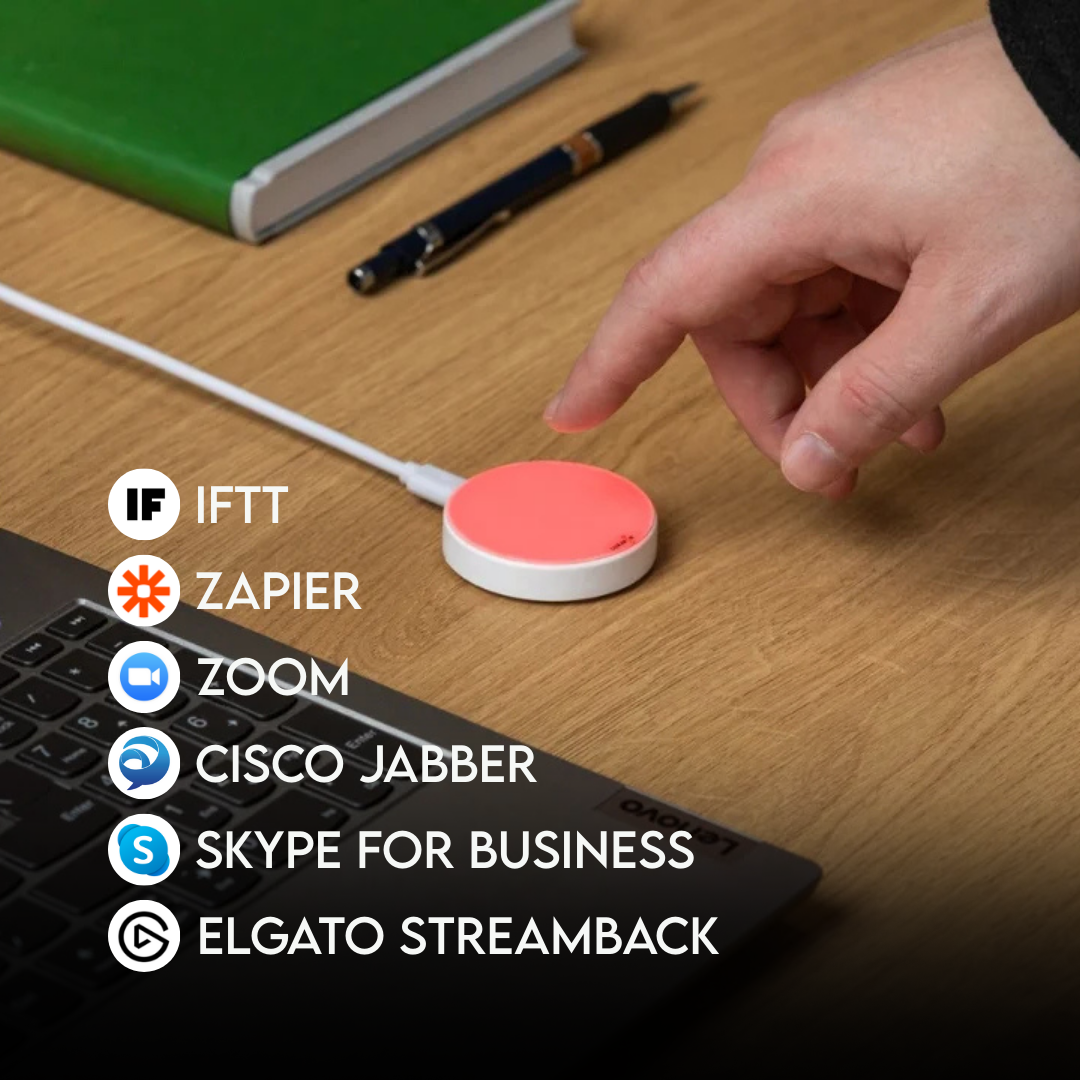
Will Luxafor Mute Button work if I’m using Google Hangouts, Microsoft Teams, Zoom and other platforms?
Yes, Luxafor Mute Button is 100% compatible with all conference platforms.
Will Luxafor Mute Button help me out while I’m streaming or in the middle of the action while gaming?
Yes, you would be able to control your microphone with a simple touch.
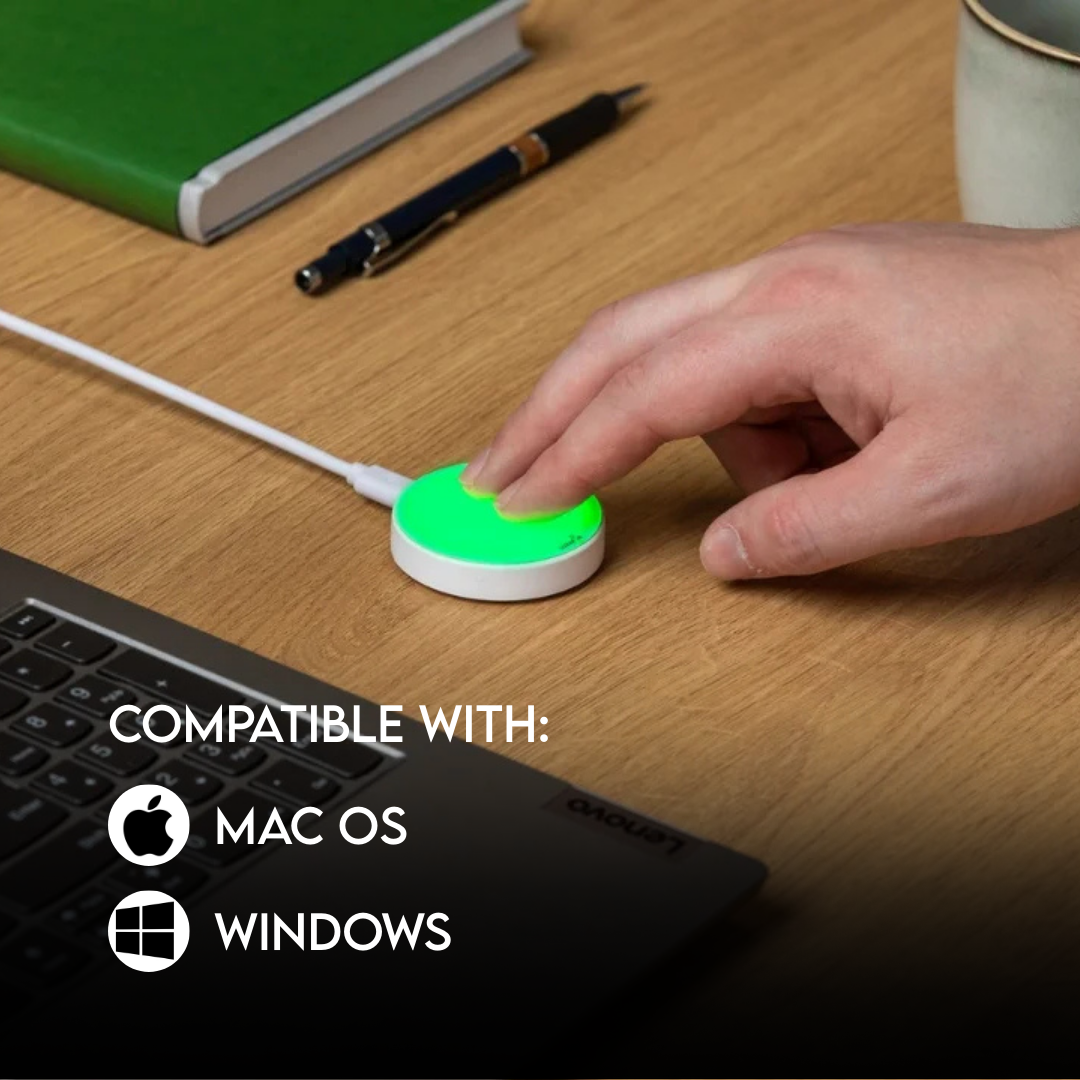
Will Luxafor Mute Button work with my computer?
You can use Luxafor Mute Button with any computer that runs the following OS:
Windows: Windows 7 or later
Mac: macOS 10.14.6. (Mojave) or later
How can I get a logo engraving on the Luxafor Mute Button?
Send the logo in vectors, along with your billing and shipping address, your preferred payment method, and number of Luxafor Mute Button units you’re ordering to luxafor@greynut.com.
Does Luxafor Mute Button come with a warranty?
Yes, Luxafor products have a standard 2 year warranty.
Payments
What payment methods do you accept?
- Credit/debit card: Visa, MasterCard, American Express, Discover, Diners Club, Maestro, and JCB.
- PayPal, Google Pay & Apple Pay.
- Bank transfer: available on request — contact support@luxafor.com. Pre-payment required before invoice and goods are issued.
What currencies do you accept?
Pricing is available in USD (U.S. Dollars), EUR (Euro), and GBP (British Pounds).
Can companies pay by invoice (net terms)?
Invoice payment is available for bank transfer orders: Luxafor sends the invoice → customer pays → order is dispatched. Pre-payment is required before goods are shipped. Net/post-payment terms are not offered.
To arrange a bank transfer, contact support@luxafor.com.
Is the checkout secure? What payment processor do you use?
Yes — we use 3D Secure™ (3DS) for card payments. Your bank may ask you to verify your identity via SMS code or internet banking login. 3DS is available for Visa (‘Verified by Visa’), Mastercard (‘Mastercard SecureCode’), and American Express (‘SafeKey’).
After 3 failed authentication attempts, the transaction is cancelled and a hold may be placed on the card — customers should contact their bank in this case.
Can customers get a VAT invoice?
Yes — VAT-exempt invoices for EU businesses are generated automatically by the system at checkout. No manual request needed. EU business customers should enter their company VAT number at checkout to receive a VAT-exempt invoice.
Manual invoices are only prepared for bank transfer orders — contact support@luxafor.com to arrange.
Do prices on the website include VAT?
Yes — all pricing on the store is shown with taxes included. Note: International duty charges are not included and are the customer’s responsibility.
Orders
How can I order a Luxafor Mute Button for my company in the EU?
To issue an invoice without VAT, please send the full name of your company and its VAT number along with the billing and shipping address, your preferred payment method, and the number of Luxafor Mute Button units (specifying the cable length) to luxafor@greynut.com.
How can I get a logo engraving on the Luxafor Mute Button?
To engrave the logo of your company, you need to order at least 60 Luxafor Mute Button units. Engraving costs an extra $7.00 per unit. Engraving cost per unit is lower if you order in bulk.
Send the logo in vectors, along with your billing and shipping address, your preferred payment method, and number of Luxafor Mute Button units you’re ordering to luxafor@greynut.com.
I need to change something on my order. How can I do that?
If you need to change or cancel your order, please contact us at luxafor@greynut.com immediately. We generally process orders within 24 hours, and once we have processed your order, we’ll be unable to make any changes.
Bulk Orders
Do you offer discounts for bulk orders? What are the tiers?
Yes, bulk discounts are available starting from 5 units. For orders over 200 units, contact us via this bulk orders form for custom pricing.
- Devices under USD/EUR 80/unit — from 10 units
- Devices over USD/EUR 80/unit — from 5 units
Is there a dedicated process for large/enterprise orders?
Yes — fill out this form with your requirements and the team will prepare a personalized quote and invoice.
What are the lead times for large orders?
Standard bulk orders are processed within 2–5 business days. You’ll get a tracking number once it ships.
Luxafor maintains sufficient stock levels to dispatch large orders immediately. Delays are rare — if your order may be affected, the team will notify you directly.
Do you offer reseller or distributor programmes?
Yes — Luxafor has an agent/reseller programme. Apply here.
Shipping
Do you ship worldwide?
Yes, we ship worldwide. Local pick-up available at Biķernieku iela 1A, Riga, Latvia, LV-1039.
How long does delivery take?
Orders are dispatched within 1 business day of purchase.
Delivery times by destination after dispatch:
- EU: 3–7 business days
- US & Canada: 3–14 business days
- UK: 5–10 business days
- Rest of world: 10–21 business days
Faster delivery available via DHL courier; slower via regular mail.
Is there a free shipping threshold? Does it vary by market?
Yes — free shipping on all orders over €160. Available worldwide, with the exception of the Middle East due to temporary courier limitations in that region.
Can customers track their order? How?
Yes — all orders include tracking. It’s advised to track shipments via the carrier’s own website (e.g. DHL shipments at dhl.com) but universal tracking also available at track-trace.com/post.
Are there any import duties or taxes customers should be aware of?
Orders within the EU are shipped duty-free.
Orders outside the EU (US, UK, Canada, Australia, etc.) may be subject to import duties or customs charges depending on the destination country’s threshold.
These charges are set by local customs authorities and are not collected by Luxafor at checkout. Customers are responsible for any applicable import duties.
EU business customers can enter their VAT number at checkout to purchase VAT-exempt.
Can I change my shipping address after placing an order?
If your order hasn’t been dispatched yet, yes — contact us immediately at support@luxafor.com with your order number and the correct address. Once an order has shipped, we’re unable to redirect it. If a parcel is returned to us due to an incorrect address, we’ll reship it but may need to charge a second shipping fee.
API
What APIs are available?
You’ll find all the files needed for development on Windows and Mac here.
Here’s what you’ll find in the downloaded file:
For Windows
- A sample code (an HID terminal for tests) and
- Code description and access to the HID library
- You can also use the sample HID terminal
For Mac
We’d appreciate it if you share your work with our community! Please send us the links to your work at luxafor@greynut.com