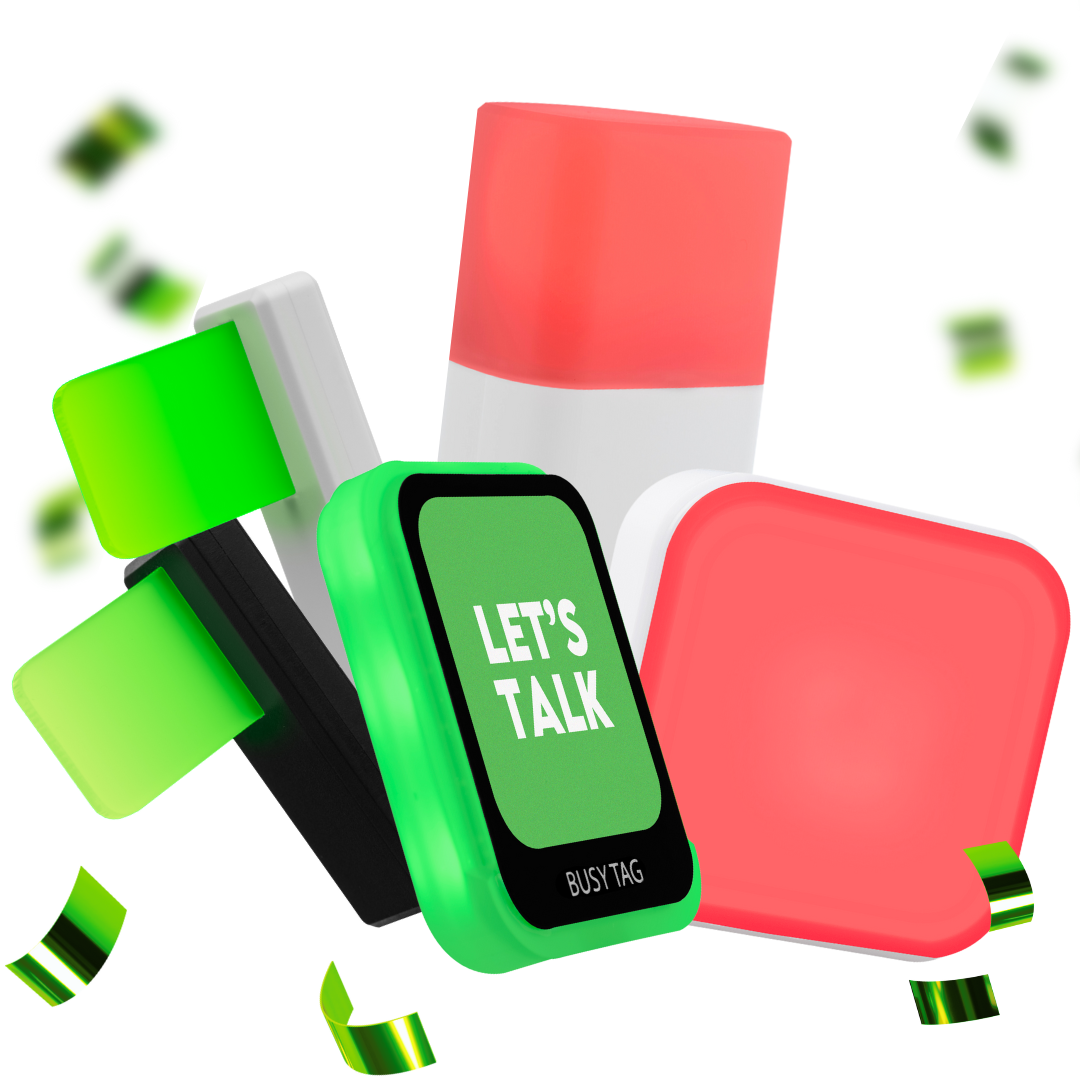
Luxafor Flag vs Luxafor Cube 2 – Which One Fits Your Workflow Better?
Discover how Luxafor Flag and Luxafor Cube 2 help you stay focused, communicate availability, and boost team efficiency like never before
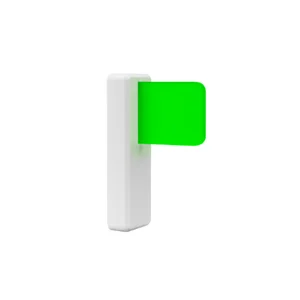
2nd gen USB busy light availability indicator with an updated design and USB-C support
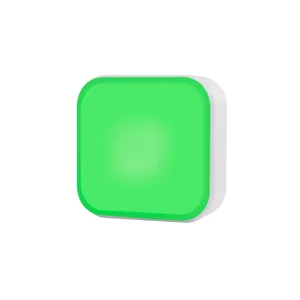
Standalone busy light for offices. Works for meeting rooms just as well as for desk workstations.
Quick Comparison Table
| Feature | Luxafor Flag | Luxafor Cube 2 |
|---|---|---|
| Price | €37 | €68 |
| Compatibility | MS Teams, Slack, Zoom, and more | MS Teams, Zoom, Google Meet, and more |
| Connection Type | USB | USB + Bluetooth |
| Light Control | Full RGB customization | Full RGB + ambient light detection |
| Visibility | Directional – visible from one side | 360° visibility – ideal for open offices |
| Power Source | Wired | Wireless (rechargeable battery) |
| Warranty | 2 years | 2 years |
Why Choose Luxafor Flag or Luxafor Cube 2?
Both Luxafor devices help you work smarter and stay focused.
Choose Luxafor Flag for a simple, affordable status light perfect for personal or remote use —
or go with Luxafor Cube 2 for wireless freedom, 360° visibility, and seamless team collaboration.
Plug it into a laptop, magnet-mount it, then set a color manually or sync it to popular communication and automation apps.
- Wired USB-C, no battery to charge
- Solid, sleek build for daily desk use
- Syncs with Microsoft Teams, Slack, Google Calendar and Zapier, plus manual colors, Pomodoro and hotkeys
- Need USB-A connectivity? Choose the original Flag instead
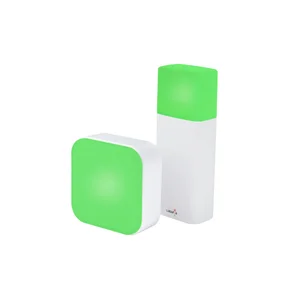
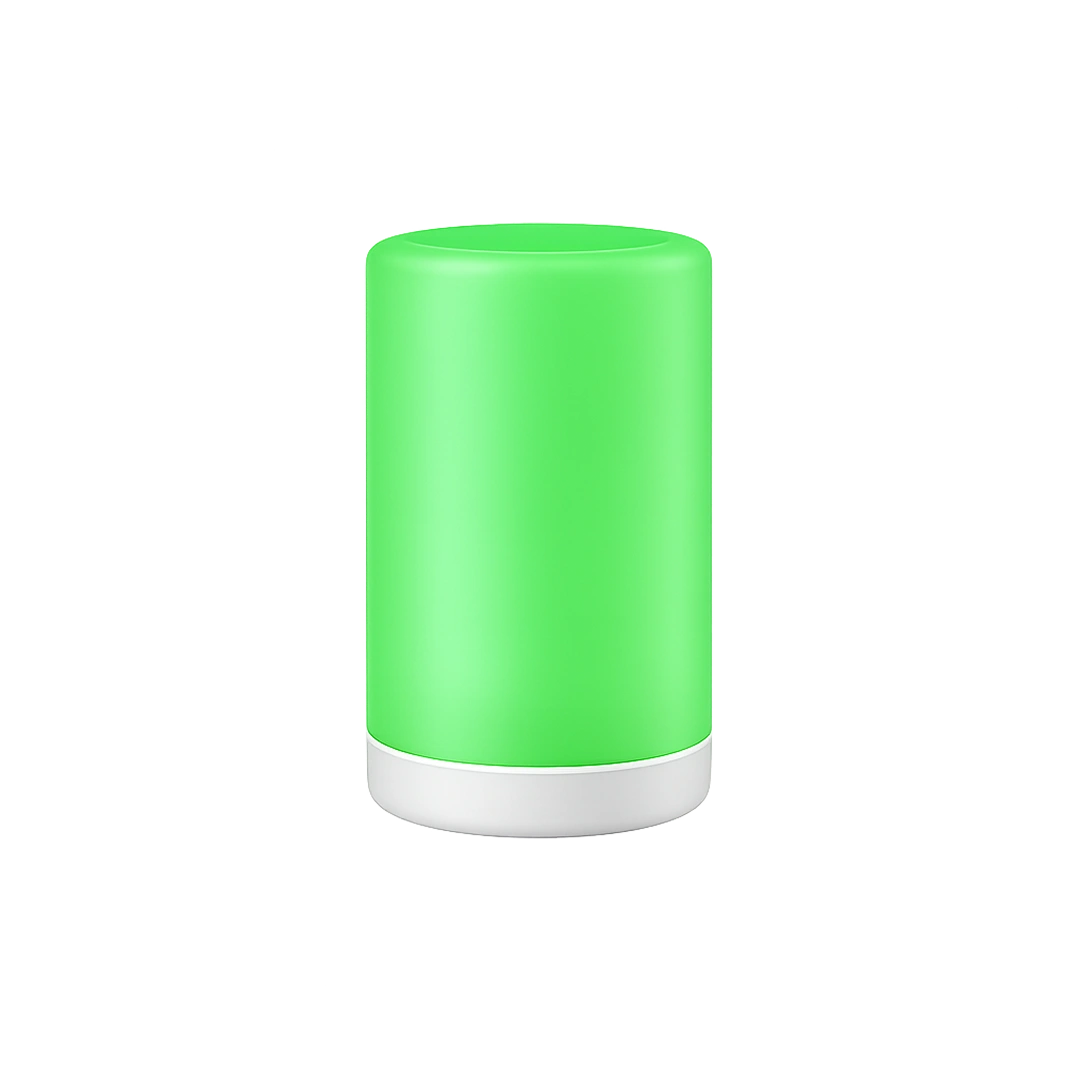
A compact wireless cube you tilt sideways to change color. The budget, app-free alternative to Switch Pro 2 that works just as well on a desk. No app, no software, no IT approval needed.
- Fully wireless and app-free: rotate to cycle colors, nothing to install
- Red for busy, green for free, blue for a call, yellow for away
- Up to 90 hours per charge with eco mode
- Magnet mount and anti-slip pads included, move it between desk, room and focus pod
- Need a separate outside-the-room indicator? Step up to Switch Pro 2
Request a Quote
Interested in ordering Luxafor accessories in bulk?
Send us a message and we'll prepare a quote for you!
You May Also Like These Products
Change Your Worklife. Start now.
Join more than 214 307 high achievers!
Frequently Asked Questions
Is Luxafor Flag or Cube 2 better for a personal desk?
Both can be used on a personal desk. Luxafor Flag is a straightforward option when you want a wired status indicator, while Cube 2 is suitable when you prefer wireless operation and the ability to move the light between different work areas.
Does Luxafor Cube 2 require software or an app?
No. Luxafor Cube 2 is designed to work without an app or computer software. You can rotate the cube to cycle through its available colors.
Does Luxafor Flag require a USB connection?
Yes. Luxafor Flag connects to a computer through USB and does not require a rechargeable battery.
What colors can Luxafor Cube 2 display?
Luxafor Cube 2 uses different colors to communicate workplace status. Red can indicate that you are busy, green that you are available, blue that you are on a call, and yellow that you are away.
Can Luxafor Flag and Cube 2 integrate with communication apps?
Yes. Luxafor Flag can sync with services such as Microsoft Teams, Slack, Google Calendar, and Zapier. Cube 2 is designed as an app-free solution for manually displaying availability.
Article author

Kaspars S.
Productivity tool developer, corporate leader, and technical director at Luxafor