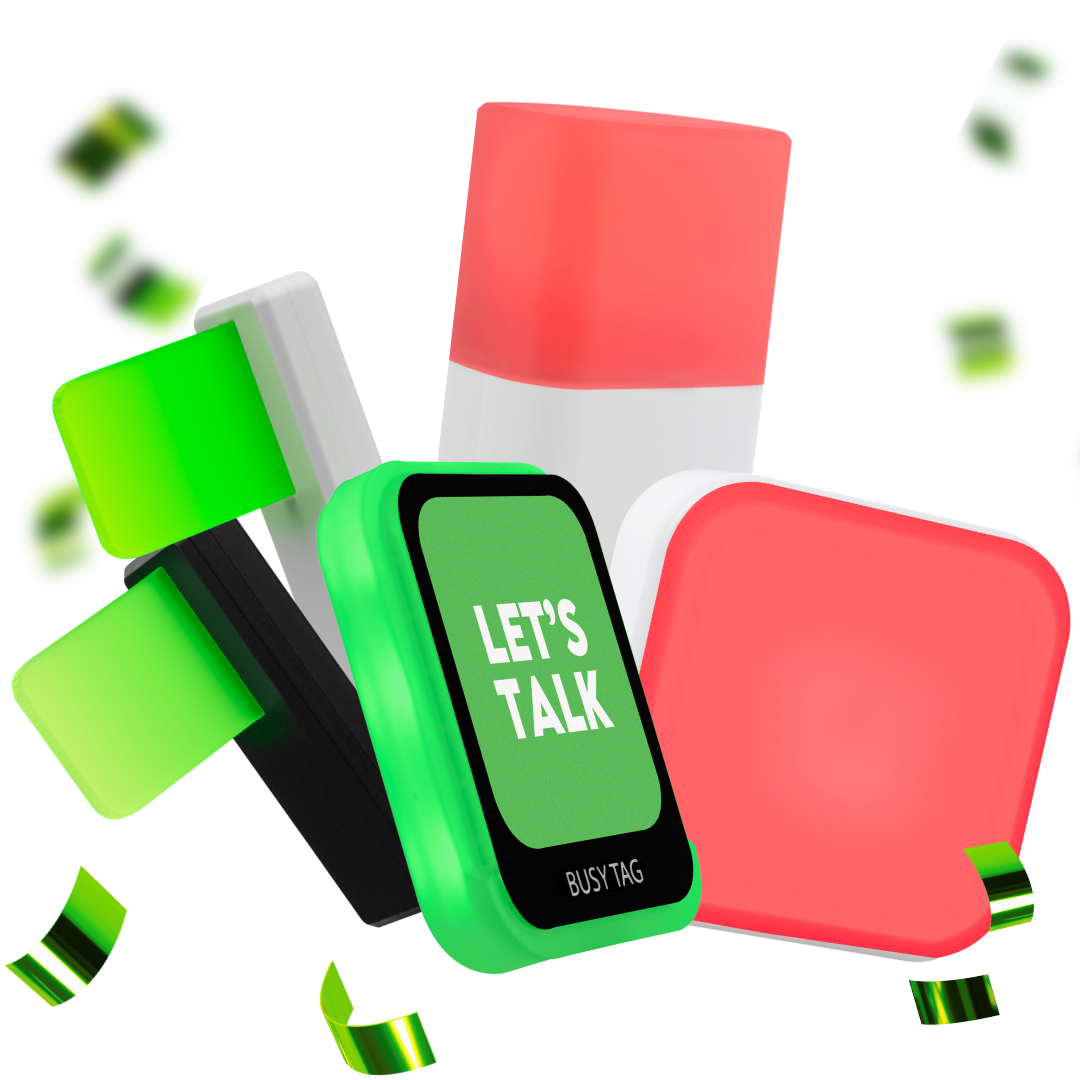
Buttons
Take control of your workflow with customizable buttons designed for peak productivity.
Switch the mic on/off with a simple touch to show if you are available with red/green
Luxafor Smart Button is an interactive productivity gadget for customizing and optimizing workflow processes
Switch the mic on/off with a simple touch to show if you are available with red/green
Luxafor Smart Button is an interactive productivity gadget for customizing and optimizing workflow processes
Browse our classics
Here you can find a range of products designed to improve workplace productivity through visual indicators, interactive buttons, LED-based solutions, air quality sensors and more. Designed and made by Luxafor.
Wireless & software-controlled LED do not disturb light that helps managing notifications and personal availability
Wireless & remote-controlled availability indicator that displays meeting room and workstation availability in real-time
2nd Gen wireless & software-controlled LED busy light indicator improving productivity and structurizing workflow
A customizable screen with a built-in busy light, LED patterns, GIFs, image statuses and more
Wide-angle USB LED busy light that eliminates distractions
LED busy light that eliminates workspace distractions
Standalone LED and do not disturb light that displays meeting room availability
2nd Gen wireless & remote-controlled conference or patient room indicator with 4 color modes. No software needed
USB-powered LED display timer that helps break down work in bite-sized chunks
Wireless & software-controlled LED do not disturb light that helps managing notifications and personal availability
Wireless & remote-controlled availability indicator that displays meeting room and workstation availability in real-time
2nd Gen wireless & software-controlled LED busy light indicator improving productivity and structurizing workflow
A customizable screen with a built-in busy light, LED patterns, GIFs, image statuses and more
Wide-angle USB LED busy light that eliminates distractions
LED busy light that eliminates workspace distractions
Standalone LED and do not disturb light that displays meeting room availability
2nd Gen wireless & remote-controlled conference or patient room indicator with 4 color modes. No software needed.
USB-powered LED display timer that helps break down work in bite-sized chunks
Analyzes Air Quality Of A Room And Notifies You When It Requires Ventilation
Wireless headphones with active noise cancelling technology
Notifies you when room requires fresh air, allowing you to lower CO2 levels
Request a Quote
Interested in ordering Luxafor accessories in bulk?
Send us a message and we'll prepare a quote for you!
Customize Your Workflow with Smart Buttons
Luxafor customizable buttons offer seamless control over your apps, routines, and devices — all with a single press. Designed to improve productivity and reduce task-switching, these buttons can be tailored to fit any workflow and integrate smoothly with your favorite software tools. Perfect for professionals seeking speed, focus, and efficiency in every click.
Luxafor Smart Button offers an incredible chance to enhance task execution efficiency and optimize workflow processes.
- Trigger both hardware and software events
- Software controlled (Win, Mac)
- Create and modify your own tap-based patterns
- Customize your workflow with most popular services
A must-have custom LED timer for Pomodoro technique that is easy to set up and simple to use.
- Mute/unmute your microphone with a touch of a button while you're busy in a conference call;
- Show everyone your microphone is muted/unmuted with red and green;
- Works with ALL tools by muting mic computer-wide;
- Use custom color coded signals to show if you're busy or available while working from home;
- USB powered
What Our Customers Say


Change Your Worklife. Start now.
Join more than 214 307 high achievers!
Frequently Asked Questions
The Luxafor Smart Button can launch files, trigger keyboard shortcuts, control devices, execute scripts, and activate software or hardware events. You can create and modify tap-based patterns according to your workflow.
Yes. The Smart Button can be customized to perform different actions and work with various services and applications. This allows you to create button functions that match your specific workflow.
Yes. The Luxafor Smart Button is software-controlled and supports both Windows and Mac computers.
The Luxafor Mute Button lets you mute or unmute your computer microphone with a single touch. It is designed for video conferences, phone calls, and other situations where quick microphone control is useful.
Yes. The Mute Button works at the computer level, allowing you to mute or unmute your microphone across different communication and conferencing tools.