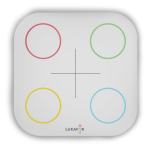
Luxafor Smart Button – Customizable Shortcut Buttons
Price range: $ 40.47 through $ 42.66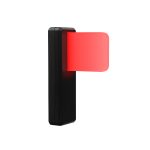
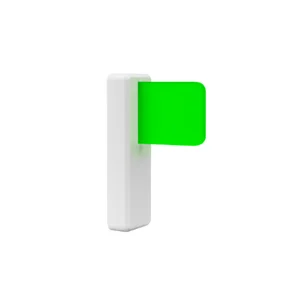
Luxafor Flag 2 – Office busy light availability indicator
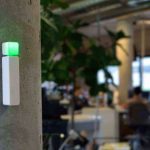
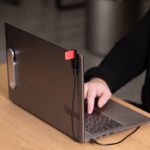
$ 40.47The Luxafor Flag 2 is the sleeker, more solid USB-C generation of the original Flag — same budget-friendly entry point, same full integration suite (Microsoft Teams, Google Calendar, Zoom, Slack), tighter build. Plug into any laptop with the included USB-C cable and your meeting status drives a high-visibility LED that reads cleanly across hybrid and open-office desks. Works with Windows and macOS native apps, plus a web app for Linux users and IT-locked environments where no software installs are allowed. Magnetic mount snaps onto laptops, monitors, or cubicle walls — no drilling, no handyman. Mobile app control available through the desktop connection. Built for teams rolling out a shared “do not disturb” language without breaking IT budgets. Not for users seeking ambient lighting — Flag 2 is a focus tool, not décor.
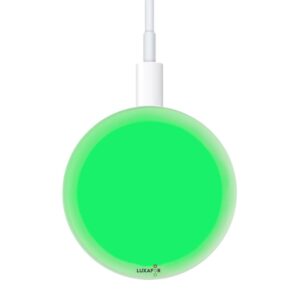
Orb
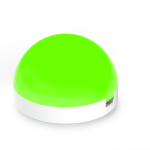
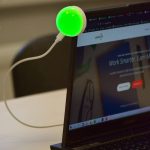
Price range: $ 47.04 through $ 49.23The Luxafor Orb is a USB-connected LED busy light built for 360° visibility — designed for shared desks, open offices, and workspace setups where coworkers approach from multiple directions. Spherical form factor radiates color uniformly so your status reads the same from every angle, not just head-on. Plug into any laptop with the included USB cable; magnetic mount snaps onto laptops, monitors, or cubicle walls — no drilling, no handyman. Available in Black and White to match any setup. Best for shared desks, reception points, and open-office layouts where wider visibility matters. Not for users who already have a directional Flag pointing at them — Orb earns its place when status needs to be readable from any direction.
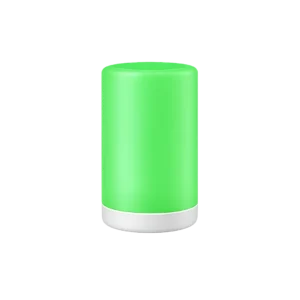
Luxafor Cube
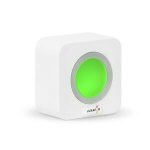
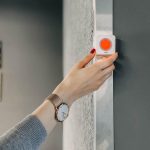
Original price was: $ 60.16.$ 48.13Current price is: $ 48.13.Luxafor Cube is a standalone LED busylight that displays meeting room, cubicle or workplace availability by switching color statuses. It is designed to indicate workspace and meeting room availability in real-time with four color options. Luxafor Cube operates without software and can be used within environments with a strict security policy.
If you need a “cubicle do not disturb light,” Luxafor Cube is the perfect solution. It can be set to display a red light when you are busy or do not want to be disturbed, letting your colleagues know that you are not available.
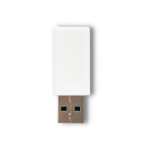
Luxafor Dongle for Bluetooth
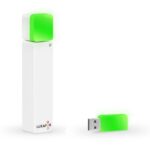
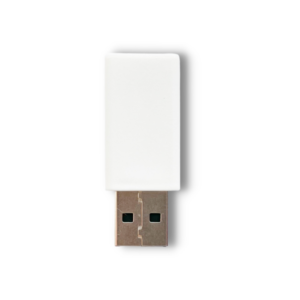
$ 53.59The Luxafor Dongle is a compact USB accessory designed to wirelessly connect your Luxafor Bluetooth or Luxafor Bluetooth PRO indicator to your computer. Please note that the Luxafor Dongle is not a standalone device — it requires a Luxafor Bluetooth or Luxafor Bluetooth PRO indicator to function.
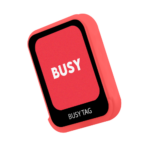
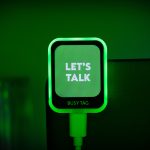
Busy Tag – Your Digital Canvas
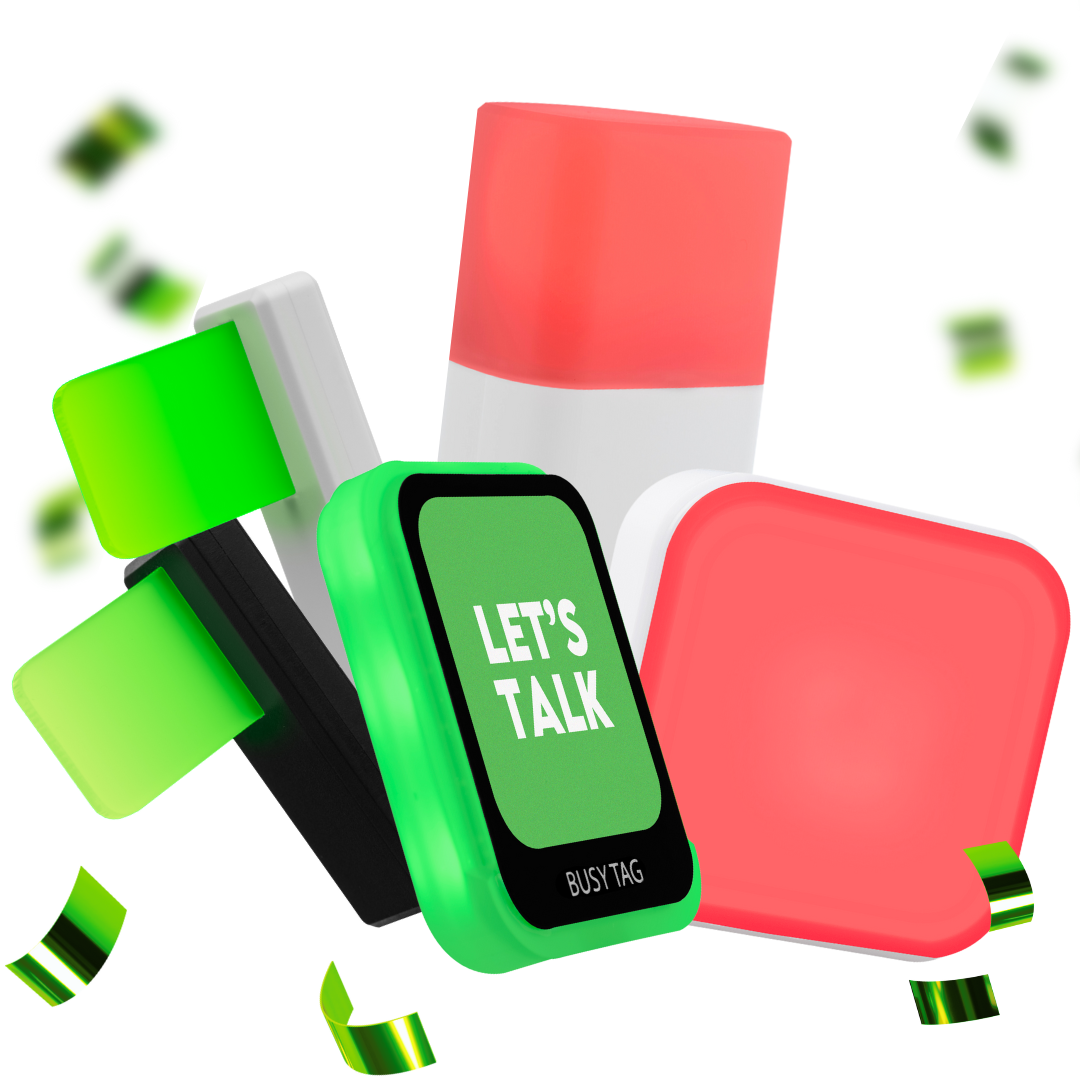
Original price was: $ 75.48.$ 64.16Current price is: $ 64.16.The Luxafor Busy Tag is a compact status display with a high-resolution screen for knowledge workers who need more than just red or green. Show meeting status, custom images, text, GIFs, or live updates from Microsoft Teams and Google Calendar — readable from across the room or on camera. Magnetic mount attaches to laptops, monitors, or cubicle walls — no drilling, no handyman. USB-C input on the device, with a USB-C-to-USB-C data cable included (USB-A also works — any data cable, not charging-only). Works with Windows and macOS, plus a web app for Linux users and IT-locked environments where no software installs are allowed. Unlike single-color LED busy lights, the screen carries the why, not just the what — “On call until 2:30,” “Recording,” “Heads-down.” Built for hybrid teams, streamers, and shared workspaces. Not for users who only need a simple red/green light — a Cube or Flag is simpler.
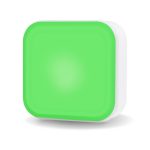
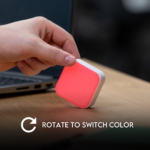
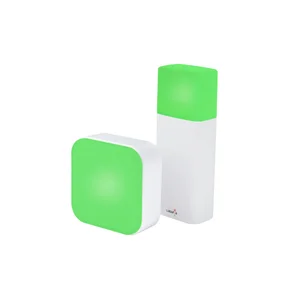
Luxafor Cube 2 – App-Free Room Availability Indicator
$ 74.39The Luxafor Cube 2 is the simplest, most app-free busy light in the Luxafor lineup — a tabletop indicator you twist to change color. No software, no installs, no IT approval. Sits on the desk as a compact standalone indicator (not a laptop or monitor attachment), giving a clean visible status signal without depending on any meeting tool. Portable enough to carry into meeting rooms or focus areas when you need an on-the-table indicator. Best for workstations and individual desks in IT-locked-down workplaces (healthcare, finance, government) where even simple software installs require approval. Upgradeable to Switch Pro 2 later if you ever need a wireless indicator outside the room. Not for users who need automatic meeting-status sync — a Flag covers that use case.