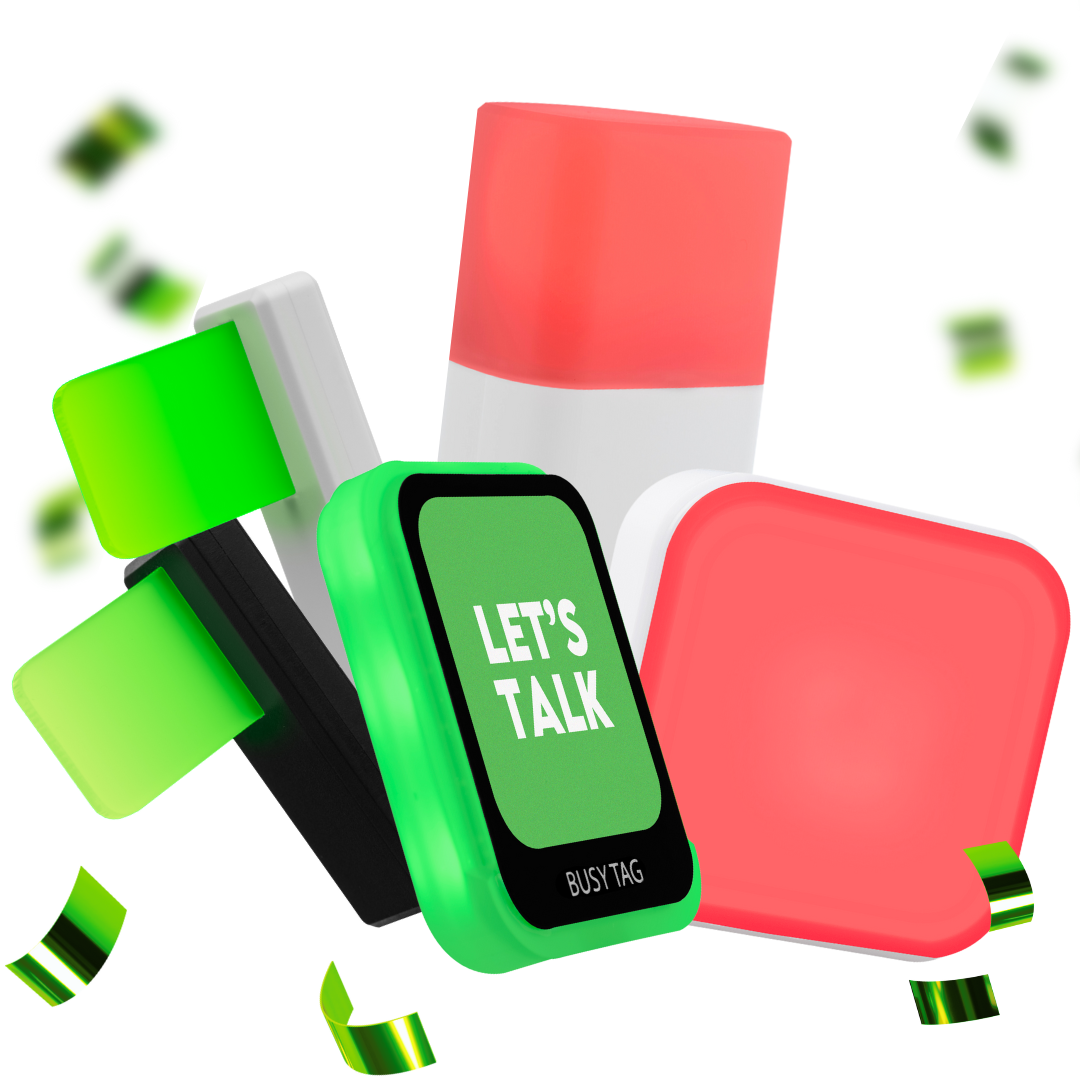

Luxafor Smart Button Technical Specifications and Requirements
2 min read
- View as Markdown Open this page as plain Markdown (opens in a new tab)
- Open in ChatGPT Ask questions about this page (opens in a new tab)
- Open in Claude Ask questions about this page (opens in a new tab)
- Open in Google AI Studio Ask questions about this page (Google account required) (opens in a new tab)
1. What is included in the Luxafor Smart Button package? #
- Luxafor Smart Button
- USB Data Cable (0.5 m or 1.5 m)
2. What are the product specifications? #
- Dimensions: 56 x 56 x 12 mm
- Consumption: Up to 100 mA
- Charging: USB powered with a micro USB data cable
- Weight: 50g without cable
- Light: 8 x RGB LEDs
3. How do I get started with the Luxafor Smart Button? #
- Download and install the Luxafor Smart Button Software from the Luxafor website.
- Launch the software and connect the Smart Button to your device using the included USB cable.
- Bind functionalities to button clicks and hold options.
- Enjoy customizing your button functionalities.
4. How does the Luxafor Smart Button software work? #
- It allows customization of button functions (tap, double-tap, hold) for internet-connected gadgets.
- You can configure button settings, including buzz or vibration modes, and activate keyboard shortcuts, Webhook events, and control Luxafor devices.
5. What are the settings options in the software? #
- Start-up behavior, window behavior, button name, sound and vibration modes, button responsiveness, and LED light brightness.
- Language settings are available for Windows devices.
6. How can I integrate the Luxafor Smart Button with other devices? #
- Use the “Recipes” section in the application to link devices.
- Use the “Provider” section to integrate with services like Microsoft Teams.
7. What are the system requirements? #
- Compatible with Windows (from Windows 7) and macOS (from 10.14).
- Works with the original USB cable and most standard USB cables.
- Recognized as a USB Human Interface Device (HID) with touch sensors.
8. What functionalities does the Luxafor Smart Button Software offer? #
- Control and change colors of Luxafor devices, activate webhook and keyboard shortcut events, change Microsoft Teams status, and control media like YouTube or Spotify.
9. Who can I contact for support? #
- Email [email protected] or call +371 27755544. Provide a detailed report for issue resolution, including pictures/videos if possible.
For more information and assistance, please refer to the Luxafor Smart Button User Manual or contact our support team.
Updated on 17/11/2026
Share This Article :


Table of Contents
- 1. What is included in the Luxafor Smart Button package?
- 2. What are the product specifications?
- 3. How do I get started with the Luxafor Smart Button?
- 4. How does the Luxafor Smart Button software work?
- 5. What are the settings options in the software?
- 6. How can I integrate the Luxafor Smart Button with other devices?
- 7. What are the system requirements?
- 8. What functionalities does the Luxafor Smart Button Software offer?
- 9. Who can I contact for support?