

Shortcut for your everyday life with a Luxafor Button and Zapier #
- On the Settings section of the Luxafor Button software tick ✓ enable Zapier
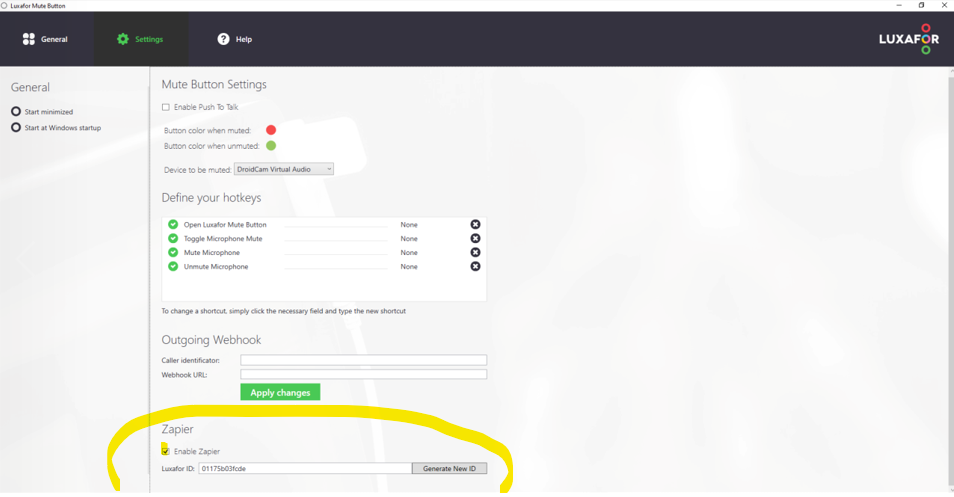
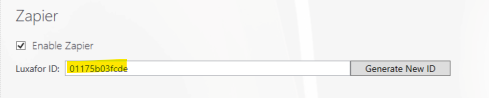
- Press the “Generate New ID” button and copy your Luxafor ID
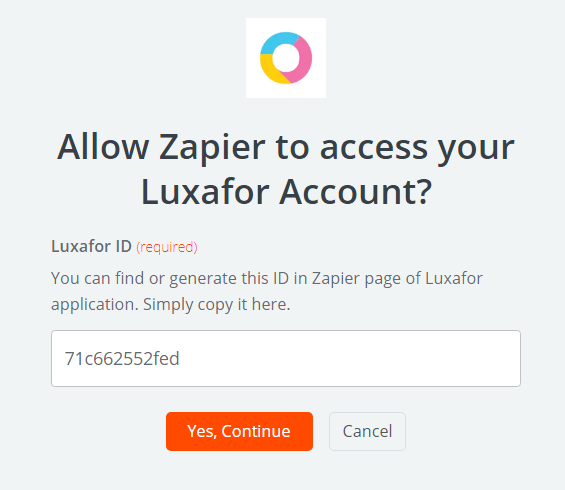
- Paste your Luxafor ID into the Zapier authorization field, if you have not connected your Luxafor device yet. Click on the “Yes continue” button when you’re done
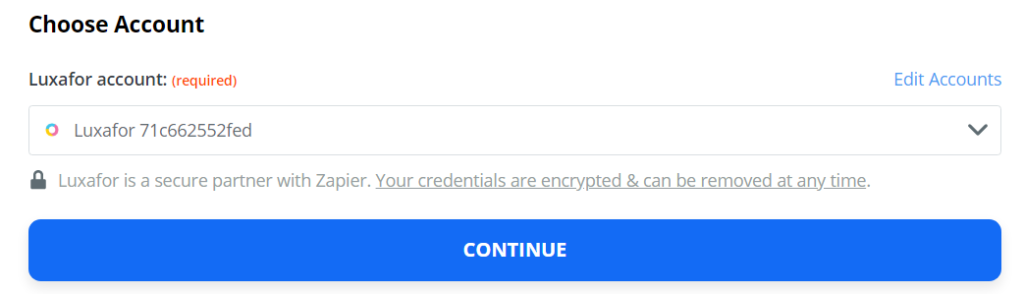
- If you have connected the device already, pick that device and click on the “Continue” button
- Pick one of the apps as a trigger to kick off your automation and choose a resulting action from the other app
- Give your Zap a name and turn it on


Enjoy – you have just created your first Zap automation with Luxafor!