
6 Best Tips That Help You Divide Between Work-Life Time When Working From Home
Working from home may be tricky and make you feel frustrated because it is sometimes difficult to draw a clear line between personal and work tasks. But once you understand the Productivity Formula (physical health + workload optimization + productive environment + the right tools = ultimate productivity), you will be able to plan your days much better. Here are the best tips that help you divide between work-life time by working home.

Source: Unsplash
Have a schedule with your most productive time in mind
Scheduling is the basic way to stay organized while working from home, and wisely using your highest productivity hours allow you to free up some time to spend on your personal life. Perhaps the most important thing to remember about scheduling is that you should first analyze your past performance before you actually plan anything and organize your days. If you select your least productive hours for work (e.g. late evening), you will fail at scheduling.
When scheduling your days, weeks, and even months, start by listing everything you need to do. Then, select the tasks you perform regularly (e.g. checking your email) and plan that out first. Next, add any other tasks that you perform less regularly. The remaining space can be filled in with new tasks that arise. Make sure that you have breaks to exercise or eat. You need to have short periods of rest to stay energized throughout the whole day!
Create a dedicated home office space
The next thing you should do is create a dedicated home office space – and don’t forget to install a lock on the door! A separate room for doing your job is necessary so that you can feel like you are actually working rather than pretending to work. Remember that you will be switching from a regular mindset to a working mindset which is why having a separate space for working will help you make that switch and instantly get into your set-and-ready mode.
If you don’t have a separate room that you can turn into your office, make sure that you still create a corner in your living room or bedroom where you place your workspace. Preferably, the room you choose for this space will be the least visited room in your home so that nobody bothers you. Make your home office space as personalized as possible so that you are able to perceive it as your workspace once you sit down at your desk and start your computer.
Kindly ask your family/housemates to not disturb you in your working hours
Your working-from-home productivity and work-life time balance don’t always depend on you. Sometimes our beloved family members may be very disturbing, so you need to find a way to avoid them during working hours. This is why you need to ask them not to disturb you while you work, especially if your workspace is located in a room used by others rather than a separate room you consider your “office” that nobody else can enter without permission.

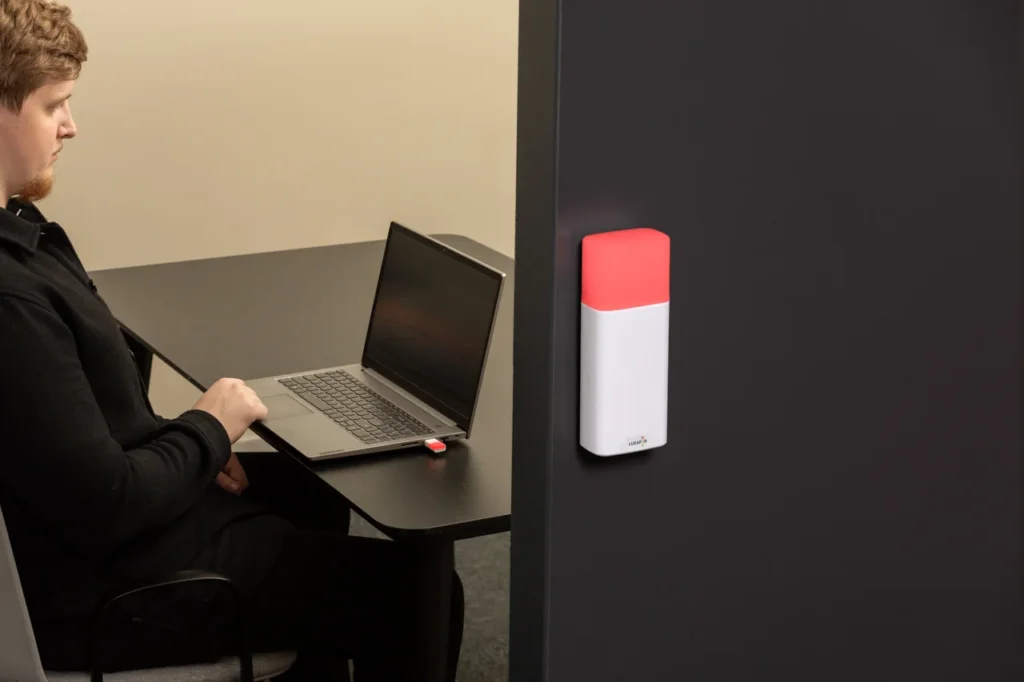
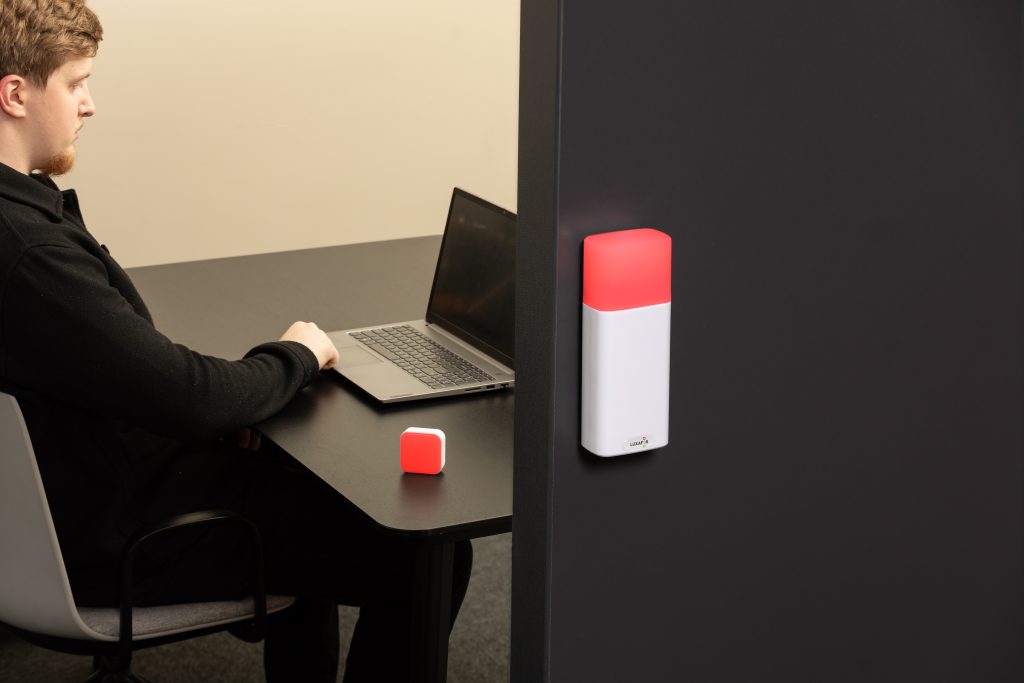
One way to make sure they remember not to disturb you is by placing a note somewhere next to you that informs them to stay quiet. Alternatively, you can use Luxafor Flag which is a device that can be set up to have a certain color of light to indicate your availability. Pets should be kept away because they won’t understand your instructions as well as your family members, but otherwise, you shouldn’t have problems if you set up everything correctly.
Make a to-do list for tomorrow every day
10 minutes of planning in advance save at least an hour of working time (that you may spend with your family). This is why making a to-do list for tomorrow every day is a habit that you definitely should develop if you want to organize your days better. A to-do list will give you a better idea about what you will need to do in the future and will help you shift around your tasks and responsibilities better, so you have more time to spare for other things.
Keep in mind that making a to-do list is not the same thing as scheduling your days. Your schedule is more of a skeleton that you build on. You have regular tasks in it as well as breaks, but new tasks that come up should be put on a to-do list beforehand and then added to the schedule the next day when they should actually be done. Besides, being flexible with your to-do list will allow you to be flexible with your schedule.
Evaluate your real capabilities wisely
Work-from-home work-life balance also includes the ability not to bite off more than you can chew. Many people overestimate their own abilities taking on too many responsibilities and too many tasks to do. This often ends up in disaster as they struggle to balance everything they need to do and slowly get to a mental breakdown they might not recover from. Of course, this is a worst-case scenario, but it is a possible one nonetheless.
To prevent a situation like that from happening, you need to objectively and realistically evaluate your real capabilities. Look back at your past experiences and decide how much you can actually do within a day. If you finish everything before your working hours end, consider taking on more tasks and experimenting. You can always take more work, but you should never take more before you know you can manage all of it.
Allow yourself to have sick leaves and day offs
Speaking of feeling bad, sometimes it is impossible to stop when you are working from home. However, it is necessary to do it until your organism will stop you with a worsening health condition. This is why sick leaves and day offs exist. They are meant to help you relax and get a break from your job.
Just like any regular in-house employee, you are allowed to have them. Moreover, sick leaves should always be used if you suddenly get sick. After all, you can’t perform your tasks properly with a high temperature and a fever! If you don’t care for yourself, no one else will.
Conclusion
To sum up, a good work-life balance can be achieved by separating your work time from your leisure time and balancing every part of your life with the help of a well-planned schedule. Use the tips in this article and you will be able to get much better at planning your life!
Do you want to build and maintain new habits? Get your free PDF version of the Don't Break The Chain calendar and start today!
Do you want to build and maintain new habits? Get your free PDF version of the Don't Break The Chain calendar and start today!
Author's Bio
This article was written by Ana Mayer, a project manager with 3+ years of experience. While projects can do without her participation (which means almost never), she likes to read and create expert academic materials for the Online Writers Rating, Best Writers Online review website. Such work gives her the opportunity to write articles on the most relevant topics of today.
6 Best Tips That Help You Divide Between Work-Life Time By Working From Home




Busy Tag – Your Digital Canvas


Tags
Archives
- June 2026
- May 2026
- March 2026
- January 2026
- December 2025
- November 2025
- October 2025
- September 2025
- August 2025
- July 2025
- June 2025
- May 2025
- February 2025
- January 2025
- December 2024
- November 2024
- October 2024
- September 2024
- August 2024
- July 2024
- June 2024
- May 2024
- April 2024
- March 2024
- February 2024
- January 2024
- December 2023
- November 2023
- October 2023
- September 2023
- August 2023
- July 2023
- June 2023
- May 2023
- April 2023
- March 2023
- February 2023
- January 2023
- December 2022
- November 2022
- October 2022
- September 2022
- August 2022
- July 2022
- June 2022
- May 2022
- April 2022
- March 2022
- February 2022
- January 2022
- December 2021
- November 2021
- October 2021
- September 2021
- August 2021
- July 2021
- June 2021
- May 2021
- April 2021
- March 2021
- February 2021
- January 2021
- December 2020
- November 2020
- October 2020
- September 2020
- August 2020
- July 2020
- June 2020
- May 2020
- April 2020
- March 2020
- December 2019
- November 2019
- October 2019
- September 2019
- August 2019
- July 2019
- April 2019
- March 2019
- January 2019
- December 2018
- November 2018
- October 2018
- September 2018
- August 2018
- July 2018
- June 2018
- August 2017
- May 2017
- April 2017
- February 2017
- January 2017
- November 2016
- October 2016
- September 2016
- August 2016
- July 2016
- June 2016
- May 2016
- April 2016
- March 2016
- February 2016
- January 2016

