
The Best Time-Tracking Apps for Hybrid Workforces in 2025

To help you track your time spent working more efficiently, we have compiled a list of the top Time Tracking Apps. These apps do much more than just keep track of where and how you spend your time; they also provide deeper insights and features about projects, employees, and other resources.
Time management software, which provides a far more thorough approach to office time management, is the larger sibling of time-tracking software. Instead, apps that are primarily made for tracking time are usually less expensive and feature-rich, focusing more on the time unit than on delegation and project completion.
Key Challenges in Time Management Across Hybrid Work Environments
Having the appropriate tools to be productive at work, feeling less a part of the company culture, strained relationships and teamwork, and interrupted work processes are the most obstacles of hybrid work.
Even if it is much harder to develop organizational culture in a completely remote setting, hybrid work still has its drawbacks because employees who work remotely sporadically during the week will occasionally feel alienated.
Relationships and teamwork will also face new challenges. Working in a hybrid environment gives people the chance to collaborate and form relationships while spending quality time in the office. Hybrid work, however, also necessitates more thorough scheduling and meeting coordination, from working out when others are available and in the office to figuring out how to conduct hybrid meetings with some of the audience online. Utilizing timesheet software can help streamline availability tracking, manage workloads transparently, and improve coordination across both remote and in-office team members.
Essential Features to Look For: Project Tagging, Idle Detection, Reporting, and Integrations
You must take into account features that are appropriate for your company while selecting Time Tracking Apps. However, with so many time-tracking options on the market, it could feel overwhelming.
Thankfully, we’ve already done the investigation. Before purchasing a time-tracking tool, take into account the following:
- Project Tagging: Seek resources that enable you to link time entries to certain tasks, projects, or clients. Accurate tracking, more transparent billing, and improved workload analysis among teams are all supported by robust tagging.
- Idle Detection: This feature helps record only active work hours, making it perfect for remote and hybrid teams. In order to ensure that reports accurately reflect effort and engagement, it automatically flags inactive time.
- Astute Integrations: Time-tracking devices ought to integrate seamlessly with your technology stack. For a smooth workflow, give priority to apps that integrate with Trello, Asana, Slack, Microsoft Teams, CRM platforms, and payroll software.
- Scalable Pricing Options: Choose a strategy that works for you, whether you want to start small or go big. While premium plans allow powerful add-ons like payroll integration and extended reporting, free tiers with solid functionality are ideal for experimentation. Consider integrating your time-tracking system with flex space software to optimize productivity in dynamic work environments.
Top Time Tracking Tools for Hybrid Teams: A Comparison of Platforms, Pricing, and Functionality
Visibility becomes more crucial and more challenging to achieve when teams operate remotely. You wind up depending on check-ins and intuition in the absence of concrete evidence. However, it might undermine confidence and morale if the Time Tracking Apps for remote workers feel intrusive.
Toggl Track
One of the greatest time-tracking tools for small markets is Toggl, which offers a free subscription for up to five individuals. Users can easily generate quick time entries with templates and track time, page visits, and app usage thanks to a lovely, user-friendly interface. Of all the tools on this list, it has one of the simplest learning curves.
Limitations
Timesheets and payroll features (i.e., the ability to link with payroll tools and transmit payments from the app) are not included in Toggl. To make payments, you will need to export your time-tracking data to another program.
Best For: Independent contractors, freelancers, and small companies in need of a stylish, portable tracker.
Clockify
Another flexible time-tracking tool is Clockify, which offers automated timesheets, idle time detection, and a broad range of integrations. For small enterprises on a tight budget, it provides a free plan with the option to upgrade as your team expands.
Limitations
Payroll and productivity tracking are two areas where Clockify falls short. It’s generally advisable to take a different approach for organizations that want to explore enterprise-grade workforce analytics.
Best For: Startups and cost-conscious teams searching for flexible and reasonably priced time monitoring.
Harvest
Harvest is yet another excellent time-tracking tool. Similar to Toggl or Clockify, its user-friendly interface facilitates the onboarding of new members as your team expands. The facilities for reporting and invoicing are ideal for managing client relationships and improving visibility into the amount of time spent on tasks and projects.
Limitations
Harvest is just a tool for recording time. Although it lacks GPS tracking, payroll, and productivity monitoring functions, it is dependable for basic tracking, invoices, costs, and reporting.
Best For: Teams who want to integrate time tracking with their current SaaS platform.
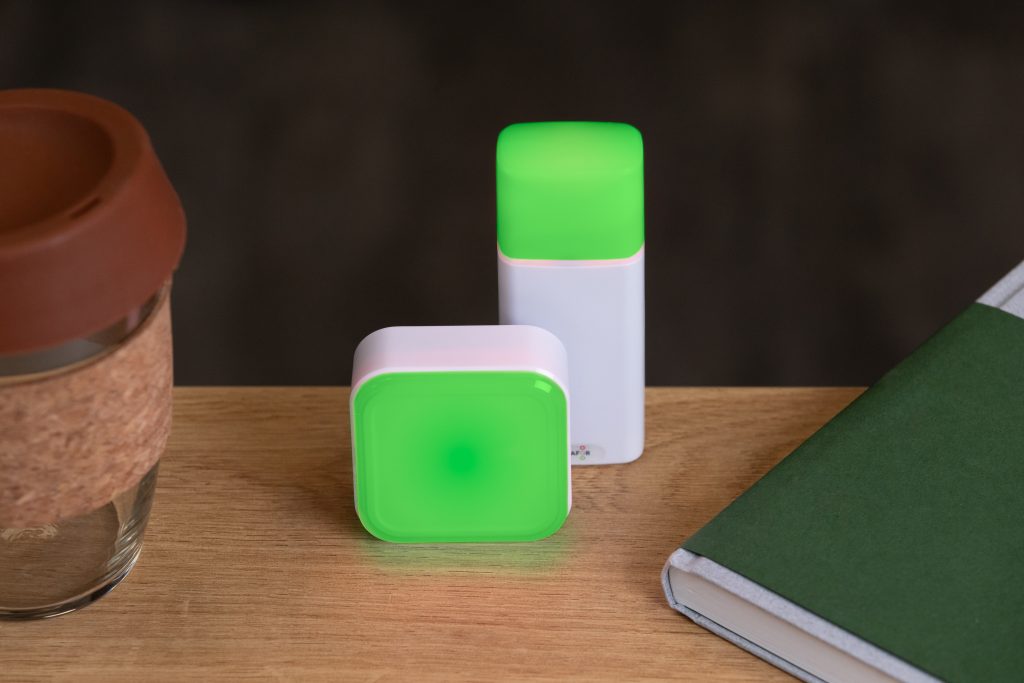
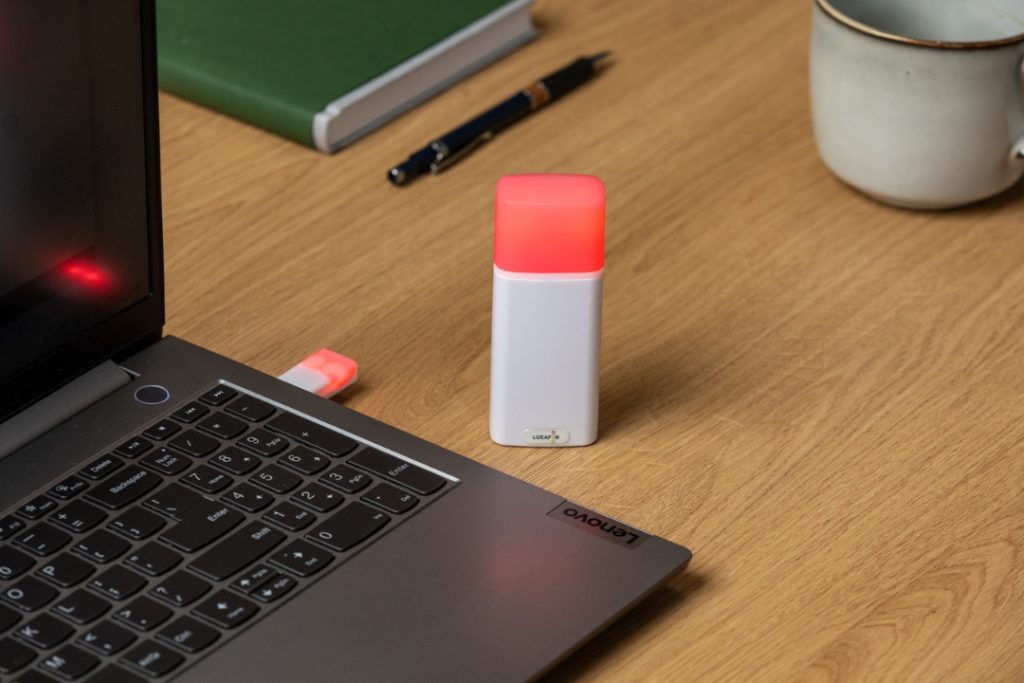
Busy Tag: Stay focused and avoid distractions
How to Interpret Time-Tracking Data to Identify Focus Gaps and Improve Productivity
When implementing productivity tracking, keep in mind that openness is essential. Workers ought to understand what is being watched, why, and how data is being used. Effective communication promotes productivity and fosters trust. Performance metrics, productivity insights, and real-time reporting assist managers in identifying patterns, identifying bottlenecks, and comprehending staff workflow.
Businesses can enhance workflows and make necessary adjustments by reviewing staff activity. If reports indicate excessive downtime, inefficient workflow, or overworked staff, managers should make adjustments. High employee performance is maintained while burnout is avoided by balancing workloads and work hours.
Conclusion
Are you merely gathering data, or are you monitoring productivity in a way that actually helps your team? Finding better ways to assist staff, increase attention, and produce significant results is more important than simply keeping an eye on how work is completed. Workers desire fair workloads, flexibility, and clarity. For managers to make wise judgments, they want real-time insights. This gap can be filled with the appropriate tools, but are you making good use of them? Businesses establish a work culture where productivity and well-being are prioritized when they change their focus from oversight to empowerment.
LUXAFOR HELPS PEOPLE TO ACHIEVE THEIR GREATEST PRODUCTIVITY LEVELS WITH A WIDE VARIETY OF OFFICE PRODUCTS. LET’S BE PRODUCTIVE TOGETHER!
Show your colleagues when you're busy!
The Best Time-Tracking Apps for Hybrid Workforces in 2025






Tags
Archives
- March 2026
- January 2026
- December 2025
- November 2025
- October 2025
- September 2025
- August 2025
- July 2025
- June 2025
- May 2025
- February 2025
- January 2025
- December 2024
- November 2024
- October 2024
- September 2024
- August 2024
- July 2024
- June 2024
- May 2024
- April 2024
- March 2024
- February 2024
- January 2024
- December 2023
- November 2023
- October 2023
- September 2023
- August 2023
- July 2023
- June 2023
- May 2023
- April 2023
- March 2023
- February 2023
- January 2023
- December 2022
- November 2022
- October 2022
- September 2022
- August 2022
- July 2022
- June 2022
- May 2022
- April 2022
- March 2022
- February 2022
- January 2022
- December 2021
- November 2021
- October 2021
- September 2021
- August 2021
- July 2021
- June 2021
- May 2021
- April 2021
- March 2021
- February 2021
- January 2021
- December 2020
- November 2020
- October 2020
- September 2020
- August 2020
- July 2020
- June 2020
- May 2020
- April 2020
- March 2020
- December 2019
- November 2019
- October 2019
- September 2019
- August 2019
- July 2019
- April 2019
- March 2019
- January 2019
- December 2018
- November 2018
- October 2018
- September 2018
- August 2018
- July 2018
- June 2018
- August 2017
- May 2017
- April 2017
- February 2017
- January 2017
- November 2016
- October 2016
- September 2016
- August 2016
- July 2016
- June 2016
- May 2016
- April 2016
- March 2016
- February 2016
- January 2016

