
How the Pomodoro Timer technique boosts your productivity
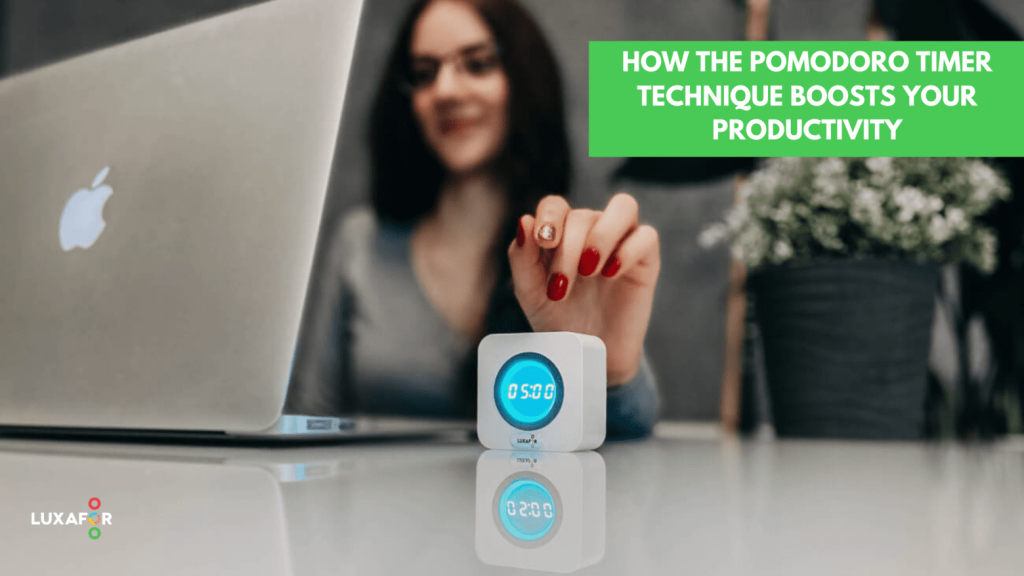
Plenty of tasks allocated, one person who needs to be multifunctional to do all of that, while working 8 hours a day. How to do everything that is needed from you and not get insane, not start procrastinating, be productive and remember everything asked of you? If you are not sure how to answer this question we can add another one, to clarify.
Have you ever heard about such a technique as Pomodoro?
It’s a time-management technique that asks from you just a smartphone, a notepad, a pen/pencil/marker, or maybe other special product in order to fulfill your needs. Let’s get into more details, while you are still here with us:
Introduction / History
Francesco Cirillo – the owner of Cirillo Consulting is the one who stands as a certified guide to this technique. It goes back to the 1980s, while he was still a student and he had willing to spend the minimum amount of time on studies.
He decided to experiment – precisely, divide his homework into the same short time spans. In order to control himself, he decided to take a timer that looked like a tomato (“pomodori” from Italian means tomato, and here we come to the origins of this technique name – Pomodoro), and he was putting a timer on for 10 minutes.
That’s how he figured out that it’s way easier for him to concentrate on the task, as he had in mind that, after finishing his allocated task he’ll have 10 minutes to rest and after that again start doing things. So, that’s how it all started.
As he was continuing with the experiment, he created the complete system to be even more effective. The additions were:
- Work time has increased to 25 minutes
- Rest time has become 5-10 minutes
- After 4 such Pomodoros, take greater rest for – 15-20 minutes
- Repeat those steps – until you have done everything that was needed for the day.
Maybe this visual representation will clear things up better for you, here is the example:

Source: Luxafor Pomodoro Timer
Some other questions that may arise:
- What are the key elements of this technique?
- Do I need to prioritize tasks?
- Shall I postpone some tasks till later if it’s almost impossible to finish them today?
Answering the first question – What are the key elements of this technique?
- Make yourself a list of tasks or a plan you need to do in the upcoming days, this week – such tasks are called “active”.
- From the tasks list focus on the ones that you, surely, need to do today, and put them in the list.
- And here comes the answer to 2nd question “Do I need to prioritize tasks?” – Yes, you do. Prioritize those tasks from the most to least crucial.
- Then go on with Pomodoro repetition from above – set the timer to 25 minutes and start working.
- After 25 minutes – rest for 5 to 10 minutes. After 4 such Pomodoros – more continuous rest for 15 to 20 minutes.
- Repeat points 4-6 until you have closed all the tasks needed. Every finished task sign with a cross or strikethrough. Simultaneously, here comes the answer to the 3rd question about postponing – if you have energy still, willing – finish everything else today, if not – postpone. Just don’t get into the negative snowball effect.
Seems fine? Then we shall continue.
What is the GOOD about this technique?
- You are focused. You are working on the exact task. The risk to get distracted and get into multitasking becomes lower as after 25 minutes you have a break.
- You start doing more in a less period of time. Productivity increases. As you are not absent-minded on other tasks or social media and don’t divert your brain with useless information.
- You may analyze the effectiveness of task completion. Especially, when you see how much time was spent on the task. For instance, one task was too big and took you one day to complete. The other was done in 2 Pomodoros and etc.
- You see a direct connection between goals and tasks. The goal is achieved by small steps (tasks), and you understand where you got to by checking crossed, completed tasks.
- You can change this technique by looking at your needs. Adaptability. You may increase either working time or rest in Pomodoro, or have more time on a BIG rest, while being in the office, for example.
You learn to effectively plan your daily tasks. Prioritizing and understanding how much time the task may take.
Some suggestions from our side
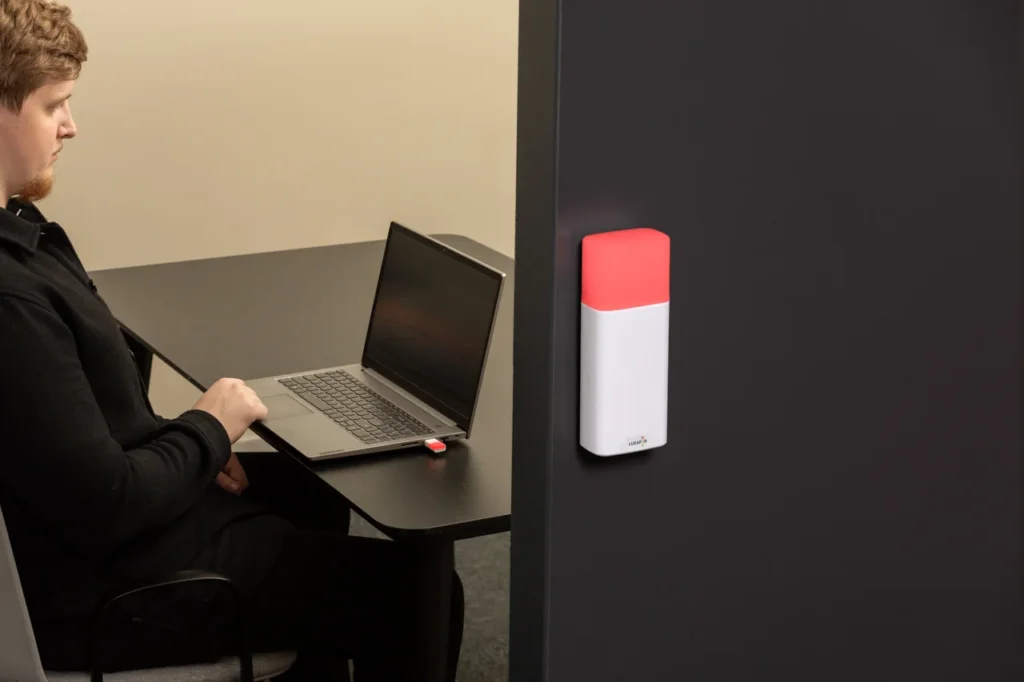
So, as smartphones are mostly distracting us when we take it in our hands setting a Pomodoro App, we’ve come up with a different solution to that. We’ve decided to get Luxafor Pomodoro Timer, and it turned out really handy in terms of using the technique we’ve told you about.
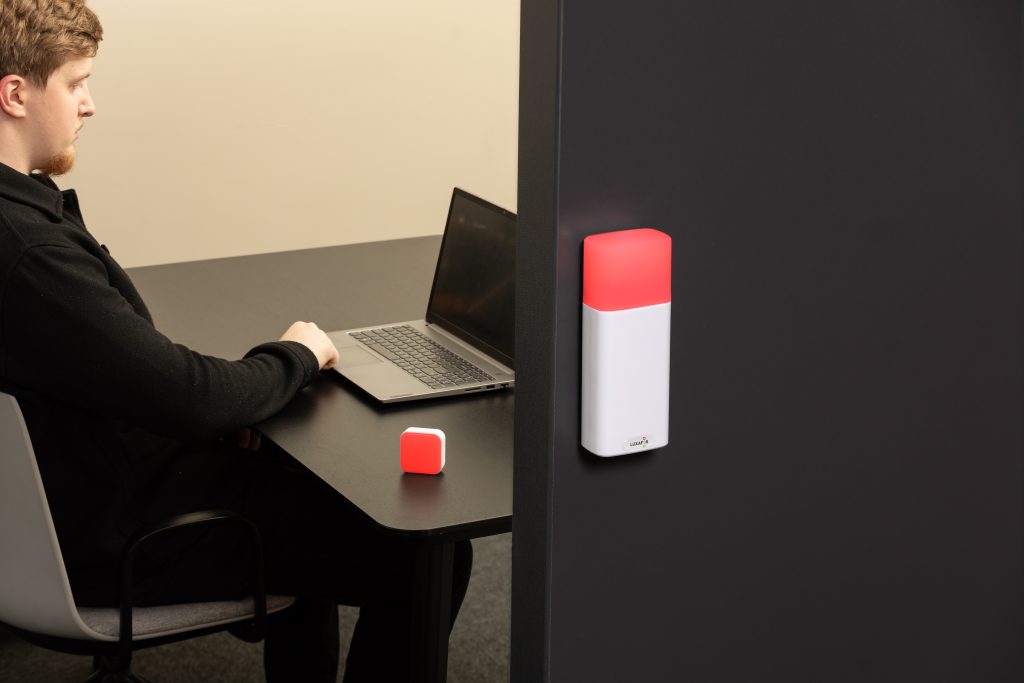
We don’t need to use our phones to set the timer anymore. With Luxafor Pomodoro Timer we don’t even need to have a phone with us during the working process. That’s a bit of our insight. Here’s what it looks like.

What to do if, while the working process with the Pomodoro timer, someone distracts you?
- Tell the one who’s distracting that you are completing the task and arrange time later to discuss what is needed. I for instance am pointing at my Luxafor Pomodoro Timer that shows Red (working time) and timer allocated, and my colleague has no questions afterward. But, sure, during your rest, you may discuss what is needed with colleagues.
- Write down your meeting or put a reminder on your smartphone or on a piece of paper.
- Meet or call the person after finishing your Pomodoro to discuss.

Last but not least – how to evaluate your efficiency while working with the Pomodoro technique?
To do so, divide your ”Pomodoro” working process into smaller parts — so at the beginning and at the end of working time you have 3-5 minutes:
- In the beginning to understand what you were doing before you started
- In the end – to understand what exactly you were doing in the work process.
If you write down something extra to the tasks (for example, any additional info, evaluation, insights), you can analyze that also, so you can see – what was hard for you, tiring and where you were inattentive.
Hopefully, it was helpful for you. Best of luck, and have a nice day!
LUXAFOR HELPS PEOPLE TO ACHIEVE THEIR GREATEST PRODUCTIVITY LEVELS WITH A WIDE VARIETY OF OFFICE PRODUCTS. LET’S BE PRODUCTIVE TOGETHER!
Do you want to build and maintain new habits? Get your free PDF version of the Don't Break The Chain calendar and start today!
Do you want to build and maintain new habits? Get your free PDF version of the Don't Break The Chain calendar and start today!
How the Pomodoro Timer technique boosts your productivity






Tags
Archives
- June 2026
- May 2026
- March 2026
- January 2026
- December 2025
- November 2025
- October 2025
- September 2025
- August 2025
- July 2025
- June 2025
- May 2025
- February 2025
- January 2025
- December 2024
- November 2024
- October 2024
- September 2024
- August 2024
- July 2024
- June 2024
- May 2024
- April 2024
- March 2024
- February 2024
- January 2024
- December 2023
- November 2023
- October 2023
- September 2023
- August 2023
- July 2023
- June 2023
- May 2023
- April 2023
- March 2023
- February 2023
- January 2023
- December 2022
- November 2022
- October 2022
- September 2022
- August 2022
- July 2022
- June 2022
- May 2022
- April 2022
- March 2022
- February 2022
- January 2022
- December 2021
- November 2021
- October 2021
- September 2021
- August 2021
- July 2021
- June 2021
- May 2021
- April 2021
- March 2021
- February 2021
- January 2021
- December 2020
- November 2020
- October 2020
- September 2020
- August 2020
- July 2020
- June 2020
- May 2020
- April 2020
- March 2020
- December 2019
- November 2019
- October 2019
- September 2019
- August 2019
- July 2019
- April 2019
- March 2019
- January 2019
- December 2018
- November 2018
- October 2018
- September 2018
- August 2018
- July 2018
- June 2018
- August 2017
- May 2017
- April 2017
- February 2017
- January 2017
- November 2016
- October 2016
- September 2016
- August 2016
- July 2016
- June 2016
- May 2016
- April 2016
- March 2016
- February 2016
- January 2016

