
Software Trends That Are Transforming Focus Tools and Workspaces

Ever feel like your productivity tools are working against you? Like your calendar’s double-booking your brain or your to-do list is just a polite guilt trip?
You’re not alone. The software we once praised for saving time can now—ironically—burn through our focus. But things are changing fast. A quiet revolution is reshaping how we build and interact with our digital workspaces, and it’s not just tech nerds who are paying attention.
Let me explain.
The New Era of Personalizable Tools
We’re seeing a shift away from rigid platforms and toward tools that adapt to the user—not the other way around. And at the heart of this shift? Programmable software systems.
Today, non-developers are customizing their own productivity stacks using drag-and-drop logic builders, visual scripts, and integrations that would’ve required full dev teams just a few years ago. If you’ve heard the term app programming, that’s exactly what we’re talking about—except now it’s accessible to people who’ve never written a line of code.
It’s like turning your workspace into a smart home: you decide what turns on, when, and why.
And we’re not just talking about convenience. For many workers—especially freelancers and hybrid teams—this level of personalization means the difference between surviving and thriving in an increasingly complex digital landscape. When your software works the way your brain works? That’s power.
Why Flexibility Matters More Than Ever
Let’s be real. “Focus” isn’t just about shutting off notifications or wearing noise-canceling headphones. It’s about mental context.
- Jumping between 6 apps just to schedule a meeting? That’s cognitive friction.
- Digging through two inboxes to find a client file? Same.
- Getting Slack, Zoom, and email pings while writing a report? Triple whammy.
Modern work is nonlinear—and our software needs to match that. Programmable tools now allow you to:
- Create conditional workflows (e.g., “If project status = done, then notify client”)
- Sync data across platforms without manual input
- Build dashboards that surface only what you need—when you need it
This doesn’t just streamline tasks. It protects your focus like a digital moat.
More importantly, it makes collaboration feel less like micromanagement and more like coordination. Because when tools talk to each other, humans don’t have to repeat themselves endlessly.
Context-Switching Is a Productivity Killer
According to a UC Irvine study, it takes about 23 minutes to recover from a single interruption. That’s one ping. One window switch. One “quick” check on LinkedIn.
Multiply that by a day of bouncing between tools and platforms, and you’re looking at serious time loss. Programmable environments minimize context-switching by bringing tools together under one logic tree.
Instead of constantly reacting to fragmented systems, you’re shaping your digital world around your workflow—kind of like rearranging your kitchen so everything you need is within arm’s reach. Including microsoft dynamics integration in this setup ensures your sales, marketing, and customer data are seamlessly connected with other tools you use.
It’s not magic. It’s intentional design.
And that matters. Because the cognitive cost of fragmented attention is more than just lost minutes. It’s decision fatigue, lowered creativity, and—eventually—burnout.
From Solo Workflows to Smarter Teams
This evolution isn’t just a solo act. Teams benefit even more.
Think of shared workflows that trigger team notifications, update project statuses, log meeting notes, and file assets—automatically. Instead of repeating the same Slack message for the tenth time (“Hey, did you update the doc?”), the system handles it.
More importantly, it builds a sense of trust. When the tools are set up to work for the team—rather than against their sanity—collaboration becomes smoother, less reactive, and a lot more respectful of people’s time.
And in remote or hybrid settings, that trust is everything. According to a recent NIH study, clear digital workflows directly correlate with reduced stress and better work-life boundaries in remote teams.
Plus, let’s not ignore the growing importance of asynchronous tools. Programmable systems make async work more fluid by ensuring updates happen even when people aren’t online at the same time. That’s not just efficient—it’s humane.
The Rise of "Calm Tech" Principles
Here’s a term you might not have heard: calm technology.
Coined by Mark Weiser and John Seely Brown at Xerox PARC, calm tech refers to systems that stay out of your way unless you need them. Like your fridge humming in the background—it’s doing its job, no need to check in every five minutes.
More productivity tools are now being built with this philosophy. They:
- Fade into the background unless something important happens
- Respect attention as a finite resource
- Deliver just enough information—no more, no less
A good example? Email clients that prioritize urgent messages based on behavior patterns, not keywords. Or workspace apps that “learn” when you’re in focus mode and mute everything else accordingly.
Calm tech doesn’t mean less communication. It means smarter, kinder communication. And for knowledge workers constantly on edge, that shift can feel downright revolutionary.
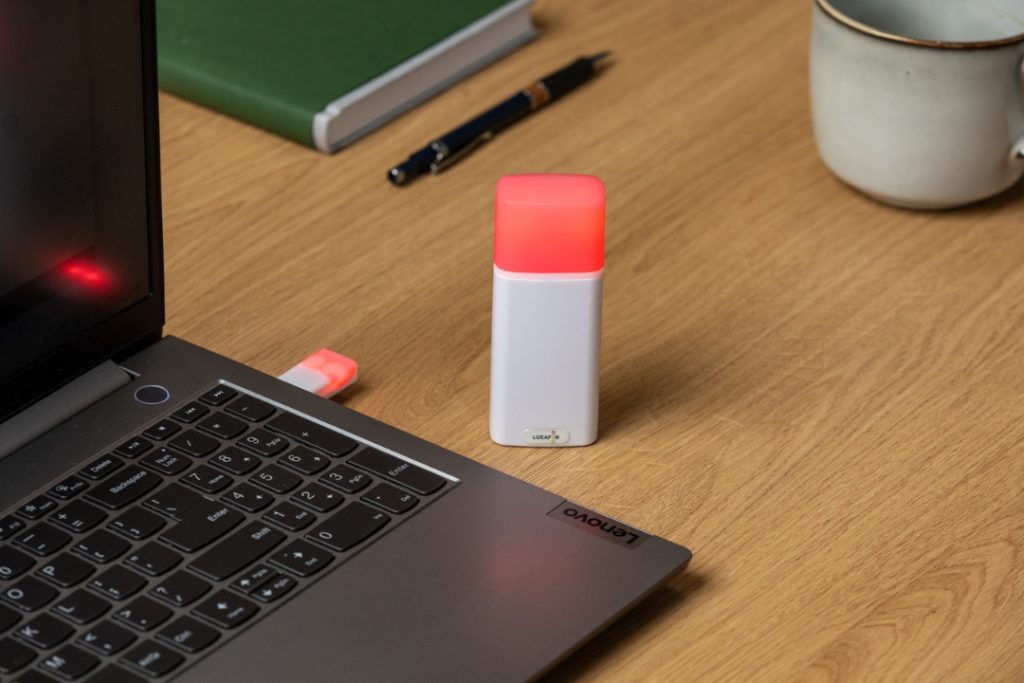
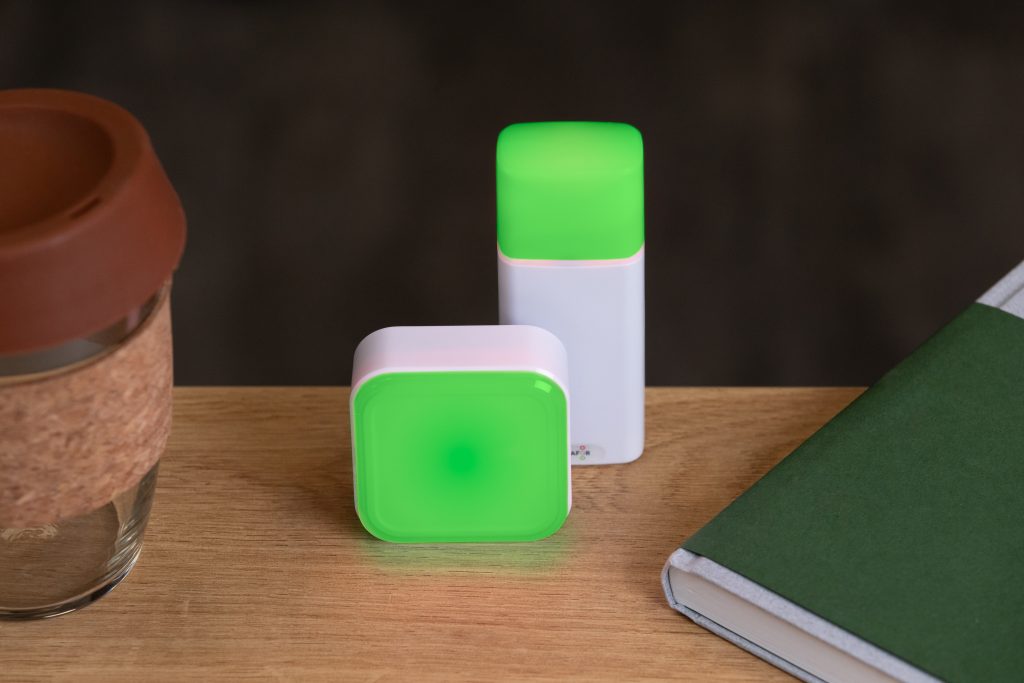
Busy Tag: Stay focused and avoid distractions
Privacy and Autonomy: The Unsung Heroes
This wouldn’t be a fair look at modern productivity tools without addressing the growing concern around digital autonomy and data privacy.
As platforms become smarter, questions naturally arise:
- Who owns the logic you build?
- Can your employer see the automations you’ve set up?
- How is your attention being measured—and monetized?
According to a recent paper by Carnegie Mellon University, digital privacy at work is directly tied to employee satisfaction and retention. In other words, people don’t just want better tools—they want control over them.
The new generation of software is starting to honor that. We’re seeing more tools that store logic locally, offer user-controlled permissions, and allow for easy data export if you choose to leave the platform.
And it’s not just a technical issue. It’s an ethical one. When workers feel surveilled or boxed in by their own software, morale suffers. When they feel empowered and trusted? The whole company wins.
So... Where's This All Going?
Here’s the truth: the best focus tools aren’t trying to change you. They’re trying to meet you where you are—and make your work feel a little more human again.
That’s the north star. Not just “more features,” but better alignment with how our minds actually work. Less jumping. Less noise. More clarity.
And if we’re being optimistic? We’re getting closer.
Smart platforms that learn how you work. Tools that disappear when you don’t need them. Workspaces that feel like extensions of your thought process—not interruptions of it.
We’re not there yet, but the blueprint is already unfolding in startups, open-source platforms, and new releases from some surprisingly big players. Even Microsoft and Google are moving in this direction, layering user customization into their ecosystems like never before.
Ready to Rethink Your Stack?
If your workspace still feels like a digital Rube Goldberg machine, it might be time to revisit how your tools interact. Programmability isn’t just for techies anymore. It’s for anyone who values focus, flow, and freedom.
Set aside an hour. Audit what’s not working. Ask yourself: “What tasks am I repeating daily that software could handle?” Then start building—or tweaking—what you already have.
Because your time—and your attention—shouldn’t be up for grabs.
LUXAFOR HELPS PEOPLE TO ACHIEVE THEIR GREATEST PRODUCTIVITY LEVELS WITH A WIDE VARIETY OF OFFICE PRODUCTS. LET’S BE PRODUCTIVE TOGETHER!
Show your colleagues when you're busy!
Software Trends That Are Transforming Focus Tools and Workspaces






Recent Posts
- The Ultimate Guide to Managing Business Email and Deep Focus Time
- Manufacturing SEO Consultant Tips to Maximize Sales Productivity
- Future of Remote Work: Why Visual Availability Signals Can Reduce Meeting Overload
- Managing “Do Not Disturb” Culture in Open Offices and Remote Teams with Visual Status Lights
Tags
Archives
- January 2026
- December 2025
- November 2025
- October 2025
- September 2025
- August 2025
- July 2025
- June 2025
- May 2025
- February 2025
- January 2025
- December 2024
- November 2024
- October 2024
- September 2024
- August 2024
- July 2024
- June 2024
- May 2024
- April 2024
- March 2024
- February 2024
- January 2024
- December 2023
- November 2023
- October 2023
- September 2023
- August 2023
- July 2023
- June 2023
- May 2023
- April 2023
- March 2023
- February 2023
- January 2023
- December 2022
- November 2022
- October 2022
- September 2022
- August 2022
- July 2022
- June 2022
- May 2022
- April 2022
- March 2022
- February 2022
- January 2022
- December 2021
- November 2021
- October 2021
- September 2021
- August 2021
- July 2021
- June 2021
- May 2021
- April 2021
- March 2021
- February 2021
- January 2021
- December 2020
- November 2020
- October 2020
- September 2020
- August 2020
- July 2020
- June 2020
- May 2020
- April 2020
- March 2020
- December 2019
- November 2019
- October 2019
- September 2019
- August 2019
- July 2019
- April 2019
- March 2019
- January 2019
- December 2018
- November 2018
- October 2018
- September 2018
- August 2018
- July 2018
- June 2018
- August 2017
- May 2017
- April 2017
- February 2017
- January 2017
- November 2016
- October 2016
- September 2016
- August 2016
- July 2016
- June 2016
- May 2016
- April 2016
- March 2016
- February 2016
- January 2016

