
Meet the Wireless Desk Occupancy Sensor: A Smarter Way to Track Space Usage
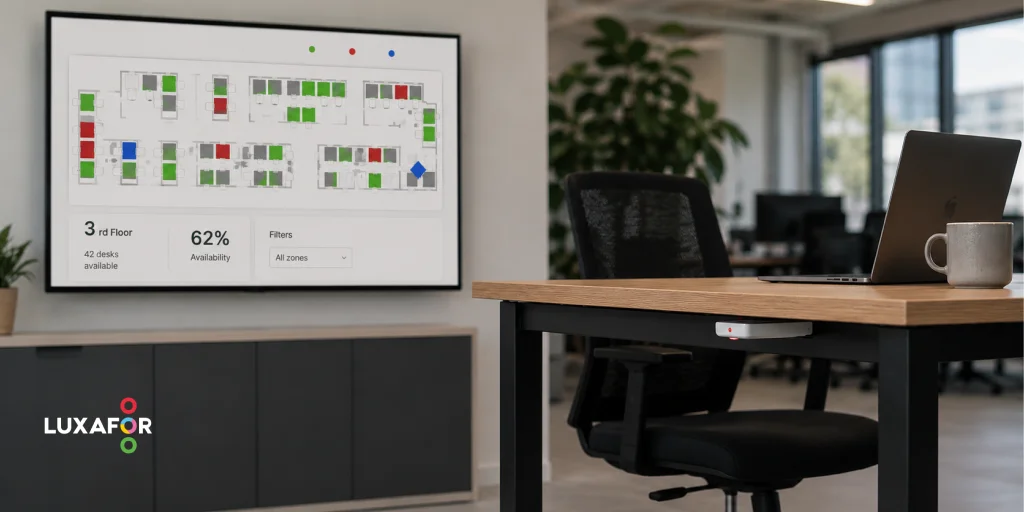
Hybrid work made office attendance hard to predict. CBRE's 2026 benchmark puts average office utilization at 53%, up from 38% in 2024. Yet 73% of organizations report their space runs at capacity on peak days. Both numbers are true: half-empty floors on Friday, desk shortages on Tuesday. A wireless desk occupancy sensor replaces that guesswork with measurement, showing facilities teams which desks are used, when, and for how long.
What Is a Wireless Desk Occupancy Sensor?
A wireless desk occupancy sensor is a small, battery-powered device, usually mounted under the desk surface, that detects whether a workstation is in use and transmits that status to a workplace analytics platform. No cables, no cameras, no identity data: most desk sensors detect heat or motion, not faces. The point of the hardware is ground truth. Booking calendars record intent and badge swipes record building entry, but neither records whether a desk was occupied. In a 2025 MySeat study, only 12% of monitored meeting rooms closely matched their reservation data, and half were booked but underused. Desk occupancy sensors close that gap between what employees reserve and what they do.How Wireless Desk Occupancy Sensors Work
Real-Time Desk Availability Monitoring
Each desk sensor watches a single seat zone (some ceiling-mounted models cover up to six desks) and reports a simple state: occupied or free. That state feeds live floor maps, so employees see desk availability on a screen or app instead of walking the floor to check. Four sensing technologies dominate the market:| Sensor type | Typical placement | Strength | Watch out for |
|---|---|---|---|
| PIR (infrared) | Under desk | Low cost, longest battery life | Misses very still occupants |
| Ultrasonic | Ceiling, rooms | Detects micro-movement like typing | False triggers from airflow |
| Thermal | Ceiling, multi-seat | High accuracy, strong privacy | Needs careful field-of-view setup |
| mmWave radar | Ceiling or wall | Best at sensing motionless presence | Sensitivity tuning required |
Wireless Connectivity and Data Collection
Desk sensors transmit over low-power radio (LoRaWAN, Bluetooth Low Energy, or EnOcean) to a gateway that forwards data to the cloud. Published battery life ranges from four years on BLE devices to ten years on LoRaWAN models, so maintenance visits are rare. Installation takes more than “peel and stick,” but not by much. A typical deployment looks like this:- Mount the sensor under the desk with adhesive or screws.
- Pair it to the platform, often by scanning a QR code.
- Verify wireless signal strength at the desk location.
- Map the sensor to its desk on the floor plan.
- Allow a settling period. Some vendors recommend one working day before trusting the data.
Integration With Workplace Management Platforms
Occupancy data becomes useful when it reaches the systems employees touch. Workplace management platforms such as Envoy, Robin, OfficeRnD, and Eptura accept sensor events through APIs and webhooks. Connected this way, an office occupancy sensor can update booking availability in real time and release a reserved desk nobody claimed.Key Benefits of Using Desk Occupancy Sensors
Improving Office Space Utilization
CBRE’s 2025 survey found 66% of organizations in the Americas run their offices below 60% utilization in an average week. Office occupancy sensors show which floors, zones, and desk types sit unused, giving management the evidence to consolidate, redesign, or sublease.Supporting Hybrid Work and Desk Booking Systems
Hybrid scheduling concentrates demand: 73% of organizations name Tuesday their busiest day, while Friday barely registers. Feeding desk occupancy data into a booking system smooths those peaks: the system auto-releases no-show reservations, and capacity planning rests on measured attendance instead of policy assumptions.Reducing Unused Workspace Costs
At CBRE’s Q1 2026 U.S. average asking rent of $37.21 per square foot, 1,000 square feet of consistently unused workspace costs roughly $37,210 a year in rent alone, before utilities and cleaning. In a 2025 Density case study (a vendor figure, but a documented one), occupancy analytics helped one company cut $1.02 million in annual operating costs from a single building.Helping Employees Find Available Desks Faster
A live availability map ends the morning desk hunt. Employees check which desks are free before leaving home, and office sensors keep the map honest: a desk shown as free is free.How Occupancy Tracking Improves Workplace Efficiency
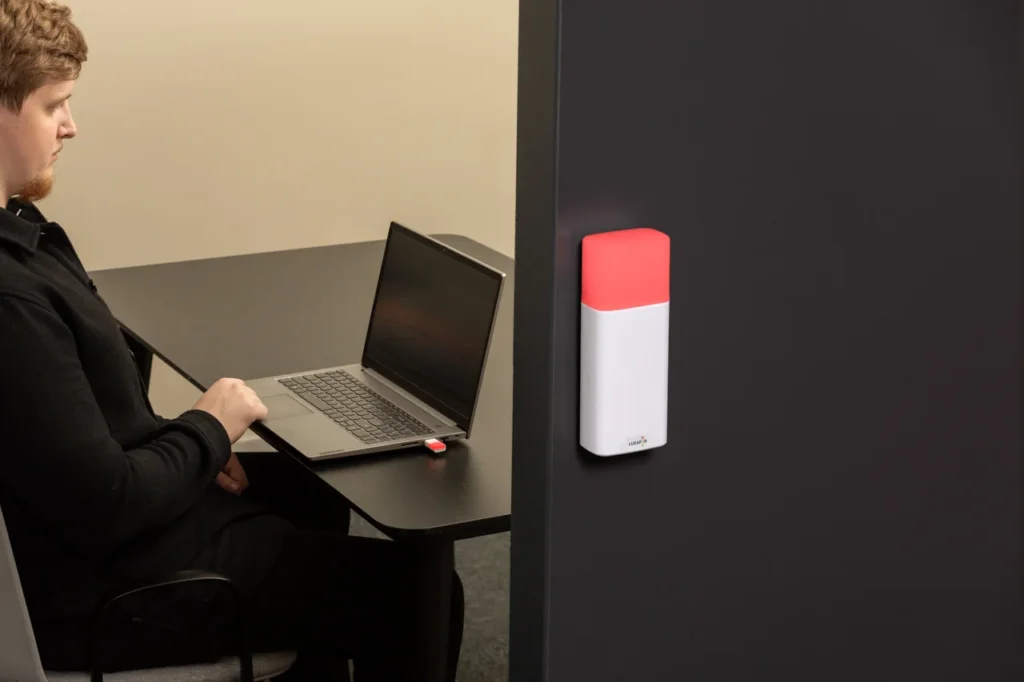
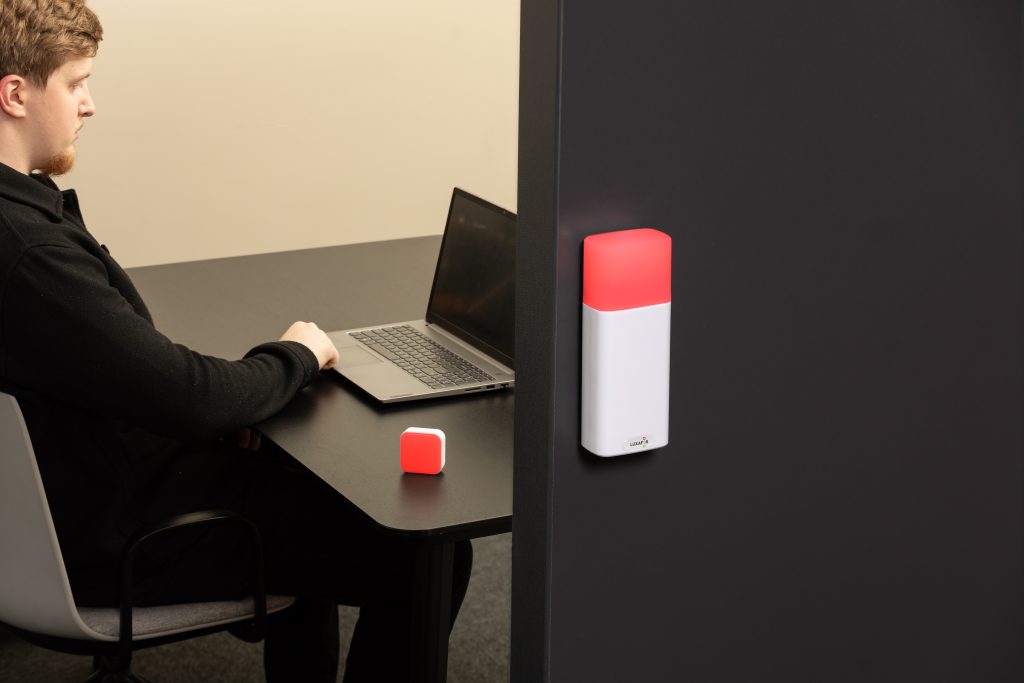
Occupancy monitoring turns space management from an annual guess into a weekly decision. Facilities teams get direct answers: how many desks the office needs, which days require overflow plans, whether employees avoid the quiet zone or fill it. One thing a sensor cannot report is whether the person at a desk wants to be interrupted. Sensors measure presence; availability for conversation is a human decision. An occupied desk might hold someone happy to chat or someone an hour deep in focused work. This is where occupancy sensors for offices pair well with manually controlled status lights: a Luxafor Flag 2 on the monitor signals red or green at desk level, a Switch Pro 2 does the same for meeting rooms without IT approval, and a Bluetooth Pro covers employees who move between both. Sensors tell you whether a desk is used; busy lights tell you whether the person using it is open to interruption. Offices that want utilization data and fewer interruptions deploy the two together.Say you're busy without saying it
Building a Smarter Office, One Signal at a Time
A wireless desk occupancy sensor gives workplace teams something they have rarely had at scale: honest data about how desks are used. Paired with a booking platform and clear team norms, it cuts wasted space costs and helps employees find a seat without friction. No hardware improves productivity on its own, though. Sensors and status lights pay off when management acts on the data and teams agree on what the signals mean. Start with measurement, follow with decisions.
Frequently Asked Questions
Most detect body heat or motion at a single seat using infrared, thermal, or radar sensing, then send the occupied/free status over a low-power wireless network to an analytics platform.
Hybrid attendance swings between empty Fridays and overloaded Tuesdays. Sensors show desk usage by day and zone, so capacity decisions rest on data instead of guesswork.
No wiring is needed. Sensors mount with adhesive or screws and pair to the platform in minutes. One published vendor estimate is five minutes per sensor, plus a short settling period.
Yes. Platforms such as Envoy, Robin, OfficeRnD, and Eptura accept sensor data through APIs and webhooks, enabling auto-release of booked-but-unused desks.
They power live availability maps, so employees find a free desk in seconds instead of wandering the floor, and the booking system releases unused reservations for others.
Author

Kaspars S.
Productivity tool developer, corporate leader, and technical director at Luxafor
Meet the Wireless Desk Occupancy Sensor: A Smarter Way to Track Space Usage




Busy Tag – Your Digital Canvas


Tags
Archives
- June 2026
- May 2026
- March 2026
- January 2026
- December 2025
- November 2025
- October 2025
- September 2025
- August 2025
- July 2025
- June 2025
- May 2025
- February 2025
- January 2025
- December 2024
- November 2024
- October 2024
- September 2024
- August 2024
- July 2024
- June 2024
- May 2024
- April 2024
- March 2024
- February 2024
- January 2024
- December 2023
- November 2023
- October 2023
- September 2023
- August 2023
- July 2023
- June 2023
- May 2023
- April 2023
- March 2023
- February 2023
- January 2023
- December 2022
- November 2022
- October 2022
- September 2022
- August 2022
- July 2022
- June 2022
- May 2022
- April 2022
- March 2022
- February 2022
- January 2022
- December 2021
- November 2021
- October 2021
- September 2021
- August 2021
- July 2021
- June 2021
- May 2021
- April 2021
- March 2021
- February 2021
- January 2021
- December 2020
- November 2020
- October 2020
- September 2020
- August 2020
- July 2020
- June 2020
- May 2020
- April 2020
- March 2020
- December 2019
- November 2019
- October 2019
- September 2019
- August 2019
- July 2019
- April 2019
- March 2019
- January 2019
- December 2018
- November 2018
- October 2018
- September 2018
- August 2018
- July 2018
- June 2018
- August 2017
- May 2017
- April 2017
- February 2017
- January 2017
- November 2016
- October 2016
- September 2016
- August 2016
- July 2016
- June 2016
- May 2016
- April 2016
- March 2016
- February 2016
- January 2016

