
Nail the First Impression: 3 Tips for a Winning Email
- Updated on: Januray 8, 2025

Business leaders receive hundreds of emails every single day. If you want to write an email that not only gets to the right person, but which they read, then you will have to make sure that your email stands out for all of the right reasons.
Writing an email introduction can be daunting. Writing an unsolicited email introduction to someone that you have never met before, and who has probably never heard of you, can be downright terrifying. Introductory emails are even more scary because, generally, you are the one with something at stake: you will usually write an email if you would like a job, work experience, advice, or you are hoping to sell a product or service to someone. A strong message is only half the battle, though. Thoughtful email design – from layout and spacing to typography and mobile responsiveness – plays a huge role in making your introduction easy to read and more likely to get a reply. A clean, professional design helps your email stand out and keeps the reader focused on your message.
While the job market can be uncertain, careers in tech should flourish throughout 2024 and beyond, according to the IT Salary Guide. And with the rise of AI and everchanging landscape of technology, the opportunities will keep on coming.
If you aspire to a career in tech, it's essential to gain insight into the industry and acquire key skills, such as understanding email deliverability and practices like DMARC setup for email security. These practices are crucial for protecting your professional communication and ensuring successful email campaigns. To improve inbox placement and ensure better engagement, explore mailercloud’s guide to email deliverability.
Whether you are asking for information, an internship or a job at any level, what you write and how you write it could make all the difference.
1. The subject line
You can write the most clear, award-winning email but if your subject line doesn’t cut it, then it is unlikely that that email will ever be opened. You need your subject to be clear and concise. If it is too long, the entire line won’t be displayed within the inbox, but too short and you risk losing a valuable opportunity to attract attention. In fact, 47% of people read the subject line before deciding whether or not to open the email.
What works in your subject line will vary based on the purpose of your email.
For job or internship requests, keep it simple. “Are you looking for a (job title)?” “Looking for work experience in (company)” “I would like to know more about life at (company)”.
Depending on the organization culture, you can tailor your subject line to be as formal or informal as you feel appropriate. For example, if you want an internship at a young, edgy company, a subject line “Free labor!” might be enough to entice the right person to click “open”.
2. The opener
Getting your recipient to open your email is just half the battle (literally). Now you need them to read your entire email. You can guarantee that they will start by giving it a quick scan, so there is no margin for error. Let’s go back to the organization culture. Do you think that they are formal or informal? Do most staff members wear suits? Do employees tend to be younger or older? Is there a commitment to diversity and an emphasis on “fun”? Those questions will help you to determine your opener. For a formal industry such as banking or law, “Dear” might be your best approach. If your recipient is in a more relaxed industry, such as media or tech, then “Hi” or “Hello” might fit better.
One of the most important things you can do is make sure that you get the name of your recipient right! A scattergun approach with a copy and paste email will not hit the mark and will almost certainly not be read. Check you know their name, and check again that you have spelt it correctly before you send. First names are generally preferable to salutation and surname. First name and surname is definitely a no-no. If you are in doubt, you can skip the name and opt for “Good morning” (or evening or afternoon).
3. The main body
Your email needs to do the following things:
- Let your recipient know the ask – and why you are asking
- Tell them how it would benefit them
- Tell them what to do next
- Sign off quickly
Busy Tag: Stay focused and avoid distractions
The ask
Be clear and try not to be too salesy. We all know that the email is about you, but your aim here is to convince someone who is busy and who is responsible for making decisions that THEY need YOU. Start with “According to (paper/blog/person), (organization) is one of the leaders in diversity in Tech”, or “I read recently about the work that (organization) is doing in AI in health.”
With this opener locked in, you can go onto the ask. “With this in mind, I am writing to see if you have any opportunities for (xxx)” or “I am considering a career in tech and I would love the opportunity to gain some experience before I decide which path to follow.”
The benefit
Next, you need to tell them how you would benefit them: “I got top grades in computer science and my work in (job/college role/team) shows that I am a hard worker and great team leader.”
Decision makers tend to be busy, so you need to get the information to them quickly, before something else takes priority. Keep this piece to 100-200 words, and make every word count!
The call to action
Unless you finish up with a clear ask – known as a call to action – your hard work writing emails will be wasted.
“I appreciate your time reading this and know that you are very busy. Would you be willing to arrange a five-minute call to discuss internship opportunities?” “It would mean a huge amount to me if you could tell me more about working at (organization) and how you are supporting people like me who are passionate about the industry.”
The sign off
Keep this succinct. For example, instead of using the same closing in every message, you can choose from different polite best regards alternatives depending on tone and context. “Many thanks for your time,” “With gratitude,” “Thanks,” – you get the drift!
When writing an email, give yourself time to leave it and come back to reflect on it. You could even try emailing it to yourself so that you can see how it reads as an email. Whatever you do, if you recycle old email content, make sure that all references to specific people or companies have been updated; nothing deters a potential employer more quickly than seeing the wrong name! Writing email introductions is a bit like fishing; you have to send a few out to get a nibble, and even more for a catch, but the more you send, the “luckier” you will get.
LUXAFOR HELPS PEOPLE TO ACHIEVE THEIR GREATEST PRODUCTIVITY LEVELS WITH A WIDE VARIETY OF OFFICE PRODUCTS. LET’S BE PRODUCTIVE TOGETHER!
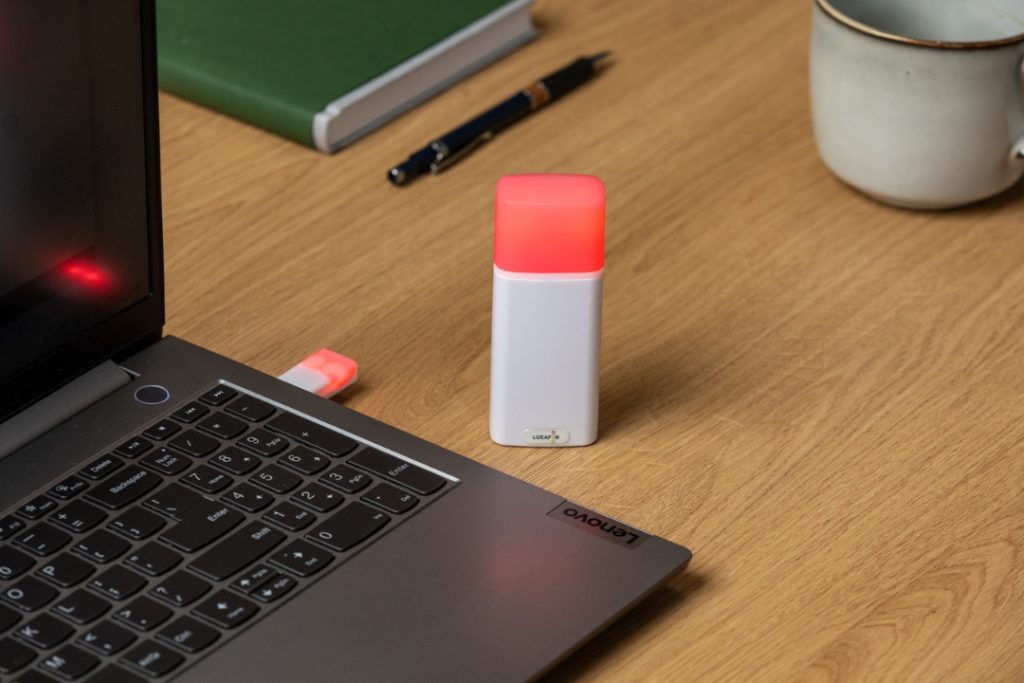
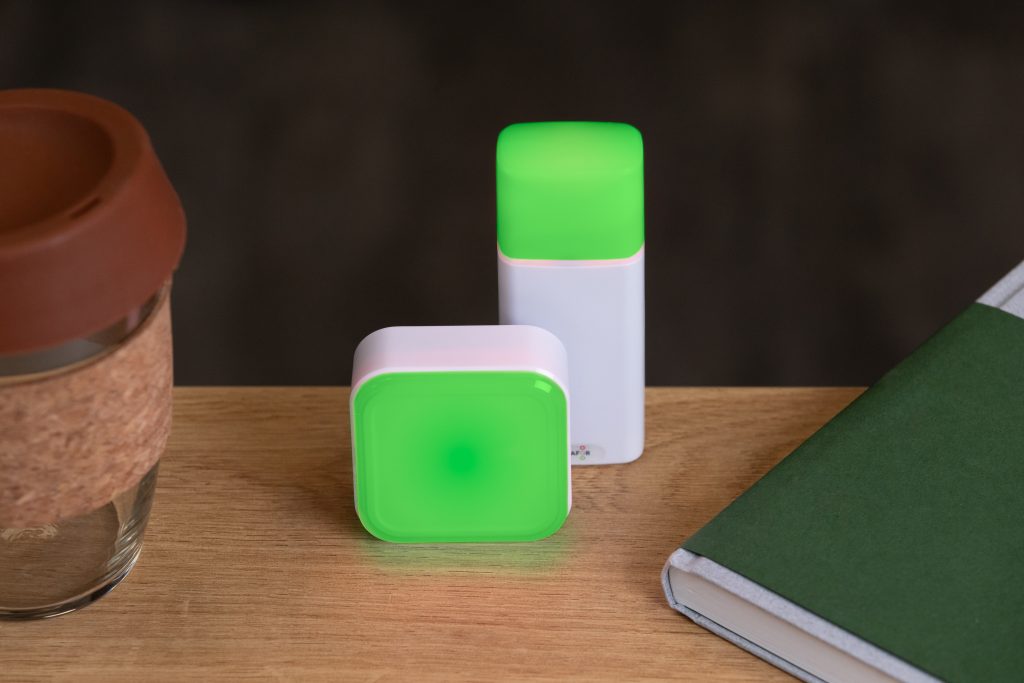
Show your colleagues when you're busy!
Nail the First Impression: 3 Tips for a Winning Email






Tags
Archives
- March 2026
- January 2026
- December 2025
- November 2025
- October 2025
- September 2025
- August 2025
- July 2025
- June 2025
- May 2025
- February 2025
- January 2025
- December 2024
- November 2024
- October 2024
- September 2024
- August 2024
- July 2024
- June 2024
- May 2024
- April 2024
- March 2024
- February 2024
- January 2024
- December 2023
- November 2023
- October 2023
- September 2023
- August 2023
- July 2023
- June 2023
- May 2023
- April 2023
- March 2023
- February 2023
- January 2023
- December 2022
- November 2022
- October 2022
- September 2022
- August 2022
- July 2022
- June 2022
- May 2022
- April 2022
- March 2022
- February 2022
- January 2022
- December 2021
- November 2021
- October 2021
- September 2021
- August 2021
- July 2021
- June 2021
- May 2021
- April 2021
- March 2021
- February 2021
- January 2021
- December 2020
- November 2020
- October 2020
- September 2020
- August 2020
- July 2020
- June 2020
- May 2020
- April 2020
- March 2020
- December 2019
- November 2019
- October 2019
- September 2019
- August 2019
- July 2019
- April 2019
- March 2019
- January 2019
- December 2018
- November 2018
- October 2018
- September 2018
- August 2018
- July 2018
- June 2018
- August 2017
- May 2017
- April 2017
- February 2017
- January 2017
- November 2016
- October 2016
- September 2016
- August 2016
- July 2016
- June 2016
- May 2016
- April 2016
- March 2016
- February 2016
- January 2016

