
Using Visual Signals to Reduce Distractions and Boost Productivity

We all live in a society that is disrupted. Every day, we receive hundreds or even thousands of fresh emails. Notifications from social media appear continuously. How is a professional expected to maintain concentration in the face of all these everyday distractions? To an even greater extent, how do you, as a leader, assist your team in reducing distractions in order to sustain workplace productivity and generate creative ideas?
Because social and mobile technologies have altered how workers produce, share, and interact, technology has made workplace disruptions more likely. Businesses that want to remain relevant require leaders that are laser-focused, distraction-free, have a clear vision, are inspired by novel ideas, and create a collaborative atmosphere.
The Disruptive Professional Culture
Life has always involved interruptions on both a personal and professional level. The consequences of interruptions and diversions were acknowledged by philosopher Friedrich Nietzsche as early as the 1800s, when he wrote, "[we] … seek out distractions in order to stay mentally busy so we can avoid facing up to the big questions."
Workplace disruptions can be different from the "big questions" we have in our personal life, but in general, interruptions are any events that cause us to lag behind on duties. They fall into two categories: internal, or self-distractions, and external, or annoyances.
Your want to check social media every hour could be an internal distraction, and a loud coworker talking just outside your office could be an exterior irritant. Consequently, to refrain from advancing a new initiative.
What Is a Visual Status Light and How It Works
A status light is a tiny, color-coded visual indication that shows the condition or state of a component, process, or system. Without requiring in-depth explanations, it helps users rapidly evaluate statuses by providing at-a-glance feedback. To improve visibility and provide contextual awareness, they are utilized in conjunction with components like tables, accordions, or dashboards.
Colleagues can be informed of your availability in real time by using status features in collaboration tools, such as “Do Not Disturb,” “In a Meeting,” or “Available.” This visual indication aids in determining when staff members require undisturbed time and when disruptions are acceptable.
When you’re in a meeting, on the phone, or just need to focus deeply, Luxafor storefront’s visual cues update in real time and sync with your calendar and collaboration apps.
Do you have to work without interruption during a meeting? With a single click, you can adjust your own availability in this situation by overriding the automated settings in manual mode.
The Psychology of Visibility: Why Simple Signals Work
By providing a visual depiction of the necessary procedures or crucial parameters, a tiny light indication can act as a guide during this procedure. This can help to reduce interruptions at work by giving decision-making structure and clarity.
It may encourage, mentor, and urge you in the correct direction. The indicator light provides unambiguous, color-coded information regarding the optimal course of action when it’s time to take action. People can react to these cues and make prompt, well-informed decisions.
The focus indicator for office helps to avoid mistakes and missed details by giving decision-making structure and clarity. We have created a number of ground-breaking items that significantly influence the environments in which they are utilized thanks to our creative approach and emphasis on designing goods that are simple to use.
Using a Focus Indicator for Office Efficiency
It’s easy to install busy light indications for your workplace productivity. Determine the main locations where disruptions usually happen first. Put a focus indicator for office in common areas or at each person’s workstation.
Seek out models that are able to link to your calendar or messaging apps, such as Microsoft Teams or Slack. By doing this, you can make sure that your visual status light accurately represents your schedule-based availability.
For these availability status indicators to be useful, internal teams must be encouraged to use them regularly. To promote a more productive atmosphere, think about establishing a culture of awareness around your visual status light.
Reducing Interruptions at Work in Open Office Plans
Identifying the reasons behind the negative perception of open-plan offices is not difficult. Noise and frequent disruptions are at the center of this.
There was considerable concern prior to the Busylight system’s installation: How would it affect our laid-back, friendly workplace culture? Would it result in micromanagement or the idea that one must constantly seem busy? Thankfully not in our experience; our people soon adapted to looking to see if the individual they needed to speak with was now occupied, and they came to enjoy less interruptions.
Enhancing Focus in Co-Working and Shared Spaces
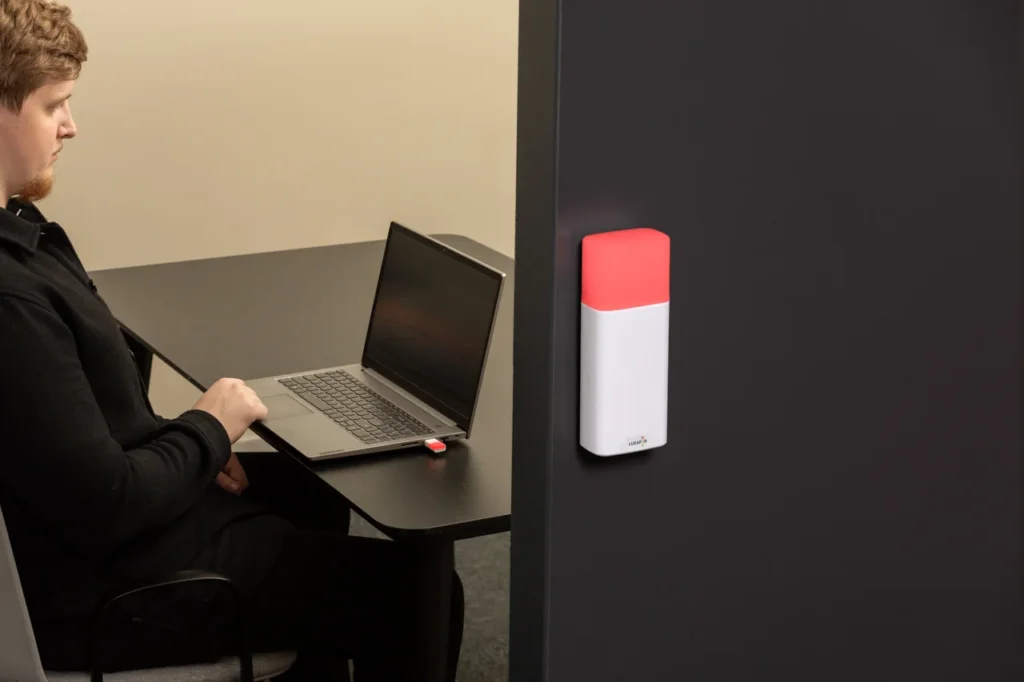
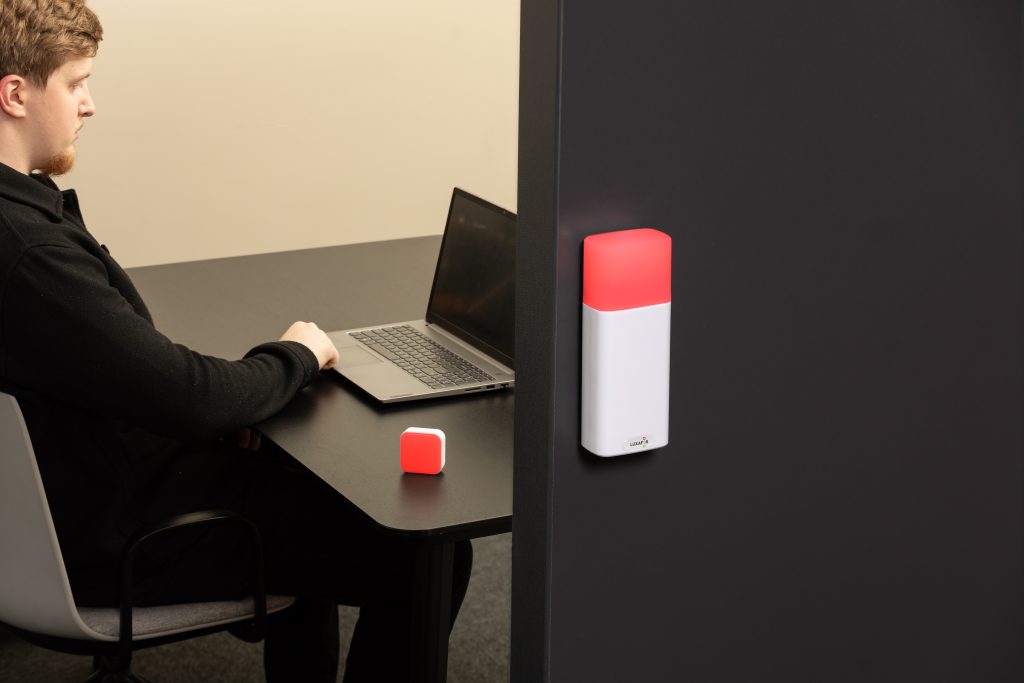
It’s a straightforward method to tackling a basic problem: visual signals indicate your availability without speaking a word. Anyone in the vicinity can instantly comprehend and obey the color-coded cues used by the always-on light. For instance:
- red indicates that you’re occupied.
- throbbing You are on a call if it is red.
- “do not disturb” setting is indicated by purple.
- yellow indicates that you are unavailable or away.
- green indicates that you’re free to connect.
These signals can be manually established or linked with programs like Microsoft Teams or Skype for Business. This lessens needless disruptions and promotes a more attentive, civil workplace in shared or open-plan offices.
Supporting Hybrid Teams with Clear Communication Cues
Colleagues frequently don’t know if you’re accessible unless they ping you, which leads to digital disruptions as remote work becomes more popular. For hybrid teams, busy lights fill the void by providing a clear visual cue free of superfluous messages. This easy technique can reduce interruptions at work and promote a culture that values in-depth focus.
Busy Tag: Stay focused and avoid distractions
Final Thoughts
Distractions and interruptions at work can have a big effect on output and effectiveness. The incessant “tap on the shoulder” can cause hours of diminished concentration and quality.
You can, however, take certain actions to recover your workplace productivity and time. You may reduce interruptions at work and establish a more concentrated work atmosphere by putting in place technologies like asynchronous communication tools, focus indicator for office, and notification disablement. You can maximize your time and make your work environment more productive and fulfilling by taking greater control of workplace distractions.
LUXAFOR HELPS PEOPLE TO ACHIEVE THEIR GREATEST PRODUCTIVITY LEVELS WITH A WIDE VARIETY OF OFFICE PRODUCTS. LET’S BE PRODUCTIVE TOGETHER!
Show your colleagues when you're busy!
Article author

Kaspars S.
Productivity tool developer, corporate leader, and technical director at Luxafor
Using Visual Signals to Reduce Distractions and Boost Productivity






Tags
Archives
- June 2026
- May 2026
- March 2026
- January 2026
- December 2025
- November 2025
- October 2025
- September 2025
- August 2025
- July 2025
- June 2025
- May 2025
- February 2025
- January 2025
- December 2024
- November 2024
- October 2024
- September 2024
- August 2024
- July 2024
- June 2024
- May 2024
- April 2024
- March 2024
- February 2024
- January 2024
- December 2023
- November 2023
- October 2023
- September 2023
- August 2023
- July 2023
- June 2023
- May 2023
- April 2023
- March 2023
- February 2023
- January 2023
- December 2022
- November 2022
- October 2022
- September 2022
- August 2022
- July 2022
- June 2022
- May 2022
- April 2022
- March 2022
- February 2022
- January 2022
- December 2021
- November 2021
- October 2021
- September 2021
- August 2021
- July 2021
- June 2021
- May 2021
- April 2021
- March 2021
- February 2021
- January 2021
- December 2020
- November 2020
- October 2020
- September 2020
- August 2020
- July 2020
- June 2020
- May 2020
- April 2020
- March 2020
- December 2019
- November 2019
- October 2019
- September 2019
- August 2019
- July 2019
- April 2019
- March 2019
- January 2019
- December 2018
- November 2018
- October 2018
- September 2018
- August 2018
- July 2018
- June 2018
- August 2017
- May 2017
- April 2017
- February 2017
- January 2017
- November 2016
- October 2016
- September 2016
- August 2016
- July 2016
- June 2016
- May 2016
- April 2016
- March 2016
- February 2016
- January 2016

