
Streamlining Productivity When Working from Home

With the widespread popularity of the remote work and flexible working models becoming more common in all types of industries, you may have found it harder to be productive at work.
Here are some tips to streamline your productivity when you are working from home.
De-prioritise emails
It’s not unusual for busy people to receive an endless stream of emails throughout their working day (and beyond).
But do you really need to read and respond to them all immediately? Communication is important, but it’s easy to let emails take over your whole day.
Ben Greenfield is a bestselling author who writes about everything from productivity to fitness to meditation, while managing a podcast, website, supplements company and more. He writes:
…“I only check e-mail three times per day: 9am, noon and 7pm”…
Greenfield also recommends using plugins for email management: Inbox Pause and Boomerang. Inbox Pause lets you pause your inbox, so emails aren’t even visible before you actively choose to unpause your inbox. He uses Boomerang and, in his words, to:
…“avoid a hodge-podge of e-mails flying back and forth by writing an e-mail, but then selecting a time for it to be sent later, such as four hours later, the next day, the next week, etc”…
Install a private web browser
Clicking ‘accept’, ‘reject’, or refining your cookie choices on every web page you come across can be tedious. This can also bite a significant chunk out of your time every day. Targeted adverts divert your attention from the task you set out to do.
Private browsers can automatically reject all cookies and targeted ads. A private web browser is the best choice for both privacy and productivity. Browsers such as Mozilla Firefox (which doesn’t automatically include ad blocking but has extensions that do), Brave, and Vivaldi are all good options.

Prioritise what’s important
Okay, so you’ve put emails to one side and got a timer ready on your phone or computer. What do you want to work on?
Try dividing your tasks into categories: urgent and important, important but not urgent, urgent but not important, and finally – neither.
Work on and complete the important and urgent tasks first.
You can also try the ABC Method, which is where you assign A (most important), B, or C to each task and start with the A tasks.

Use a Pomodoro timer
Pomodoro apps are timer apps designed to increase productivity.
The Pomodoro Technique is simple: work for 25 minutes, then take a 5-minute break. When four of these “pomodoros” are complete, take a longer break (20-30 minutes) and then repeat by starting on the next 25-minute work session.
As Harry Guinness, writing for Zapier, puts it:…“The Pomodoro Technique is one of the most deceptively simple and effective productivity tools I’ve ever used. It stops you from procrastinating or getting distracted, so you can just get things done—and all it takes is enough commitment to start a timer”…
You can use your phone’s timer app, such as the Clock app on iPhone, an old-fashioned sand timer, or one of the specifically built Pomodoro apps, like Luxafor Pomodoro app,(both of which are free), or Forest (free with ads on Android and paid for on iOS).
Busy Tag: Stay focused and avoid distractions
Consider ditching the snacks
Greenfield, who also often writes about nutrition, advises ditching the habit of snacking.
Greenfield writes that:…“it is a complete nutritional fallacy that frequent snacking keeps your metabolism elevated or is healthier than eating three square meals a day”…
and after previously bringing a boatload of snacks to work, he realized that his “entire day was focused on food and taking breaks to eat.”
Carleigh Ferrante, writing for mindbodygreen, advises having a breakfast that includes protein and fiber to avoid feeling the need for snacks.
Ferrante writes:…”Studies show protein and fiber both increase feelings of satiety—and about 95% of American adults and children aren’t getting enough fiber!…

Delegate and outsource tasks
If you lead a team, delegate certain tasks to the team members who are best suited to them.
If your company can afford to hire freelancers or contract workers, consider outsourcing tasks and projects that are outside your, or your company’s, expertise.
Reflect
At the end of each week (or day, if you prefer), review what you’ve accomplished in that time period.
Try and identify any areas for improvement – for example, you might realise that you’ve spent too many hours on C-rated tasks when that time could be better spent on the A-rated, most important tasks.

Sleep well
Good quality sleep is arguably the number one thing to help increase your productivity. Sleep helps us physically and mentally in a number of different ways, but one of the most important ways is how it helps consolidate memory (which occurs during REM, or rapid eye movement, sleep), and better memory consolidation leads to better learning and recall. This is essential for problem-solving and task management.
Sleep also improves your concentration and focus. If you focus well, you make fewer mistakes, and accomplish tasks (well) at a faster rate.
Exercise
Regular exercise can help productivity in a number of ways.It can increase your physical energy by enhancing blood flow and oxygen delivery to your brain and muscles, which allows you to better maintain productivity throughout the day.
It also improves sleep quality, and sleep, as discussed, is just about the most important thing you can do for cognitive function.
Exercise also helps by stimulating the production of brain-derived neurotrophic factor (BDNF), which helps grow and maintain neurons. This improves learning, memory, and overall cognitive function. Importantly, exercise also reduces your stress, which inhibits focus and productivity
Reward yourself
Though it may seem something more suited to children (or pets), a reward system can boost your work productivity.
Start by setting a clear goal, like writing a report, and then break it down into manageable tasks, like researching, outlining, drafting, and editing.
Then, once you’ve completed the task, reward yourself by watching an episode of your favorite sitcom at the end of the day, or treating yourself to a new book, piece of exercise equipment, or app (which could all further improve your productivity – the cycle continues!).
Summary
Implementing these strategies can really help to enhance your productivity while working from home. Remember that it is all about balance. Because productivity is equal parts of effective time management, self-care, and continuous reflection on your progress.
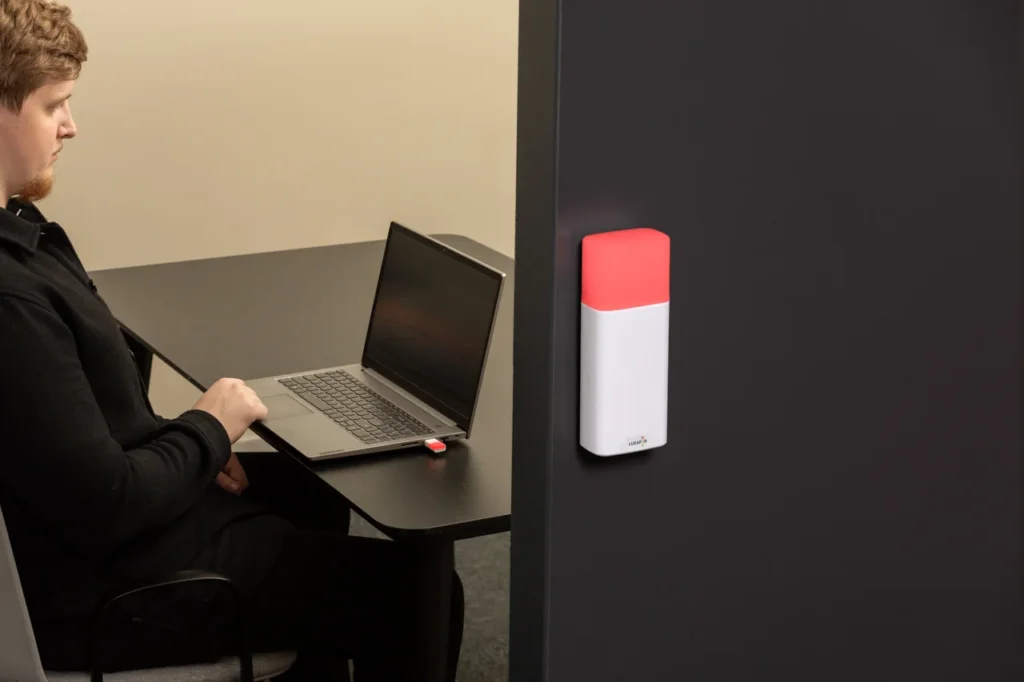
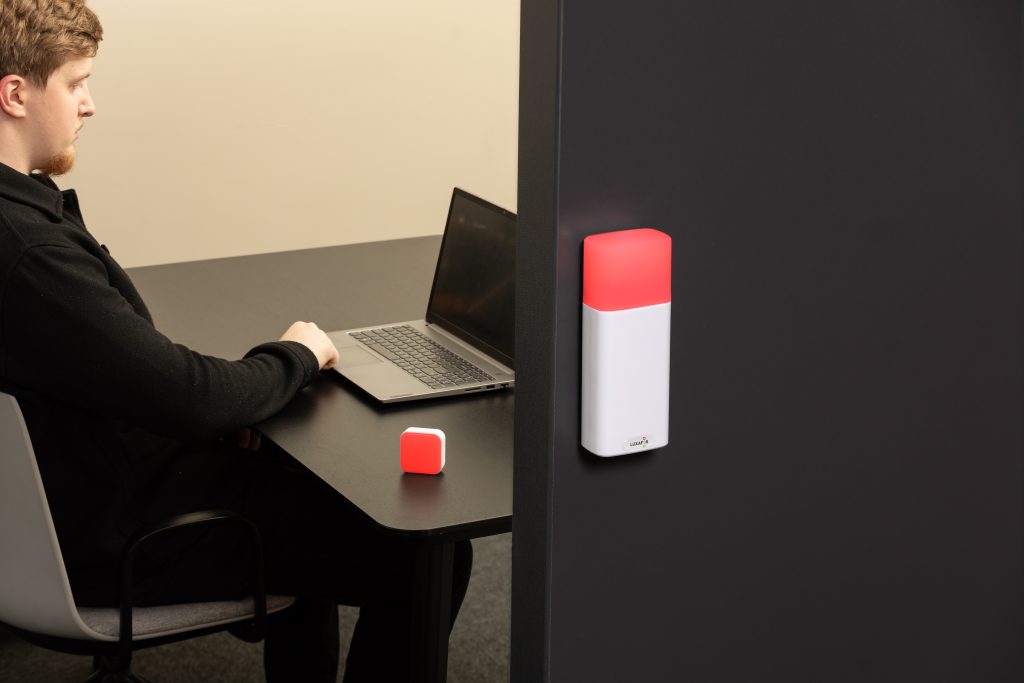
Show your colleagues when you're busy!
LUXAFOR HELPS PEOPLE TO ACHIEVE THEIR GREATEST PRODUCTIVITY LEVELS WITH A WIDE VARIETY OF OFFICE PRODUCTS. LET’S BE PRODUCTIVE TOGETHER!
Streamlining Productivity When Working from Home






Tags
Archives
- June 2026
- May 2026
- March 2026
- January 2026
- December 2025
- November 2025
- October 2025
- September 2025
- August 2025
- July 2025
- June 2025
- May 2025
- February 2025
- January 2025
- December 2024
- November 2024
- October 2024
- September 2024
- August 2024
- July 2024
- June 2024
- May 2024
- April 2024
- March 2024
- February 2024
- January 2024
- December 2023
- November 2023
- October 2023
- September 2023
- August 2023
- July 2023
- June 2023
- May 2023
- April 2023
- March 2023
- February 2023
- January 2023
- December 2022
- November 2022
- October 2022
- September 2022
- August 2022
- July 2022
- June 2022
- May 2022
- April 2022
- March 2022
- February 2022
- January 2022
- December 2021
- November 2021
- October 2021
- September 2021
- August 2021
- July 2021
- June 2021
- May 2021
- April 2021
- March 2021
- February 2021
- January 2021
- December 2020
- November 2020
- October 2020
- September 2020
- August 2020
- July 2020
- June 2020
- May 2020
- April 2020
- March 2020
- December 2019
- November 2019
- October 2019
- September 2019
- August 2019
- July 2019
- April 2019
- March 2019
- January 2019
- December 2018
- November 2018
- October 2018
- September 2018
- August 2018
- July 2018
- June 2018
- August 2017
- May 2017
- April 2017
- February 2017
- January 2017
- November 2016
- October 2016
- September 2016
- August 2016
- July 2016
- June 2016
- May 2016
- April 2016
- March 2016
- February 2016
- January 2016

