
7 Tips for Fighting Fatigue Working from Home
- Updated on: June 25, 2024
COVID-19 is not only hurting your physical body but your mental health as well. Even if you stay healthy during the pandemic, you are likely to have problems because of the changes in the way you work. You are most probably working from home and trying to finish your job, collaborate, and strive to maintain high performance while facing new constraints.
According to the Society of Human Resources Management, 35% of employees often feel exhausted or have little energy. 32% sometimes have the same feeling. On the other hand, cloud infrastructure provider DigitalOcean had a survey in 2019 and discovered 82% of remote tech workers felt fatigued.F
Signs of Exhaustion
Loss of Focus
You may discover yourself losing focus on your work and staying productive, especially during video meetings and conferences. You force yourself to pay attention and become impatient or annoyed quickly when your colleague is having technical difficulties.
Lack of Sleep
You notice a change in your sleep pattern. You either wake up late or struggle to fall asleep. A disruption to your usual sleeping hours is a sign of burnout. You lack defined boundaries between your work and personal life, so your body and mind cannot relax for you to have a restful sleep.
Reduced Motivation
Work fatigue kicks in when you do not have the drive or energy to perform your work duties excellently. You lose willpower and motivation to finish the tasks you enjoyed and did better in an office environment.
Decline in Productivity
You used to be excited about working from home. However, since that stint has become longer, you now struggle to get your tasks done. You know you are experiencing burnout on remote work because you no longer finish easy tasks quickly.
Too Many Mistakes
Missing deadlines, making mistakes in proofreading services, being absent-minded, and feeling aloof during meetings and video conferences are signs that you have work-from-home fatigue.
Struggles in Decision-making
You find yourself not being able to make decisions quickly. You cannot decide what to prepare for dinner. You feel sluggish or unwilling to respond and lack the mental capacity to weigh alternatives and decide on the best action.
Irritability
If you miss the Friday night drinks or being the social butterfly at work, you may take it out on your coworker or a family member. You feel exhausted about working from home and want to get back to office work. Being short-tempered with your colleagues or family members is a sign that you must take a break.
Feeling of Isolation
Fatigue may be getting the better of you if you are not going anywhere come Monday morning. Even if you go out on errands frequently, you start to have everything about your home. You dread getting back after you finished your trip to the grocery.
How to Fight Fatigue Working from Home
As the world continues to battle the COVID-19 pandemic, you can consider these seven strategies to fight technology exhaustion and work-from-home stress:
Take a Break from Video Conferences
Instead of having your usual Zoom discussions, you may opt to call one person at a time. Video calls can split your attention, and having a different task for your brain can be the change of pace you need. You may also schedule a conference call instead.
You may talk to your supervisor or colleagues about having conference calls to protect everyone’s energy levels. You may suggest it as an experiment, depending on the discussion topic and group size.
Give Your Surroundings a New Life
Changing your work conditions or scenery can break up the monotony of work-from-home routines. You will feel excited about exploring co-working spaces or listen to musical film scores or classical music as you work.
Limit Multitasking
You may be a master in writing simultaneous emails while participating in a conference call. However, your multitasking can require more energy, and it can increase your stress and fatigue because these tasks demand your concentration and attention. You may want to be present and mindful of one activity. You can close all other browser tabs and extraneous applications, keep your mobile phone out of reach, and turn off distractions to boost your concentration on one activity.
Get Rid of Your Tangible and Digital Clutter
You got to have some sanity back. Why don’t you clean your email inbox and keep only those that are essential to you? You may use an app that uses AI technology to save non-critical messages into the “slow lane” for checking at a more convenient time. You can also clear your workspace to inspire your mind.
Schedule Fewer Meetings
Changing demands and expectations and creatively approaching meetings will give you the space to rest and recover. You can substitute some sessions with a detailed email or combine repetitive meetings.
Assess Your Priorities
You may experience stress from work because you do not balance your activities before and after office hours. You do not have enough time for exercising, healthy eating, and socialization. You can start your day with physical activity like doing some household chores or jogging around the block.
Immediately rushing to your workspace and logging onto your computer can make your day stressful. You need an early morning endorphin release to reduce stress and blood pressure.
Take Small Breaks
You must pause between your meetings, which often start and end on the hour. Your face-to-face meeting pre-COVID may have a brief break to reset, which can mean walking to another venue.
If you are working from home, you may walk away from your home office, shake out your body, take deep breaths, stretch, rest your eyes, or step outside for a while to reset your mental energy.
You can reexamine the length of your meetings. Instead of an hour, can you make it to 45 minutes only? The extra 15 minutes can give you and your colleagues a quick break before the next video conference.
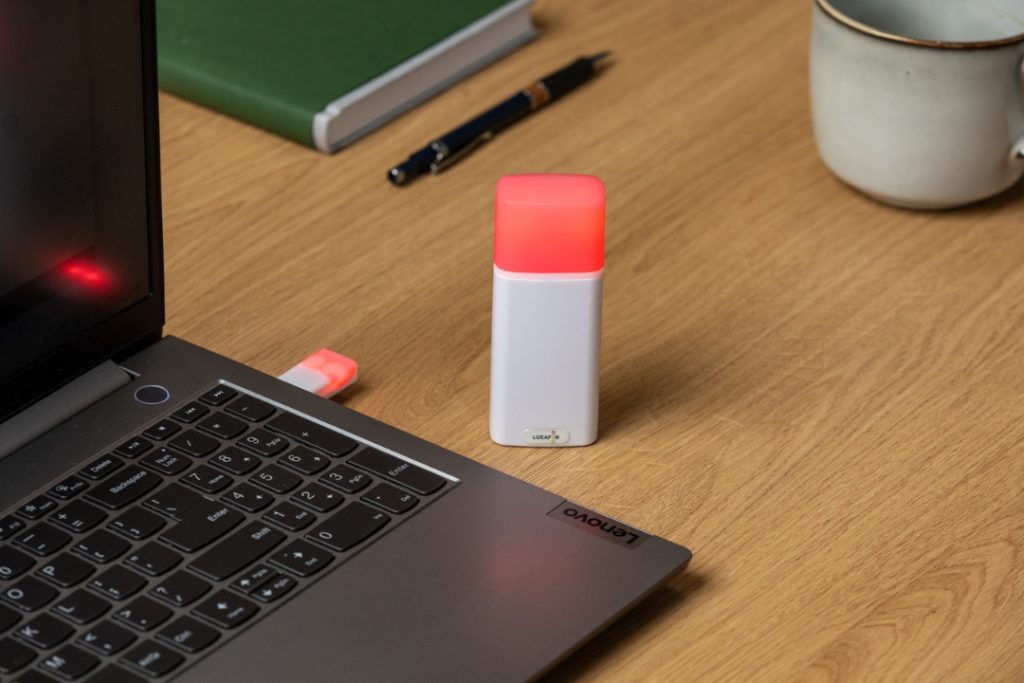
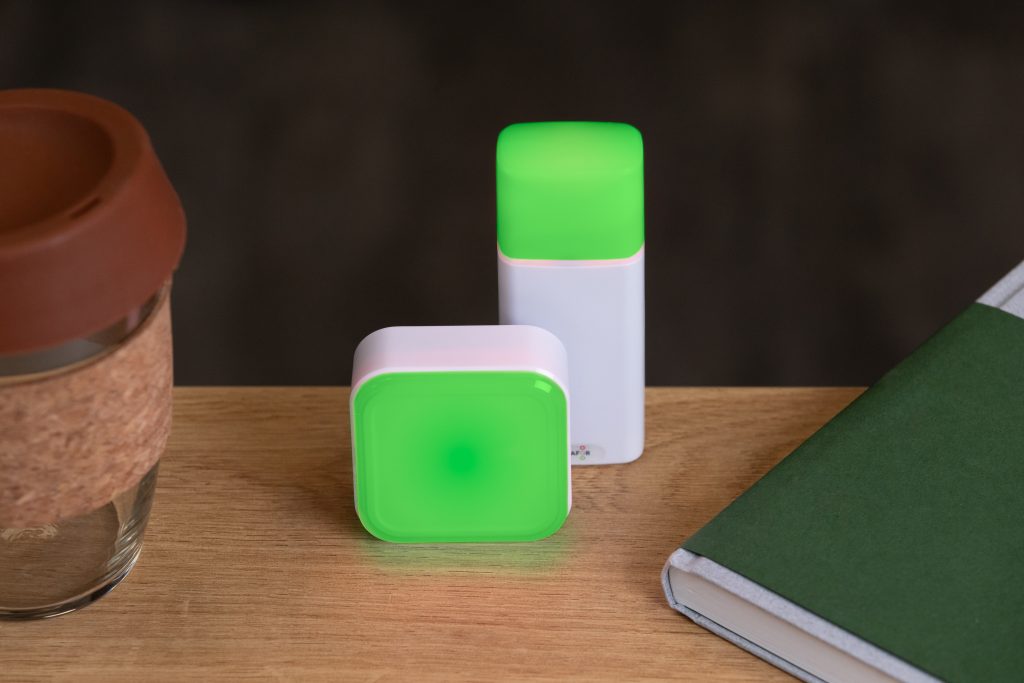
If you prefer to have better working habits, you may divide your work hours into manageable blocks with in-between breaks. Top British Essays recommend the Luxafor USB-powered Pomodoro Timer is an advanced way of keeping yourself focused for work sprints and short rests without the distracting sound effects. You can use this tool with the famous Pomodoro technique by setting your custom timers for tasks to expand your productivity. You may organize your daily workflow with time limitations to remain focused during working hours and provide better performance.
Do you want to build and maintain new habits? Get your free PDF version of the Don't Break The Chain calendar and start today!
Do you want to build and maintain new habits? Get your free PDF version of the Don't Break The Chain calendar and start today!
Author's Bio
Jessica Chapman is a writing editor from Chicago who enjoys traveling. She works with Australian Writings, and if you need programming assignment help, she is the best person you can ask. She is also into politics and sports.
7 Tips for Fighting Fatigue Working from Home






Tags
Archives
- March 2026
- January 2026
- December 2025
- November 2025
- October 2025
- September 2025
- August 2025
- July 2025
- June 2025
- May 2025
- February 2025
- January 2025
- December 2024
- November 2024
- October 2024
- September 2024
- August 2024
- July 2024
- June 2024
- May 2024
- April 2024
- March 2024
- February 2024
- January 2024
- December 2023
- November 2023
- October 2023
- September 2023
- August 2023
- July 2023
- June 2023
- May 2023
- April 2023
- March 2023
- February 2023
- January 2023
- December 2022
- November 2022
- October 2022
- September 2022
- August 2022
- July 2022
- June 2022
- May 2022
- April 2022
- March 2022
- February 2022
- January 2022
- December 2021
- November 2021
- October 2021
- September 2021
- August 2021
- July 2021
- June 2021
- May 2021
- April 2021
- March 2021
- February 2021
- January 2021
- December 2020
- November 2020
- October 2020
- September 2020
- August 2020
- July 2020
- June 2020
- May 2020
- April 2020
- March 2020
- December 2019
- November 2019
- October 2019
- September 2019
- August 2019
- July 2019
- April 2019
- March 2019
- January 2019
- December 2018
- November 2018
- October 2018
- September 2018
- August 2018
- July 2018
- June 2018
- August 2017
- May 2017
- April 2017
- February 2017
- January 2017
- November 2016
- October 2016
- September 2016
- August 2016
- July 2016
- June 2016
- May 2016
- April 2016
- March 2016
- February 2016
- January 2016

