
10 Productivity Tools Every Remote Worker Should Have in 2024
- Updated on: August 1, 2024

The year 2024 is almost here – it is approaching inevitably and rapidly. Global economic development forecasts are quite dim and uncertain, there are many challenges and the business world looks at growth opportunities quite cautiously. Both in the political, security, and social sphere, this year has continuously brought rapid upheavals in international relations and slowed down overall growth trends.
This does not mean that the economy and technological development trends will freeze and wait for better times. On the contrary, new solutions will be needed to overcome the challenges, so a very active year is expected in the technology sector and for us – the remote workers or the “flexible generation”. Also, for the past couple of years, remote work is not just a way to make working more pleasant in the post-pandemic reality. This has become the norm, and HR specialists draw attention to the desire of a large number of employees to maintain the possibility of performing work duties outside the office.

Have you ever faced distractions at work?
In addition, remote work allows both parties to significantly save money: for employees – daily expenses for travel and lunch, for the employer – office costs. Also, the loyalty and integrity of employees to the company is noticeably increasing, as they appreciate the benefits provided by the opportunity to work remotely – saving time and money, reducing stress, the opportunity to flexibly plan their own working hours, etc. advantages. As remote work continues to gain popularity, it’s essential for remote workers to have the right tools to be productive and efficient. Here are 10 of the most essential productivity tools for remote workers that will be beneficial in the year of 2024:
1. Communication tools: Stay connected with your team and colleagues with reliable communication tools like Slack, Microsoft Teams, or Zoom. Enhance your remote meetings with an AI tool for video conferencing that records, transcribes, and summarizes discussions, ensuring you stay focused and never miss critical details during team collaborations. These platforms allow for instant messaging, video conferencing, and file sharing, making it easy to collaborate and stay on top of projects. Just make sure that you have the right tools such as Luxafor Mute Button that can help you easily manage your online communication without any mishaps, improving the overall quality of your online calls and meetings
2. Project management tools: You can organize your tasks and projects effectively with project management tools like Asana, Trello, com, Teamwork or Basecamp. These tools help you break down projects into manageable tasks, set deadlines, and track progress, ensuring you stay on track and meet goals. There are a lot of project management tools to choose from that are designed to be customizable, allowing you to create your own workflows and dashboards. It is a good option for teams that need a flexible project management tool. These are just a few of the many great project management tools that are available. The best tool for you will depend on your specific needs and preferences. Alongside these platforms, various workforce management tools help teams coordinate efforts among global remote teams, ensuring scalability.

3. Productivity apps: Boost your productivity with time management apps like Toggl or Forest. These apps help you track your time, eliminate distractions, and stay focused on your work. There are apps like Notion, Evernote that are versatile note-taking and collaboration tools that allow remote workers to organize their thoughts, manage projects, and share information effectively These productivity apps offer valuable features and functionalities to help remote workers stay organized, focused, and productive, enabling them to achieve their goals effectively while working from anywhere. With so many options available, it’s important to choose a productivity app that fits your specific needs and integrates well with the tools you already use. For example, if you’re in the Apple ecosystem, selecting a macOS-compatible app can streamline your workflow. The best note taking app for Mac should complement your existing setup, making it easier to stay productive without unnecessary friction.
4. Cloud solutions and storage: Considering that each worker is physically located in a different place, it is important that at least all data is together and “meets”. Therefore, cloud solutions are critically important, both as data storage and as applications that allow employees to exchange information online and complement each other’s work. There is no shortage of such programs today. Almost all the most popular office software and project management solutions offer such functionality. Keep your files and documents accessible from anywhere with cloud storage services like Google Drive, Dropbox, or OneDrive. These platforms allow you to store, share, and collaborate on files with ease, regardless of your location.
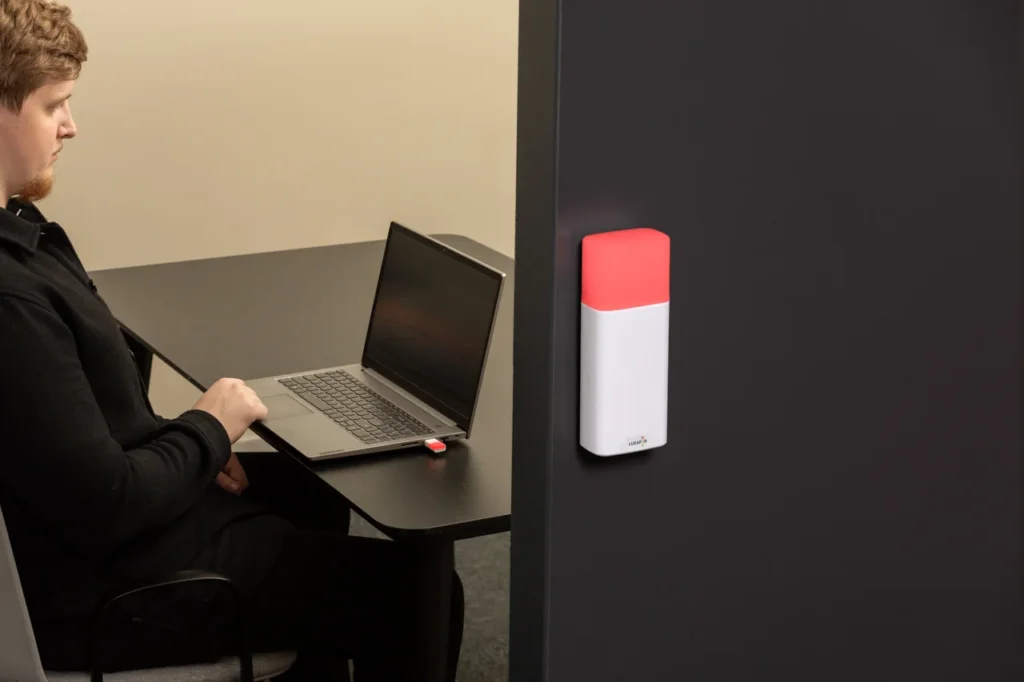
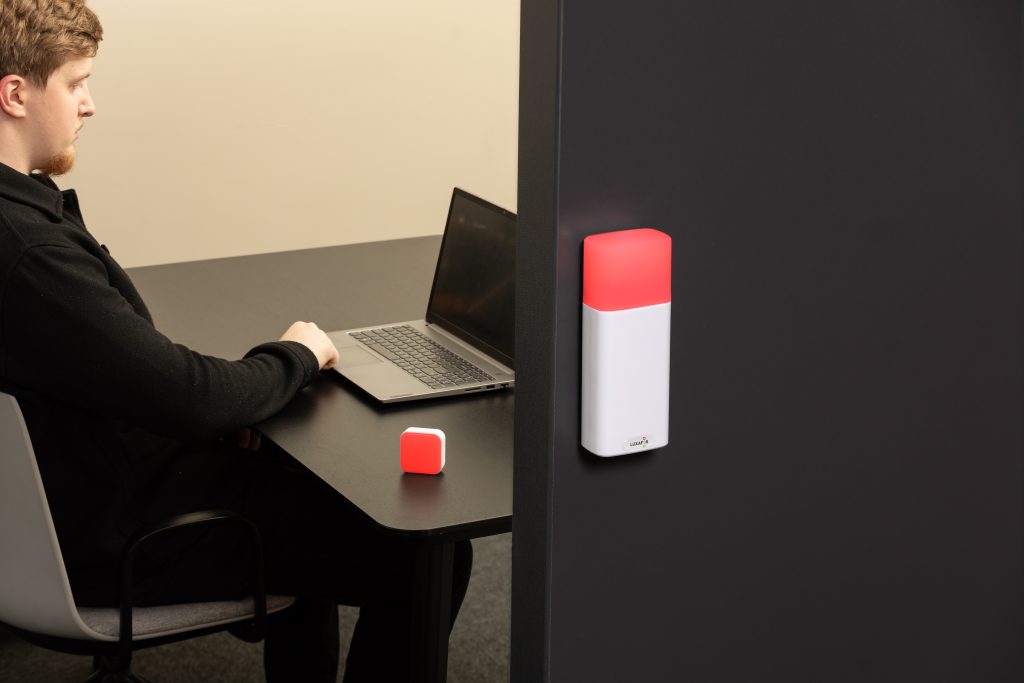
Did you know you can easily show your colleagues when you're busy?
5. Remote desktop software: Remote desktop software allows users to connect to and control a computer remotely from another device. This can be useful for a variety of reasons, such as troubleshooting computer problems, providing technical support, or accessing files and applications from a remote location. Access your office computer remotely with tools like TeamViewer or AnyDesk. These tools allow you to work on files and applications as if you were sitting at your desk, even when you’re away from the office. Overall, remote desktop software is a versatile and powerful tool that can be used for a variety of purposes.

6. Noise-canceling headphones: Block out distractions and stay focused with noise-canceling headphones like Luxafor ANC Headphones – wireless headphones with active noise cancelling technology. These headphones eliminate ambient noise, allowing you to concentrate on your work without interruptions. With this tool you can get rid of distractions and boost focus by using Active Noise Cancelling technology that eliminates background noise. Easily organize your workflow using the headphones according to situation – listen to music only or with ANC enabled or enjoy the silence.
7. Healthy and ergonomic workspace: While working remotely and spending lot of time in your home-office, you must create a comfortable and ergonomic workspace to prevent fatigue and promote productivity. Invest in an adjustable desk, supportive chair, and external monitor to optimize your work environment. Also consider checking out Luxafor CO2 Dongle to make sure your home is a safe and optimal living and working environment for you and your family. It is a valuable tool for improving indoor air quality and boosting productivity; this easy-to-use device provides real-time data and customizable alerts on the temperature, humidity and CO2 levels indoors.

8. Time tracking software: Undeniably, the opportunity to work outside the office, especially in a warmer and sunnier environment, can tempt you to procrastinate, so strict time planning is important. Track your work hours and stay on top of deadlines with time tracking software like RescueTime or Timely. These tools help you analyze your time usage and identify areas for improvement. There are other types of time management tools, like Luxafor Pomodoro Timer – a physical timer with a display and sound or vibrating notifications that helps individuals and teams stay focused and organized. It allows you to create better working habits by splitting your workday into manageable lumps also reminding you to take a break
9. Mindfulness and meditation apps: Even while working remotely you can face burnout, anxiety and worries, but you can combat stressand improve focus with mindfulness and meditation apps like Headspace, Mindful, Insight Timer or Calm. These apps provide guided meditations and relaxation techniques to help you manage stress and stay mentally clear throughout the workday. These are just a few of the many great mindfulness and meditation apps available. The best app for you will depend on your individual situation and favorite mindfulness practice and there are plenty to choose from.
10. AI tools: For some time now, we have been able to work with a number of really promising artificial intelligence tools. They draw pictures, compose songs, interact with clients (chatbots), create content and generate photographs of non-existent people that look just like portraits of real people. Many businesses now rely on the best AI headshot generators to create professional-looking profile pictures for their teams without expensive photo shoots. AI is rapidly transforming the way we work, offering new tools and capabilities that can enhance productivity, streamline workflows, and automate repetitive tasks. These are just a few examples of the many AI tools that are transforming the way we work. As AI continues to evolve, we can expect even more innovative tools and applications that will further enhance productivity, efficiency, and creativity
Luxafor Flag busy light
In Conclusion
Remote work has become a prevalent work arrangement over the past few years, offering numerous benefits for both employees and employers. Despite these challenges, remote work offers numerous benefits for both employees and employers. With the right strategies and tools, businesses can effectively manage remote teams and reap the rewards of a distributed workforce.
By incorporating these essential productivity tools and tactics into your remote work routine, you can enhance your efficiency, stay on top of projects, and achieve your goals effectively. Remember, the right tools can make a significant difference in your productivity and overall success as a remote worker. To make the next year the best year for your professional growth – decide which of these tools are your favorites and add them to your resolution list, we are sure that this will help you greatly to excel in 2024.
LUXAFOR HELPS PEOPLE TO ACHIEVE THEIR GREATEST PRODUCTIVITY LEVELS WITH A WIDE VARIETY OF OFFICE PRODUCTS. LET’S BE PRODUCTIVE TOGETHER!
Want to structurize your routine and become more productive? Get your free PDF version of 30-60-90 Productuve Day Plan now!
Want to structurize your routine and become more productive? Get your free PDF version of 30-60-90 Productuve Day Plan now!
10 Productivity Tools Every Remote Worker Should Have in 2024




Busy Tag – Your Digital Canvas


Tags
Archives
- June 2026
- May 2026
- March 2026
- January 2026
- December 2025
- November 2025
- October 2025
- September 2025
- August 2025
- July 2025
- June 2025
- May 2025
- February 2025
- January 2025
- December 2024
- November 2024
- October 2024
- September 2024
- August 2024
- July 2024
- June 2024
- May 2024
- April 2024
- March 2024
- February 2024
- January 2024
- December 2023
- November 2023
- October 2023
- September 2023
- August 2023
- July 2023
- June 2023
- May 2023
- April 2023
- March 2023
- February 2023
- January 2023
- December 2022
- November 2022
- October 2022
- September 2022
- August 2022
- July 2022
- June 2022
- May 2022
- April 2022
- March 2022
- February 2022
- January 2022
- December 2021
- November 2021
- October 2021
- September 2021
- August 2021
- July 2021
- June 2021
- May 2021
- April 2021
- March 2021
- February 2021
- January 2021
- December 2020
- November 2020
- October 2020
- September 2020
- August 2020
- July 2020
- June 2020
- May 2020
- April 2020
- March 2020
- December 2019
- November 2019
- October 2019
- September 2019
- August 2019
- July 2019
- April 2019
- March 2019
- January 2019
- December 2018
- November 2018
- October 2018
- September 2018
- August 2018
- July 2018
- June 2018
- August 2017
- May 2017
- April 2017
- February 2017
- January 2017
- November 2016
- October 2016
- September 2016
- August 2016
- July 2016
- June 2016
- May 2016
- April 2016
- March 2016
- February 2016
- January 2016

